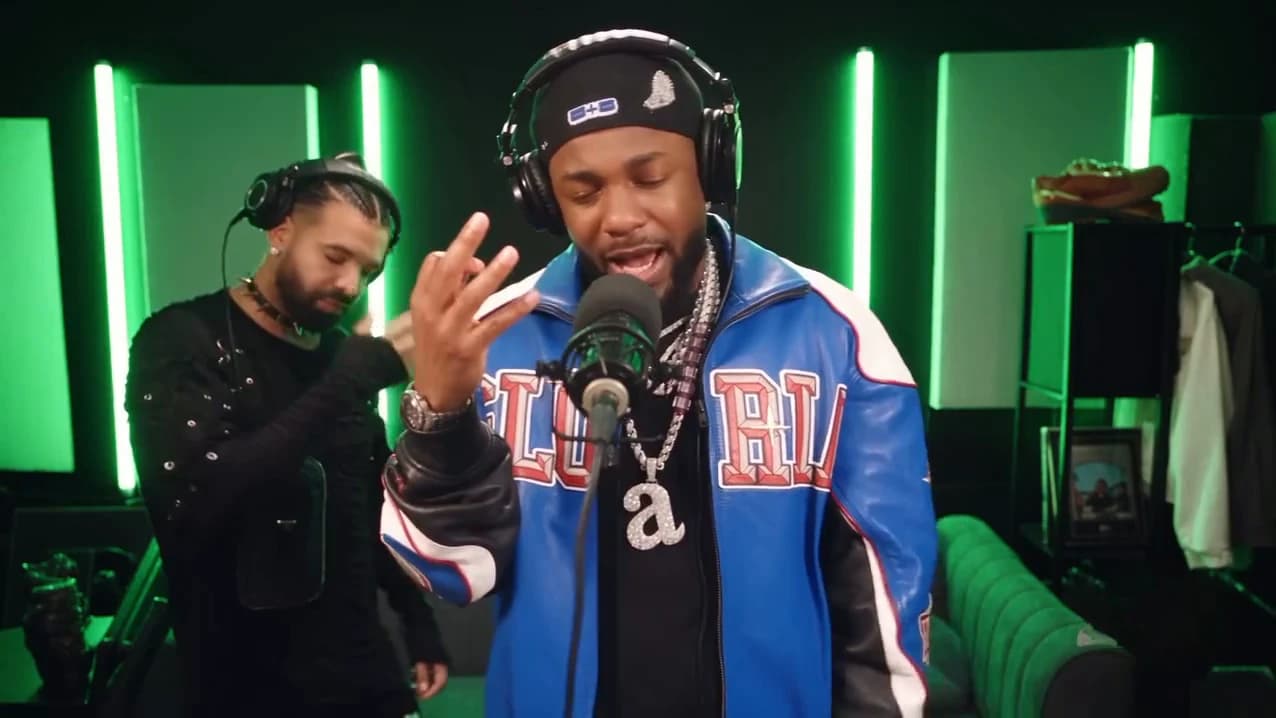
Your Studio Neutral Zone video is back. This guide is for checking it, not making it: what to look at in each of the four shots, which photo choice can sit behind a flaw, and the one change to try next. The clip has three hard cuts, and cuts are where identities slip. How to make it in the first place is in the how-to guide.
Make another take
Swap who raps and who vibes, or try a different photo, and make the 20-second booth clip again.
Watch it twice first
Watch once with sound, looking only at mouths. Then watch once muted, looking only at faces, hair and clothes. Most flaws only show up when you look for one thing at a time.
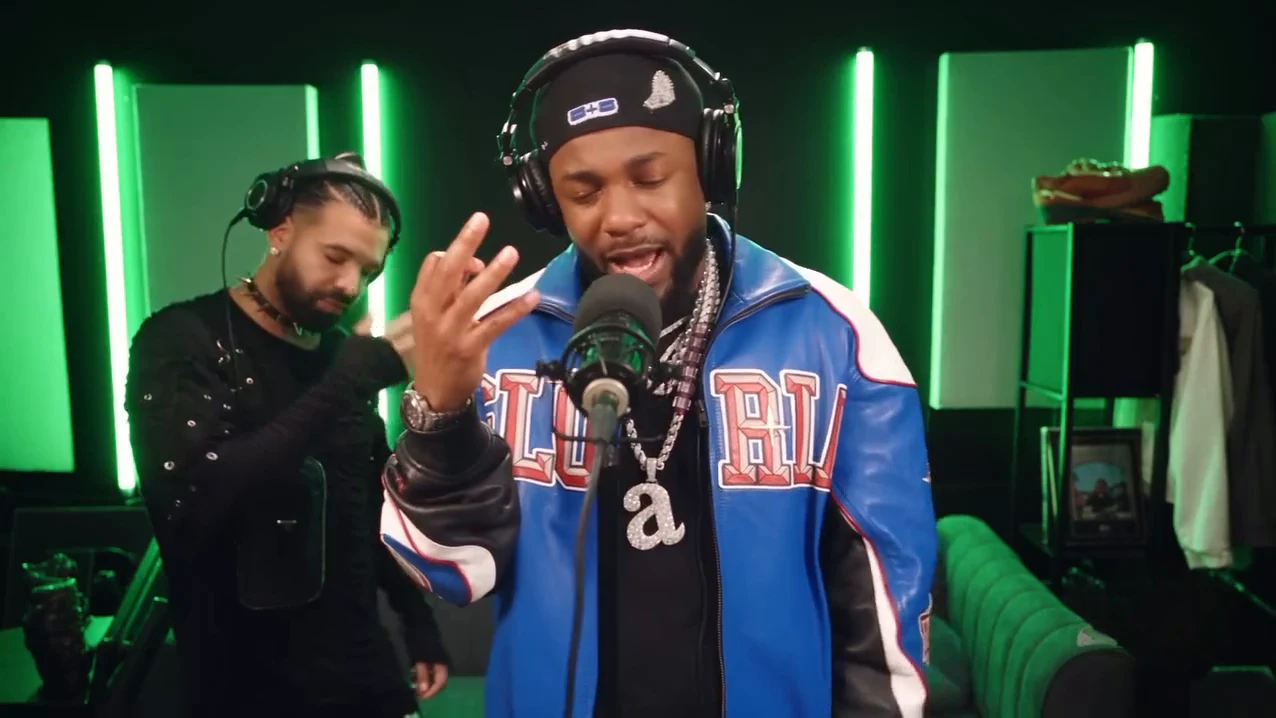
The wide booth shot from the reference AI reel by @downey.ai, not an Oakgen output. Your rapper and partner should sit in the same places.
Shot by shot
| Time (about) | Shot | What to check |
|---|---|---|
| 0 to 6 s | Close-up | The rapper's face is yours, right behind the microphone. Mouth moves with the verse from about 1 second. Behind on the left, the partner leans in with a grin from about 4.4 seconds, mouth not rapping. |
| 6 to 13.9 s | Wide booth | Same two people as the close-up, not swapped. Both in the clothes from their photos, both in headphones. Partner nods, covers a smile, moves to the beat. No logo on the wall or on clothing. |
| 13.9 to 19.75 s | Close-up again | The rapper's face matches the first close-up after the cut. Partner drifts in and out behind, still silent. |
| 19.75 s to end | Last wide beat | The rapper raises one hand. Nobody new appears, nothing is added at the end. |
Common flaws and the one change to try
These are the problems we would expect from the way the template works. We have not measured how often each one happens.
Both mouths follow the verse. The partner should never rap. Try a partner photo with a closed-mouth expression, then re-run. Do not change both photos at once, or you will not know which helped.
The faces swap at a cut. This can happen when the two photos look too alike, or when one is much smaller or blurrier than the other. Pick two people who look clearly different and use photos of similar sharpness.
The rapper's face drifts in the close-up. The microphone covers part of the mouth, so the face has less to work from. Use a sharper, more front-facing rapper photo with the whole head visible and no hand near the mouth.
Someone wears the reference jacket or durag. The template asks for the outfit from your photo. If the photo is cropped at the neck, there is little outfit to use; try a photo that shows the top half of the outfit.
Headphones look wrong. Both people keep studio headphones. Very large hairstyles or hats in the photo can fight with them; a photo without a hat can help.
Text or a logo appears. The reference copy has its watermark and wall logo removed and the template asks for none. If one appears, re-run; it is not part of the scene.
Before you post
Say that the video is AI-made, credit @downey.ai for the original clip, and use photos only of people who agreed to appear. Name the two sides of the rivalry in the caption, not the real rappers; caption ideas and placement has options, and rivals in the same booth covers keeping the joke friendly. For where the clip comes from, see the source page.
Checking another trend from the same batch? See checking a Forever Dunk result and checking a Beer Spill Kick result.