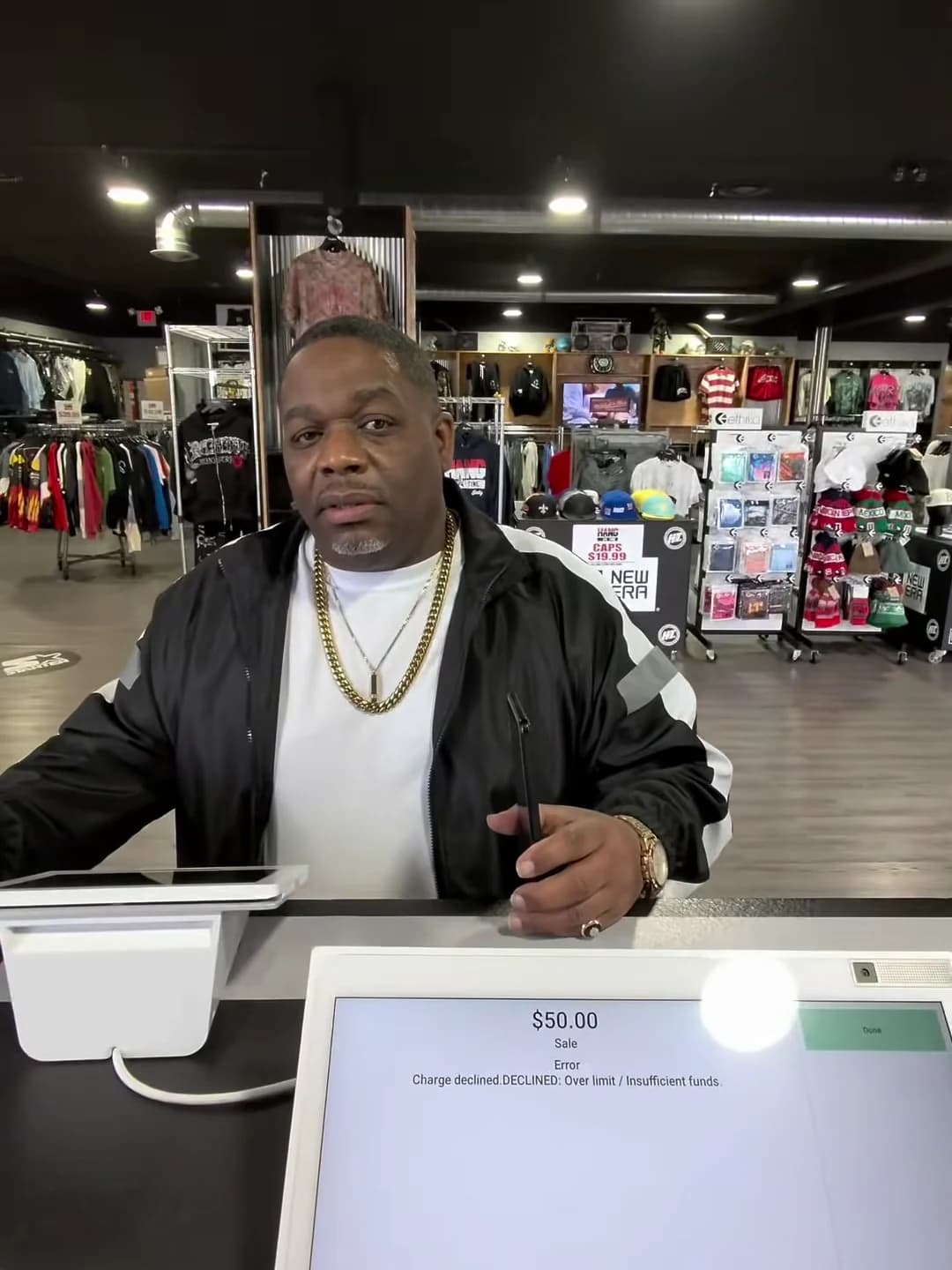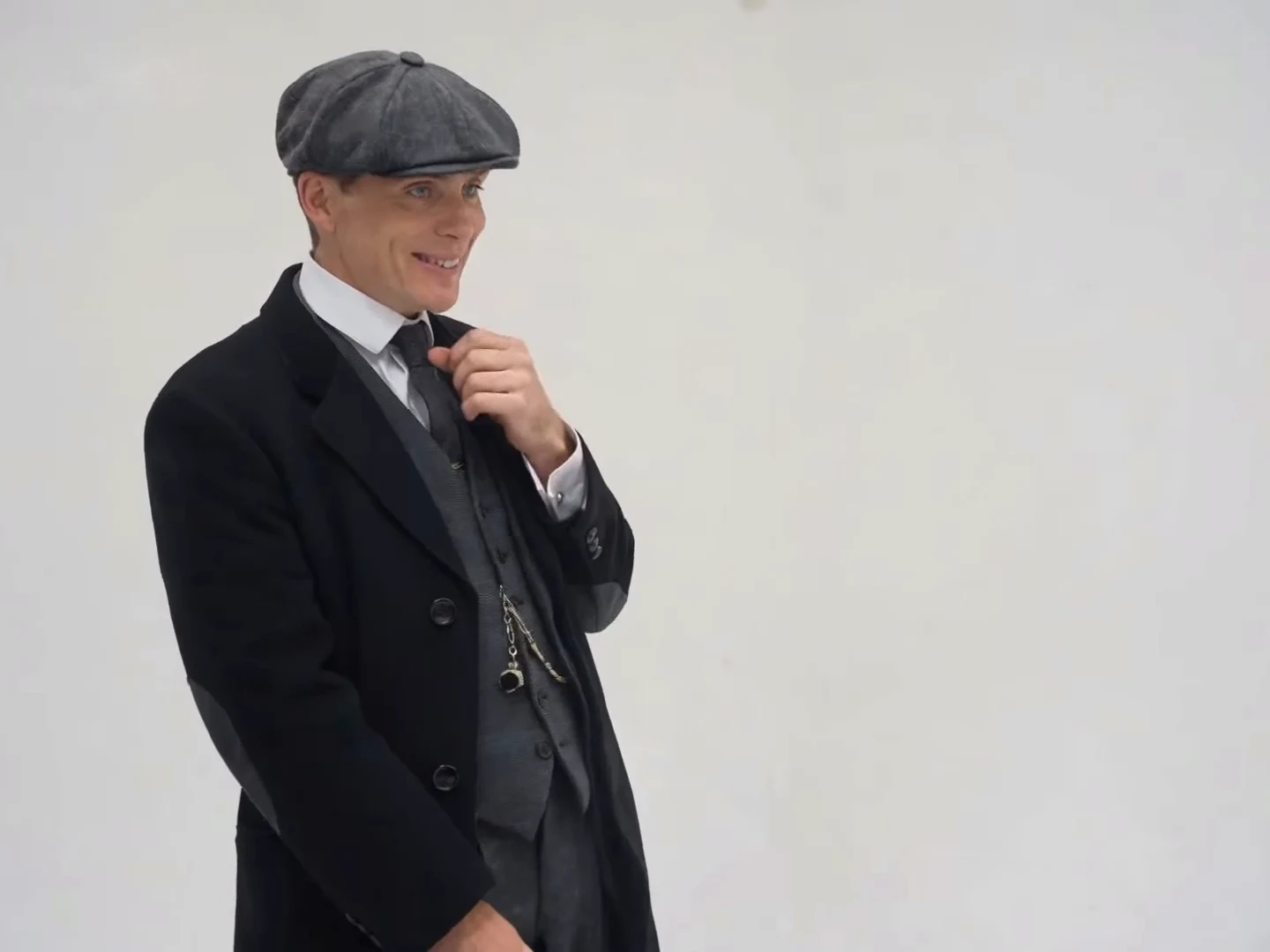
Red Eye Verse looks like a fast music video, but it is built on a simple plan: one long booth take, then a montage of short shots with three red-eye beats. Once you know where each beat sits, reviewing, captioning and trimming your result gets much easier. This article walks through that plan as a storyboard. For what to wear and which photo to use, see the photo and outfit guide.
Step into the booth
Add one photo, review the quote, and make the 21-second rap reel with glowing red eyes.
The source and what you are looking at
Red Eye Verse follows a credited Instagram reel from @silkdamage, display name klim, posted on October 19, 2026. Its caption says "Made with Higgsfield Genjutsu". The preview and the cover of this article come from that reel. They are not Oakgen results, and no Oakgen example of the trend exists yet.
The sound is one explicit rap verse over a beat that runs almost the whole clip. We could not match it to a released song, and it may be an original or AI-generated track. Your video keeps that audio unchanged.
Act one: the booth (0 to 12.46 seconds)
The booth is two shots in a warm, wood-panelled vocal booth with a hanging silver condenser mic.
| Shot | Time | What happens |
|---|---|---|
| 1 | 0 to 3.54 s | Side profile at the mic, rubbing a forearm |
| 2 | 3.54 to 12.46 s | One continuous, closer and more frontal shot from behind the mic, gentle handheld drift |
Shot 2 is nearly nine seconds without a cut, and the mic covers part of the face for most of it. The performance lives in the hands: a two-finger sign around 4.5 seconds, a finger pointed at the mic between about 6 and 7.5 seconds, and arms spread wide between about 10 and 12 seconds.
Because the verse runs from 0.08 seconds and barely pauses, this is where viewers judge whether the rapper is really performing. Review the booth for mouth timing before you look at anything else. The booth guide explains what to check.
Act two: the montage (12.46 to 21.04 seconds)
At 12.46 seconds the booth ends and the edit speeds up. Most shots are under 1.2 seconds.
| Shot | Time | Location and action | Red eyes |
|---|---|---|---|
| 3 | 12.46 to 13.33 s | Black stage, full body under one spotlight, head bowed | No |
| 4 | 13.33 to 14.08 s | Black stage, medium, gaze lifts to the lens | No |
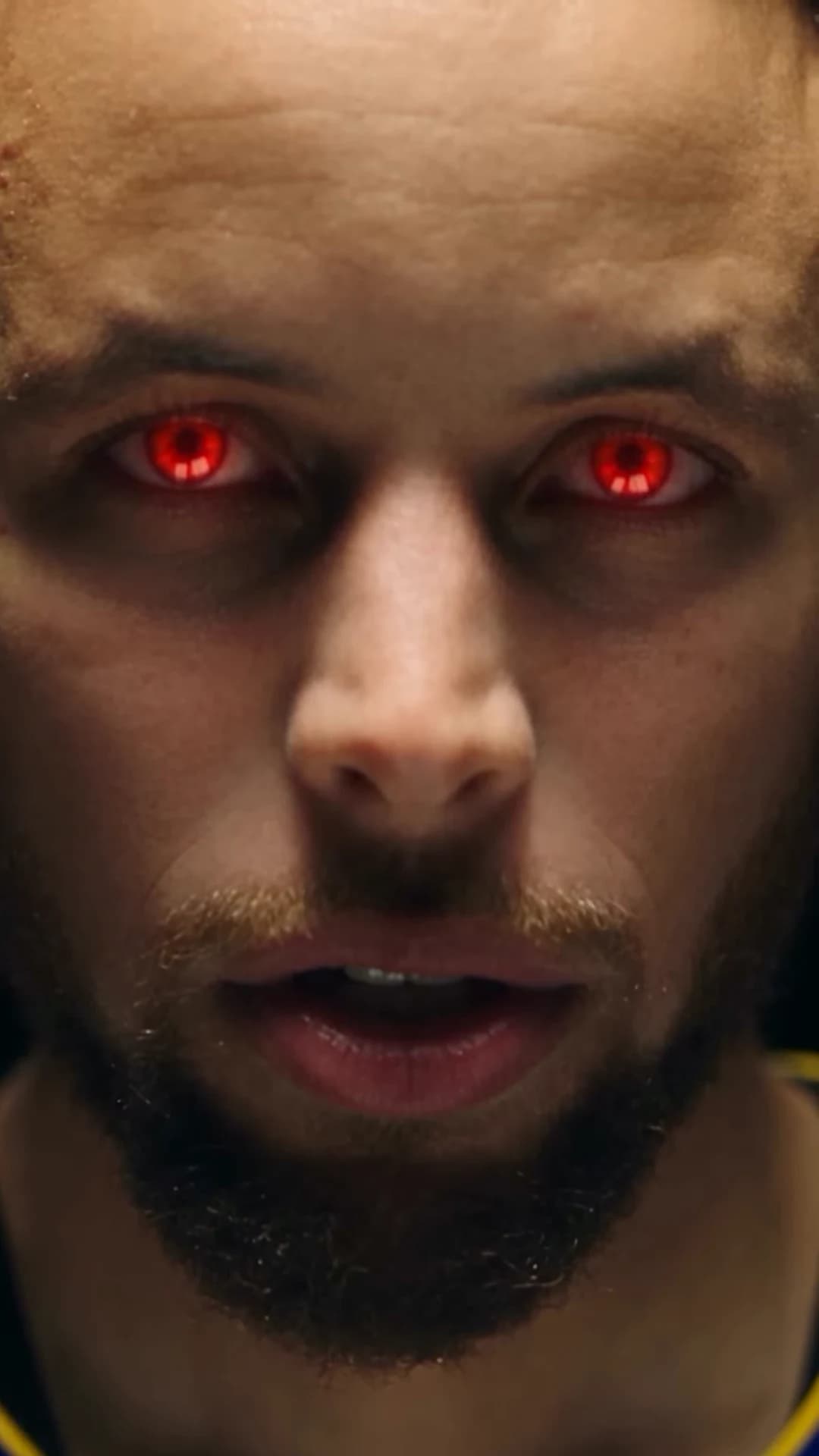
| 5 | 14.08 to 15.29 s | Extreme face close-up, warm light | Yes |
| 6 | 15.29 to 15.83 s | Green-lit grocery aisle, looks back at camera | No |
| 7 | 15.83 to 17.0 s | Aisle close-up, index finger raised to the face | No |
| 8 | 17.0 to 17.25 s | Full body at a closed shop security gate | No |
| 9 | 17.25 to 18.33 s | Quick push-in jump cuts toward the face | Yes, from about 17.6 s |
| 10 | 18.33 to 19.0 s | Blue-lit room, leaning, thumbs-up | No |
| 11 | 19.0 to 19.5 s | Blue close shot, cap on, hands framing a pendant chain at the mouth | No |
| 12 | 19.5 to 20.04 s | Abstract blue texture, no person | No |
| 13 | 20.04 to 21.04 s | Dark blue face close-up | Yes, to the end |
Notice the rhythm. Each location builds toward a face: the stage ends on the first red-eye close-up, the gate push-in ends on the second, and the blue room ends on the third. The red eyes are the punctuation of the montage, not a constant filter. The red-eye guide covers how to inspect each one, and the full shot list gives a check for every shot.
Pick a cover frame from the montage
Platforms often show a still before anyone presses play. The booth frames are dominated by the mic, so they make a weaker cover. Three better choices:
- 14.5 seconds: the middle of the first red-eye close-up, the biggest view of your face.
- 12.8 seconds: the spotlit full body on the black stage, if you want the outfit to sell the post.
- 20.5 seconds: the final blue close-up, if you want the cover to match the ending.
Check the frame you pick at full size. A frame in the middle of a shot is safer than one right next to a cut.
Caption timing that stays out of the way
Captions are your own text, added in your editor. They are not part of the template. Keep them off the face during the three red-eye windows and away from the mic in the booth.
| Window | Suggestion |
|---|---|
| 0 to 3.5 s | A short hook in the upper third, such as "first take" |
| 3.5 to 12.4 s | Nothing, or a small line at the bottom; the mic already covers part of the face |
| 12.5 to 14.0 s | A second line as the stage appears, such as "then the beat switched" |
| 14.08 s to the end | Clear the screen and let the montage play |
These are original suggestions, not lines from the source. Do not quote or transcribe the verse in captions; it is explicit, and its wording comes from an unidentified track.
Trimming and looping
If you post a shorter cut, keep picture and sound together. The verse is continuous, so sliding the audio even a few frames against the picture will show in the booth. The most natural short version starts at 12.46 seconds and runs to the end: about 8.6 seconds of montage with all three red-eye beats. Starting earlier inside the booth take means joining the verse mid-phrase.
The vocal stops at about 20.6 seconds, a little before the last red-eye close-up ends. If your platform repeats the clip, that gap is where the loop back to the booth happens. Listen to the join once before posting; the beat under the vocal may carry on to the end.
Review in this order
- Watch the whole video once with sound at phone size.
- Booth: mouth timing at three points, and the outfit holding steady through the long take.
- The three red-eye windows: both eyes, glow on the eyes only, still recognisably you.
- Montage outfit check: stage, aisle, gate and blue room should all show the same clothes.
- Hands in shots 7, 10 and 11.
When you post, say the video is AI-made. If you show the source reel, credit @silkdamage and label the clips "Source reel" and "My version". If you are still choosing a photo, read the photo and outfit guide first, then open the Red Eye Verse studio and review the quote. This storyboard describes the template; it does not report any generated result or success rate.