Nano Banana 2 Lite can edit images as well as generate new ones. On Oakgen, the editing model id is nano-banana-2-lite-edit, and it is best used for fast, focused changes rather than complex final-production retouching.
Open the edit route: Nano Banana 2 Lite Edit on Oakgen.
What Nano Banana 2 Lite editing is good for
Use Lite editing when you need quick variations:
- Background changes
- Lighting changes
- Product scene variants
- Social crop concepts
- Mood and style changes
- Fast reference-guided drafts
For detailed final edits, compare against Nano Banana 2, Nano Banana Pro, or Oakgen's dedicated image editor.
Editing prompt formula
Use this structure:
Keep [what must stay the same]. Change [specific thing]. Make it [style/mood]. Do not change [protected details].
Example:
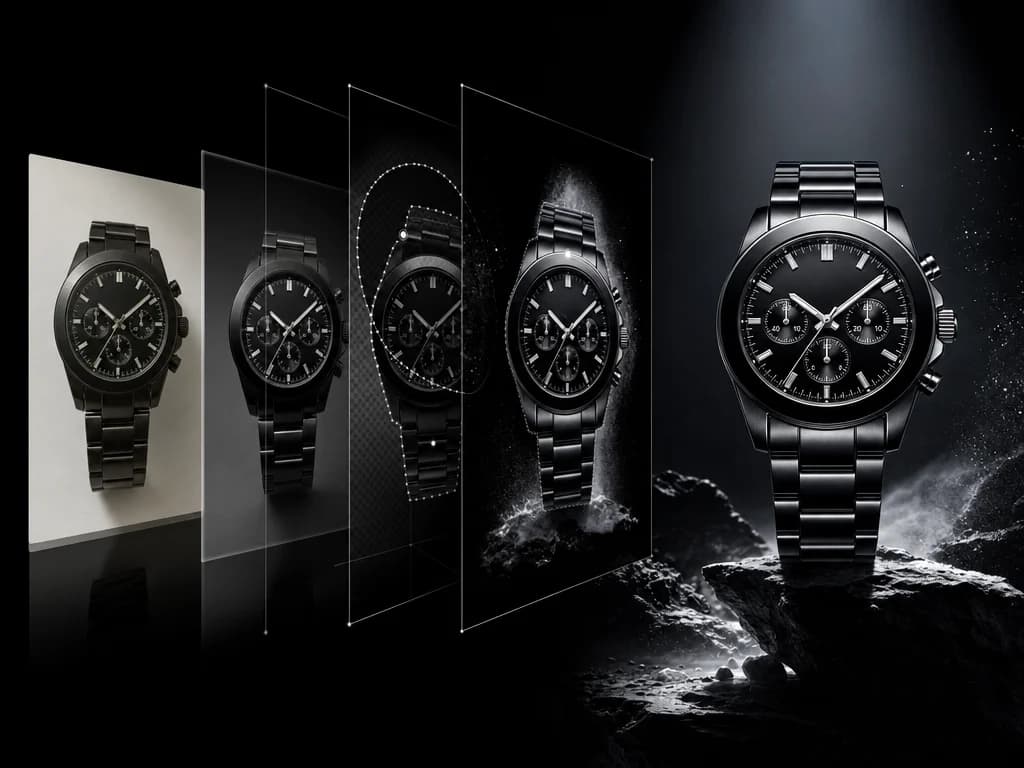
Keep the bottle shape, label, and color exactly the same. Change the background to a dark premium studio with wet stone reflections. Make it feel like a luxury skincare campaign. Do not add text or logos.
Product editing prompts
Keep the product unchanged. Place it on a clean marble counter with soft morning light, subtle water droplets, and a premium editorial beauty style. Do not alter the label.
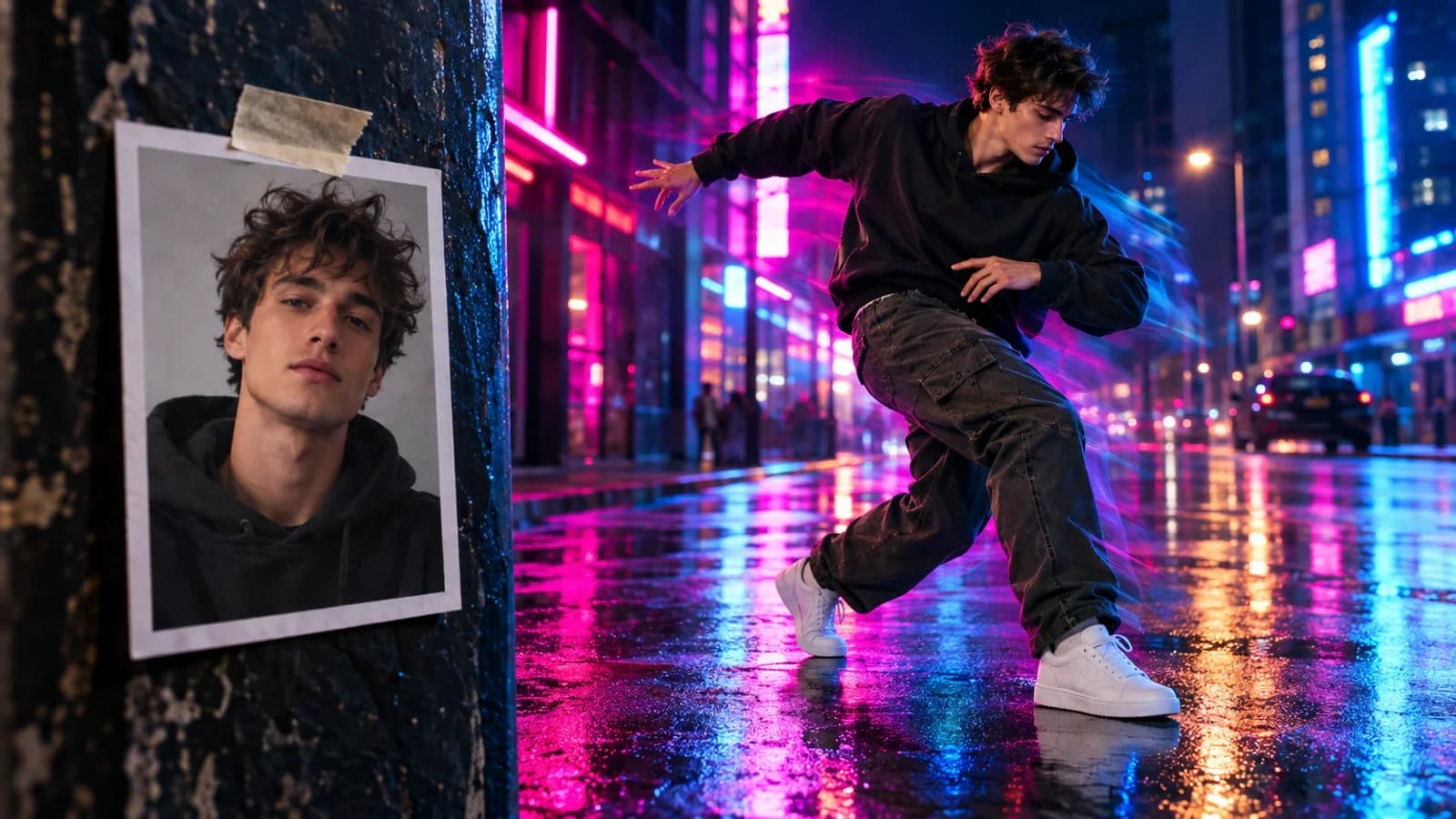
Keep the sneaker design and color exactly the same. Change the scene to a rainy city street with dramatic reflections and motion energy. Do not add branding or text.
Portrait and lifestyle edits
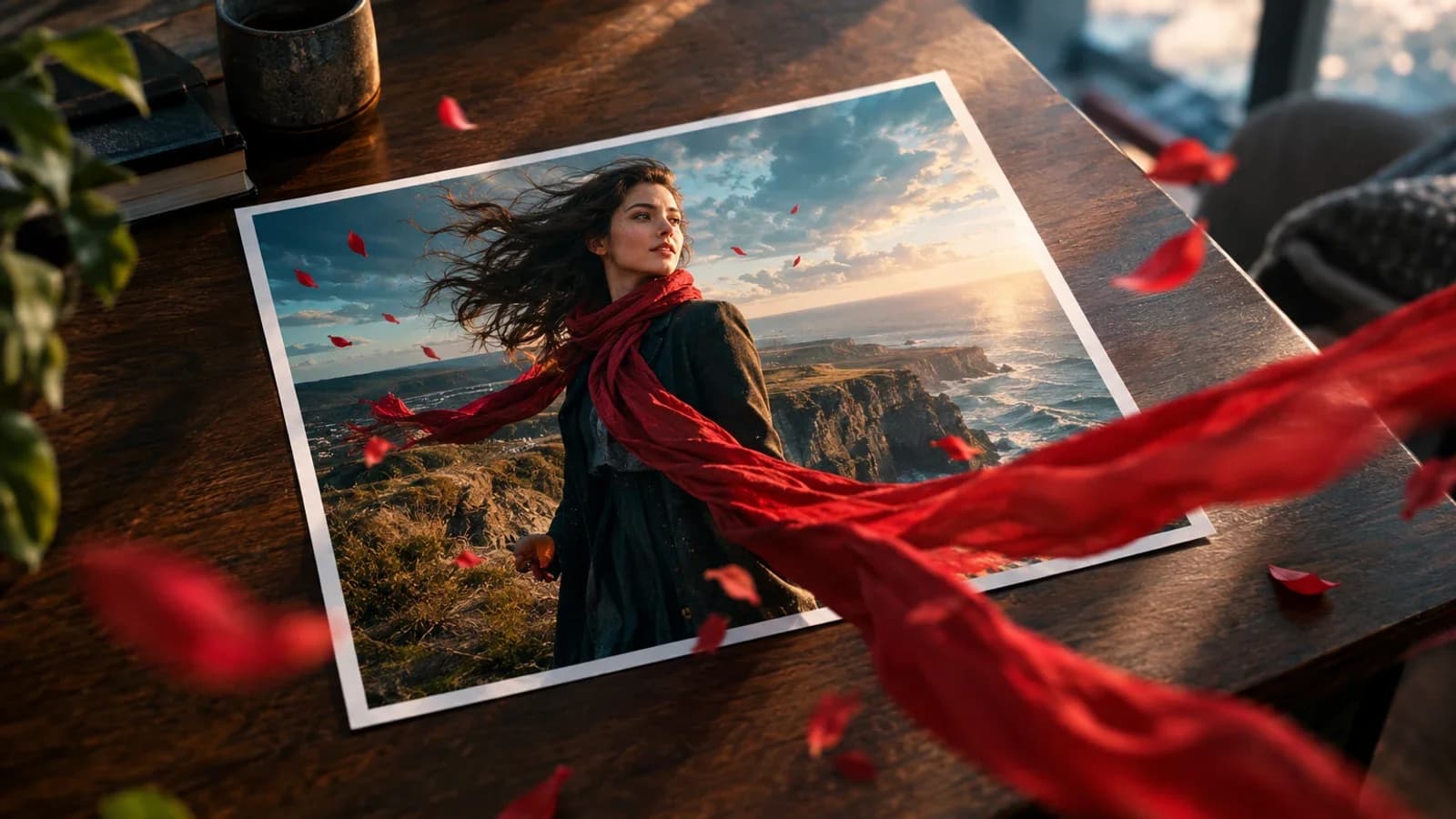
Keep the person's face, hair, and outfit consistent. Change the background to a warm outdoor cafe at golden hour. Make the image feel natural and editorial.
Keep the subject identity consistent. Change the lighting to soft studio light and make the background a clean dark gray. Preserve facial details.
What to review before publishing
Because Lite is speed-first, review important details:
- Faces and hands
- Product labels and logos
- Small text
- Fine edges
- Factual objects
- Brand colors
If an edit affects customer-facing details, run the final version through a heavier model or manual review.
For a repeatable way to judge instruction following, preservation, text fidelity, and cleanup quality across tools, use the 100-point controlled AI image editing benchmark.
Buyer-intent answer
If you searched "Nano Banana 2 Lite edit images" or "Gemini 3.1 Flash Lite Image editing," use Lite when you need quick visual changes and many options. Use a heavier model when the edit must be precise enough for final publication.
Start editing
Upload an image to Nano Banana 2 Lite Edit, make one focused request, and iterate in small steps. Small edits are easier to control than one large rewrite.