You have seen the clip, and you want your own version with your own people. This guide takes you from photos to a post, in order. For which voice is heard over which shot, see voices versus shots, and for the script, the dialogue page. Nothing here depends on them. Here we stick to the practical choices.
Cast the hat and the handbag
Add one or two photos, review your credit quote, and make the 15-second reaction skit.
What the template gives you
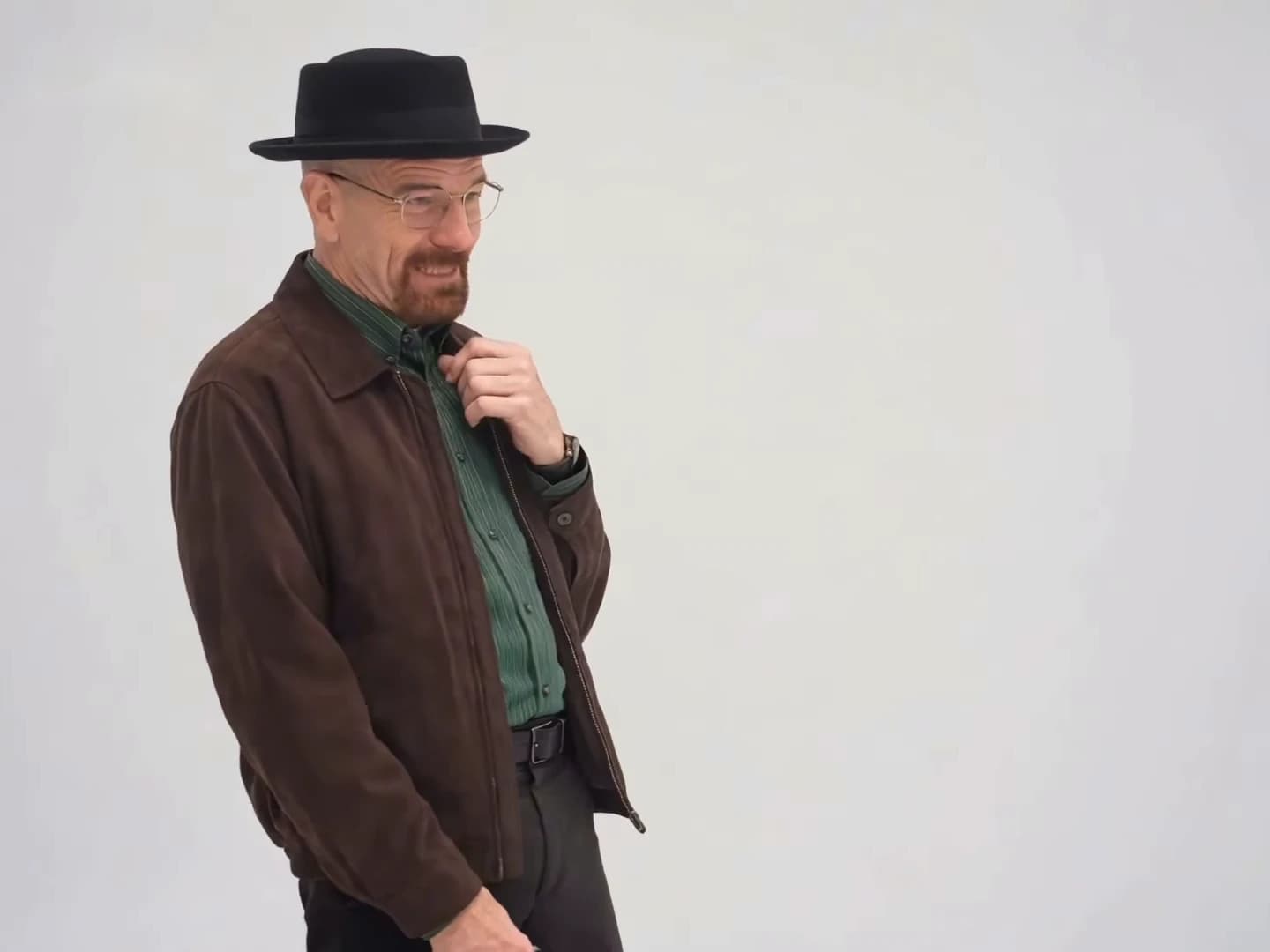
You Tweaking recreates a 15-second, 4:3 landscape skit: a plain light-grey backdrop, eleven shots separated by ten cuts, one person on screen at a time. The man in the black pork-pie hat gets six shots and the woman with the orange handbag gets five. The reference is a reel from @ausar.ai dated October 21, 2026, and Ausar's own title for it is also "You Tweaking".
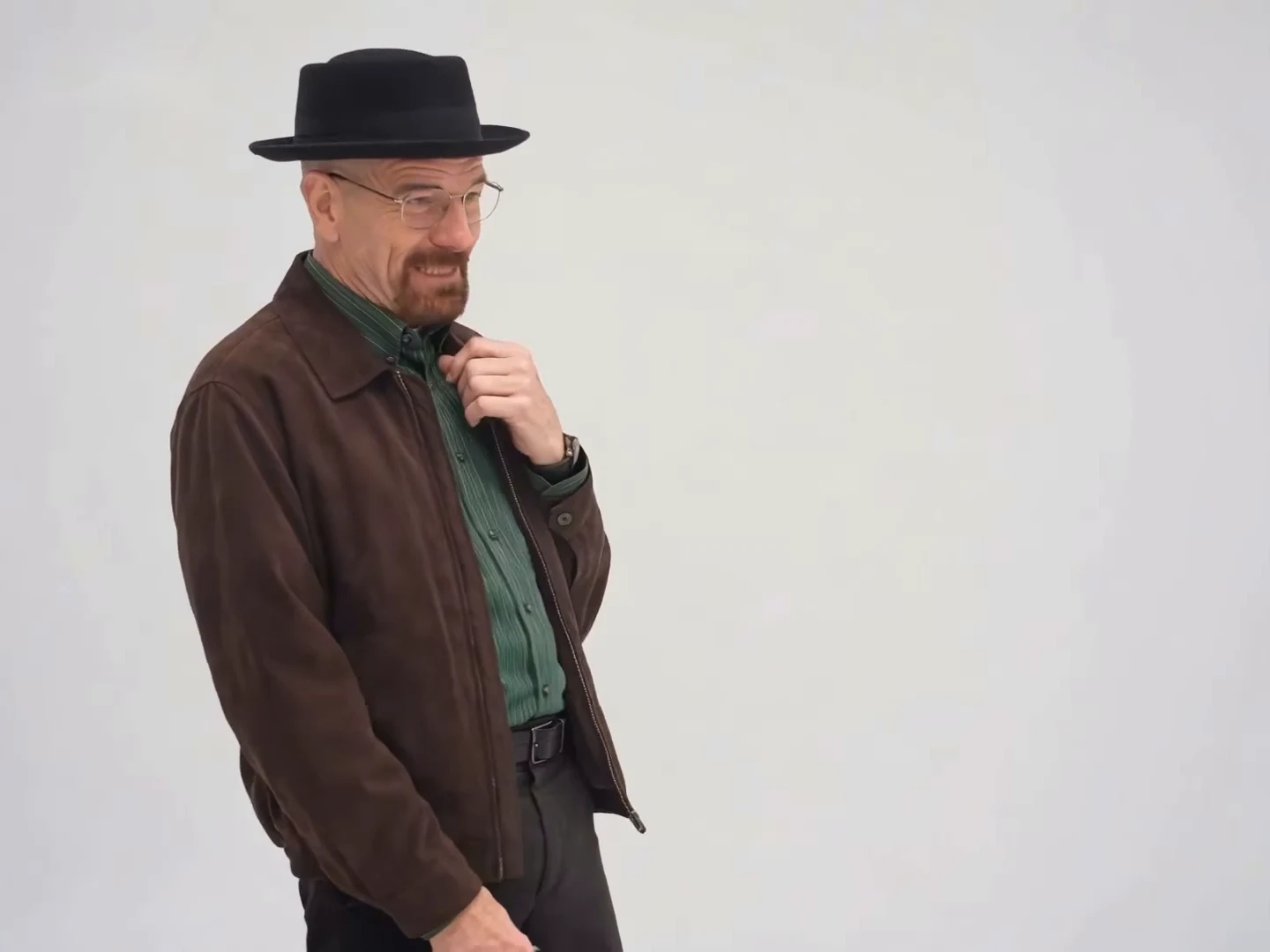
The hat character as seen in the credited @ausar.ai source reel, not an Oakgen output.
Step 1: choose your two people
The studio calls the roles Hat character and Handbag character. Fill both to cast the whole skit, or fill one and the other keeps the reference character. Photos should show yourself or people who have agreed to appear, one person per photo.
Because the characters never share a frame, you do not need two photos with matching light or a shared background. You do want to decide who is who. The hat character starts the clip, makes the nervous gestures and asks the comeback question. The handbag character makes the call-out, replies to the question and has the last word.
Step 2: pick photos that survive close shots
Many of the shots are tight on the face, and the hat man's later reframing at about 12 seconds is closer still. A few simple rules help:
- Use a sharp, front-facing photo with the whole face visible and plenty of resolution.
- Let the signature item show if you want a closer match: a hat for the hat character, a bag or cardigan for the handbag character. Whether a prop carries over is something to check in the result.
- Avoid sunglasses, heavy filters or a face turned away.
- Plain, even lighting suits the grey studio backdrop.
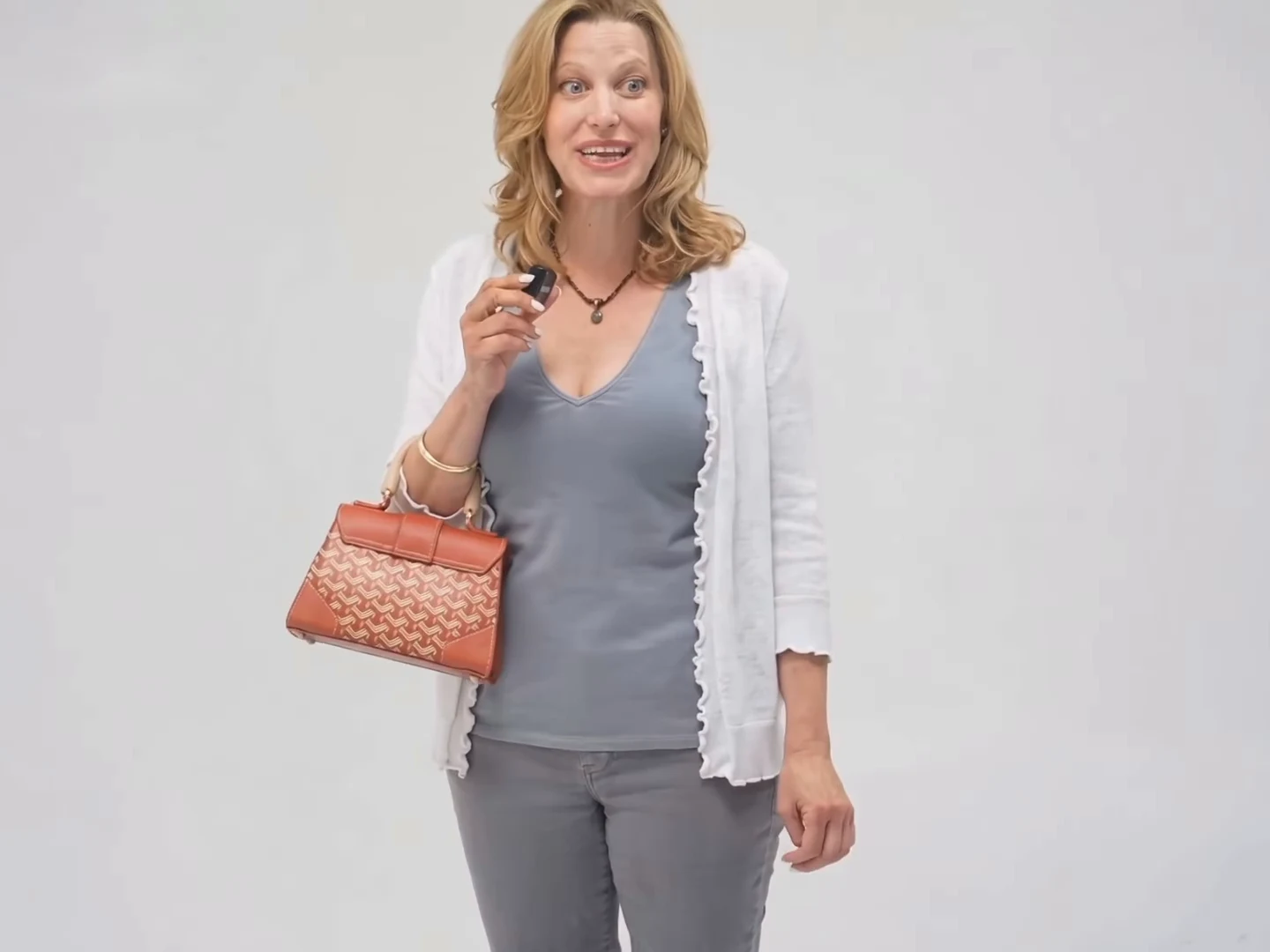
The handbag character as seen in the credited @ausar.ai source reel, not an Oakgen output.
Step 3: check the quote
Pick 480p, 720p or 1080p. The studio shows the credit quote for your selection before you generate. It covers the whole 15-second edit and the preparation of only the photos you add, so a single-photo run quotes differently from a two-photo run. Compare the numbers and decide.
Step 4: know what is fixed
The dialogue is the source soundtrack, the shot order is the template's, and the backdrop and framing are fixed. Your characters' lips follow the audio already in the clip. You cannot rewrite the lines or ask for the two people in one frame. If your idea needs a handshake or any contact between them, that is a different template.
Step 5: review it cut by cut
Watch the result and check these moments.
| Time | What to check |
|---|---|
| 0 to 1.9 s | The hat character is on screen; no mesh or grid lines on the face |
| 1.9 to 3.2 s | The handbag character appears, and the bag is visible |
| 4.2 to 6.3 s | Laughter: the man's hand-to-mouth gesture and the woman laughing |
| 8.6 to 10 s | The woman delivers "Oh, he tweaking!" and her lips match |
| 10 to 11.4 s | The man asks "I'm tweaking? How?" on the right shot |
| 11.4 to 12.2 s | The woman answers "You tweaking!" |
| 12.2 to 13.8 s | The slightly closer shot of the man: the hardest test for his photo |
| 14 to 15 s | The woman's "Huh?" and the man's last half second |
The small black device each person holds is part of the reference. If it turns into something else in your result, such as a snack, that is a drift to look out for, not what the reference shows.
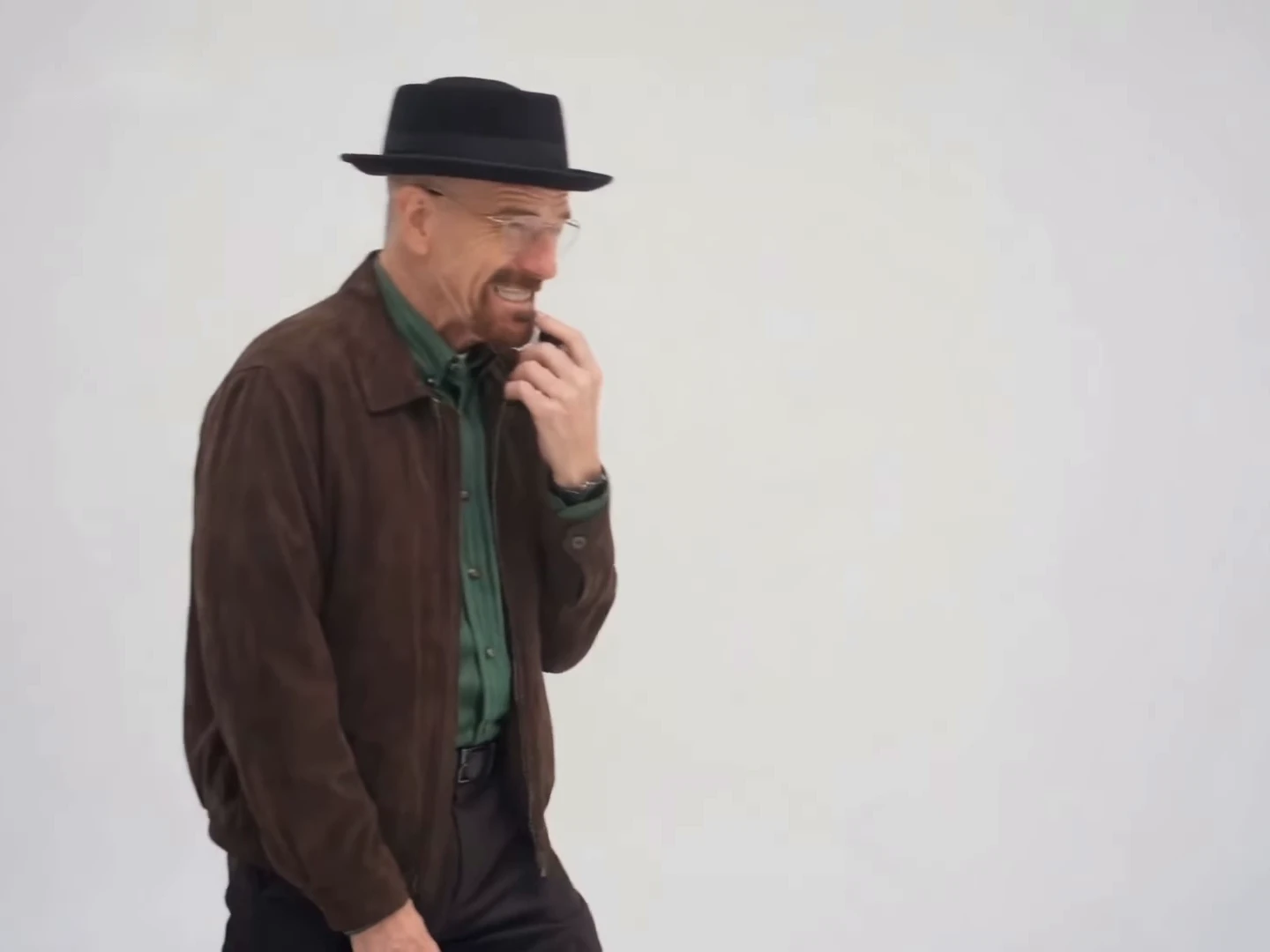
Frame at about seven and a half seconds from the credited @ausar.ai source reel, not an Oakgen output.
If a face drifts, swap the photo for a clearer one before changing anything else.
Step 6: the exchange, and caption ideas
The stretch the trend is named for is a callback: the woman says "Oh, he tweaking!", the man asks how, and she hands the accusation back. Tweaking is slang for acting erratic or out of line. Wording comes from speech-to-text and a video model and may differ slightly, and the script page marks the unclear parts. Captions that fit:
- A setup line over the opening, like "Me explaining my plan", then let the lines run.
- A label on the cut to each person, such as "Me" and "Also me", if you are casting two versions of yourself.
- A short on-screen quote at 8.5 seconds for the call-out, cleared by 9.8, so it does not cover her face.
Avoid explaining the joke. The comeback page and the call-out page show the timing for each line.
Step 7: post it honestly
Say that your video is AI-made. If you show or mention the reference, credit @ausar.ai as the reference reel, and label your version separately, for example "Source reel" and "My version". Do not present the sound as yours or as having a known creator; none was found. On a vertical platform, place the whole 4:3 clip on a taller canvas, with a caption above or below it, since a tight vertical crop can cut into the hat brim and the handbag. The overview page explains the trend for anyone who needs context.
There is no generated example here and no measured success rate for any photo pair. Demand for the name is unmeasured; "You Tweaking" is Ausar's own title and the other names we saw are listed on the caption page.