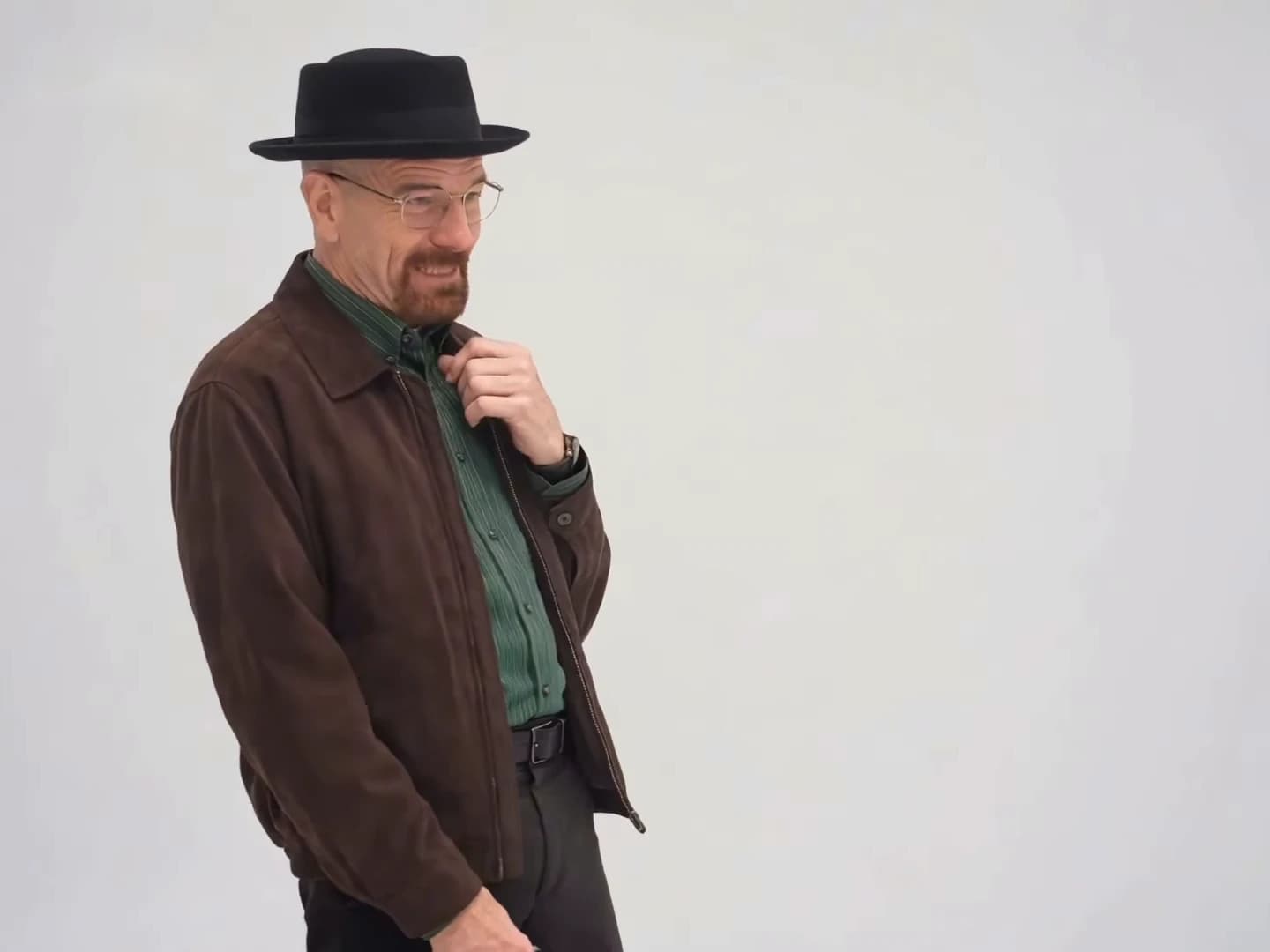
In the You Tweaking skit the sound and the picture are not perfectly glued together. There are ten cuts and a back-and-forth of voices, and several lines begin before the picture switches to the speaker. That matters when you choose photos, because each person spends part of the clip on screen while the other person's voice is playing. This article maps the voices onto the shots. The line-by-line script, with the unclear parts marked, is on the dialogue page, so it is not repeated here.
Cast both characters yourself
Add a photo for the hat character, the handbag character or both, and make the 15-second skit.
What we are working from
The skit is a 15-second reel from @ausar.ai, dated October 21, 2026. We compared a video-model transcript with two speech-to-text passes, and they are machine transcripts that we have not checked by ear, so times are approximate and wording may differ slightly. The male voice belongs to the hat character and the female voice to the handbag character.
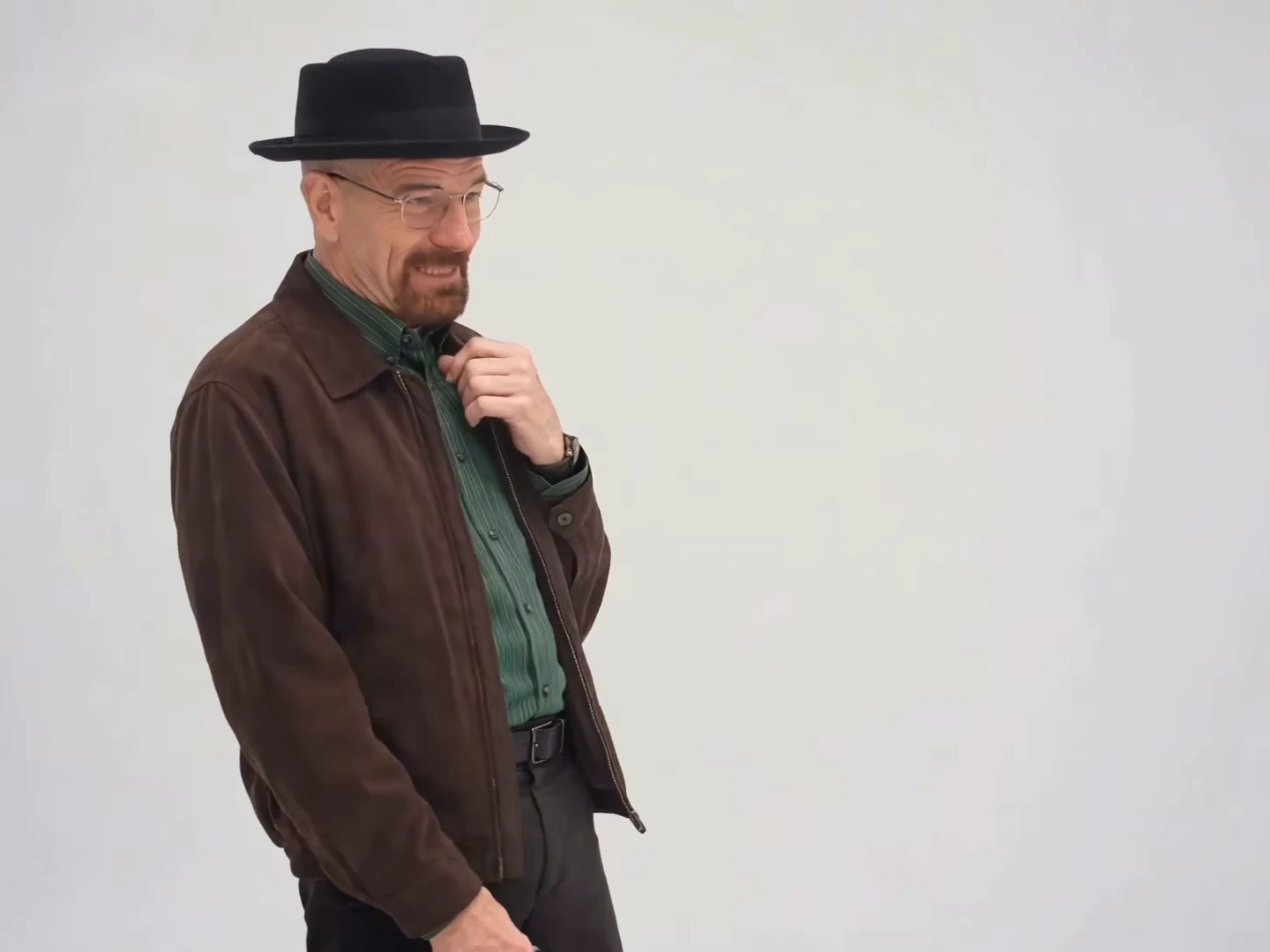
Frame at about four seconds from the credited @ausar.ai source reel. It is the reference scene, not an Oakgen output.
Which voice is heard over which shot
The cuts land at 1.92, 3.17, 5.08, 6.25, 8.58, 9.96, 11.42, 12.21, 13.75 and 14.54 seconds, giving eleven shots that alternate between the two people.
| Shot | Time | Length | On screen | Voice heard |
|---|---|---|---|---|
| 1 | 0.00 to 1.92 s | 1.9 s | Hat man | Male |
| 2 | 1.92 to 3.17 s | 1.3 s | Handbag woman | Silence, then the male voice starts near the end |
| 3 | 3.17 to 5.08 s | 1.9 s | Hat man | Male, then laughter |
| 4 | 5.08 to 6.25 s | 1.2 s | Handbag woman | Laughter |
| 5 | 6.25 to 8.58 s | 2.3 s | Hat man | Male, then silence, then the female voice starts |
| 6 | 8.58 to 9.96 s | 1.4 s | Handbag woman | Female |
| 7 | 9.96 to 11.42 s | 1.5 s | Hat man | Male, then the female voice starts |
| 8 | 11.42 to 12.21 s | 0.8 s | Handbag woman | Female |
| 9 | 12.21 to 13.75 s | 1.5 s | Hat man | Male, with the end of the female line first |
| 10 | 13.75 to 14.54 s | 0.8 s | Handbag woman | Male, then the female voice |
| 11 | 14.54 to 15.00 s | 0.5 s | Hat man | Female |
The hat man is on screen in six shots for about 9.6 seconds and the handbag woman in five for about 5.4 seconds. They never share a frame.
Where the sound crosses a cut
Six moments put one voice over the other person's face:
- About 2.8 to 3.17 s: the man's short remark begins about 0.4 seconds before the cut back to him, over the woman's shot.
- About 8.5 to 8.58 s: the woman's call-out begins a moment before her shot opens, over the end of the hat man's.
- About 9.8 to 9.96 s: the man's question starts a fraction before his cut, over the woman.
- About 11.2 to 11.42 s: the woman's comeback begins about 0.2 seconds before the cut to her, over the hat man.
- About 12.21 to 12.4 s: the end of her comeback runs a little into the next hat-man shot as his longer line begins.
- About 13.75 to 14.54 s: his longer line runs about 0.25 seconds into her shot, and then her closing sound begins and spills over the hat man's last half second.
In most of these the voice leads the picture by a fraction of a second. Because the soundtrack is one continuous track under ten cuts, the clip feels quick: the next voice is already speaking as the picture catches up. We can see that this happens, but we have not verified why. It could be an editing choice, or the voices could have been laid over the picture afterwards.
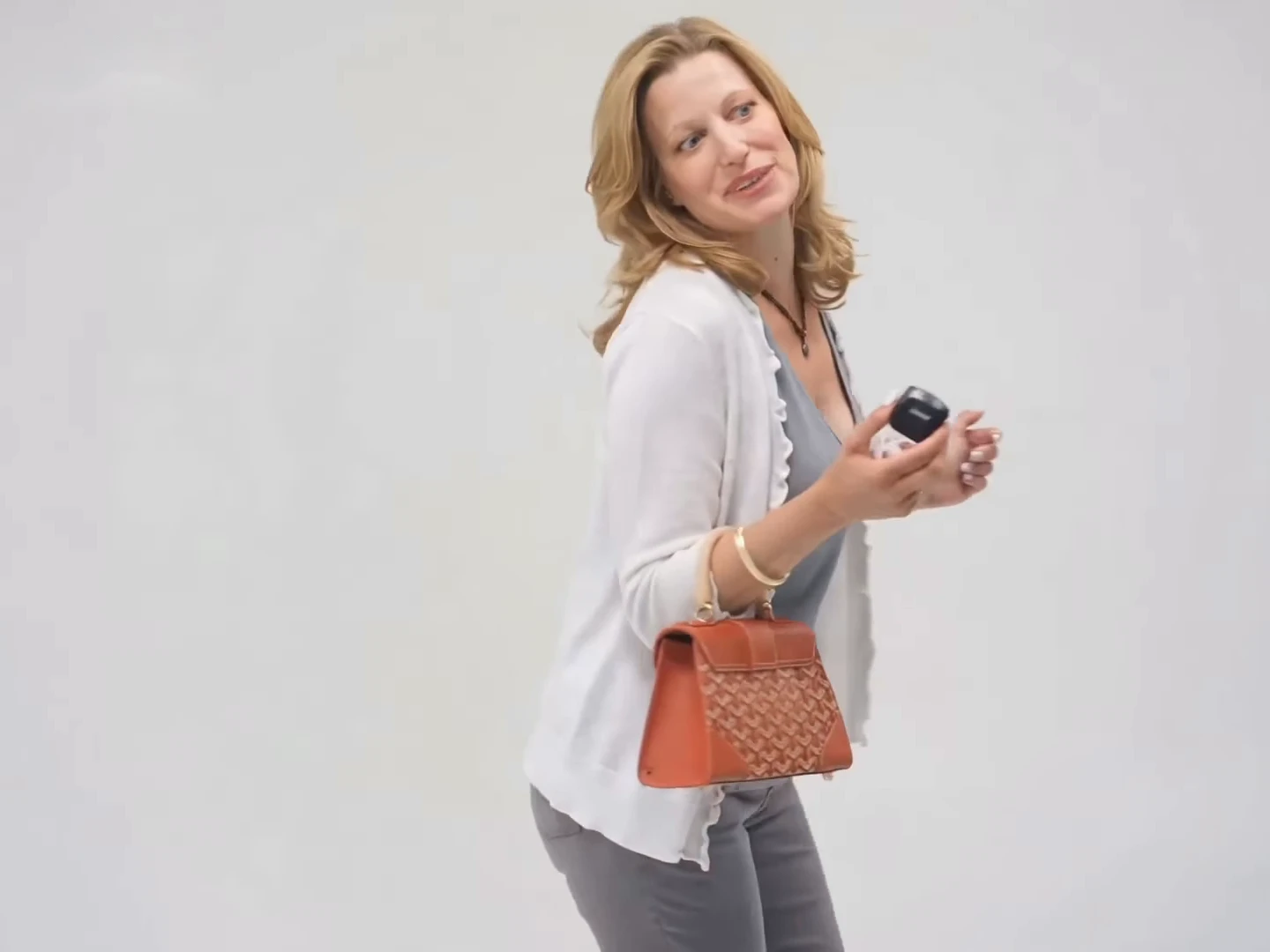
Frame at about two and a half seconds from the credited @ausar.ai source reel, not an Oakgen output.
What this means for your two photos
The slots fix the voices. The soundtrack is part of the template. The hat slot always lip-syncs to the male voice and the handbag slot to the female voice, whoever's photo you add. Decide which of your two people takes which voice before you upload.
Each photo must work in both speaking and listening shots. Every person is on screen for a short time while the other voice plays, and in those moments the lips should be quiet. The photo you choose carries the face for both states, so a relaxed, clear, front-facing photo is a safe choice. That is a judgment from watching the reference, not a tested rule.
Short shots mean faces must read at a glance. The shortest shots are the hat man's last half second and the handbag woman's two 0.8-second shots. A large, sharp face works better than a small one in a wide pose.
Nothing has to match between the two photos. Light, background and framing can differ, since the people never share a frame. If you add only one photo, the other role keeps the character from the reference.
Where to go next
For the practical steps from photos to a post, follow How to Make the You Tweaking AI Trend. The overview page says what the trend is, and the two key exchanges have their own pages: Oh, He Tweaking AI Video and I'm Tweaking, How? AI Trend. The caption page covers what the reel's caption does and does not tell you. We could not find the original sound or its creator. You Tweaking keeps the soundtrack, the 4:3 frame and every cut. Use only photos of yourself or of people who have agreed to appear, and call the video AI-made.