Oakgen.ai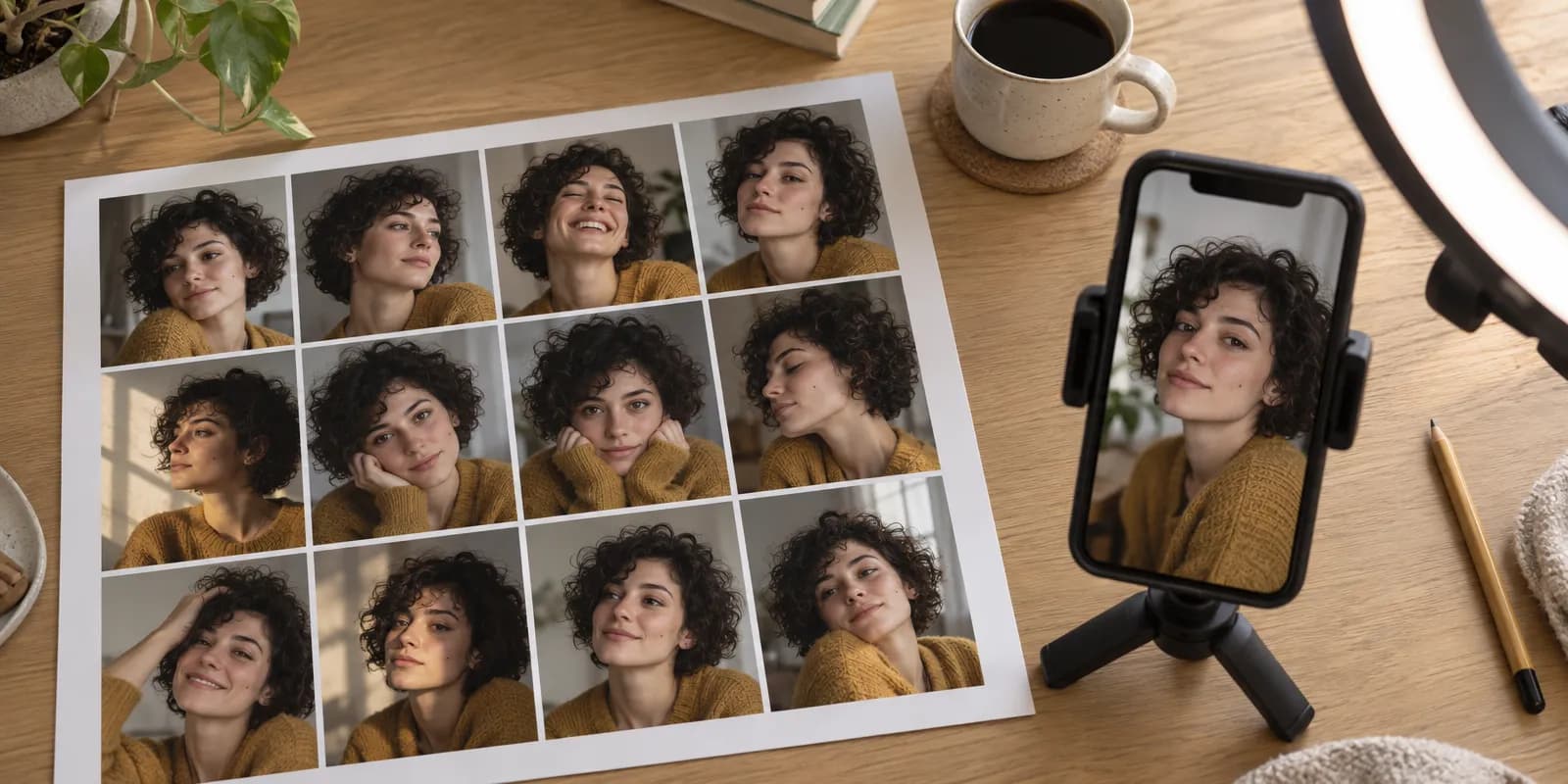
To create an AI influencer that stays the same person, make the face once and reuse it everywhere. Write a short brief, pick one face, build a 12-shot reference set from it, attach one voice, then generate every post from those references. On Oakgen the whole setup costs about 336 credits at list price as of 2026-10-30, on a paid plan.
A common cause of drift ("she looks different every post") is describing the face again in each prompt instead of passing reference images. Every step below avoids that. The Oakgen steps are the real flow in our AI Influencers studio, read from its code on 2026-10-30.
Create your AI influencer
Cast a face, refine it, run the 12-shot photoshoot and add a voice in one place.
What are the steps and what does each one cost?
There are seven steps, and four of them cost credits. The prices are list prices for the default settings, checked on 2026-10-30. The studio shows the live price on each button before you press it.
| Step | What you do | Oakgen model | List price (2026-10-30) |
|---|---|---|---|
| 1. Brief | Write who they are, in up to 2,000 characters | None | Free |
| 2. Cast | Get 4 candidate faces, or start from a photo | Nano Banana 2.1 (2 takes), Nano Banana Pro (1), GPT Image 2 (1) | 135 credits for the 4 takes |
| 3. Refine | Change one thing at a time by chat | Nano Banana 2.1 Edit | 14 credits per change |
| 4. Photoshoot | 12 reference shots from the approved portrait | Nano Banana 2.1 Edit | 154 credits (11 new shots) |
| 5. Voice | Pick a library voice, record a sample line | ElevenLabs Eleven v4 | 5 credits for the sample |
| 6. Make posts | Photo, video or talking video with @Name | Your choice; talking video uses Seedance 2.0 | Depends on model and length |
| 7. Label and sell | AI label, bio line, a product | None | Free |
With three refine changes, setup comes to 135 + 42 + 154 + 5 = 336 credits. For scale, the Basic plan listed 2,000 credits a month for $9 on our pricing page on 2026-10-30. Plans can change, so check the page. AI influencers are paid-only. A free account gets "AI influencers are on paid plans" from the server.
Step 1. How do you write the brief?
Write the brief before you generate anything, because the face, the voice and the content all follow from it. Keep it to what a casting director would need:
- Look. Age range, skin tone, hair, one or two distinguishing marks, and a signature outfit. The studio's own example is "A woman in her late 20s with warm brown skin and short natural dark curls. Small gold hoop earrings, a cream high-collar linen shirt."
- Personality in three words. The same example ends "Calm, direct, a little dry." This shapes captions and voice choice later.
- Niche and offer. What they post about, and what they will eventually sell. Pick this now. An influencer with no offer is a hobby.
- The honest frame. Decide now that the bio says the account is AI. It changes nothing about the work and removes a trust risk later.
In Oakgen this goes in the "Who is your character?" box, up to 2,000 characters, with a name of up to 80 characters. A distinguishing mark (a mole, a scar, a gap tooth) is worth including. It gives you something to check in every later image.
Step 2. How do you pick the face?
Generate several candidates at once and choose one. Regenerating a single face until it looks right costs more and gives you less to compare. Oakgen's Cast step sends four takes across three models from the same "photorealistic studio portrait" instruction:
- Two takes from Nano Banana 2.1.
- One from Nano Banana Pro.
- One from GPT Image 2.
All four use the same framing: front-facing, head and shoulders, soft even light, a plain light-gray background. The plain setup matters. A busy background or dramatic lighting in the master portrait gets copied into every later shot.
If none fit, press Recast for four more, or More like this under the closest one. A draft keeps up to 12 cast jobs. If you already have a face, Start from a photo skips casting. It accepts JPG, PNG or WebP up to 16 MB, and the studio's own warning applies: "Only use people who agreed."
Step 3. How do you adjust the face without losing it?
Change one thing per edit and compare each version with the last. Oakgen's Refine step is a chat: you type "a bit older" or "shorter hair" and get a new version (V1, V2 and so on, up to 30). Each edit is sent with the instruction "Same person, same photo setup and framing. Change only this," which is the right habit in any tool.
Two rules keep the identity intact:
- One change per message. "Older, shorter hair, different shirt" in one go is how a face turns into someone else.
- Compare before you move on. The studio has a before-and-after slider and a "Go back to V1" button. If version 4 drifted, go back. Do not keep editing a drifted version.
When the face is right, press This is [name], start photoshoot.
Step 4. Why do you need a 12-shot reference set?
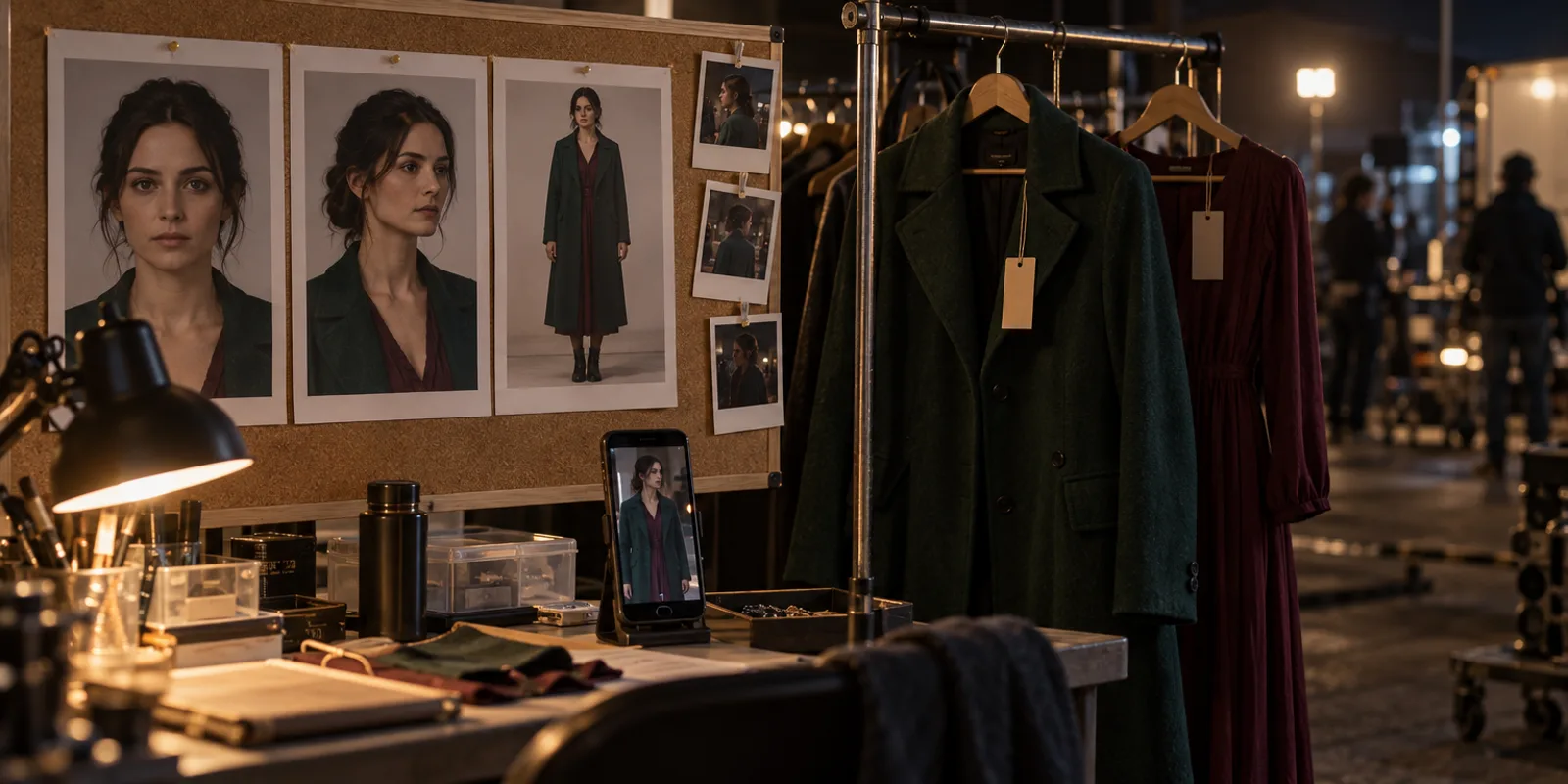
Because a video or image model that only sees one front-facing portrait has to guess what the person looks like from the side, from above or full length. Guesses are where drift starts. A reference set removes the guessing.
Oakgen's photoshoot makes the set from your approved portrait. That portrait becomes the front shot, and 11 more are generated with an instruction to keep "same face, same skin tone, same hair, same accessories and same outfit":
- Face, 8 shots. Front, smiling, three-quarter left and right, profile left and right, from below and from above.
- Body, 4 shots. Full body front, full body three-quarter, from behind, and seated.
Then check the contact sheet. You can Redo any shot, Replace with your own photo, or Set as main photo. A character holds up to 16 reference images, so you can add a few of your own, such as a second outfit.
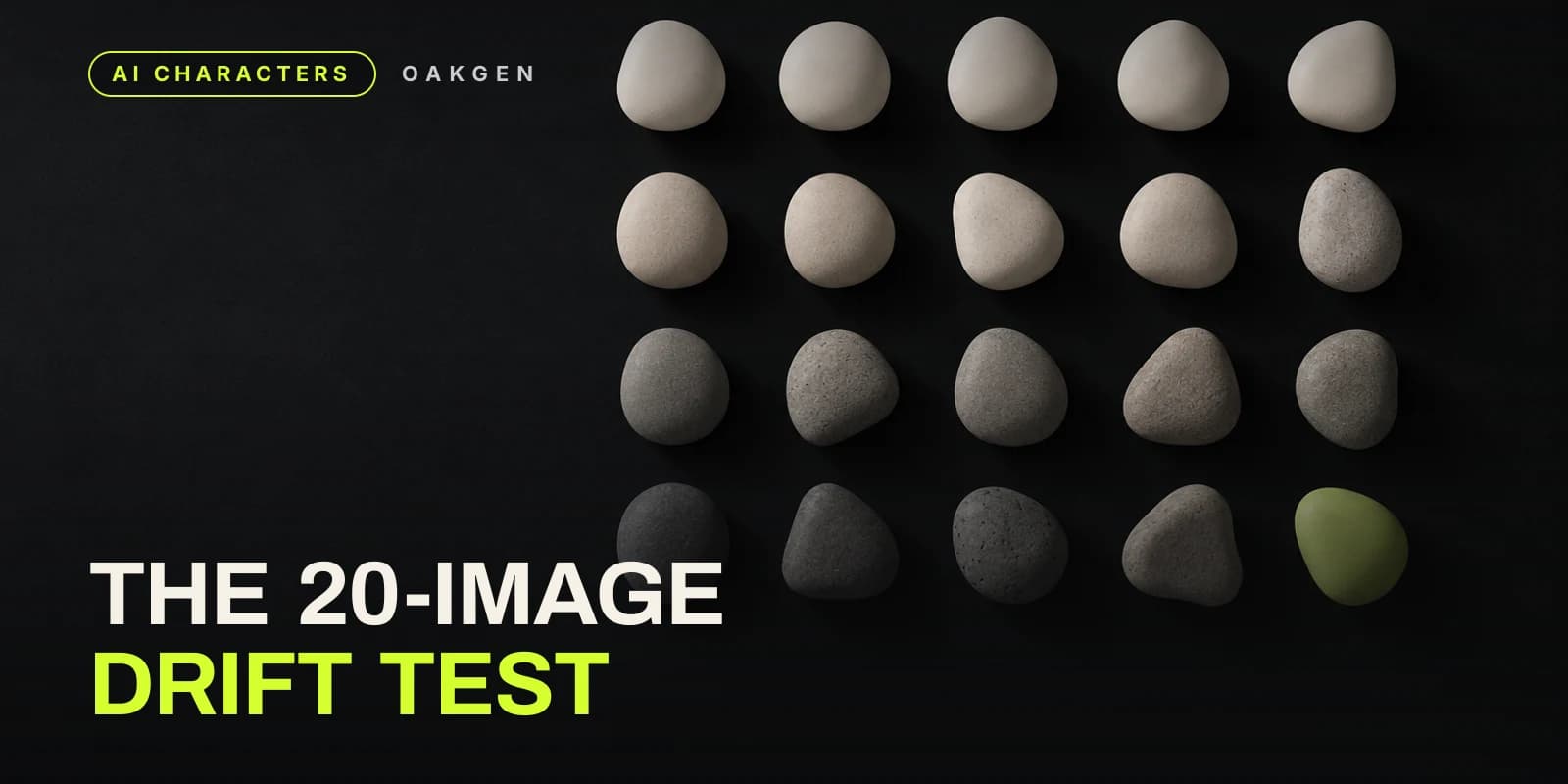
If you want a number for "is it consistent enough", run the 20-image drift check before you commit. The general method is in our character consistency guide.
Step 5. How do you give an AI influencer a voice?
Pick one voice and never change it. Followers notice a voice change faster than a small face change. In Oakgen, the voice step lists the ElevenLabs voice library with filters and previews. When you choose one, the studio records a short introduction line of about 12 to 15 seconds with Eleven v4 (5 credits at list price on 2026-10-30) and saves it as the character's voice sample, "so video models keep this voice".
Two limits to know. You cannot upload or clone a voice inside the AI Influencers flow as of 2026-10-30. Cloning, with a consent check, lives in the separate audio studio. And Skip voice is fine if your influencer only posts photos.
Step 6. How do you make posts with the same face?
Call the character by name and let the references do the work. On the character's page, choose Photo, Video or Talking video, then describe the scene. The prompt opens in Create with @Name in it, and you can also type @ and the name inside Create at any time. The studio's starter ideas include "Morning routine vlog", "Product unboxing", "Street interview" and "Podcast clip".
What happens behind that matters for consistency. Create does not send all 16 images. It sends 4 references by default, and 6 for Seedance 2.0 and Seedance 2.5 Reference. It picks them by the words in your scene:
- A scene with walking, dancing, standing or an outfit sends the full-body shots first.
- A scene where they talk, speak or say something to camera sends the face shots first.
So write the scene the way you want it framed. "@Maya walks through a market" gets the body references. "@Maya says to camera..." gets the face.
Talking video opens Seedance 2.0, a video model that accepts reference images and reference audio. For a sense of cost, a 5-second 9:16 Seedance 2.0 clip from a text prompt was quoted at 228 credits at 480p and 512 credits at 720p on 2026-10-30. Your quote can differ with references, length and settings. You can also drop the character into a viral template with Use in a trend, which opens Trends with them cast in the lead role.
A practical posting mix for the first two weeks:
- Photos and silent clips first. They are cheap, and they let you test the face in many settings.
- Talking clips once the face and voice hold up. Keep each clip short and one line long.
- Captions, cuts and the platform's own sound in your editor or in Compose.
Step 7. How do you label an AI influencer, and what should you sell?
Use the platform's AI label on realistic posts and say in the bio that the account is AI. The rules, read on 2026-10-30:
- TikTok. "we require creators to label AI-generated or significantly edited content that shows realistic-looking scenes or people". It adds that "Unlabeled content may be removed, restricted, or labeled by our team".
- Meta (Instagram, Facebook). "Meta may require an AI label when content has photorealistic video or realistic-sounding audio", and "There may be penalties for content shared without a label when it is required." Meta says this requirement "does not apply to images".
- YouTube. Disclosure is required when content "Generates a realistic scene that didn't actually occur", among other cases. YouTube also says "Disclosing AI content alone won't limit a video's audience or impact its eligibility to earn money."
- Paid posts. A sponsored post by an AI influencer is still an endorsement. The FTC's 2023 Endorsement Guides define an endorser as a party that "could be or appear to be an individual, group, or institution", so the ad disclosure still applies.
Our full table by platform is in do you have to label AI videos, and the influencer-specific version is in AI influencer disclosure rules.
For money, plan to sell something rather than wait for views. The options that do not depend on platform payouts are products and services: a digital guide in the niche, brand posts, or making ads for others. If the last one interests you, how to sell AI UGC ads to brands walks through a first client. Before you budget, read what AI video money videos leave out, work out your cost per post, and see the AI influencer monetization guide.
Commercial use of what you make depends on section 4.4 of Oakgen's Terms. Oakgen does not claim ownership of eligible outputs, but your right to use an output depends on the Terms, the law, the model provider's terms and the rights in your inputs.
What goes wrong most often?
These are the common failure modes and the fix for each.
- The face drifts in video. Check which references went in. A side-on scene with only face-front references will guess the profile. Name the framing in the scene text, or redo the photoshoot's profile shots.
- The outfit changes. The photoshoot locks one outfit. For a second outfit, add your own reference image of the same face in it, rather than describing a new outfit in every prompt.
- The voice sounds different across clips. Keep the saved voice sample and do not swap voices. If the sample failed to save, the character page says "The voice sample is ready but was not saved", so save it again before making talking videos.
- Every post looks the same. Consistency of face is the goal. Consistency of scene is not. Vary location, light and framing, keep the face.
When might another tool fit better?
If you need a voice cloned from a specific person inside the same character, Oakgen's character flow does not do that today, so a dedicated voice tool or Oakgen's separate audio studio is the route. If you want to post straight to TikTok from the same app, Oakgen's Posts page schedules to Instagram, Facebook and LinkedIn only, so TikTok posts go through TikTok's own app or another scheduler.
How we checked this
We read the AI Influencers code on 2026-10-30: the casting, refine and photoshoot prompts, the 16-reference and 2,000-character limits, the reference selection rules and the paid-plan check. Credit prices are list prices from Oakgen's pricing code and the Oakgen MCP price check on the same day, for default settings. Platform rules were read on their official pages the same day and are quoted exactly. We did not run a new influencer through the flow for this article, and we did not measure drift rates. The cover image was made with GPT Image 2.5 and shows a fictional person.
Frequently asked questions
How do I keep my AI influencer's face the same in every post?
Make a reference set once (front, three-quarter, profile, high and low angle, and full-body shots of the same face and outfit) and feed those images into every new image and video. Do not re-describe the face in each prompt. On Oakgen, the AI Influencers photoshoot makes the 12-shot set from your approved portrait, and Create picks which references to send for each scene.
How much does it cost to create an AI influencer on Oakgen?
At list prices on 2026-10-30, casting four candidate faces costs 135 credits, each chat edit 14 credits, the 11 generated photoshoot shots 154 credits and a voice sample 5 credits. A typical setup with three edits is about 336 credits. Prices show on each button and can change. Every AI influencer step needs a paid plan.
Can I make an AI influencer from a real photo?
Yes, you can start from a JPG, PNG or WebP photo up to 16 MB and skip casting. Only use a photo of someone who agreed to it. Using another person's face without consent can break platform rules and the law in many places.
Do I have to label an AI influencer's posts?
On Meta, TikTok and YouTube, realistic AI video or audio needs the platform's AI label, and a paid promotion still needs an ad disclosure. TikTok's guidelines say it requires creators to label AI-generated content that shows realistic-looking scenes or people. Saying in the bio that the account is AI also stops followers feeling misled.
Can I clone my own voice for my AI influencer?
Not inside the AI Influencers flow as of 2026-10-30. You pick a voice from the ElevenLabs library there. Voice cloning, with a consent check, is a separate tool in Oakgen's audio studio.
Can I sell what my AI influencer makes?
Under section 4.4 of Oakgen's Terms, Oakgen does not claim ownership of eligible outputs, but your right to use an output commercially depends on the Terms, the law, the model provider's terms and the rights in your inputs. Read section 4.4 before you sell or license anything.
Sources
- TikTok Community Guidelines, Integrity and Authenticity (read 2026-10-30)
- Meta Help Center, How to identify AI content on Meta products (read 2026-10-30)
- YouTube Help, Disclosing use of altered or synthetic content (read 2026-10-30)
- FTC Endorsement Guides revision, 88 FR 48092, 26 July 2023
- Oakgen Terms of Service
- Oakgen pricing (read 2026-10-30)