Your What's the Move video is back. This guide is for checking it, not making it: what to look at in each stretch of the 11 seconds, which photo choice can sit behind a flaw, and the one change to try next. The clip is a single handheld take with a big swing and two whip-pans, so the camera moves are where identities slip. How to make it in the first place is in the how-to guide.
Not made it yet?
Add a photo for the asker and one for the answerer, review your credit quote and make the 11-second clip.
How to watch your result
Watch it three times. First with the sound off, looking only at the two faces. Then with sound, watching only the mouths. Then once more, ignoring your two people and looking at everyone and everything else. Keep the reference reel from the trend page open next to yours. It is the original by @kingbach, not an Oakgen output, so it shows what the scene should do, not the quality to expect.
Times below come from a machine transcript checked against the visible mouths, so treat them as approximate. The full wording is on every line with times.
What to check at each timestamp
0 to about 2.6 s: the question in close-up
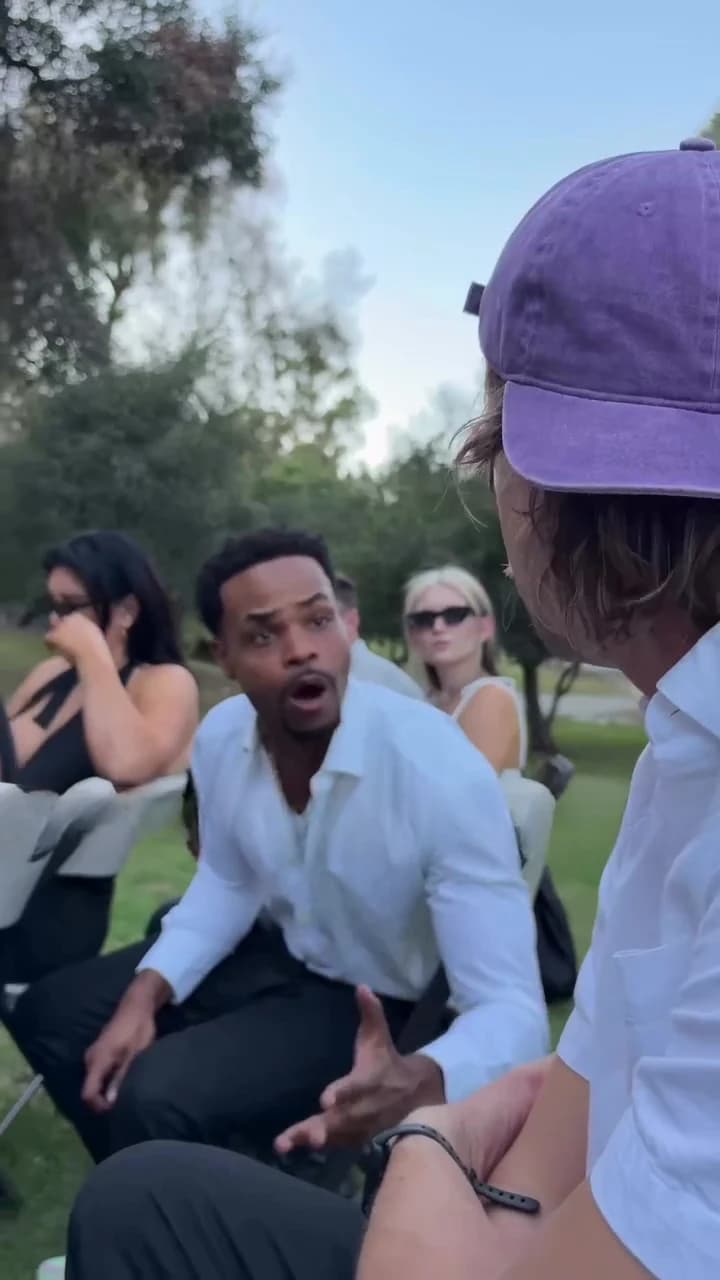
The camera looks up at the asker from a few inches away. He asks the question in the first second and a half, then listens and glances around.
Look for a face that holds its shape as the phone wobbles, hair and headwear that stay put against the sky, and lips that move on the question and then settle. This is the largest the asker's face ever gets, so a weak photo shows here first.
About 2.6 to 3.6 s: the swing
The camera swings past the back of the asker's head to find the answerer. Check that the back of the head matches the person you saw in front, and that the answerer appears as your second photo, not a blend of the two.
About 2.8 to 8.4 s: the reply
The answerer talks for most of the clip, leaning forward with both hands moving, while the asker stays in the right foreground from behind.
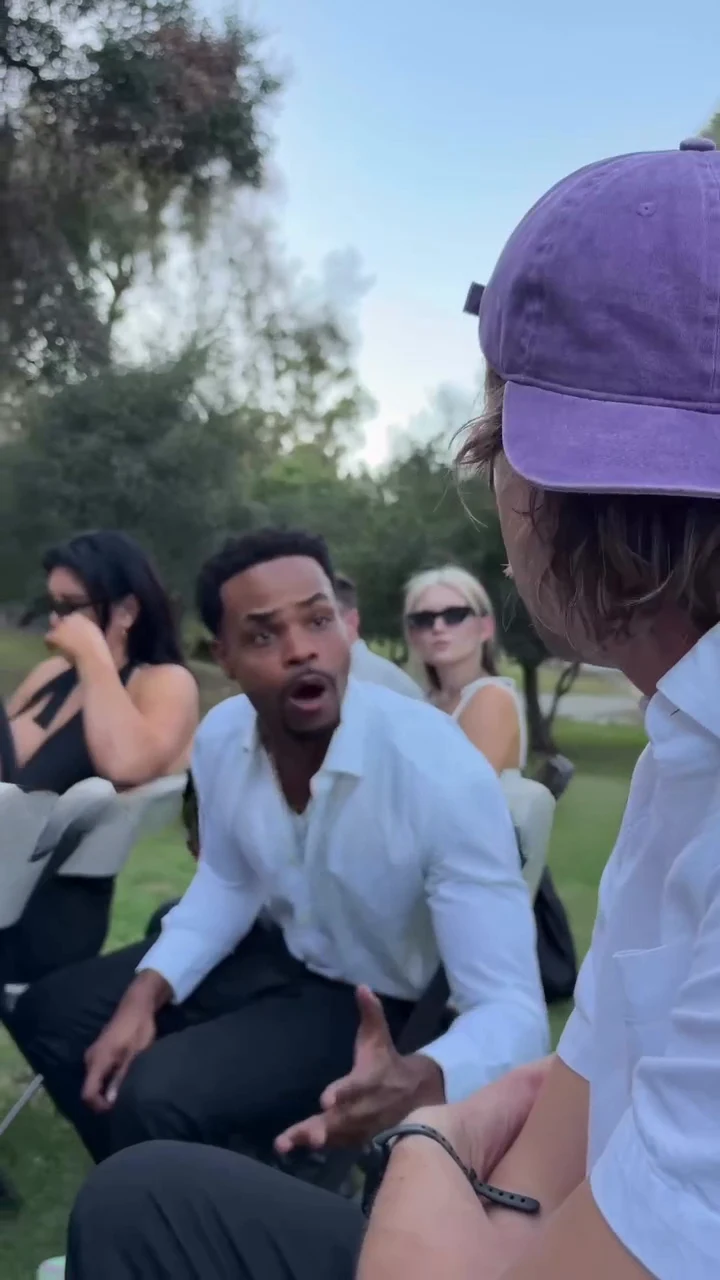
The answerer mid-reply at about five and a half seconds, in the reference reel. This is not an Oakgen output.
Look for lips that keep moving through the whole reply instead of stalling, hands that stay attached with the right number of fingers, and an asker who does not move his mouth. At about 7.5 seconds the asker turns toward the camera in profile; his face should be the same one as in the opening close-up.
About 8.3 to 10.2 s: the pan to the front
A fast whip-pan leaves the two of you and turns to the front of the service: a mourner with blue and purple hair passes close to the lens, then the memorial portrait on its easel, the speaker in sunglasses with a white cane at the microphone, and the open casket.
Check that none of these people has your faces, that the portrait has not turned into a recognisable face, and that the speaker at the microphone looks as they do in the reference, with no added movement or gag. The last line is said off camera here, so no mouth on screen should move with it.
The end
A quick whip back to the seated mourners ends the clip. If your result adds a line, a reaction or a held pose after that, it has drifted from the reference.
Photo-choice mistakes to look for
These are the problems we would expect from the way the template works. We have not measured how often each one happens.
| Photo choice | What it can look like | Where to look |
|---|---|---|
| Asker photo cropped at the forehead or hair | Head shape or hair changing in the close-up and from behind | 0 to 3.6 s |
| Two people who look alike | The two roles blending, or swapping after the swing | 2.6 to 3.6 s and about 7.5 s |
| Sunglasses, a hand or a phone near the mouth | Weak or wrong lip movement | The question and the reply |
| Tight face crop for the answerer | Outfit and hands that do not match the face | 2.8 to 8.4 s |
| Heavy filter or overlay in the photo | Texture lingering on the face | Any close frame |
Fix it with one change
Change one thing, then re-run, so you learn which change helped. Each run is charged at the quote the studio shows.
| What is wrong | One change to try |
|---|---|
| The asker keeps talking during the reply | Use a sharper, front-facing asker photo with the mouth clearly visible |
| The answerer's lips stall mid-reply | Use an answerer photo where the face is larger, in even light |
| The two faces swap or blend after the swing | Cast two people who look clearly different |
| A background person has one of your faces | Re-run once; if it persists, try photos with plain backgrounds |
| The portrait shows a clear face | Re-run once; this is the template's job, not your photo's |
Before you post
Say that the video is AI-made and credit @kingbach for the original clip. Use photos only of people who agreed to appear. Keep your caption on the question, not on the mourners or the speaker with the cane; caption ideas and placement has options, and posting a funeral meme without being cruel covers when to hold off. For where the clip comes from, see the source page.
Posting another October trend? See checking a Joker in the Hood result and the Dog Car Dance reel plan.