Your Bad Times Dance video is back. This guide is for checking it, not making it: what to look at in each stretch of the 20-second take, which photo choice can sit behind a flaw, and the one change to try next. The camera stays put and the dancer comes to it, so most problems show up in the face and the paws rather than in camera work. How to make it in the first place is in the how-to guide.
Make another take
Try a sharper photo or a different pet and make the 20-second Bad Times Dance again.
Watch it twice first
Watch once with sound, looking only at the moves and the beat. Then watch once muted, looking only at the face, the coat and the paws. Most flaws only show up when you look for one thing at a time.
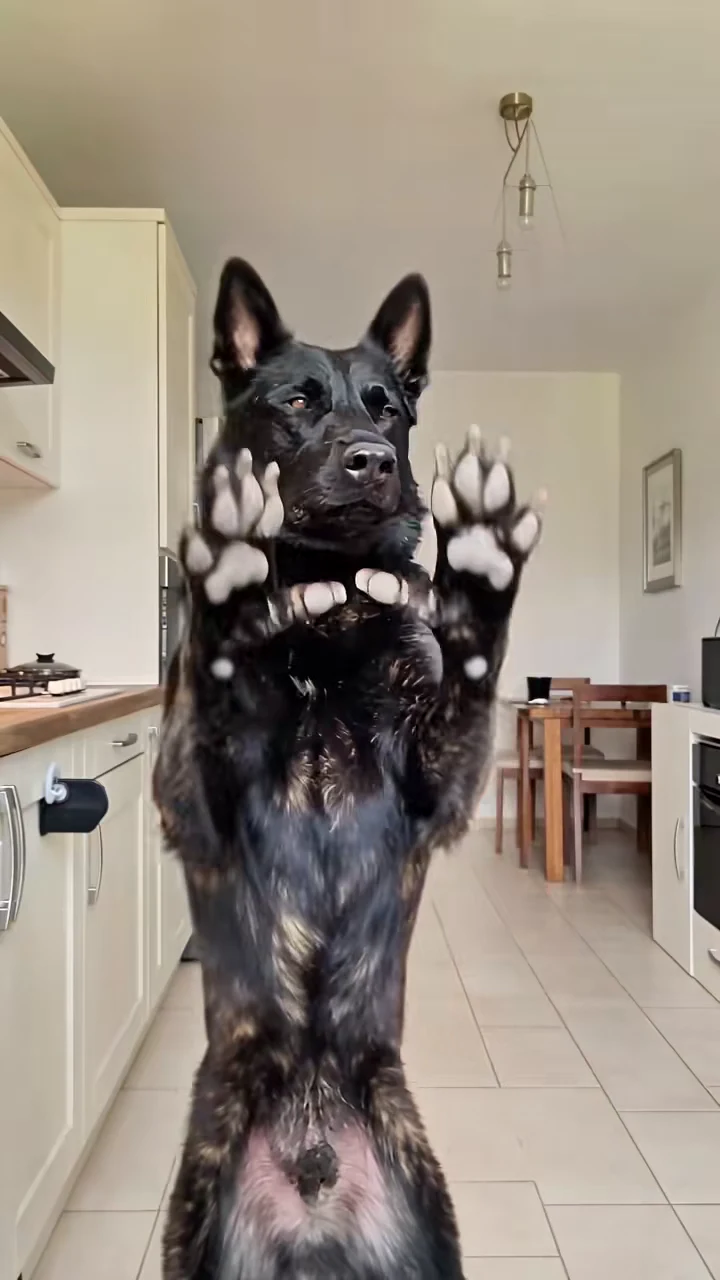
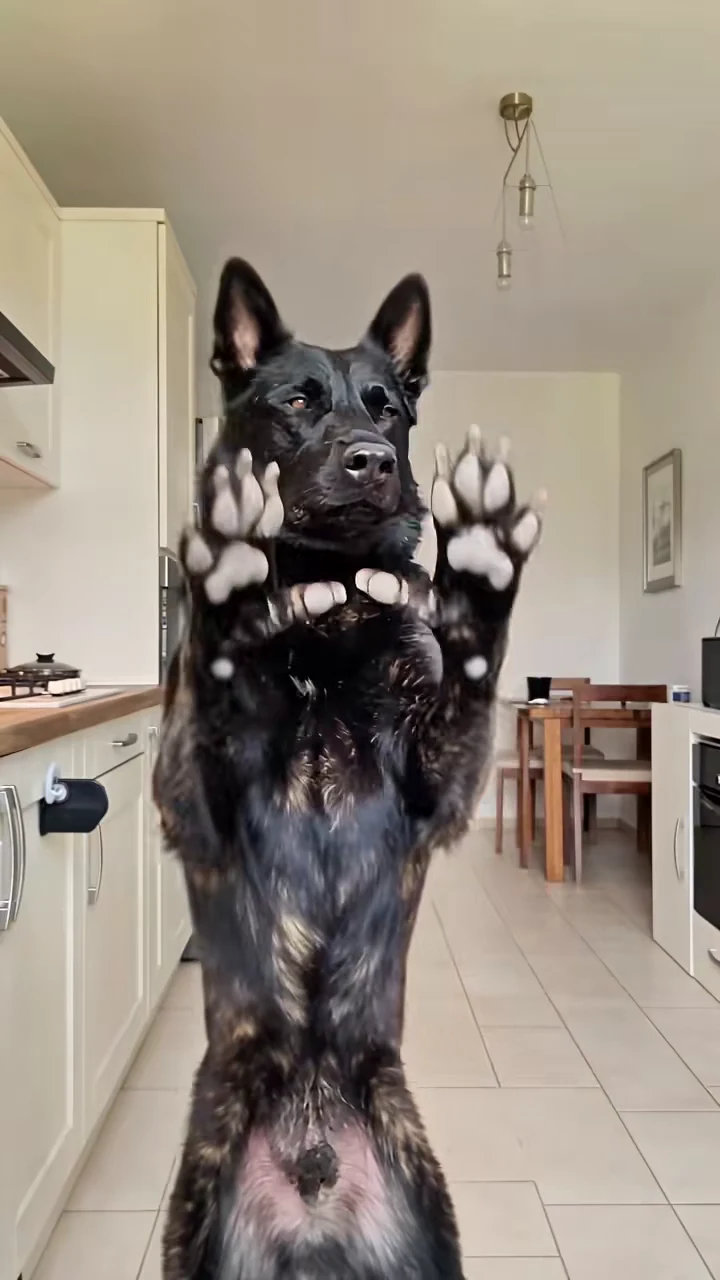
The paws-up pose from the reference recreation, not an Oakgen output. At about 1.5 seconds your dancer should stand in the same place, facing the camera.
Second by second
| Time (about) | What happens | What to check |
|---|---|---|
| 0 to 6 s | Head clutch, paws up, hip pose | The coat, markings and build are your pet's, not the black-and-brindle reference dog. Hind feet planted, not sliding. |
| 6 to 10 s | The stop push | Both front paws stay paws, with no fingers, and stay attached to the legs. |
| 10 to 18.5 s | The walk up and the argument | The face is your pet's at close range: eyes, nose, muzzle and ears. A paw swinging toward the lens gets bigger, not human. |
| 18.5 to 20 s | Step back and stare | Same face after the step back. No bow, no wave, no extra shot at the end. |
Common flaws and what to try
We have not reviewed generated results from this template yet, so the flaws below are ones we expect from the way it works, and the suggestions are untested. Every re-run is a full new generation at the quoted price and can repeat the same flaw, so try a cheaper quality first and change only one thing at a time.
The close-up face looks soft or not quite your pet. The face is biggest on screen from about 11 to 18 seconds. A sharper photo with the face in focus and toward the camera gives the template more detail for that stretch.
Your pet looks taller or leaner than it is. The reference dog is a tall, long-legged shepherd. If your pet comes out stretched, a full-body photo that shows its real build is the change to try.
The ears change shape. The reference dog has tall pointed ears. If floppy ears start standing up, a photo where both ears are clearly visible may help.
A paw turns into a hand. The template asks for paws to stay paws. If fingers appear in the stop push or the close-up, that is a generation error rather than something your photo controls; decide whether a re-run is worth the cost.
The dancer opens its mouth as if singing. The template asks for a closed or relaxed mouth with no lip-sync, apart from a quick tongue flick near the end. A photo with the mouth closed matches that instruction better than one mid-pant.
A second animal appears. Usually a sign the photo had two animals in it. Crop it to the one dancer.
Before you post
Say that the video is AI-made and use photos only of your own pets or of people who agreed to appear. Use the paws-up pose as your cover. For captions, see Bad Times trend captions and posting. To pick a better photo for the next take, see the Bad Times dog AI trend from one photo, and for the song, BAD TIMES by Imael Angel.
Checking another pet template instead? Dog Car Dance pet casting covers the dancer by the red car.
Frequently asked questions
How do I know my Bad Times video is ready to post?
Check four stretches: the poses to about 10 seconds, the walk to the camera, the close-up argument to about 18.5 seconds, and the step back and stare. If your pet's face, coat and markings hold, paws stay paws and nothing is added at the end, it is ready.
Why does my pet come so close to the camera?
That is the trend. From about 11 seconds the dancer argues with the camera at close range, so the face fills most of the frame.
Can I regenerate just the close-up?
No. The template makes the whole 20-second take in one pass, so any fix is a new run of the full video at the quote the studio shows, and a re-run can repeat the same flaw. Change one thing at a time.
Is the preview video made by Oakgen?
No. It is a recreation of the trend used as the reference. We have not published an Oakgen result for this template, so compare your video with the reference rather than assuming they will match.