 Oakgen.ai
Social media content
Produce eye-catching Instagram, TikTok, Twitter/X, and Pinterest images without stock photo licensing or photoshoots. Generate days of content in minutes.
For: Content creators, social managers
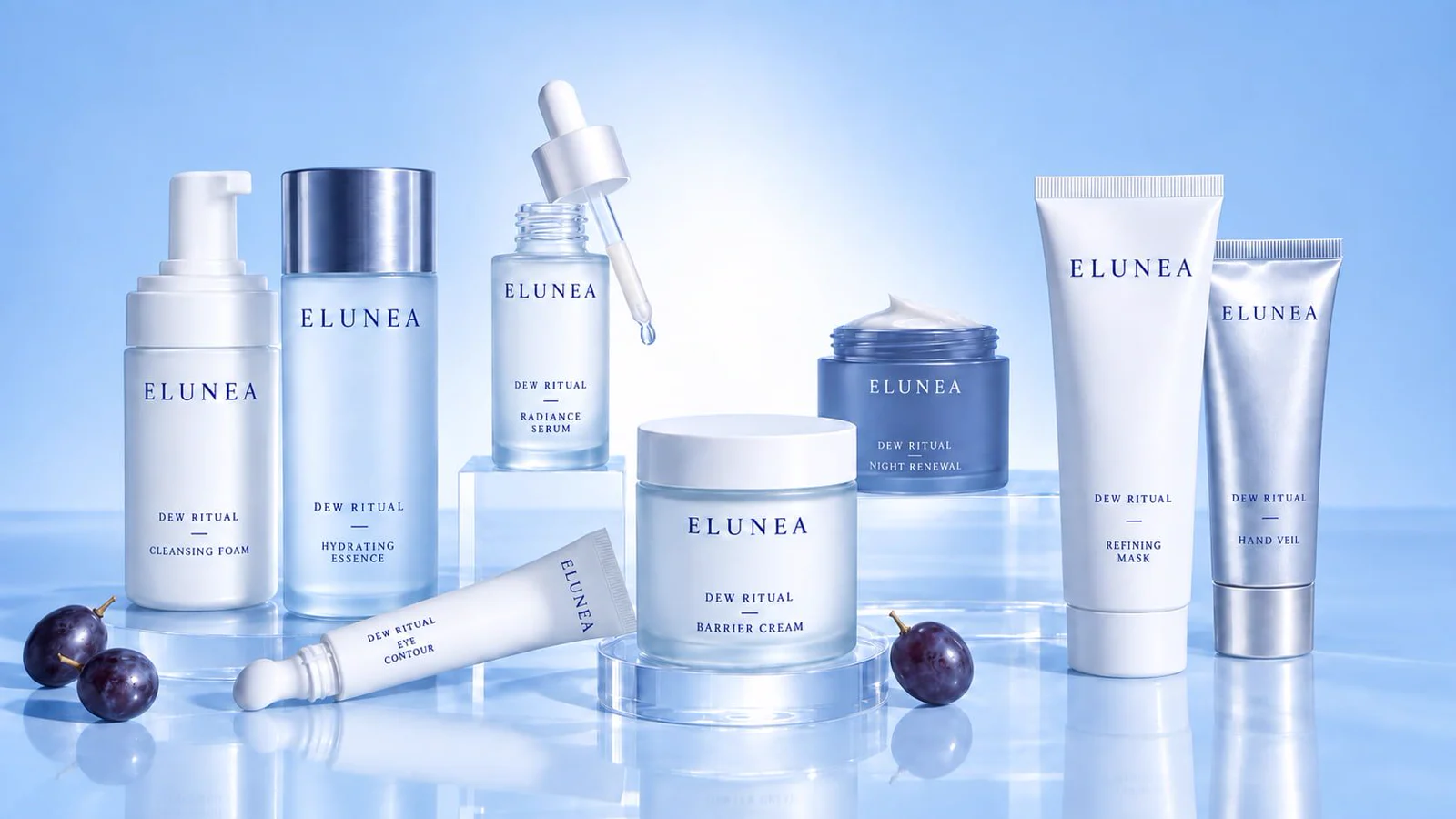 FIG. 01
14credits · 1K · 1 image
| Images | 1 | 2 | 3 | 4 |
|---|---|---|---|---|
| 1K | ||||
| 2K | ||||
| 4K |
| Model | Credits · 1 image |
|---|---|
| Nano Banana 2.1This pageGoogle | |
| Nano Banana ProGoogle | |
| FLUX 2 MaxBlack Forest Labs | |
| Nano Banana 2Google | |
| Grok ImaginexAI |
Underlying model: Gemini image family by Google. Hosted on Oakgen.ai with no watermark where supported. Commercial use depends on Oakgen's Terms, provider terms, and your source materials.
Google's image generation and editing model, available on Oakgen.ai. Generate at 1K, 2K, or 4K, choose from 15 aspect ratios including wide 8:1 banners and tall 1:8 strips, set how much the model thinks before it renders, and optionally ground the image in a web search. The edit variant takes up to 10 reference images.
Nano Banana 2.1 is Google's image generation and editing model in the Nano Banana line, available on Oakgen.ai for both text-to-image and reference-based editing. It outputs at 1K, 2K, or 4K and supports 15 aspect ratios, including the extreme 4:1, 1:4, 8:1, and 1:8 formats as well as an automatic setting. A thinking level of minimal, medium, or high controls how much reasoning the model applies to a prompt, and optional web search grounding lets it draw on current information. You can request up to 4 images at once and add an optional system prompt. On Oakgen.ai, Nano Banana 2.1 runs inside the standard image generator with no watermark and commercial-use rights for eligible outputs on paid plans, and results flow straight into Oakgen's editor, upscaler, and video tools.
Write a prompt or describe the scene you want to create. Include subject, style, lighting, composition and any specific details — a sharper prompt produces a sharper image.
Choose aspect ratio, number of images per generation, and any model-specific controls like reference images, style LoRAs, or creativity level. Most defaults are already dialed in for social and web use.
Hit generate and the selected model produces your images. Most models return 1–4 outputs within seconds. All outputs arrive watermark-free with commercial-use rights for eligible outputs on paid plans.
Upscale, edit, swap faces, remove backgrounds, or run the output through a different model for style transfer. Every Oakgen image flows seamlessly into the editing and enhancement tools.
Produce eye-catching Instagram, TikTok, Twitter/X, and Pinterest images without stock photo licensing or photoshoots. Generate days of content in minutes.
For: Content creators, social managers
Generate product photography, lifestyle shots, and branded backdrops. Swap backgrounds, create variant images, and produce listing photos that stand out on Amazon, Shopify, and marketplaces.
For: DTC brands, Shopify stores, Amazon sellers
Produce scroll-stopping ad creative for Facebook, Instagram, Google Display, and programmatic. A/B test dozens of image variations without a photographer or design team.
For: Performance marketers, growth teams
Create custom hero images, article illustrations, and featured thumbnails. Stop relying on the same stock images every competitor uses.
For: Publishers, bloggers, editorial teams
Rapidly sketch game assets, film concept art, product mockups, and architectural visualizations. Ship pre-production work in a fraction of the usual time.
For: Game studios, filmmakers, industrial designers
Generate logos, brand motifs, pattern libraries, and style explorations. Build a consistent visual identity with reference images and LoRAs.
For: Branding agencies, solo founders, creative directors
Start with a written prompt, then refine the visual details you want to explore.
Write the subject, setting, and visual details you want to explore.
Choose the options that fit the format and style you have in mind.
Check the prompt and selected options before starting a draft.
Review the draft, then adjust the prompt or settings for another iteration.
Name the main subject before adding the scene or setting around it.
Include details about composition, lighting, color, and mood when they matter.
Keep the rest of the prompt steady while you test a new visual direction.
Save the wording and settings that help you continue a useful direction.
Nano Banana 2.1 is Google's image generation and editing model. On Oakgen.ai it supports text-to-image and reference-based editing, with 1K, 2K, and 4K output, 15 aspect ratios, an adjustable thinking level, optional web search grounding, and up to 4 images per request.
Nano Banana 2.1 outputs at 1K, 2K, and 4K. It offers 15 aspect ratios plus an automatic setting, including the extreme 4:1, 1:4, 8:1, and 1:8 formats, so you can generate banners and tall vertical images directly.
The thinking level controls how much reasoning the model applies before it renders an image. You can set it to minimal, medium, or high. Higher levels can suit complex prompts, and the live price on Oakgen reflects your settings.
Web search grounding is an optional setting that lets Nano Banana 2.1 draw on web search results when it generates. It is useful when a prompt refers to real-world subjects or current information, and you can leave it off for purely imaginative scenes.
The Nano Banana 2.1 edit variant accepts up to 10 reference images alongside your instruction. Use them to bring in a product, a style reference, or a layout, then describe how they should be combined.
Yes. On any paid Oakgen.ai plan, Nano Banana 2.1 generations are watermark-free and come with commercial-use rights for eligible outputs, subject to Oakgen's terms and the provider's usage policies.
No. Images generated on Oakgen.ai are watermark-free and come with commercial-use rights for eligible outputs on every paid plan.
Yes. On a paid Oakgen plan every generation includes commercial-use rights for eligible outputs. You can use the output in ads, products, client work, and monetized content.
Depends on the model — most support 1–4 images per generation, with some allowing up to 8. You can queue additional generations back-to-back for larger batches.
Most models produce outputs in the 1024–2048 px range natively. For higher resolutions, run the output through Oakgen's image upscaler (up to 4K) after generation.
Many models accept reference images for image-to-image, style transfer, or subject preservation workflows. Check the model's form fields — if image upload is available, you can upload up to the model's max size limit.
A reliable template: [subject] [action] [environment] [style and medium] [lighting] [camera or composition cue]. Be specific but not verbose. 15–40 words is the sweet spot for most modern diffusion models.
No. Your generations are yours. Oakgen does not train models on user outputs and does not use them for product development without consent.
Yes. Oakgen's image editing suite includes background removal, upscaling, inpainting, and style transfer. Every generated image flows seamlessly into the editor.
Begin with the subject and setting, then add the visual details that matter most to your idea.
Reuse the core subject description and change only the part of the scene you want to explore.
Choose a format based on where you plan to use the image and how you want the scene framed.