Your Puerto Rican Mami Dance video is back. This guide is for checking it, not making it: what to look at in each stretch of the 15 seconds and one change worth trying next. We have not published an Oakgen result for this template yet, so the suggestions below are reasonable first tries, not tested fixes; a flaw can come back even with good photos. With two dancers who trade places, the most important check is that each face stays on its own body. How to make it in the first place is in the how-to guide.
Make or remake your duo dance
Add two photos, review the credit quote and generate the 15-second Puerto Rican Mami Dance with the original sound.
Before you start
Watch the whole clip once with sound to get the feel, then go through it muted, stretch by stretch. Keep the moves page open if you want the reference routine next to yours.
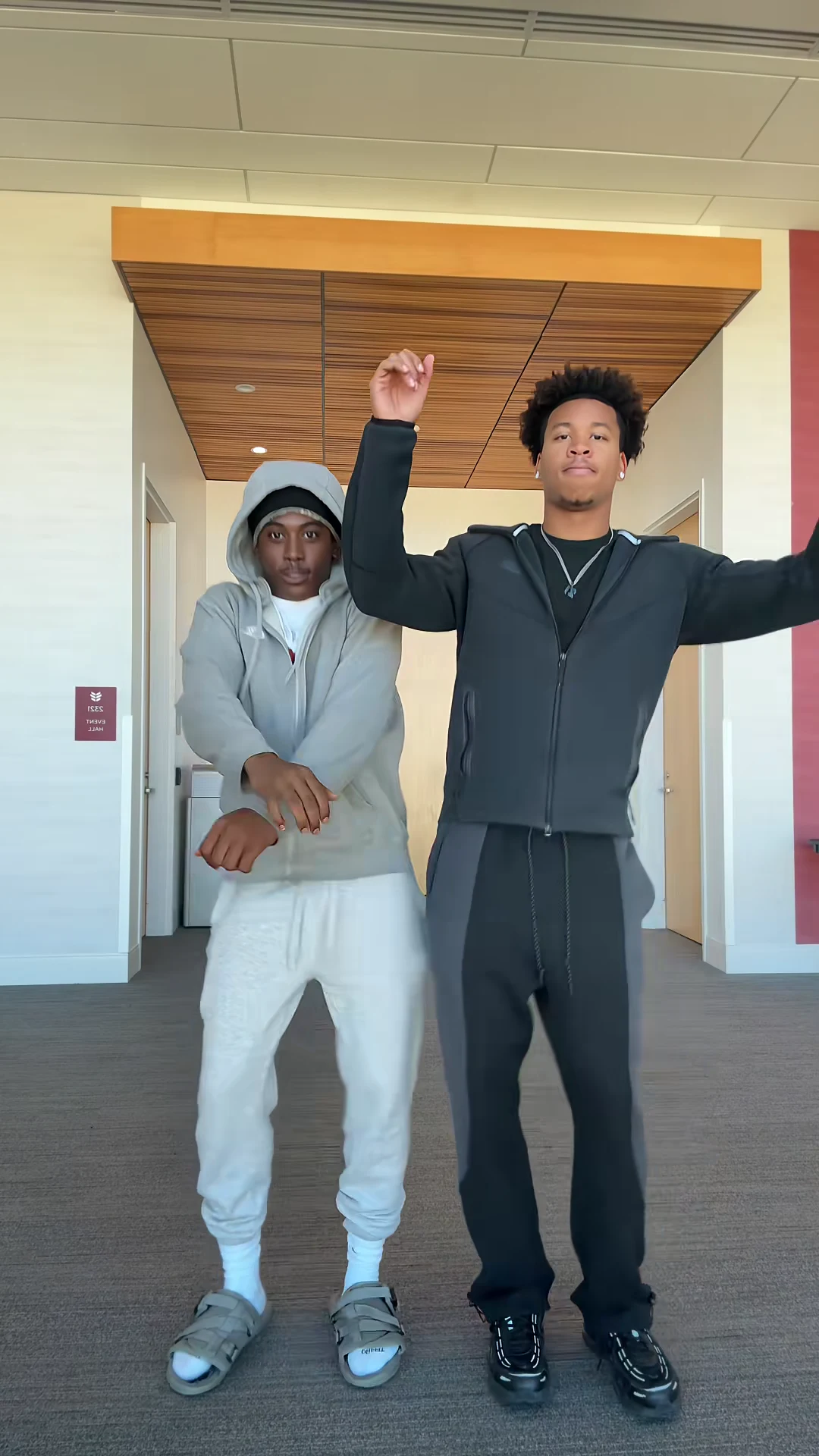
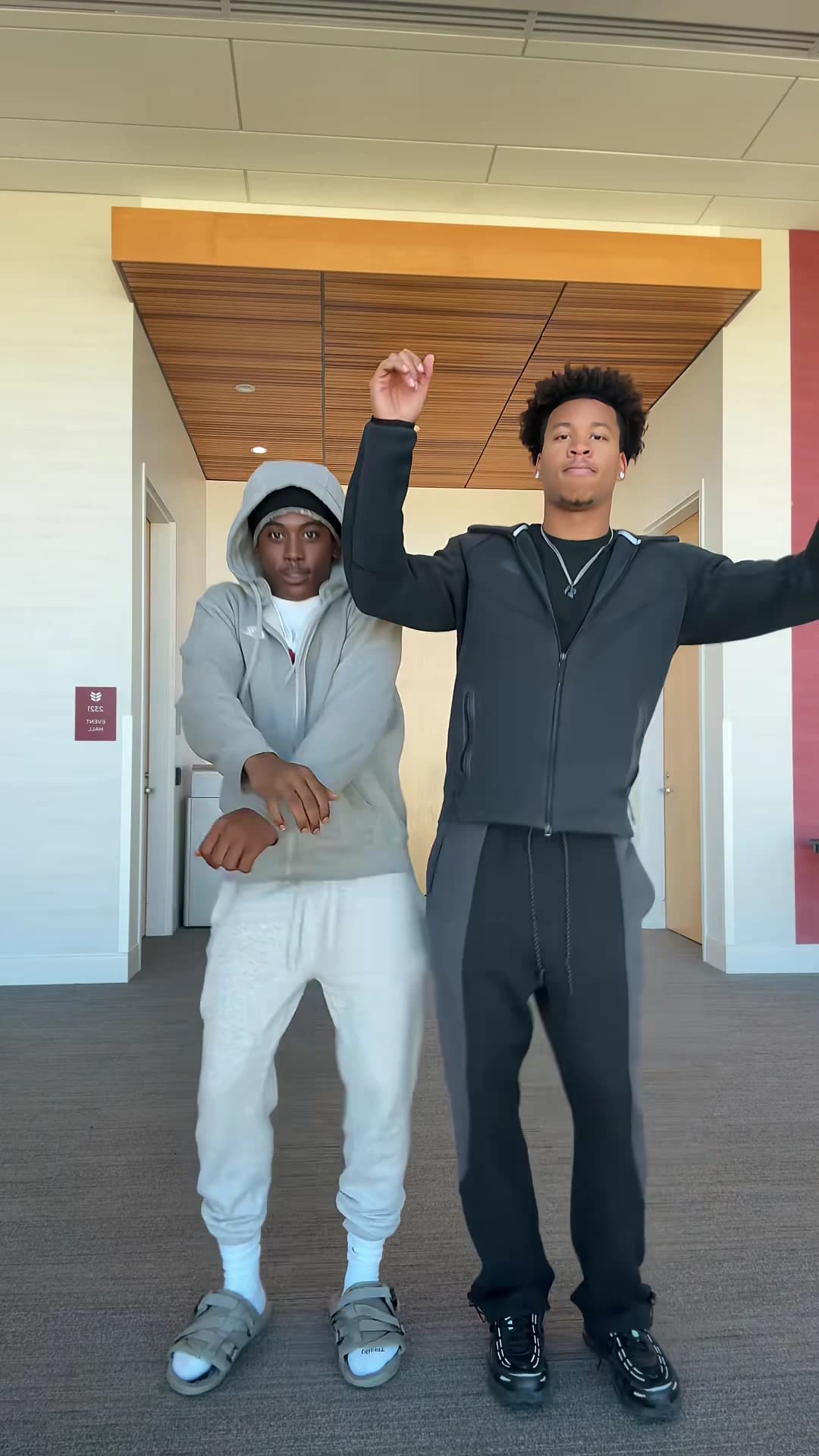
The reference duo version at 6.5 seconds, not an Oakgen output. Your video uses your two photos.
0 to 4 seconds: the opening groove
Check: both of you, full body, Dancer A on the left and Dancer B on the right, each face matching its photo, each in the outfit from its photo.
If a face looks off here, look at that dancer's photo first. A small face, sunglasses, heavy shadow or a strong filter gives the AI less to go on, so a sharper, front-facing photo is the first thing to try.
4 to 7 seconds: the big arms
Check: five fingers on each hand when the arms swing out, Dancer B's raised fist above the head, Dancer A's folded arms staying attached at the shoulders.
If hands melt or arms stretch, check whether the photo shows both arms. A photo that cuts them off leaves the AI to invent them, so a photo with both arms visible is worth a try. Fast arm swings can blur hands even with a good photo.
9 to 11 seconds: the crossover
Check: this is the stretch that matters most. Dancer A steps forward to the right, Dancer B passes behind to the left. When they come apart, each face must be on the same body and outfit as before. Pause on the first frame after they separate.
If the faces swapped or blended, compare the two photos. Matching outfits, similar hair and similar colours give the AI less to tell the two of you apart, so one light outfit and one dark is the first change to try; if the two of you look alike, a cap or a bright colour on one of you may also help.
11 to 13 seconds: hand to the forehead
Check: each hand lands on its own forehead, the face behind it comes back unchanged when the hand drops, and nobody's mouth moves. The line in the sound is part of the audio; neither dancer should mouth it.
If a face changes after the hand drops, try a sharper, front-facing photo for that dancer, as for a weak opening. A brief change while the hand covers the face is less of a problem than one that stays.
13 to 15 seconds: the finish
Check: both end standing side by side on the opposite sides from where they started, feet on the floor, no extra pose or freeze. The clip stops on the last move.
If the ending looks rushed or adds a move, re-run once; if it repeats, keep the take with the cleanest crossover rather than chasing the last second.
One change per re-run
Each run is the full 15 seconds at the quoted price. Change one thing (one photo, one outfit, the resolution), re-run and compare. Changing everything at once makes it impossible to tell what fixed it.
When it is ready
Post it with the line as your caption or one of the ideas in Puerto Rican Mami Dance captions, keep text in the top band and say that the video is AI-made. Only share a version with people who agreed to appear.
Related reading
- How to make the Puerto Rican Mami Dance AI video: the full workflow.
- The sound behind the dance: which beat it uses and where the line comes from.
- Another dance review: check your Toosie Slide result.
Frequently asked questions
How do I know my Puerto Rican Mami Dance video is ready to post?
Check five stretches: the opening groove, the big arms, the crossover, the hand to the forehead and the finish. If each face stays on its own body and outfit through the switch, hands and feet stay whole and nobody's mouth moves with the line, it is ready.
Why did our faces swap after the crossover?
The two bodies overlap for about a second when they trade places, so it is the moment worth checking most closely. We have not tested what fixes it. A reasonable first try is a re-run with photos in clearly different outfits, one light and one dark; a swap can still happen with good photos.
Can I regenerate just the crossover?
No. The template makes the whole clip in one pass, so any fix is a new run of the full video at the quote the studio shows, and a re-run can repeat the same flaw. Change one thing at a time.
Is the preview video made by Oakgen?
No. It is a duo version of the dance from TikTok, used as the reference. We have not published an Oakgen result for this template, so compare your video with the reference rather than assuming they will match.