Nano Banana 2 Lite is Google's speed-first Gemini image model, available through the Gemini API as gemini-3.1-flash-lite-image. On Oakgen, it is the right choice when you want fast, low-cost image generation or editing for drafts, ad variations, social content, prototypes, and high-volume creative exploration.
Start here: generate with Nano Banana 2 Lite on Oakgen.
What is Nano Banana 2 Lite?
Nano Banana 2 Lite is the public name for Google's Gemini 3.1 Flash Lite Image model. Google DeepMind positions it as the fast and efficient member of the Gemini Image family. In practical creative work, that means it is best used when you need many useful first passes quickly.
On Oakgen, the text-to-image model id is nano-banana-2-lite-text. The editing model id is nano-banana-2-lite-edit.
Who should use it?
Use Nano Banana 2 Lite when you are optimizing for speed, cost, and volume:
- Performance marketers making many ad concepts
- Social teams testing visual hooks and thumbnail ideas
- Product teams prototyping app visuals and landing page art
- Agencies exploring multiple campaign directions before review
- Developers who want Gemini image output without managing provider setup
Use Nano Banana 2 or Nano Banana Pro when you need stronger final-production confidence, complex multi-reference handling, or more control on polished campaign assets.
How to use Nano Banana 2 Lite on Oakgen
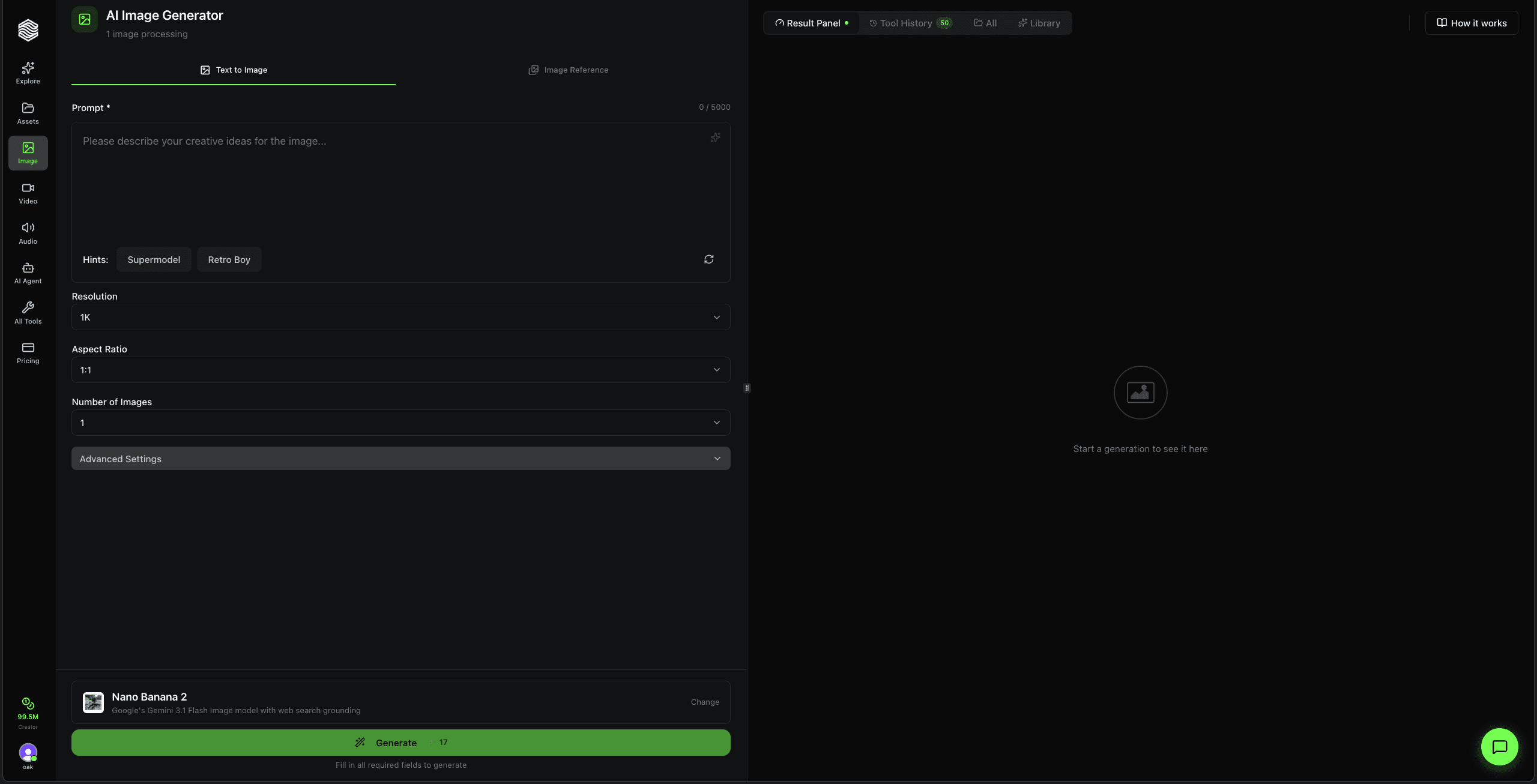
- Open Nano Banana 2 Lite in the image generator.
- Write a prompt with subject, setting, lighting, camera, mood, and use case.
- Pick the resolution and aspect ratio for the job.
- Generate fast drafts.
- Compare promising outputs against Nano Banana 2, GPT Image 2, or Flux 2 Pro before final delivery.
If you searched for "Nano Banana 2 Lite pricing" or "cheap Gemini image generator," the practical answer is simple: use Lite for high-volume exploration, then move only the best ideas into heavier models when quality risk matters more than cost.
Pricing and access intent
Nano Banana 2 Lite is built for cost-efficient generation at scale. Oakgen exposes it inside the normal image generator workflow, so you do not need to manage Google API setup, image uploads, retries, or storage yourself.
The model page includes the current planned starting point and workflow details: Nano Banana 2 Lite model page.
API access
The Google API model id is gemini-3.1-flash-lite-image. Oakgen uses friendly model ids for app and API workflows:
nano-banana-2-lite-textfor text-to-imagenano-banana-2-lite-editfor image editing
curl -X POST https://api.oakgen.ai/v1/generate/image \
  -H "Authorization: Bearer $OAKGEN_API_KEY" \
  -H "Content-Type: application/json" \
  -d '{
    "model": "nano-banana-2-lite-text",
    "prompt": "A cinematic macro photo of a colorful spider on a dew-covered web",
    "resolution": "1K"
  }'
Limitations to check
Nano Banana 2 Lite is speed-first, not a replacement for human review. Before publishing, check:
- Text, labels, and small typography
- Small faces, hands, logos, and fine product details
- Data-heavy diagrams, charts, maps, and factual visuals
- Complex edits or blends that need multi-reference consistency
Nano Banana 2 Lite vs Nano Banana 2
| Question | Pick Lite | Pick Nano Banana 2 |
|---|---|---|
| Main goal | Fast, low-cost drafts | Stronger all-around output |
| Best workflow | Bulk variations and rapid edits | Production-oriented generation |
| Buyer fit | Need more images for less | Need more confidence per image |
| Where to start | Exploration and A/B ideas | Final creative review |
Start generating
Open Nano Banana 2 Lite on Oakgen, generate a few first-pass directions, and compare the winners against heavier models before final export.