Nano Banana 2 Lite works best when the prompt is specific but not overloaded. Give it the subject, context, lighting, camera, style, and the purpose of the image. Then generate several fast variations before choosing a final direction.
Try these in Nano Banana 2 Lite on Oakgen.
Prompt formula
Use this structure:
[Subject] in [setting], [composition/camera], [lighting], [style], [mood], made for [use case], no text, no logos
Example:
A ceramic espresso cup on a concrete cafe table, close-up product photo, soft morning window light, premium editorial style, calm and minimal, made for a landing page hero, no text, no logos
Ad concept prompts
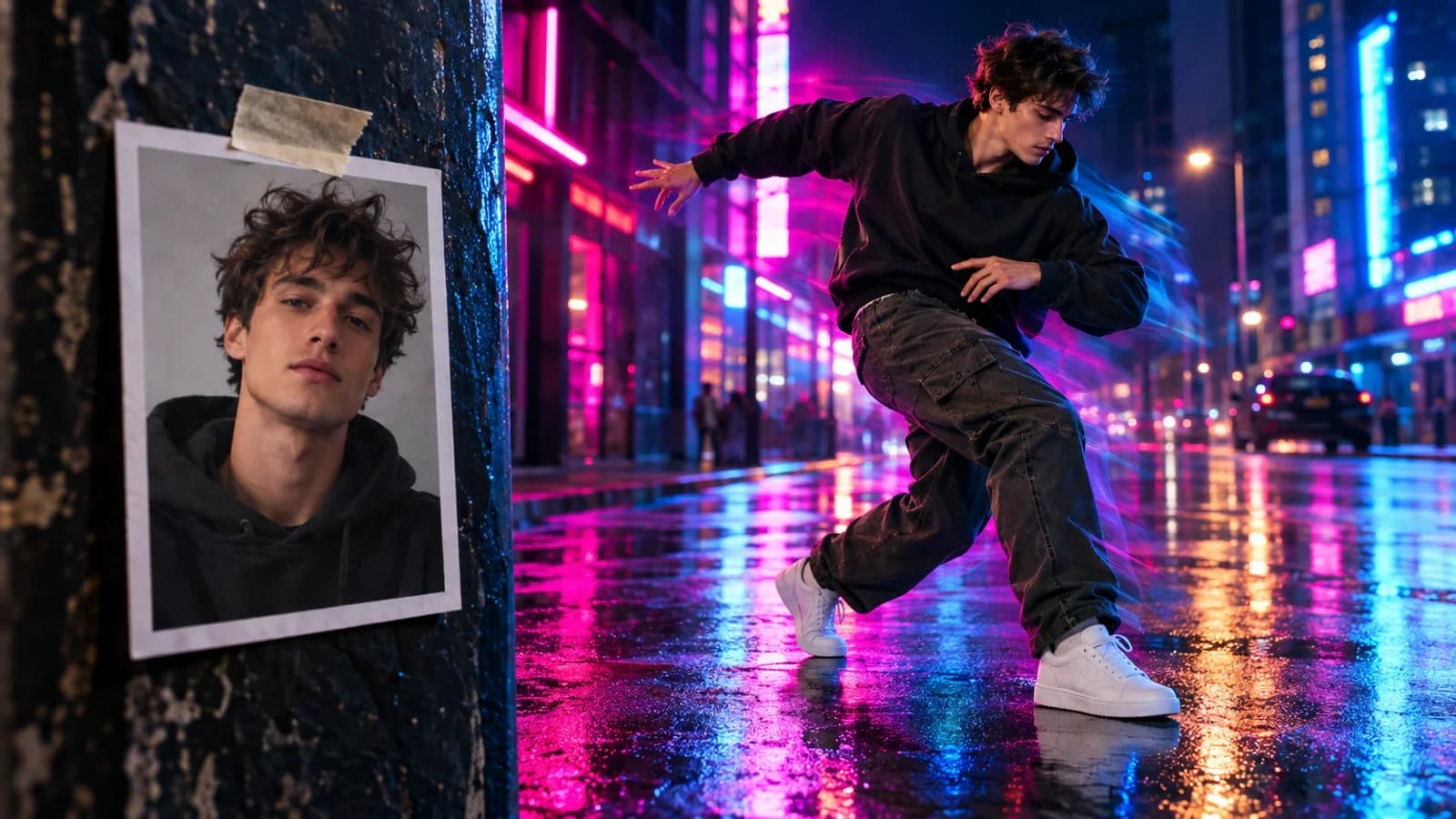
A dramatic product shot of a running shoe splashing through rain on a city street, low camera angle, hard rim light, high-energy sports campaign style, made for a paid social ad, no text, no logos
A skincare bottle on wet black stone with botanical ingredients around it, macro product photography, softbox highlights, premium beauty campaign style, no text, no logos
Social and thumbnail prompts
A surreal close-up of a glass sphere floating above dark rippling water, orange light refracted inside the sphere, cinematic contrast, designed as a scroll-stopping social post, no text
A confident founder standing in a small studio surrounded by floating product mockups, natural expression, editorial startup photography, warm but clean lighting, no readable text
Product concept prompts
A futuristic desk lamp concept made from brushed aluminum and frosted glass, photographed in a quiet design studio, precise industrial design, soft shadows, product concept render, no logo
A modular travel backpack opened on a hotel bed, organized packing cubes and tech accessories visible, realistic lifestyle product photo, natural daylight, no branding
App and landing page visual prompts
Abstract visual for an AI analytics dashboard, layered translucent panels floating in a dark workspace, subtle green and white highlights, premium SaaS landing page hero, no readable UI text
A cinematic macro image of colorful threads being woven into a clean pattern, visual metaphor for automated creative workflows, shallow depth of field, dark premium background, no text
Edit prompts
Use Nano Banana 2 Lite Edit when you already have a source image.
Keep the product exactly the same. Change the background to a dark premium studio with soft reflections and subtle rain on the floor. Do not change the product shape, label, or color.
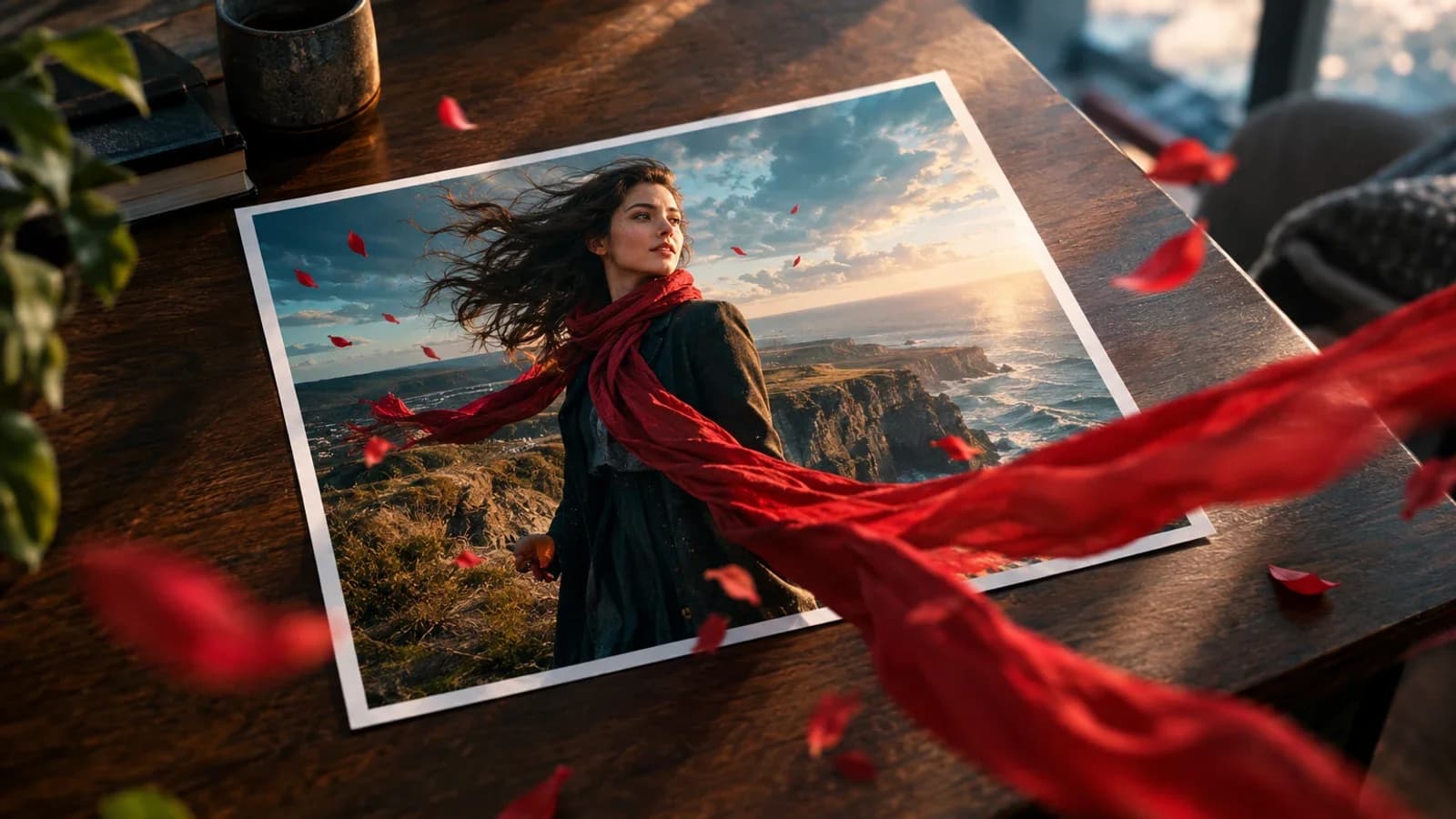
Turn this image into a warmer lifestyle campaign shot. Keep the person and outfit consistent. Add golden hour lighting and a clean outdoor cafe background.
Prompting tips
- Ask for "no text" unless text is required.
- Say where the image will be used.
- Keep edits incremental.
- Generate several Lite options before polishing.
- Compare the best result with GPT Image 2 if the image needs typography or structured layout.
Start prompting
Open Nano Banana 2 Lite on Oakgen, paste one prompt, generate several drafts, then refine the best direction.