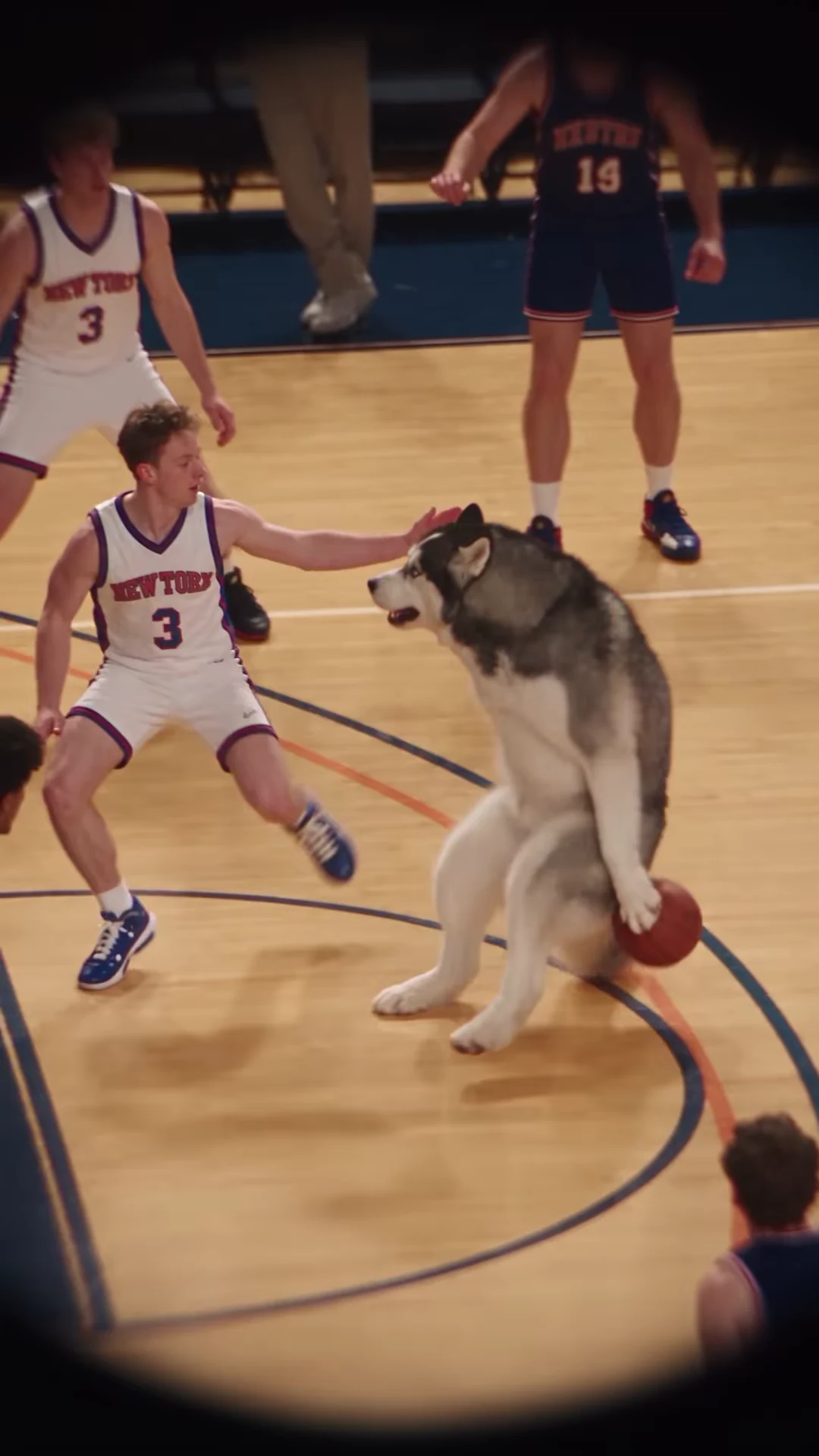
A convincing opening portrait is only one part of a basketball dunk AI video. The character has to stay recognizable while the ball changes position, defenders cross the body and the camera follows the play toward the rim. Review those jobs separately before deciding what needs fixing.
This checklist follows Oakgen's Basketball Dunk reference, a portrait play lasting about 19 seconds. It is a method for inspecting your own result, not a report of failures observed in a paid Oakgen test.
Establish the identity you intend to see
Open your chosen photo beside the video. Pick two or three visible features that actually distinguish the subject: face shape, hair or fur pattern, and a clear item of clothing. Do not judge fidelity to a detail that the uploaded image never showed.
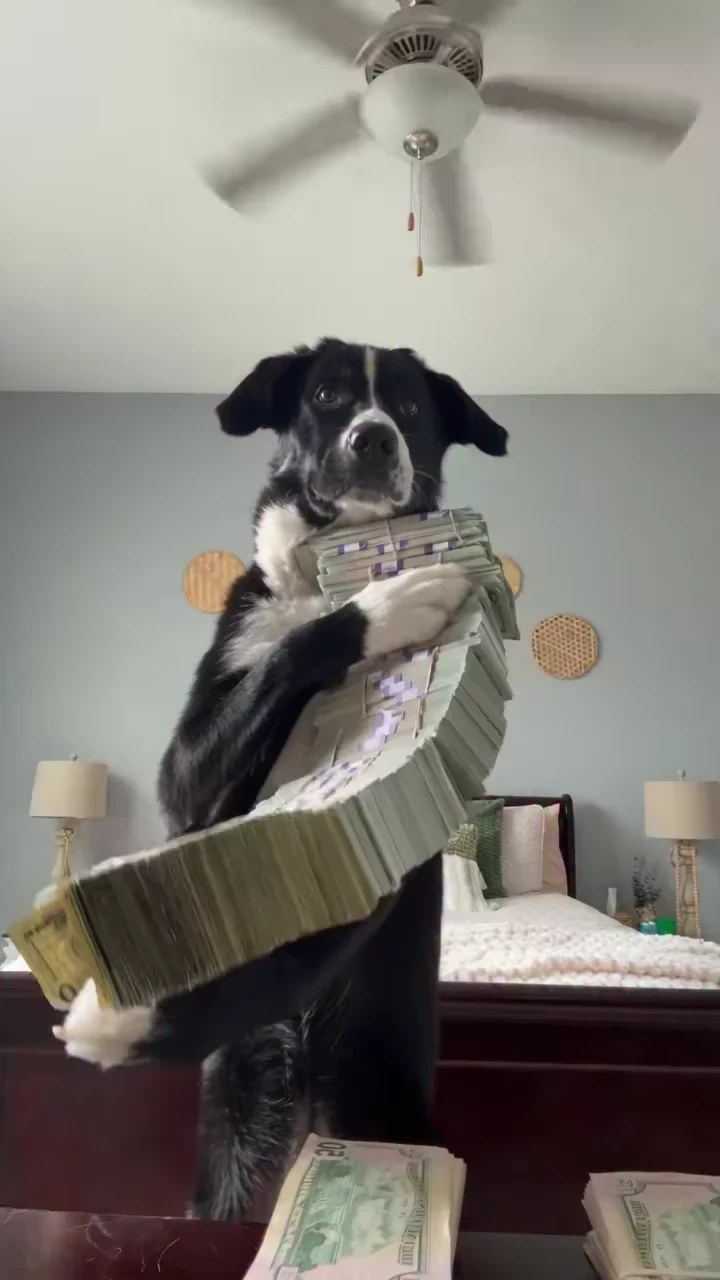
For a person, a readable face with some body information gives you more to compare than a tiny head in a group photograph. For a pet or character experiment, make sure the intended subject is unambiguous. The source's successful-looking dog recreation is an example of that source creator's work, not a guarantee about your upload.
Do a first pass at normal speed. Note the moments that interrupt your perception of a continuous play. Only then pause around those moments. Inspecting every frame first can make ordinary motion blur look like a more important defect than it is during playback.
Follow the ball independently of the performer
During the opening dribble, watch the ball's path toward and away from the floor. Around the drive, watch whether it remains attached to the action rather than appearing in two places or jumping across the body. At the finish, check the relationship between the hand, ball and hoop.
Do not demand that a single paused frame make every fast movement clear. Compare the frames before and after contact. The practical question is whether the sequence communicates one ball and one understandable action.
| Where to inspect | Useful comparison | What to record |
|---|---|---|
| Opening dribble | Ball position across adjacent moments | Duplicated, disappearing or disconnected ball |
| Defender pressure | Featured subject before and after overlap | Identity blending or a limb assigned to the wrong body |
| Drive toward the basket | Face and outfit against the opening | Identity or clothing changes during movement |
| Jump and finish | Hand, ball and rim together | Contact that breaks the action's continuity |
| After the finish | Complete play against the reference ending | Missing ending, freeze or abrupt external trim |
Treat defender overlap as its own checkpoint
The supplied scene contains people around the featured performer. Those background players are not extra photo roles. When a defender crosses in front, temporarily losing sight of the face is expected. Seeing a different identity emerge after the overlap is a different issue.
Compare the same recognizable features immediately before and after the overlap. A dark foreground rail also crosses the bottom of the supplied image. Do not misdiagnose an obstruction already present in the reference as a new generation error.
If the problem is a wrong identity from the start, check the selected photo. If the identity starts correctly and changes only during contact, write down that time and describe the continuity problem. A different portrait may be worth considering, but it is not an assured repair for motion or object contact.
Check the untouched file before changing settings
A downloaded result and a social edit can fail in different ways. If the ball disappears behind a caption only in your edit, move the caption. If a vertical zoom removes the hoop, restore more of the original frame. If audio becomes doubled after adding music in another app, compare with the untouched download before generating again.
The tool's resolution choices affect output dimensions and its displayed quote. Selecting 1080p is not a promised fix for a duplicated ball or a changing face. Evaluate the defect you can see rather than treating the most expensive setting as a diagnosis.
Use the timed basketball storyboard to keep captions away from the finishing action. For music attribution, consult the basketball reel song and source notes.
Evidence and next step
The review checkpoints come from inspection of the supplied @joanna.golba91 reel and its full sampled timeline on October 18, 2026. The cover is a source recreation frame. No paid Oakgen output was generated for this article.
Open Basketball Dunk with one clear photo when you are ready to review the reference and quote. Keep the original download after generation so later editing choices remain easy to undo.
Frequently asked questions
Does a sharper photo guarantee a clean basketball dunk?
No. A clear photo helps establish the intended identity, while ball contact, movement and continuity still need review in the generated result.
Are defenders additional photo roles?
No. This fixed trend has one featured photo role. The surrounding players belong to the reference scene.