GPT-5.6 is in limited preview, so the smart move is to prepare the workflow before you obsess over the model picker.
OpenAI's GPT-5.6 family has three roles: Sol, Terra, and Luna. Even if your account does not have those exact models today, you can design the same routing pattern inside Oakgen AI Chat.
The GPT-5.6 workflow pattern
Think in tiers:
- Hard tasks go to the strongest reasoning model.
- Everyday tasks go to a balanced model.
- Bulk or draft tasks go to a fast low-cost model.
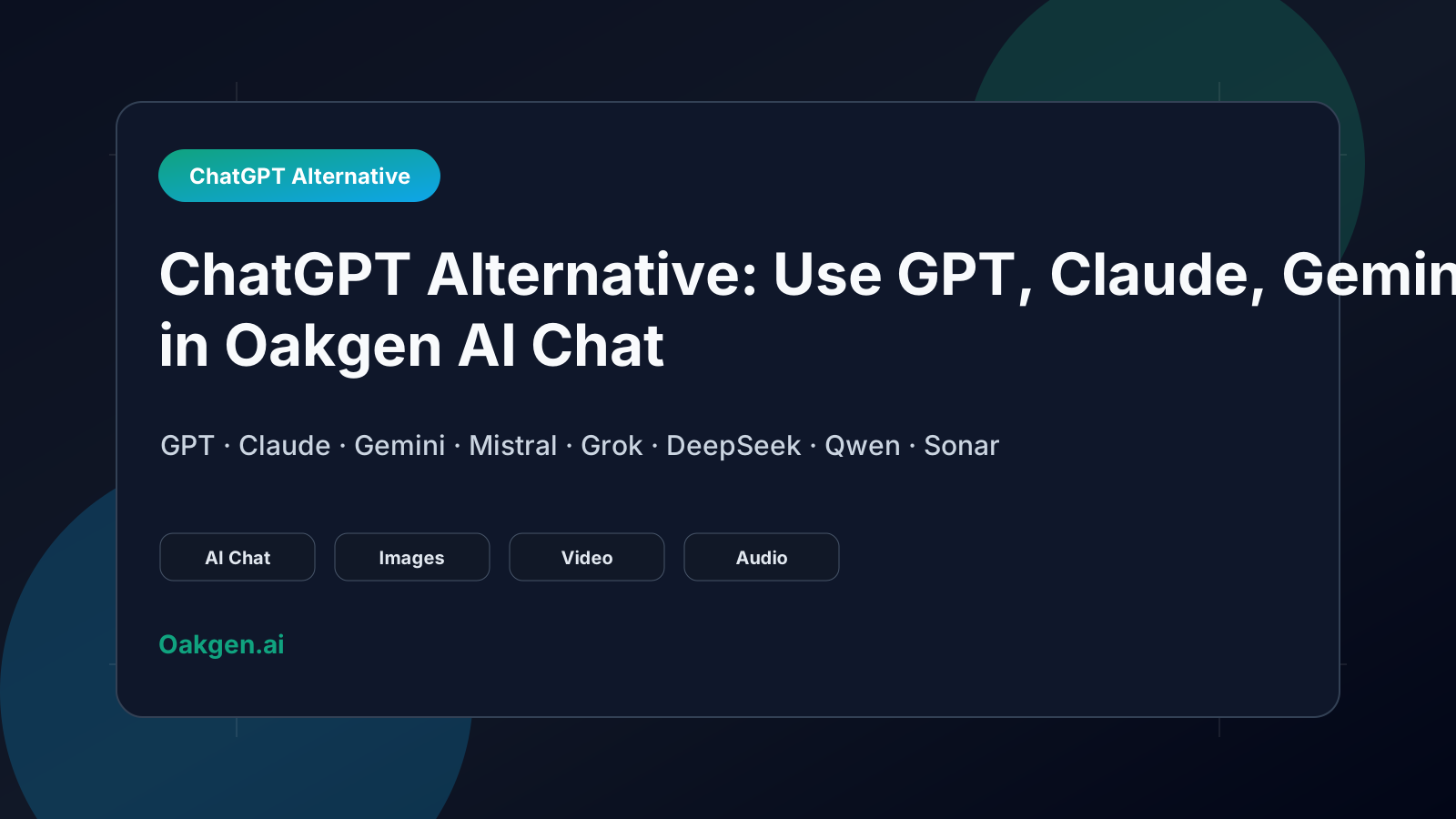
That is the whole Sol/Terra/Luna idea. Oakgen lets you practice it across GPT, Claude, Gemini, and other available models.
Step 1: Open Oakgen AI Chat
Start at Oakgen AI Chat. Check the model picker. If GPT-5.6 models are visible in your account, test them directly. If not, use the strongest available GPT model as the stand-in and compare against Claude.
Step 2: Label your task
Before choosing a model, label the task:
- Is this high-stakes?
- Does it need tool use or reasoning?
- Is latency more important than polish?
- Would a wrong answer create rework?
- Is this one task or thousands?
That label tells you whether the task belongs in a Sol-like, Terra-like, or Luna-like lane.
Step 3: Compare model answers
Do not assume the newest model wins every prompt. Compare:
- accuracy,
- reasoning quality,
- useful uncertainty,
- formatting,
- cost and speed,
- how much editing the answer needs.
Step 4: Turn text into assets
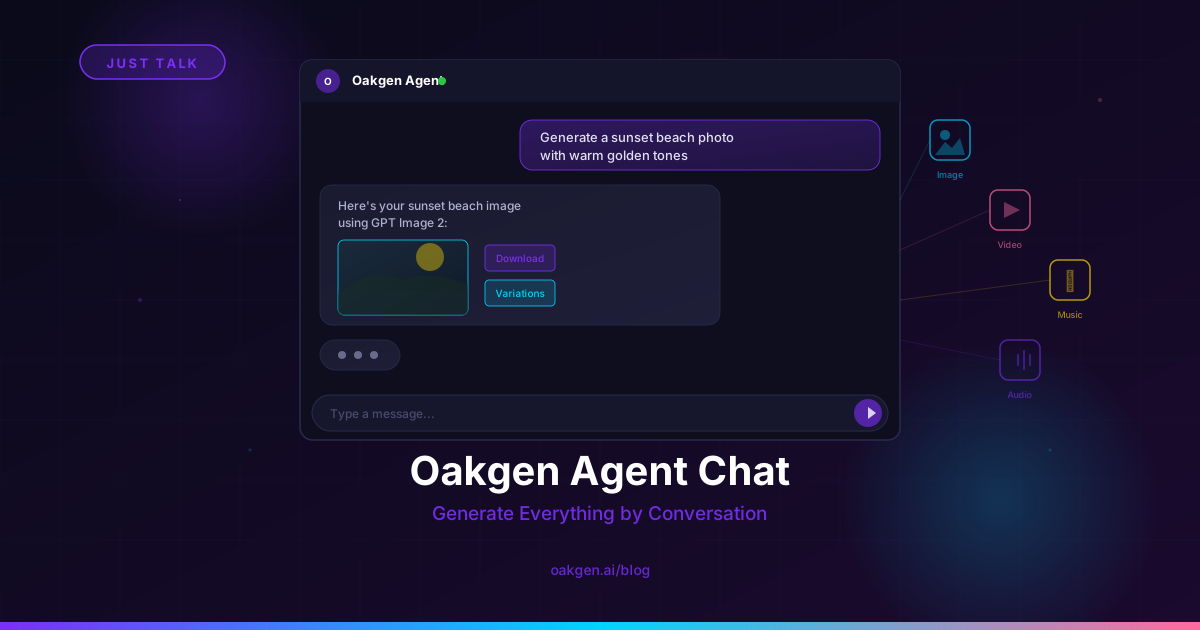
Once the chat gives you the answer, Oakgen can help create the rest: images, videos, voiceovers, music, and UGC-style assets. That is where multi-model chat becomes more than a question box.
Prepare for GPT-5.6 without waiting
Use Oakgen AI Chat to build Sol/Terra/Luna-style routing habits with the models available today, then upgrade the workflow when GPT-5.6 is broadly accessible.
Related reading
Read GPT-5.6 explained, GPT-5.6 release status, and GPT-5.6 alternatives.