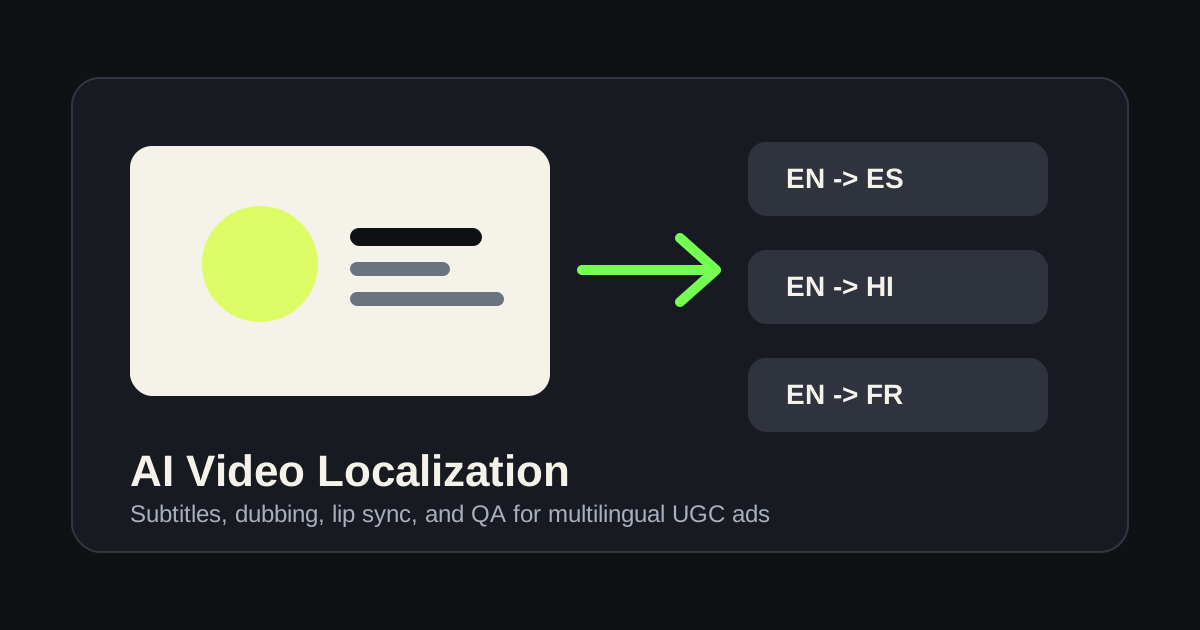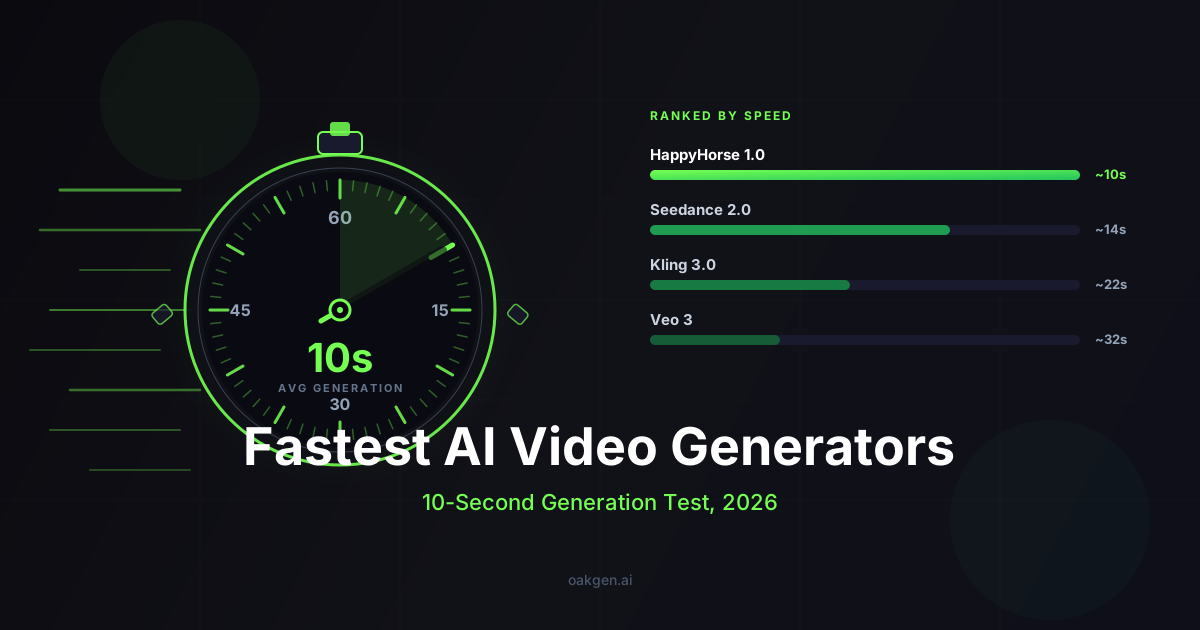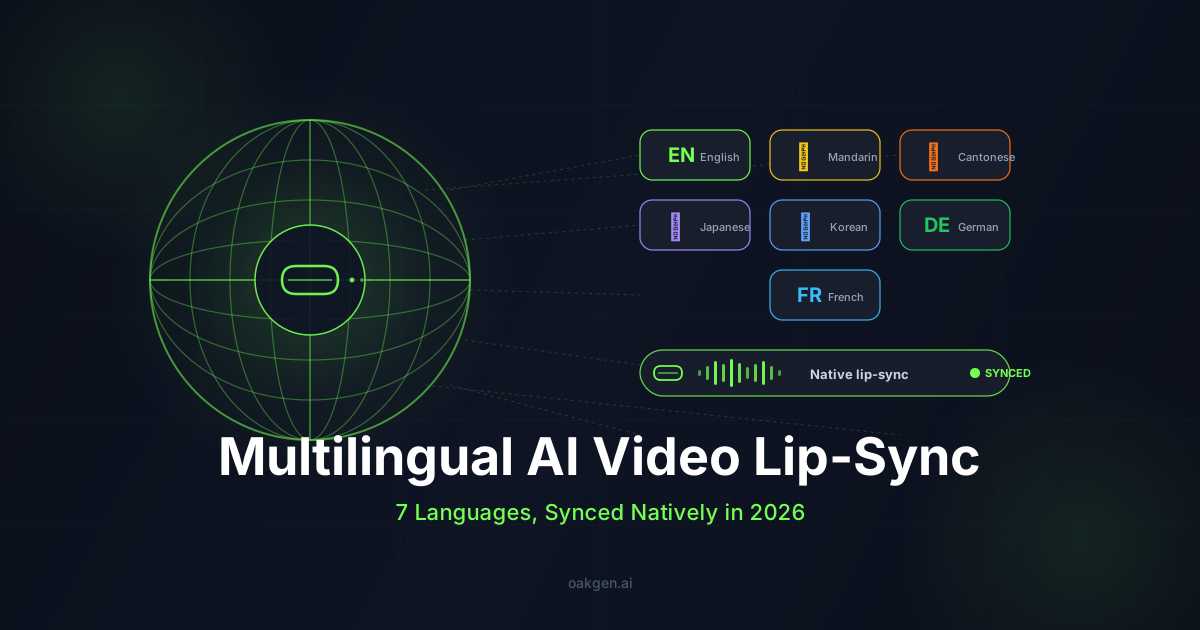
To localize one marketing video into several languages on Oakgen, keep the visuals fixed, generate the spoken line in each language with ElevenLabs text-to-speech, then lip-sync a presenter to each audio track in Talking Photo. As of 2026-10-25, a 15-second lip-synced clip costs about 180 credits per language on Hedra Lipsync (12 credits per second), plus a few credits of voiceover. Prices come from Oakgen's pricing table, and the tool shows the credit price before you run.
An earlier version of this post built the workflow on HappyHorse 1.0's native lip-sync in seven languages and rated each model's languages in a table. We have no test records behind those ratings, so the table is gone. HappyHorse was also retired from Oakgen on 2026-09-27. The HappyHorse alternatives guide covers what replaced it.
Which Oakgen tools cover multilingual lip-sync?
Two steps do the work: a voice in the target language, then a face that moves to it.
| Step | Oakgen tool and model | What it covers | Credits (2026-10-25) |
|---|---|---|---|
| Voiceover | Text-to-Speech, Eleven v4 | 90+ languages, per the model config | 28 per 1,000 characters |
| Voiceover | Text-to-Speech, Eleven v4 Turbo | Faster, lower price | 14 per 1,000 characters |
| Voiceover | Text-to-Speech, Eleven Multilingual v2 | 29 languages | 34 per 1,000 characters |
| Lip-sync | Talking Photo, Hedra Lipsync | Photo plus audio, up to 2 minutes of audio | 12 per second |
| Lip-sync | Talking Photo, VEED Fabric 1.0 | Photo plus audio, 480p or 720p | 28 (480p) or 51 (720p) per second |
The lip-sync models take a still image and an audio track, so the language support comes from the voice step. Whatever language the voiceover is in, the lip-sync model animates the mouth to that audio. We have not compared lip-sync quality by language, so check every clip with a native speaker before it ships.
For scenes with no face on camera, skip lip-sync. Generate the visual once in the AI Video Generator with audio turned off, then lay each language's voiceover over the same clip.
What does the localization workflow look like?
The workflow keeps the visual brief constant and varies only the spoken line.
Step 1. Master the English version. Generate or shoot the presenter image and lock the look: framing, lighting, character, product placement. For a generated presenter, use the image generator (for example Nano Banana Pro or GPT Image 2) and keep the image for every language.
Step 2. Translate the spoken line, not the brief. Ask a native speaker (or an LLM with native review) to translate just the dialogue or voiceover line into each target language.
Step 3. Generate the voiceover per market. Paste each translated line into Text-to-Speech, pick a voice, and generate. Use the same voice across languages for brand consistency, or voice cloning for a brand spokesperson.
Step 4. Lip-sync each language. In Talking Photo, pair the same presenter image with each language's audio track and generate.
Step 5. A/B test which markets respond. Push two variants per language, watch CTR over 72 hours, and drop the loser.
Step 6. Reuse the localized line. The same translated line drives a 15-second cut, a 6-second pre-roll trim, and a static keyframe with subtitles. Translation cost amortizes across ad units.
What does a translated line look like?
Keep each spoken line short enough for the clip. For an 8-second clip:
Mandarin: 你的下午,值得更好的咖啡。
(English gloss: "Your afternoon deserves better coffee.")

Japanese: あなたの午後に、もっといいコーヒーを。
(English gloss: "For your afternoon, a better coffee.")
Notes that matter:
- Keep the Mandarin line under ~14 syllables for 8 seconds. A longer line forces a fast delivery that sounds rushed.
- Japanese moras are shorter than Mandarin syllables, so a Japanese line can carry a little more text in the same time.
- Listen to the voiceover before lip-syncing. Fixing pacing in the audio is cheaper than regenerating the video.
Which use cases work?
1. Localized product launches
A single launch video, several markets, one creative cycle. Brand teams running synchronized global launches have had to choose between an English-only film with subtitles and separately shot regional spots. A voiceover plus lip-sync pipeline turns this into a one-week sprint. Agencies running multi-market accounts get one creative cycle in place of several.
2. UGC-style ad variants
For DTC brands buying performance ads in several markets, a common format is a UGC-style monologue. One presenter image can deliver the same value-prop line in Mandarin, Japanese, Korean and English, with a native-speaker check on each. Marketing teams running paid social across markets can refresh creative per market without a new shoot.
3. Customer education and onboarding
SaaS and consumer apps shipping in several markets need product-tour videos in the local language. These are the assets teams rarely budget for in a smaller market. Generate once per language, refresh when the product changes.
Lip-Sync a Presenter in Any Voiceover Language
What are the limits?
Output tops out at 720p. The lip-sync models offer 480p or 720p. For large-screen placements, that may not be enough.
Two minutes of audio per clip. Talking Photo accepts up to 2 minutes of audio, so longer scripts need segments.
One still image in, one presenter out. Lip-sync animates a photo. It does not stage a scene with camera moves or several speakers. For a scene with motion, generate it in the AI Video Generator and use voiceover without lip-sync.
Quality varies by language and voice. We have not measured it. Plan a native-speaker review for every language before launch.
Models Oakgen does not run. Veo 3.1 generates audio with video, but it is not on Oakgen. Its preview in the Gemini API shut down on 2026-10-22, and the GA model is on Google's Vertex AI.
How should you sequence a multi-market campaign?
A week-one plan:
Day 1. English master. Lock the presenter image and spoken line. Generate variants until one is approved internally.
Day 2. Translation pass. Send the English line to native-speaker reviewers for each target language. Keep lines short. Eight seconds of Cantonese is roughly 10-14 syllables, and eight seconds of German roughly 16-22.
Day 3. Voiceover and lip-sync. Generate each language's voiceover, then lip-sync each one against the same image. Same credit balance, no platform switch.
Day 4. Native-speaker review. Have a native speaker watch each variant for lip-sync, vocal tone and the cultural read of the visual. A perfect Japanese voice on a visually American cafe still reads as awkward in Tokyo.
Day 5. Trim and ship A/B variants. Cut a 15-second master and an 8-second pre-roll per language. Ship two variants per language and watch CTR.
What else on Oakgen helps?
On the same credit balance:
- Voice cloning via Text-to-Speech, to keep one brand voice across languages.
- Presenter and product images via the image generator, for example Nano Banana Pro or GPT Image 2.
- Original soundtracks via the music generator. Lyria 3.5 or Eleven Music can produce one instrumental bed under every language version.
For help picking models for your language mix, try Oakgen's AI agent chat. Plan prices are on the pricing page.
Earn 30% for 12 months on every referral.
Share Oakgen, get paid every month they stay.
How we checked this
We read Oakgen's audio model config, the Talking Photo tool code, the lip-sync feature page and Oakgen's pricing table on 2026-10-25 for the models, limits and credit prices. We did not test lip-sync quality in any language for this article, and the earlier per-language ratings were removed because no test records support them.
FAQ: Multilingual AI lip-sync
Which languages can I lip-sync on Oakgen?
Any language the voiceover model can speak. The lip-sync models animate a photo to an audio track, so coverage comes from the voice step. Eleven v4 lists 90+ languages and Eleven Multilingual v2 lists 29 in Oakgen's model config (read 2026-10-25). Quality varies by language, so review each clip with a native speaker.
Can I lip-sync a video into Cantonese?
Only if you have Cantonese audio. Check that your chosen voice model speaks Cantonese before you plan around it, or record the line with a native speaker and upload that audio to Talking Photo.
How much does multilingual lip-sync cost per language?
As of 2026-10-25, a 15-second clip costs about 180 credits per language on Hedra Lipsync (12 credits per second), or about 410 to 760 credits on VEED Fabric 1.0 (28 or 51 credits per second). Voiceover adds 14 to 34 credits per 1,000 characters, and a 15-second line is a few hundred characters. Seven languages on Hedra Lipsync come to about 1,300 credits. The tool shows the price before you run.
Is AI lip-sync good enough for professional advertising?
For mobile and web ad formats viewed at small sizes, it can be. For broadcast close-ups, 720p output and lip artifacts are more visible. We have not run performance tests, so test a small budget per market before you scale.
Can I use the same visual across all languages?
Yes, that is the recommended workflow. Keep the same presenter image for every language and change only the audio track. The face, framing and lighting stay the same, and only the mouth movement and voice change.
What to read next
- Best AI Video with Native Audio in 2026 for video models that generate sound with the picture.
- Best HappyHorse alternatives for what replaced HappyHorse on Oakgen.
- Multilingual Marketing Without Translators for localizing images, copy and audio across a campaign.
- Scale Creative Output for Your Marketing Agency for agency workflows at volume.