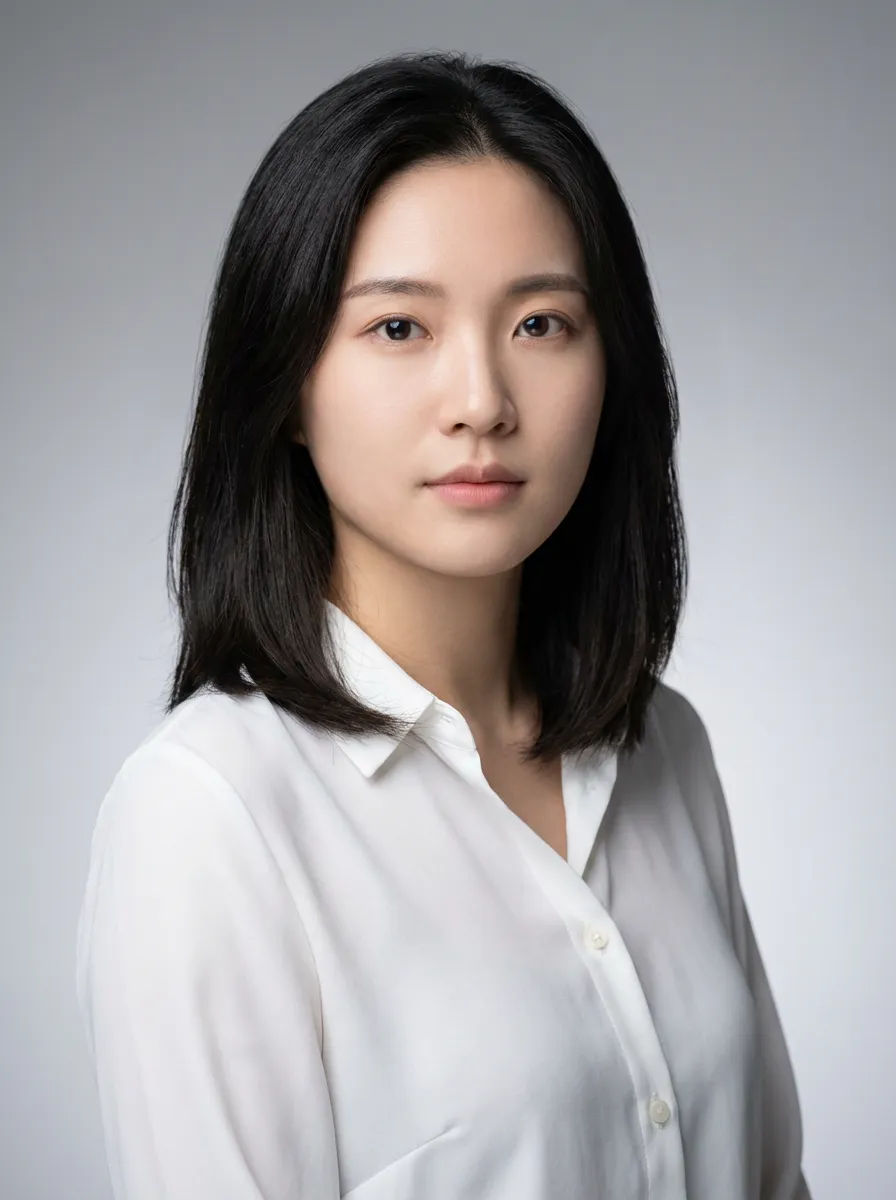
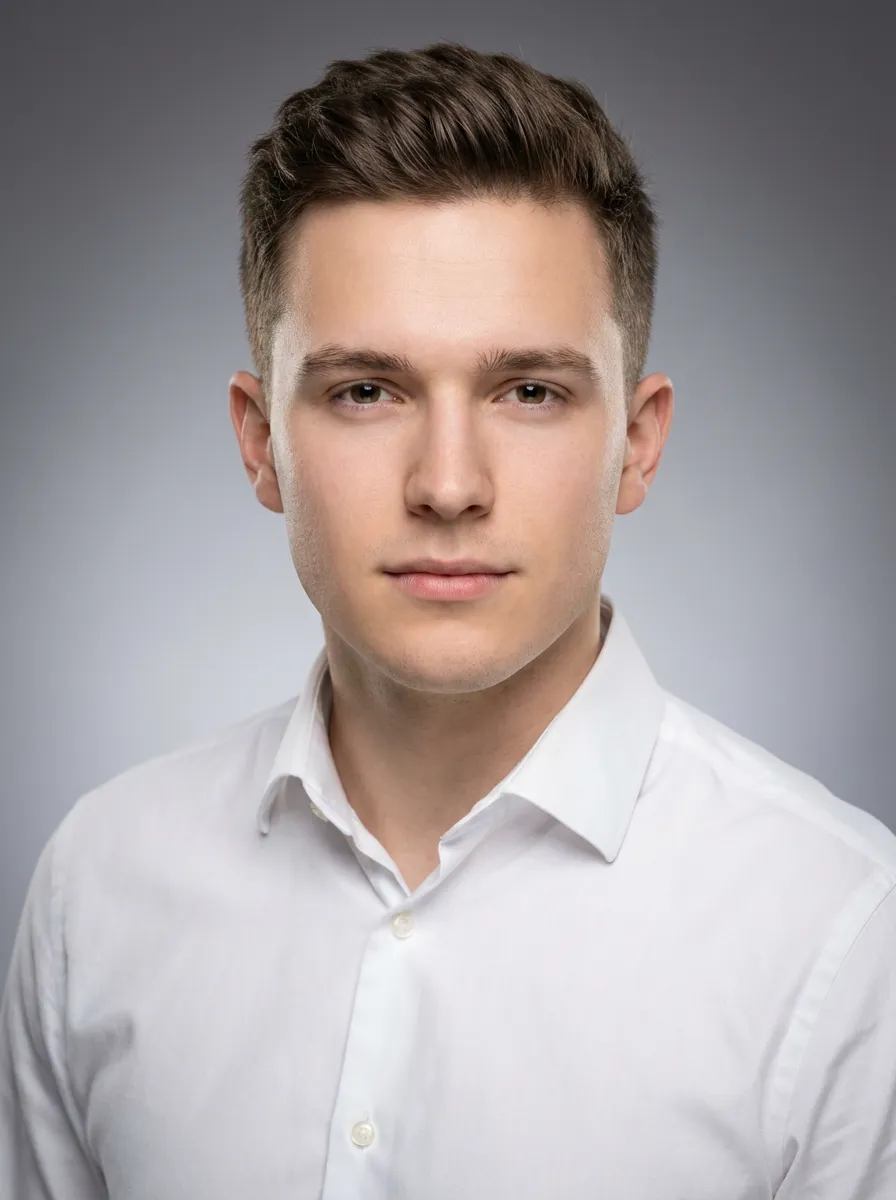
Instant AI Face Swap
Seamlessly swap faces in photos with AI precision. Perfect lighting matching, natural blending, and realistic results in seconds.
Step-by-Step Guide
Upload Target Image
Upload the image where you want to place a new face. Works best with clear, front-facing photos with good lighting.
Upload Source Face
Upload a photo containing the face you want to use. Clear, well-lit face photos produce the most realistic swaps.
Select Faces
If images contain multiple faces, select which face to swap. The AI automatically detects all faces in both images.
Generate Swap
Click generate and watch the AI seamlessly blend the faces. Download the result in high quality.
Tips for Best Results
Match Face Angles
For most realistic results, use source and target faces with similar angles. Front-facing to front-facing works best.
Ensure Good Lighting
The AI matches lighting between images, but starting with similarly lit photos produces more natural blending.
Use High-Quality Photos
Higher resolution face photos allow the AI to capture more detail, resulting in more convincing face swaps.
Consider Skin Tones
The AI adjusts skin tones automatically, but similar base tones between source and target create seamless results.
Frequently Asked Questions
- Does face swap work with group photos?
- Yes! You can swap individual faces in group photos. The AI detects all faces and lets you choose which ones to swap.
- Can I swap faces between different genders?
- Yes, the AI handles cross-gender face swaps. It adjusts facial features while maintaining realistic proportions and lighting.
- How does the AI handle different expressions?
- The AI preserves the expression from the target image while applying the facial features from the source. This maintains the natural look of the scene.