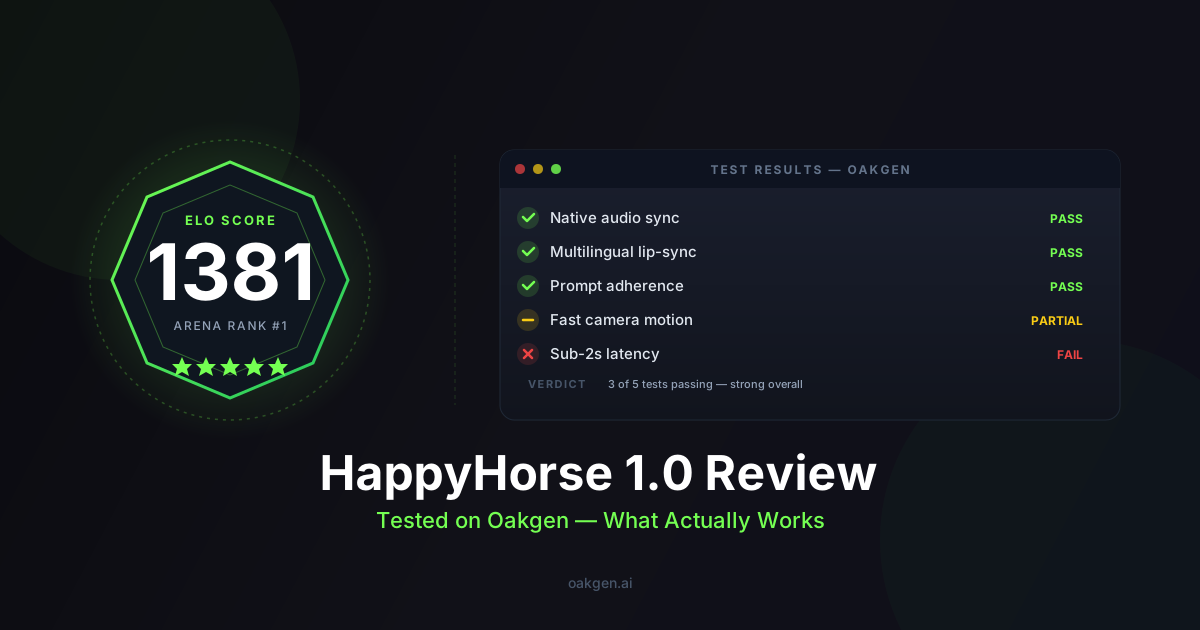
HappyHorse 1.0 is the new Elo-ranked #1 on the Artificial Analysis Video Arena (1381 aggregate, a 107-point margin over #2), and as of April 26 the model is live on the fal API — and on Oakgen as of April 29. The headline claims that drew everyone in: native audio in a single forward pass, lip-sync across seven languages, and ~10s typical generation. The catch most prompting guides won't tell you yet: the model is three weeks old, the public prompt library is thin, and the patterns below were assembled from internal Oakgen test runs and what Alibaba's ATH-AI team published. Treat this guide as "best-known-good" — not gospel.
The anatomy of a HappyHorse prompt
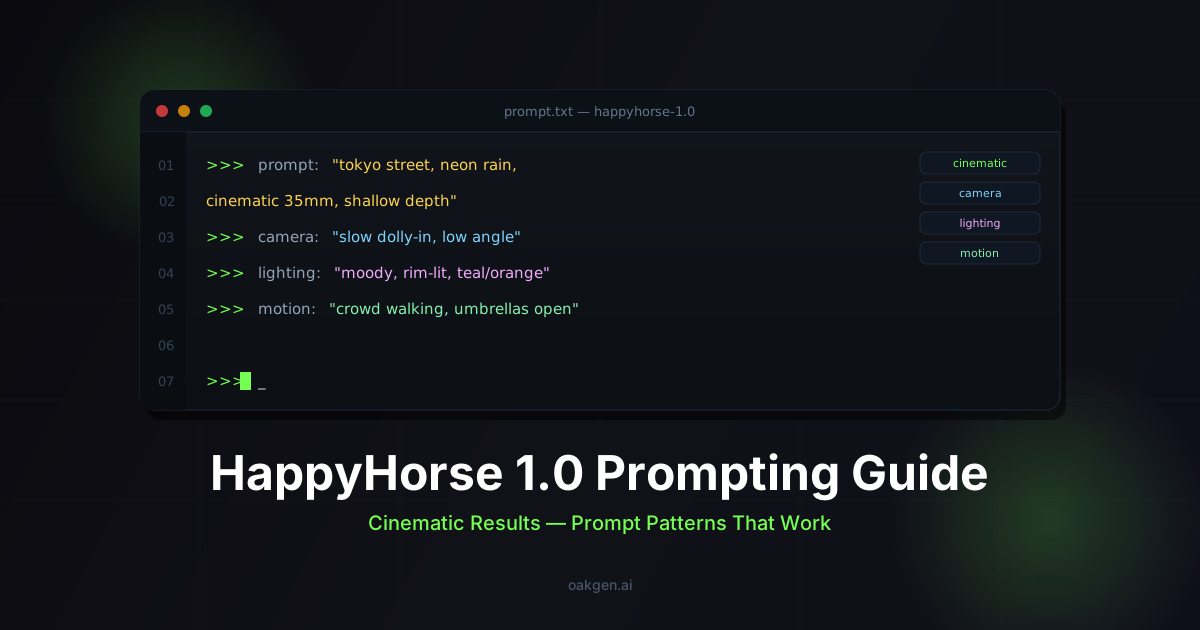
Most current AI video models reward a five-part prompt: subject, action, environment, camera, style. HappyHorse adds a sixth slot that genuinely matters because of the single-stream architecture — audio cue. The model generates video and audio in the same forward pass with no cross-attention bottleneck, so describing the soundscape in-prompt is not optional decoration; it changes the visual output too. Hands move differently when the model is also rendering footsteps. Lips move correctly only when the language and dialogue are stated.
The six slots HappyHorse parses cleanly:
- Subject. Who or what is in frame, with enough specificity to disambiguate. "A man in his late thirties with a charcoal peacoat and three-day stubble," not "a guy."
- Motion. Active present-tense verb. "Striding," "leaning into," "exhaling." Vague motion verbs ("doing," "moving," "being") are the single biggest source of muddy output.
- Camera. Specific film-industry directives —
dolly in,low-angle handheld,crane up,whip pan. HappyHorse parses the same camera vocabulary as Seedance and Veo, with one caveat: stack two at most. - Lighting. Time of day plus quality. "Late golden hour, warm rim light from camera-left, soft fill from a bounce."
- Style. Film stock, lens, cinematographer shorthand. One reference plus one technical spec. Three or more cancel each other out.
- Audio cue. What you hear. Diegetic (in-world: footsteps, dialogue, ambient room tone) and non-diegetic (score, mood). For dialogue, name the language explicitly.
A worked example with all six slots:
A woman in her early thirties with cropped dark hair and a charcoal wool
coat [subject], leaning forward and exhaling slowly to fog the cold window
[motion], slow handheld push-in over her shoulder to her reflection [camera],
late blue hour, warm sodium streetlamp through the window from camera-right,
cool ambient fill [lighting], anamorphic 35mm with subtle horizontal flares,
muted teal-and-amber grade, Bradford Young cinematography [style],
diegetic: faint distant traffic, her quiet exhale, a phone vibrating
once on the table; no music [audio].
That clip will land. "Woman by a window thinking" will not.
The 7-language lip-sync sweet spot
HappyHorse synchronizes lips in English, Mandarin, Cantonese, Japanese, Korean, German, and French. Internal Oakgen tests broadly track what Alibaba's research note suggested: Mandarin and Japanese are the strongest — likely because the training data skews east-Asian — followed by Cantonese and Korean, then English, then German and French slightly behind. Veo 3 still has tighter sub-10ms English lip-sync; if your project is English dialogue first and audio second, Veo is still the reach. For everything else multilingual, HappyHorse is the new floor.
Two things matter for lip-sync prompts:
- Name the language explicitly. Don't write "she says hello." Write
she says, in Japanese: "おはよう。今日はいい天気ですね。". Provide the actual line in the target script when possible — the model uses it for phoneme alignment. - Keep dialogue short. Sub-12-second clips with 1–2 lines of dialogue lip-sync cleanly. Three-line monologues drift in the second half.
Medium close-up of a man in his forties at a wooden tea table in a softly
lit Chengdu teahouse, steam rising from a small cup, late afternoon golden
window light from camera-left, locked-off with subtle micro push-in,
85mm portrait lens, shallow focus, warm grade.

He says, in Mandarin: "这茶, 我等了一辈子。"
(Translation: "This tea — I have been waiting my whole life for it.")

Audio: faint teahouse ambience, a porcelain cup setting down once,
no music.
Text-to-video prompt patterns
Text-to-video is HappyHorse's strongest mode (1365 Elo, no audio; 1230 with audio). The patterns below are the highest-hit-rate templates in the Oakgen test set so far. Swap the bracketed slots and run.
Cinematic establishing shot. HappyHorse handles atmosphere and scale well — drone-style aerials are reliable.
Slow aerial drone gliding forward over a fog-shrouded coastal cliff at
dawn, single lighthouse pulsing in the distance, overcast diffused light,
anamorphic 35mm, muted blue-and-amber grade, Roger Deakins cinematography,
real-time, 8-second hold.

Audio: distant foghorn every 4 seconds, gulls, low ocean swell,
soft ambient strings building under the second half.
Action scene with audio. Where HappyHorse pulls ahead of competitors — kinetic motion plus diegetic sound rendered in one pass.
Low-angle handheld tracking shot following a parkour runner in a black
hoodie sprinting across a rooftop in Hong Kong at dusk, neon signs
glowing below, real-time speed, motion blur on legs, 14mm wide lens,
slight barrel distortion, saturated cyberpunk grade.

Audio: rhythmic footsteps on metal roofing, breath, distant traffic
hum from the street below, sub-bass synth pulse — no dialogue.
Atmospheric mood. Subjectless connective tissue — HappyHorse renders particles, light shafts, and ambient motion cleanly.
Slow dolly forward through a dust-filled abandoned warehouse, hard shafts
of late-afternoon light through high broken windows, particles drifting
in the beams, no subject in frame, anamorphic lens, desaturated
amber-and-gray grade.

Audio: distant pigeon flap, faint wind through broken glass, low ambient
drone — no melody.
Image-to-video prompts (different ruleset)
Image-to-video is the mode where Seedance 2.0 narrowly leads HappyHorse on the with-audio benchmark (1182 vs 1167) — but HappyHorse still leads no-audio image-to-video at 1401 Elo. The critical rule: when you supply a reference image, stop describing the subject. The image is the subject. Your prompt should describe motion, camera, lighting changes, and audio. Re-describing what is visibly already in the frame creates identity drift.
The image-to-video prompt skeleton:
[CAMERA MOVEMENT on the subject in the image]
[ENVIRONMENTAL MOTION — wind, water, particles, light changes]
[CAMERA / LENS / GRADE]
[AUDIO CUE]
Two worked examples:
Slow handheld push-in toward the subject's face, the subject turns their
head 15 degrees toward camera-left and exhales softly, hair shifts in a
light breeze from the right, late golden hour, warm rim light, 85mm
portrait lens, shallow focus, subtle film grain.

Audio: soft outdoor ambience, distant birds, a single quiet exhale,
no music.
Locked-off frame, micro 5% zoom-in over 4 seconds, the surface of the
liquid in the glass ripples gently as if vibrating from a passing train,
condensation begins to form on the outside of the glass, warm afternoon
window light from camera-right, 50mm, anamorphic flare on the rim of
the glass.

Audio: faint distant low rumble for 2 seconds, room tone, no music.
The single biggest mistake in image-to-video on HappyHorse is describing the subject's clothing, hair color, or build — those details are baked into the input image, and re-stating them invites the model to "re-render" them, which causes drift across frames.
Audio cue prompts (HappyHorse generates audio natively)
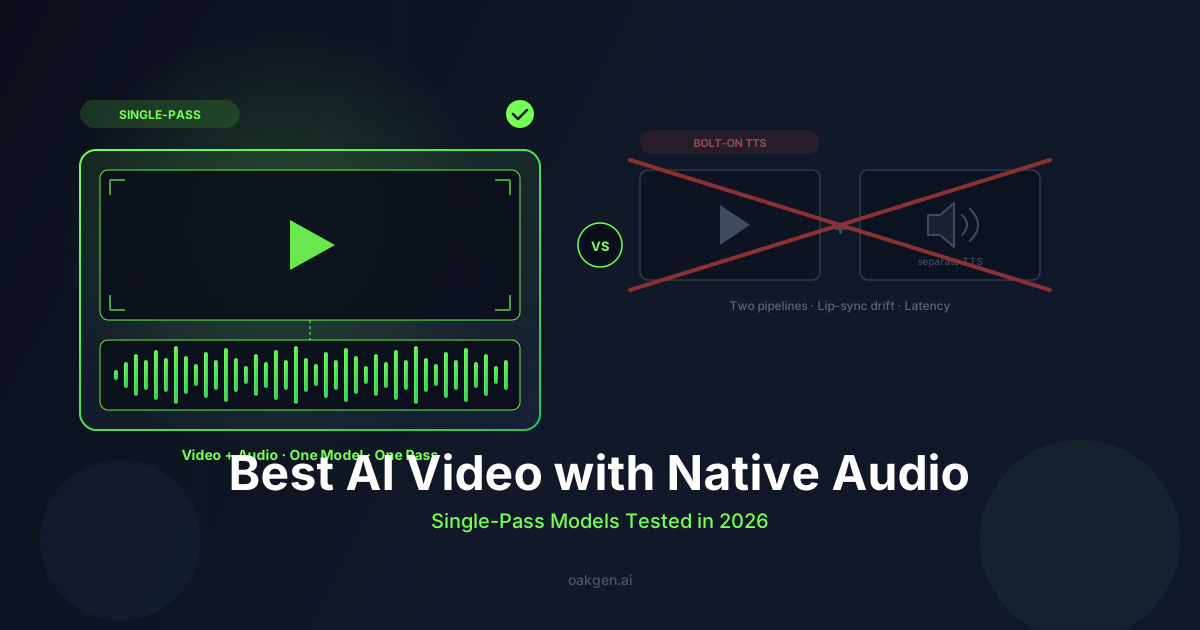
Most current video models bolt audio on with a separate TTS or sound-design pass. HappyHorse renders audio in the same forward pass as the pixels — which is technically interesting and practically means the audio cue belongs in the same prompt as the visual. Treat the audio cue like a final paragraph of the prompt.
Best practices from the Oakgen test set:
- Separate diegetic from non-diegetic. "Audio: diegetic — footsteps, breath, ambient room tone. Non-diegetic — soft ambient piano building under the second half."
- Name what is loudest. The model balances mix according to the order you list. Lead with the foreground sound.
- Specify "no music" or "no dialogue" when you mean it. Otherwise the model often hallucinates a soft ambient pad.
- For score, describe instrument and dynamic, not genre. "Slow piano, single sustained note every 4 seconds" beats "cinematic score."
Audio-first prompt example:
Medium close-up of a violinist mid-performance on a candlelit stage,
warm flickering key light from below, soft cool fill from upstage, very
shallow focus pulled to her bowing hand, 85mm, locked-off with slight
handheld energy.

Audio (foreground): a single sustained violin note in D minor,
trembling slightly with vibrato, sustained for 6 seconds, then a slow
downward bowed slide. Background: faint audience presence, no coughs,
no other instruments. No dialogue.
For dialogue specifically, write the line you want spoken in the target script and language. Don't paraphrase. The model uses the literal characters for phoneme alignment.
Generate HappyHorse 1.0 Videos Now
Common prompt mistakes (and the fixes)
After running ~200 internal HappyHorse generations, the same five mistakes account for most underwhelming outputs. They are easy to fix.
1. Over-stuffing. A 220-word prompt with three cinematographer references, four camera directives, and a five-line dialogue is too much. The model has a soft ceiling around 90–130 words for the visual block (plus the audio block). Past that, late instructions get dropped. Trim to one cinematographer, one or two camera directives, one style spec.
2. Vague motion verbs. "Doing yoga," "moving around," "being there." HappyHorse needs a specific action verb in present tense — "holding warrior pose, slowly straightening her back leg," "weaving between parked cars, scanning rooftops." If you cannot describe the motion in a verb, the model will pick a generic one.
3. Missing camera direction. No camera directive means HappyHorse defaults to a locked medium shot with very slow drift. That is fine for one shot. For a portfolio of variety, name the camera every time — dolly in, low-angle handheld, aerial drift, locked extreme wide.
4. Audio-as-afterthought. Treating audio as a one-liner ("with sound effects") wastes the single-pass architecture. Write a real audio block. Even three sentences is enough.
5. Re-describing the subject in image-to-video. Repeated above because it is the most common error and the most damaging one. Trust the image. Describe what changes.
6. Naming the wrong language. If you write "she says, in Spanish:" — the model will attempt Spanish even though Spanish is not in the supported set. The seven supported languages are English, Mandarin, Cantonese, Japanese, Korean, German, and French. Anything else routes to the closest phoneme inventory and visibly wobbles the lip-sync.
Honest limitations
HappyHorse is three weeks old as a public-API model. The patterns above are best-known-good as of April 29, 2026 — they will be revised. Specifically:
- The prompt library is thin. Compared to Seedance 2.0, which has a year of community prompt sharing and a multi-thousand-template guide ecosystem, HappyHorse has none of that infrastructure yet. The Seedance 2 prompting guide on Oakgen has 20 battle-tested templates; the equivalent for HappyHorse will take months to build out at the same depth.
- Image-to-video with audio: Seedance leads. Narrowly (1182 vs 1167) but consistently. If your workflow is reference-image-driven and audio matters, run both models and pick the take.
- Dialogue lip-sync in English: Veo 3 leads. HappyHorse's strength is the multilingual breadth, not absolute precision in any single language. Sub-10ms English lip-sync still goes to Veo.
- No 4K. HappyHorse caps at native 1080p. Kling 3.0 supports 4K. For deliverables that must be true 4K without upscaling, HappyHorse is not the answer.
- 15-second clip ceiling (Lite tier: 12s). Sora 2 supports 20s. For long single takes, Sora is still the reach.
- Text and image input only. Seedance 2.0 accepts video and audio reference inputs too; HappyHorse does not yet. If your workflow involves "match this audio rhythm" or "extend this clip," that is a Seedance feature.
- Prompt patterns are still emerging. Some of the patterns above will be improved on within weeks once the community has more reps. Save your hits, iterate, and check back.
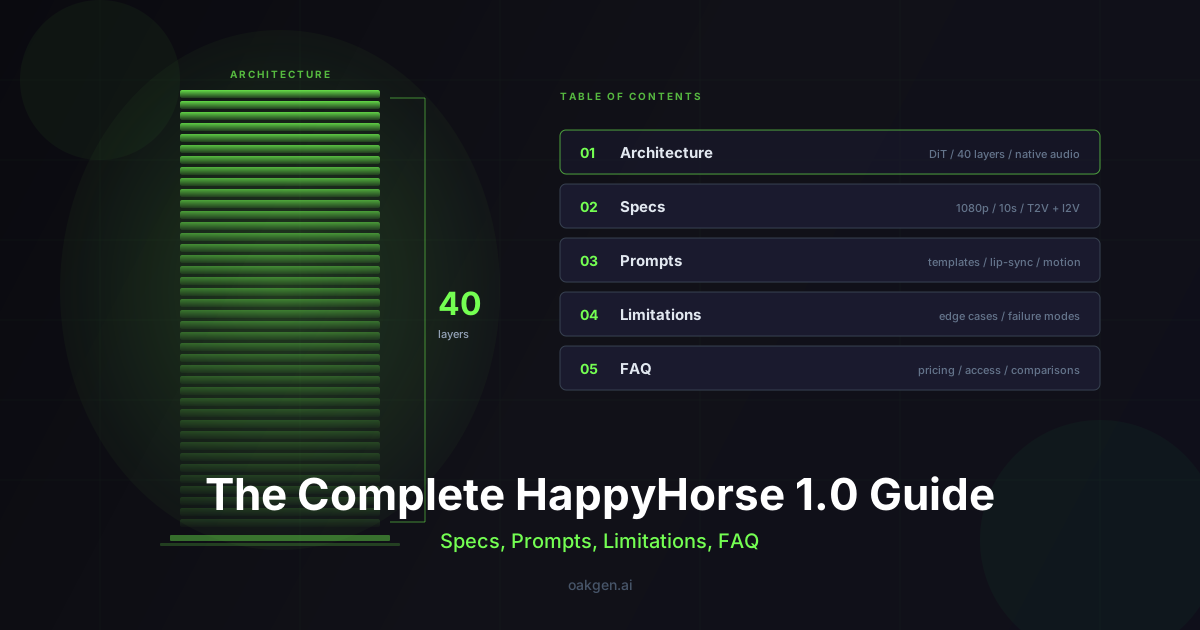
For the full feature comparison and benchmark numbers, see HappyHorse 1.0 vs Seedance 2.0. For specs, pricing, and architecture detail, see the HappyHorse 1.0 complete guide. If you want to compare prompt strategies across models, the AI video prompts that actually work post covers patterns for Seedance, Kling, Veo, and now HappyHorse side by side.
Earn 25% recurring on every referral.
Share Oakgen, get paid every month they stay.
Wrap
HappyHorse 1.0 is currently the highest-Elo public AI video model, and the single-pass video-plus-audio architecture is genuinely novel — it is the reason audio cue prompts behave differently than in any other model on Oakgen. The prompt patterns above will get a creator to "this clip is usable" faster than the alternative of trial-and-error from a blank prompt box. Start with one of the templates, swap the bracketed slots, run two or three generations, save the prompt that hit, and iterate from there. The ten-second generation time is itself a prompting tool — it lets you test five variants in the time Veo takes one, which is the fastest way to learn what HappyHorse listens to.
If you want to iterate even faster, try describing what you want in plain English in Agent Chat — it can draft HappyHorse prompts for you and send them straight to the generator. For a breakdown of what each generation costs, see the Oakgen pricing page.
Frequently asked questions
How many credits does a HappyHorse 1.0 generation cost on Oakgen?
Can I use HappyHorse for text-to-video without audio?
Yes. Audio is optional. If you omit the audio cue paragraph entirely, HappyHorse generates a silent video and scores higher on the no-audio Elo benchmark (1365 vs 1230 with audio). For pure text-to-video work where you plan to add your own soundtrack in post, silent mode is the better choice.
Which language gives the best lip-sync results?
Mandarin and Japanese are the strongest based on internal Oakgen testing, likely due to training data distribution. Cantonese and Korean follow, then English, then German and French. If English lip-sync precision is your top priority, Veo 3 still leads — but for multilingual projects, HappyHorse is the clear winner. See the HappyHorse 1.0 model page for the full supported language list.
How long can a HappyHorse video be?
The maximum clip length is 15 seconds on the standard tier and 12 seconds on the Lite tier. For longer content, generate multiple clips and stitch them in post. The fast ~10-second generation time makes it practical to produce a dozen clips in a few minutes.
How does HappyHorse compare to Seedance 2.0 for image-to-video?
HappyHorse leads on no-audio image-to-video (1401 vs Seedance's lower Elo), but Seedance 2.0 narrowly leads on image-to-video with audio (1182 vs 1167). Seedance also accepts video and audio reference inputs, which HappyHorse does not yet support. For a detailed breakdown, read the HappyHorse vs Seedance 2.0 comparison.
Can I use Agent Chat to help write HappyHorse prompts?
Yes. Agent Chat on Oakgen can draft prompts in the six-slot structure described in this guide — describe your scene in plain language and it will format a HappyHorse-optimized prompt with subject, motion, camera, lighting, style, and audio cue slots filled in. It is especially useful for multilingual dialogue prompts where you need the target-language script written correctly.
What to read next
- HappyHorse 1.0: The Complete Guide to Alibaba's #1 AI Video Model — specs, architecture, pricing, and benchmarks.
- HappyHorse 1.0 Review: Tested on Oakgen — honest hands-on evaluation across categories.
- How to Make a Game Trailer with HappyHorse 1.0 + GPT-Image-2 — full pipeline for cinematic trailers.
- Best AI Video Generators with Native Audio (2026) — how HappyHorse stacks up against every model that generates sound.
- AI Content Pipeline: Script to Finished Video — end-to-end workflow for turning a script into polished video using AI tools.
- AI Social Media Video Guide — platform-specific tips for TikTok, Reels, and Shorts using AI-generated clips.