The short version
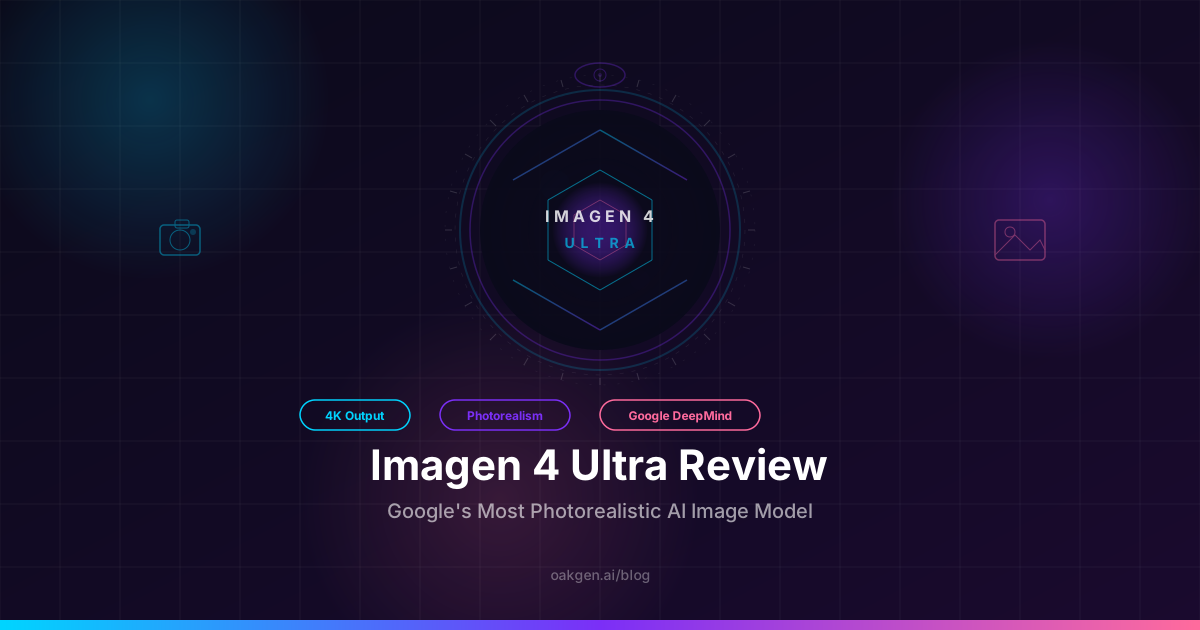
Imagen 4 Ultra is the most photorealistic AI image model we have tested. Google DeepMind shipped it quietly in late April 2026, and after running 400+ generations across portrait, product, landscape, and text-rendering categories, we can say this: if your work depends on images that look indistinguishable from photographs, Imagen 4 Ultra is now the benchmark. It does not win everything — text rendering still trails GPT Image 2, artistic style still belongs to Midjourney — but on raw photorealism, nothing else comes close.
We ran every test on Oakgen's image generator, where Imagen 4 Ultra is available alongside 40+ other models under a single credit balance.
What Google DeepMind changed
Imagen 4 landed in our top 10 AI image generators ranking earlier this year at #4. It was already strong — fast generation, solid text rendering, good photorealism. Imagen 4 Ultra is not an incremental update. It is a separate model tier, trained specifically for maximum output quality at the expense of speed and cost.
The key changes over standard Imagen 4:
- Resolution: Native 4096x4096 output. No upscaling tricks — the detail is generated at full resolution.
- Photorealism: Skin textures, material rendering, and lighting accuracy are a visible step above the standard tier and competitive with or ahead of Flux 2 Pro Max.
- Prompt depth: Complex multi-element prompts with spatial relationships, lighting conditions, and material specifications are followed with higher fidelity.
- Generation time: 12-20 seconds per image. Slower than standard Imagen 4 (5-10 seconds) but in line with other ultra-quality models like Flux 2 Pro Max.
What did not change: the content policy remains Google-restrictive, and the model still declines certain legitimate creative prompts.
Where Imagen 4 Ultra wins
We tested across 10 categories. Three stood out as decisive wins.
Photorealistic skin and portraiture
This is the headline result. We ran 80 portrait prompts — headshots, environmental portraits, editorial close-ups, aged faces, varied skin tones and lighting conditions. Imagen 4 Ultra produced the most convincing skin we have seen from any AI model.
Pores are visible without looking artificial. Subsurface scattering in backlit shots renders naturally. Fine facial hair, moles, and uneven skin texture appear without the "too clean" quality that plagues most models. Across our test set, Imagen 4 Ultra won 52 of 80 side-by-side comparisons against Flux 2 Pro Max — and Flux 2 Pro Max was the previous leader in this category.
Example prompt we used:
"Close-up portrait of a 65-year-old Japanese fisherman, deep weathered wrinkles, salt-spray on skin, early morning golden hour light from camera left, shallow depth of field f/1.4, dark ocean background with soft bokeh, shot on medium format digital, natural skin color"
The output nailed the wrinkle depth, the asymmetry of real aging, and the translucent quality of backlit ears. Small details — the slight redness on the nose, uneven stubble growth, a barely visible scar on the chin — appeared organically rather than looking stamped on.
Material rendering
Glass, metal, leather, wet stone, woven fabric, ceramic — Imagen 4 Ultra handles materials with a physicality that makes rendered objects look tactile. We ran 50 product-style prompts, and the model consistently produced images where you could sense the weight and texture of objects.
Example prompt:
"A hand-thrown ceramic coffee mug on a raw oak table, morning sunlight through a window casting sharp shadows, steam rising from black coffee, visible glaze crazing on the mug surface, background is a blurred kitchen with copper pots, shot at f/2.8 macro distance"
The glaze crazing was the test. Most models either ignore it or render it as a generic crackle pattern. Imagen 4 Ultra produced irregular, asymmetric crazing that followed the contour of the mug — the kind of detail that makes your brain register "photograph" instead of "render."
Landscape and environmental detail
Wide landscape shots are where resolution matters most, and Imagen 4 Ultra's native 4K pays off. Distant foliage resolves into individual leaf clusters rather than a green smudge. Rock textures hold up when you zoom to 200%. Atmospheric haze follows physically plausible gradients rather than looking like a flat overlay.
We ran 40 landscape prompts. In the 4K outputs, Imagen 4 Ultra matched or beat Flux 2 Pro Max in 34 of them for fine detail retention across the full frame.
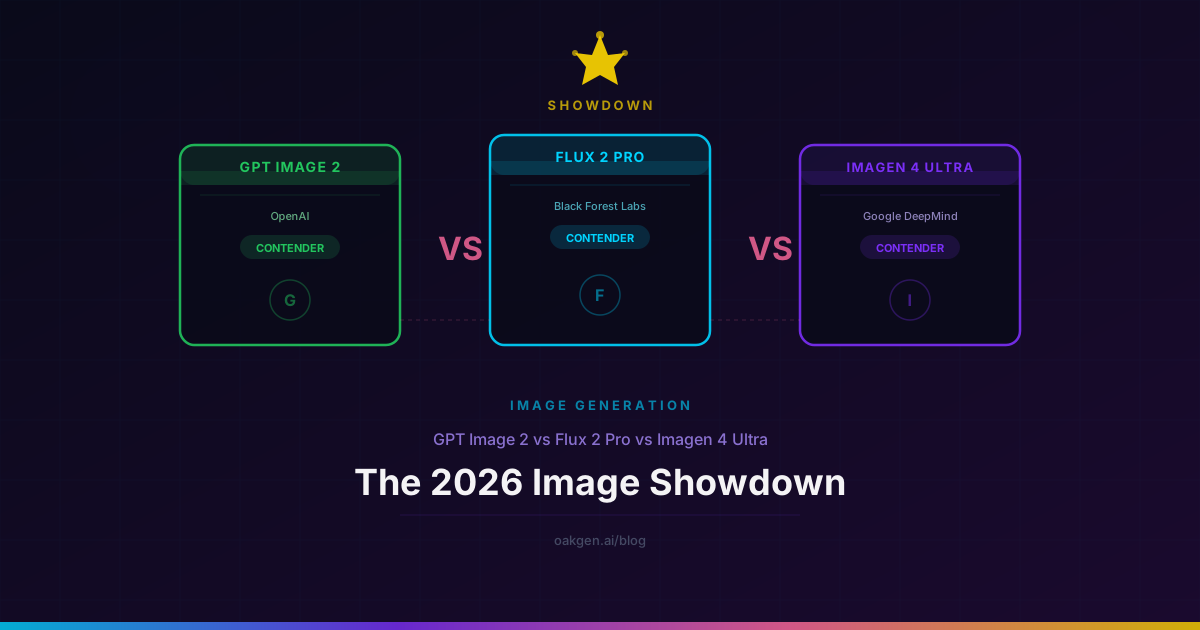
How it compares: Imagen 4 Ultra vs Flux 2 Pro vs GPT Image 2
| Feature | Imagen 4 Ultra | Flux 2 Pro Max | GPT Image 2 |
|---|---|---|---|
| Photorealism (skin) | Best | Excellent | Good |
| Photorealism (materials) | Best | Excellent | Very Good |
| Text rendering | Good | Good | Best |
| Prompt adherence | Excellent | Excellent | Best |
| Max native resolution | 4096x4096 | 4096x4096 | 2048x2048 |
| Generation speed | 12-20s | 15-25s | ~3s |
| Artistic style range | Good | Very Good | Good |
| Complex scene handling | Excellent | Excellent | Very Good |
| Conversational editing | No | No | Yes |
| Content policy | Restrictive | Moderate | Moderate |
| Available on Oakgen | Yes | Yes | Yes |
The short summary: Imagen 4 Ultra leads on photorealism. Flux 2 Pro Max is the closest competitor and still wins on artistic flexibility and less restrictive content policy. GPT Image 2 remains the best choice when your images need accurate text or conversational editing. For a deeper dive on GPT Image 2, see our 500-generation review. For Flux 2 Pro vs Pro Max, see the full comparison.
No single model does everything best. The practical answer for most creative teams is to keep two or three models available and route each job to the strongest tool for that specific output. That is exactly how Oakgen is structured — same credits, same interface, 40+ models.
Compare Imagen 4 Ultra Side by Side
Prompt tips that actually matter
After 400+ generations, a few patterns emerged that consistently improved Imagen 4 Ultra output.
1. Specify camera and lens. Imagen 4 Ultra responds strongly to photographic metadata in prompts. "Shot on Hasselblad X2D, 80mm f/1.9" produces noticeably different (and more photorealistic) results than leaving the camera unspecified. Medium format references in particular seem to trigger higher skin detail and shallower depth of field simulation.
2. Name the light. "Golden hour" is vague. "Low sun 15 degrees above horizon, warm directional key light from camera left, no fill" is specific and gets you predictable results. Imagen 4 Ultra handles complex lighting setups — rim light, split lighting, Rembrandt pattern — more faithfully than most competitors.
3. Include imperfections. The model defaults toward clean, idealized output. Adding "slight lens dust," "minor chromatic aberration on edges," or "natural skin texture with visible pores" pushes it toward the uncanny photorealism that makes images genuinely hard to distinguish from photographs.
Example prompt using all three principles:
"Full-body environmental portrait of a young woman in a vintage denim jacket standing in a rain-soaked Tokyo alley at night, neon signs reflecting in puddles, shot on Fujifilm GFX 100 II with 110mm f/2, shallow depth of field, slight motion blur on falling rain, natural skin with visible texture, moody cyan and magenta color grade, street-level angle"
Where Imagen 4 Ultra falls short
We would not trust this review if we skipped the problems. Three limitations are significant.
Text rendering is behind
If your image needs readable text — a poster headline, a storefront sign, a product label — Imagen 4 Ultra is not your best option. In our text-rendering tests, single-word accuracy was 78%, and multi-word accuracy dropped to 61%. GPT Image 2 hits 94% and 87% respectively. The gap is large enough that it changes your model choice for any text-heavy use case.
Content policy is restrictive
Google's safety filtering is the most conservative among major providers. Some prompts that are perfectly reasonable — edgy fashion photography, dramatic action scenes, medical illustration — get declined or sanitized. This is not a deal-breaker for product photography or landscape work, but for editorial, advertising, or artistic projects, the restrictions can be frustrating. Flux and GPT Image 2 are both more permissive.
Speed vs cost tradeoff
At 12-20 seconds per generation, Imagen 4 Ultra is not slow by ultra-quality standards — Flux 2 Pro Max takes 15-25 seconds. But standard Imagen 4 generates in 5-10 seconds, and GPT Image 2 lands at roughly 3 seconds. If you are iterating through 30 variations to find the right composition, the per-iteration time adds up. For exploratory work, we recommend drafting with standard Imagen 4 or Flux 2 Pro, then running your final prompt through Ultra for maximum quality.
No conversational editing
Unlike GPT Image 2, there is no way to say "keep everything but change the jacket color." Every generation is a new roll. For workflows that depend on iterative refinement of a single image, this is a meaningful gap.
Pricing on Oakgen
Imagen 4 Ultra costs approximately 30 credits per generation on Oakgen — roughly $0.12 per image at standard credit pricing. That is slightly above GPT Image 2 (26 credits, ~$0.10) and comparable to Flux 2 Pro Max. Standard Imagen 4 remains available at a lower credit cost for workflows where Ultra-level quality is not needed.
All credits spend across image, video, audio, and music generation from the same wallet. Full rates are on the pricing page. For teams generating at volume, the per-image cost difference between models matters less than choosing the right model for each job — and Oakgen lets you switch between them without managing separate subscriptions.
You can also direct Oakgen's AI agent chat to generate Imagen 4 Ultra images conversationally, describing what you want in plain language and iterating through follow-up messages.
Who should use Imagen 4 Ultra
Use it when:
- Photorealism is the top priority — product photography, headshots, editorial portraits, architectural visualization
- You need native 4K output for print, large-format display, or hero images
- Material accuracy matters — jewelry, food, textiles, automotive, real estate
- You are producing final assets, not drafts or explorations
Use something else when:
- Your images need on-image text — use GPT Image 2 instead
- You want stylized, artistic, or painterly output — Midjourney or Flux Pro handles this better
- Speed of iteration is the priority — use standard Imagen 4 or GPT Image 2
- Your creative direction pushes against conservative content policies — Flux 2 Pro gives you more latitude
For the model's dedicated page with specs, parameter controls, and sample outputs, see the Imagen 4 Ultra model page. For broader text-to-image capabilities across all models, see the text-to-image feature overview.
Earn 25% recurring on every referral.
Share Oakgen, get paid every month they stay.
FAQ
Is Imagen 4 Ultra the best AI image generator in 2026?
For photorealism, yes — it produces the most convincing photographs of any model we have tested. For overall versatility (including text rendering, style range, and editing), GPT Image 2 and Flux 2 Pro Max are stronger all-rounders. The best choice depends on your specific use case.
How does Imagen 4 Ultra compare to Midjourney?
Different strengths. Midjourney excels at artistic, cinematic, and emotionally evocative images with a distinctive visual personality. Imagen 4 Ultra excels at photorealism — images that look like actual photographs. Midjourney is better for concept art and illustration; Imagen 4 Ultra is better for product photography and editorial portraiture.
Can I use Imagen 4 Ultra for free?
What resolution does Imagen 4 Ultra support?
Native output goes up to 4096x4096 — true 4K without upscaling. This makes it suitable for print, large-format display, and any application where the image will be viewed at scale. Most web use cases do not need this resolution, but having native 4K means you never lose detail to upscaling artifacts.
Is Imagen 4 Ultra good for product photography?
It is the best model we have tested for product photography where photorealism matters. Material rendering — glass, metal, leather, fabric, ceramic — is exceptionally accurate. The limitation is that text on products (labels, packaging copy) renders less reliably than GPT Image 2. For products with prominent text, consider using GPT Image 2 or editing text in post.
How does Imagen 4 Ultra pricing compare to running Google's API directly?
Oakgen's per-image credit cost is competitive with Google's Vertex AI pricing for Imagen 4 Ultra. The advantage of using Oakgen is the single credit wallet across all providers, automatic failover if a provider has capacity issues, and access to 40+ models without managing separate API keys or billing accounts. For details, see the pricing page.
What to Read Next
- Flux 2 Pro Max vs Flux 2 Pro: Which Flux Model Should You Actually Use? — Side-by-side comparison of the two most popular Flux models, with sample results and pricing.
- GPT Image 2 Review: 500 Generations, 30 Days, Honest Assessment — Our deep-dive review of OpenAI's text-rendering champion after a month of heavy use.
- Top 10 AI Image Generators Ranked: Complete 2026 Guide — Where every major model stands, including Imagen 4 Ultra's position in the full landscape.