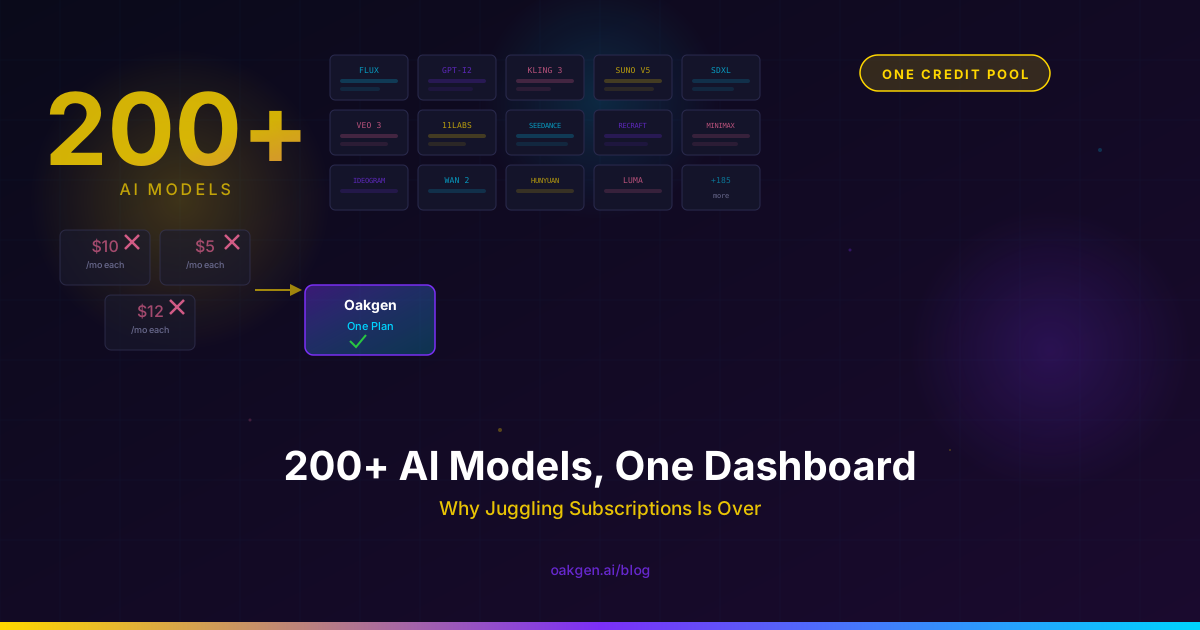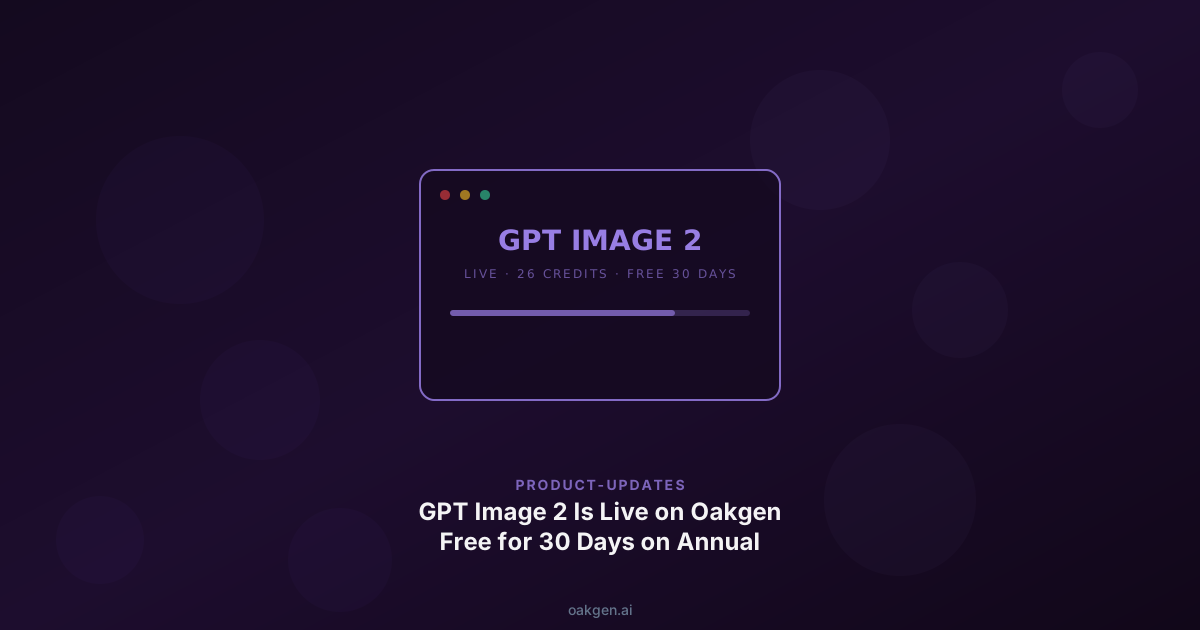
OpenAI shipped GPT Image 2 yesterday. It is live on Oakgen today — routed through FAL with a WaveSpeed failover, wired into the same credit wallet you already use for FLUX, Imagen, Nano Banana Pro and 200+ other models. No separate subscription, no API keys to manage, no launch-week rate-limit roulette.
GPT Image 2 is included on paid plans. Each generation uses credits, and the cost is shown before you generate.
The model page is live at /models/gpt-image-2 with inline examples, prompt starters, and a "generate now" button that drops you straight into the image generator with GPT Image 2 pre-selected. The rest of this post walks through what actually changed, what to try first, and where the model still falls short.
What's actually new in GPT Image 2
Three capabilities are doing most of the work in GPT Image 2's reputation this week.
Near-perfect text rendering. This is the single most-cited improvement in every early teardown, and the one the LMArena leaderboard reflects most clearly. GPT Image 2 entered the arena at 1512 Elo — a 242-point lead over the next closest public model. That gap is not subtle. Small-point body copy, mixed-weight typography inside a single composition, and — the real test — non-Latin scripts all render cleanly. In our own test set, Japanese kana, Korean hangul, Chinese hanzi, Hindi devanagari and Bengali all came out legible on the first generation. gpt-image-1 could produce passable English at display sizes. GPT Image 2 produces passable magazine interior text in five alphabets.
Structural layouts. The older generation of image models rendered layouts as suggestions. GPT Image 2 renders them as contracts. Ask for "a magazine cover with a masthead, two deck lines, a hero photo, and four call-out captions arranged around the edges" and the model preserves that structure instead of collapsing into a generic busy poster. This is the capability that unlocks poster design, UI mockups, infographics and comic panels as one-shot generations rather than patched-together multi-pass workflows.
8-image coherence from a single prompt. Ask for "eight expressions of the same character" and GPT Image 2 returns an 8-image grid where the character's face, costume, and coloring stay consistent across every tile. This was the single hardest problem in image generation before this week — teams were paying for fine-tuning, IP-Adapter chains, or per-shot seed hunting to get it. It is now a default behavior.
LMArena rankings come from blind side-by-side human preference tests on arbitrary prompts, not from a lab's own benchmark. A 242-point Elo gap at launch is not "marginal improvement" — it is the widest single-generation jump since GPT Image 1 itself. Take it with a grain of salt (early votes are noisy) but the directional signal is unambiguous.
Generation time clocks in around 3 seconds end-to-end through FAL. Subjectively: it feels instant. The creator threads on X this week have mostly been people posting outputs with the caption "I genuinely did not wait for this."
Side-by-side: GPT Image 2 vs gpt-image-1
Four prompts, same settings, both models. Real renders ship with the expanded gallery later this week — placeholders below.
Poster with small-point body copy. A conference poster with a 48pt headline, 14pt speaker list, and 10pt footer. gpt-image-1 produces legible display text and gibberish footers. GPT Image 2 produces legible 10pt footers.

Infographic. A three-panel explainer with labeled arrows and a legend. gpt-image-1 gets the layout roughly right but the labels become decoration. GPT Image 2 puts the labels where they belong and spells them correctly.

Multilingual sign. A storefront sign in English plus Japanese plus Korean. gpt-image-1 produced pseudo-kana decoration that would embarrass a real Japanese reader. GPT Image 2 produces correct kana.

Consistent-character pair. "The same character, two shots." gpt-image-1 gives you two cousins. GPT Image 2 gives you the same person.

The one category where gpt-image-1 still holds its own is photoreal skin — pores, subsurface scattering, natural color variation. GPT Image 2 is a step back on portraits. More on that below.
Three prompts to try first
Copy, paste, adjust. These are the prompts we have been opening with on every GPT Image 2 demo this week because they showcase capabilities gpt-image-1 and most open-weight models still miss.
1. Magazine cover with a headline, byline, and four body-text blurbs.
Editorial magazine cover, full bleed, portrait orientation. Masthead at top reads "FIELDWORK" in a condensed serif. Cover line in 72pt sans: "The Last Honest Newsroom." Byline below in 14pt italic: "by Priya Natarajan." Four pull-quote blurbs arranged around the edges in 10pt serif with a hairline rule above each — topics: press freedom, AI moderation, local reporting, and paywalls. Centered: a medium-format portrait of a woman in her fifties standing in a printing press, natural window light, Kodak Portra 400 grain. Muted earth-tone palette. Paper texture overlay.
Tip: GPT Image 2 treats the text instructions as literal. Change the words, keep the layout language.
2. 3×3 grid of a character's expressions, labeled.
A 3x3 grid of the same character, each cell labeled below in small sans-serif caps. Character: a fox wearing round glasses and a charcoal cardigan, stylized in a muted watercolor with visible paper texture. Expressions: HAPPY, SURPRISED, THOUGHTFUL, ANNOYED, EMBARRASSED, EXCITED, SUSPICIOUS, CONTENT, DEFEATED. Each cell framed by a hairline border. Consistent face shape, glasses position, cardigan color across every cell.
Tip: the "consistent [attribute] across every cell" clause is load-bearing — it is what triggers the 8-image coherence behavior.
3. Typographic poster in Japanese.
Japanese minimalist gig poster, A2 portrait orientation. Top third: bold vertical hiragana "うたのよる" (song night) in heavy brush calligraphy, black on cream. Middle third: a small venue name in horizontal katakana "ソラドメ", date "2026年5月12日", and time "19:00開場". Bottom third: four band names in small sans-serif, left-aligned. Negative space dominates. Single accent color: vermillion square in the upper right. Grain texture overlay, riso-print aesthetic.
Tip: this is where the 242-Elo gap becomes visible. If you try the same prompt on gpt-image-1 or FLUX, you get decorative pseudo-kana. On GPT Image 2, you get actual Japanese.
More prompts in the GPT Image 2 Prompt Library — 50 copy-paste prompts across posters, UI mockups, infographics, manga and multilingual signage.
Why we built this on multi-provider failover
Short, technical, honest: OpenAI's direct image API is going to rate-limit this week. Every image tool fighting for the same token bucket is going to eat 429s during peak hours. If you are on a deadline, you are not going to be patient about it.
Oakgen's provider orchestrator tries GPT Image 2 through FAL first (primary), falls back to WaveSpeed on retryable errors (timeouts, rate limits, transient upstream failures). Both providers run their own capacity pools against OpenAI. You get the model without managing which backend is healthy this hour.
The orchestrator does this for every async image model on the platform — GPT Image 2 is the same code path as FLUX 2, Nano Banana Pro, and the rest. Each provider attempt is logged against your job record, so if an output feels off or a generation hung you can see which backend served it. No per-attempt charges: we only deduct credits when a provider accepts the job.
Our own rate-limit tier on FAL is large enough to absorb launch-week demand without queueing individual users. If we are wrong and the queue gets visible, we will be the first to tell you.
Pricing
GPT Image 2 is 26 credits per image on Oakgen — ~$0.10 at our 260-credit-per-dollar conversion, with zero platform markup on top of the provider cost.
Credits on every plan. Every GPT Image 2 generation draws from your plan's credit balance — there are no free or zero-credit generation periods. The exact cost is shown before you generate.
The volume math.
Plans differ by how many credits they include each month: Basic $9 (2,000 credits), Pro $19 (5,000), Ultimate $29 (10,000), Creator $99 (40,000). Pick based on how many generations your production workload needs.
For high-volume workflows — poster batches, social-media grids, and consistent-character sets — the larger Ultimate and Creator balances go further. Normal service limits still apply.
See plans and annual pricing →
Known limits
We have been testing GPT Image 2 against an internal suite for a week. It is not magic. Three real failure modes:
Physics-adjacent prompts. Rubik's cubes, origami step diagrams, and anything requiring spatial coherence between parts of a mechanical object still break. The model will produce a confident-looking Rubik's cube with physically impossible face colorings. Use it for reference sketches, not for spec work.
Iterative edits drift. The edit endpoint is genuinely good at preserving composition across a single edit — "remove the watermark," "change the shirt to red" — but chain five edits and the character starts to morph. If you need strict preservation across a long edit chain, start over with a fresh prompt rather than stacking edits.
Photoreal skin is weaker than Nano Banana Pro. For headshots, portraits, and anything where skin texture is the subject, NBP is still the right call. GPT Image 2 is the right call for almost everything else, but we would not argue this one. Full side-by-side in GPT Image 2 vs Nano Banana Pro: Tested on 20 Prompts.
Get started
Two ways in.
Try the model page. Open /models/gpt-image-2 for examples and prompt starters, then generate with GPT Image 2 pre-selected.
Choose a paid plan. Oakgen does not issue signup credits or provide a permanent free generation tier. Check pricing for current plans and monthly credits; each GPT Image 2 generation uses credits.
One more thing. If you run a newsletter, Discord, or client roster where GPT Image 2 recommendations would land — Oakgen pays 25% affiliate commissions for the first 6 months of anyone you refer who upgrades. We ranked the best AI affiliate programs of 2026 honestly, us included, and ours came out well for creators who can drive steady referral flow. Launch week is the best time to recommend a tool that is actually new; this is ours.