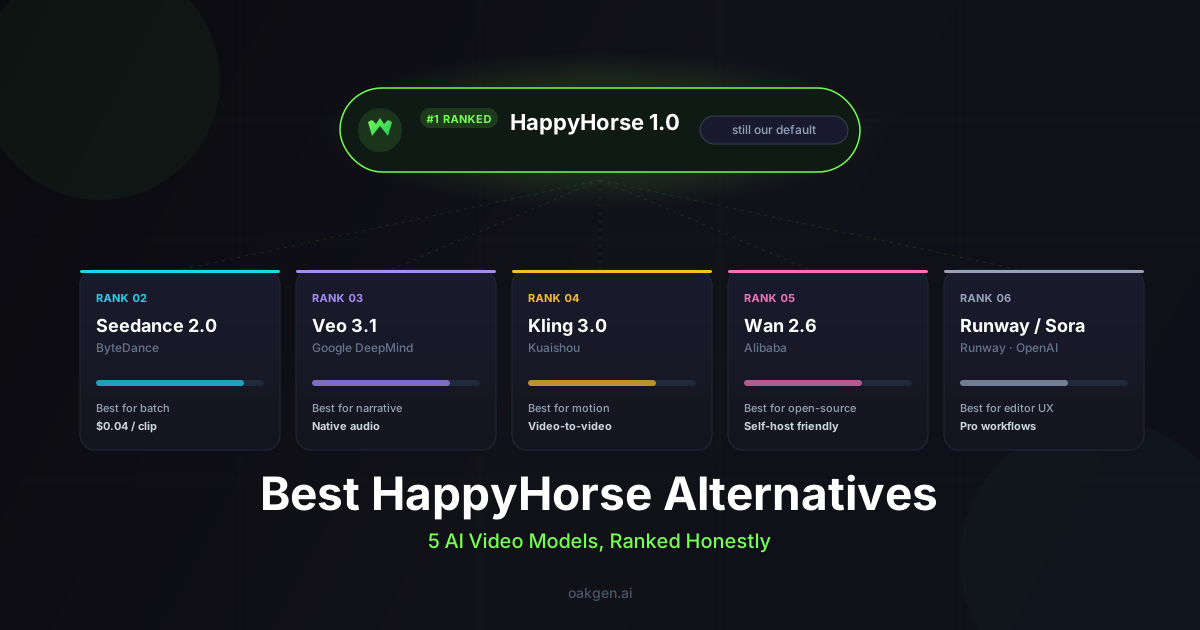
HappyHorse 1.0 is no longer on Oakgen. We removed all four HappyHorse tools from the catalog in September 2026. The closest replacement is Seedance 2.0, which makes 4 to 15 second clips with native audio and reference inputs, for 1,023 credits per 10 seconds at 720p. Seedance 2.5 covers longer clips, up to 30 seconds. Kling v3 Pro is the cheaper all-rounder at 568 credits per 10 seconds.
Every Oakgen price below comes from Oakgen's pricing code, read on October 25, 2026. HappyHorse facts come from fal's model page on the same date. We did not run these models side by side for this update.
Try a HappyHorse Replacement
Seedance 2.0, Seedance 2.5, Kling v3 Pro and MiniMax H3 Max run from one credit balance.
What happened to HappyHorse on Oakgen?
Oakgen took HappyHorse 1.0 out of its model catalog on September 27, 2026. That covered text to video, image to video, reference to video and video edit. Older posts on this blog still describe HappyHorse as an Oakgen model. They are out of date, and this page replaces their advice.
The model itself still exists. fal lists it as available through its playground and API. Its page, read on October 25, 2026, gives these specs:
- 1080p output for text to video, image to video and reference to video
- Clips of 3 to 15 seconds for text to video and reference to video
- Native audio generated with the video, and lip sync in Mandarin, Cantonese, English, Japanese, Korean, German and French
- A price of $0.14 per second at 720p and $0.28 per second at 1080p
- Closed source, with no license for self-hosting
If you need HappyHorse specifically, fal is where to get it. If you need the jobs it did, the models below run on Oakgen today.
Which Oakgen video models replace HappyHorse?
Five live models cover the same work. The table shows each model's limits in Oakgen's generator and the credit price of a 10-second clip, as of October 25, 2026.
| Model | Clip length | Resolutions on Oakgen | Native audio | Credits for 10 seconds | Closest HappyHorse job |
|---|---|---|---|---|---|
| Seedance 2.0 | 4 to 15 s | 480p, 720p, 1080p, 4K | Yes | 1,023 at 720p, 2,300 at 1080p | Reference-driven clips with sound |
| Seedance 2.5 | 4 to 30 s | 480p, 720p, 1080p | Yes | 1,599 at 720p, 3,935 at 1080p | Longer single takes |
| Kling v3 Pro | 3 to 15 s | No resolution setting | Yes, on by default | 568 | General text and image to video |
| MiniMax H3 Max | 5 to 15 s | 480P, 768P, 1080P | Yes | 271 at 768P | Low-cost drafts with a 1080p option |
| Grok Imagine Video | 3 to 15 s | 480p, 720p | Not listed | 237 at 720p | The cheapest drafts |
Seedance 2.0 Fast is a sixth option. It costs 818 credits for 10 seconds at 720p and stops at 720p. Gemini Omni Flash is a seventh. It makes clips of 3 to 10 seconds and is priced per second, 169 credits for 5 seconds and 338 for 10. Oakgen reserves the price up front and settles on the measured length of the output, refunding any unused seconds.
For comparison, fal lists HappyHorse at $2.80 for 10 seconds at 1080p.
Which model is closest to HappyHorse?
Seedance 2.0 is the closest match. It has the same 15-second ceiling, generates audio with the video, and takes reference inputs, including reference audio. It also goes further on resolution, with a 4K option that HappyHorse never had.
The trade-off is price at high resolution. A 10-second Seedance 2.0 clip at 1080p costs 2,300 credits, more than double the 720p price. Draft at 720p, then render the keeper at 1080p or 4K.
Seedance 2.0 Fast is the same family at a lower price, capped at 720p. Use it for prompt tests before a full Seedance 2.0 render. The Seedance 2 guide covers prompting and reference inputs.
What should I use for clips longer than 15 seconds?
Use Seedance 2.5. It accepts durations from 4 to 30 seconds, double HappyHorse's 15-second limit, and it generates audio. A 10-second clip costs 1,599 credits at 720p, so a full 30-second take costs about three times that.
Seedance 2.5 also has a reference-to-video mode. That suits a scene where a character or product has to stay the same across a longer shot. See the Seedance 2.5 complete guide for its options.
What is the best all-round replacement?
Kling v3 Pro is the best fit for everyday text-to-video and image-to-video work. It costs 568 credits for 10 seconds with audio on, which is about half the price of Seedance 2.0 at 720p. Clips run from 3 to 15 seconds in 16:9, 9:16 or 1:1.
Oakgen also runs Kling V3 Pro Motion Control, which copies the movement in a reference video onto your character. HappyHorse had no tool like it on Oakgen. The Kling 3 on Oakgen guide walks through both.
What is the cheapest way to draft video now?
Grok Imagine Video and MiniMax H3 Max are the low-cost choices. Grok Imagine Video costs 237 credits for 10 seconds at 720p. MiniMax H3 Max costs 271 credits for 10 seconds at 768P, and it is the only one of the two with a 1080P setting.
Use them to test prompts, framing and pacing. Then render the final version on Seedance or Kling.
When is another tool a better choice?
Some jobs are better done outside Oakgen.
- You need HappyHorse's exact look or its seven-language lip sync. Use HappyHorse on fal. No Oakgen model claims the same language list.
- You want Veo 3.1. Oakgen does not offer it, and Google's Gemini API docs, read on October 25, 2026, say the Veo 3.1 Preview models there were shut down on October 22, 2026. Google points developers to Gemini Omni Flash, which Oakgen does run.
- You only make one kind of clip. If every job suits one model and you never need image, voice or music in the same project, a direct account with that model's provider can cost less than a multi-model studio.
How we checked this
We read Oakgen's model configs and pricing code on October 25, 2026, and ran the same credit calculator the generator uses to get each 10-second price. The September 27, 2026 removal date comes from the commit that retired the HappyHorse model IDs. HappyHorse specs and prices come from fal's model page, and the Veo 3.1 status from Google's Gemini API docs, both read on October 25, 2026.
We did not generate test clips with these models for this update, and we make no quality ranking. Credit prices change when provider costs change, so check the price shown in the generator before you render.
For background on the model itself, see what HappyHorse 1.0 is.
Frequently asked questions
Is HappyHorse 1.0 still available on Oakgen?
No. Oakgen removed all four HappyHorse 1.0 tools (text to video, image to video, reference to video and video edit) from its catalog in September 2026. The closest live replacements are Seedance 2.0 for reference-driven clips with native audio, and Seedance 2.5 for clips longer than 15 seconds.
Where can I still use HappyHorse 1.0?
fal lists HappyHorse 1.0 as available through its playground and API. As of October 25, 2026, fal's page prices it at $0.14 per second at 720p and $0.28 per second at 1080p, with clips from 3 to 15 seconds.
Which Oakgen model is closest to HappyHorse?
Seedance 2.0. Both make 4 to 15 second clips with native audio, and both accept reference inputs. Seedance 2.0 on Oakgen also offers 4K output. A 10-second clip costs 1,023 credits at 720p and 2,300 credits at 1080p as of October 25, 2026.
What is the cheapest HappyHorse alternative on Oakgen?
Grok Imagine Video, at 237 credits for a 10-second 720p clip, followed by MiniMax H3 Max at 271 credits for 10 seconds at 768P. Both prices come from Oakgen's pricing code on October 25, 2026. Grok Imagine Video stops at 720p, while MiniMax H3 Max also offers 1080P.
Who made HappyHorse 1.0?
fal's page says HappyHorse was submitted to the leaderboard under a pseudonym, and that the team's own materials credit the Future Life Lab team at Taotian Group, part of Alibaba. fal adds that this claim has not been independently verified.
Is HappyHorse still the top model on the Artificial Analysis Video Arena?
fal's HappyHorse page, read on October 25, 2026, says it ranks first in text to video and image to video without audio, and second in both categories with audio. fal notes the scores reflect early votes and may shift.