If your AI ads look fake, the problem is usually not one bad model. It is a missing quality system. The fastest teams generate a lot of creative, but they do not ship everything. They use a rubric: product accuracy, human realism, claim safety, platform fit, brand fit, motion quality, and whether the viewer understands the ad in the first three seconds.
This AI ad quality checklist is built for marketers, ecommerce teams, agencies, and founders producing realistic AI ads with tools like Oakgen's image generator, AI video generator, and UGC ad workflow. Use it before you publish, send to a client, or scale a winner.
Generate Better AI Ads, Then Review Them Properly
Create product images, AI videos, and UGC-style ads in Oakgen, then use this checklist to decide what is ready to ship.
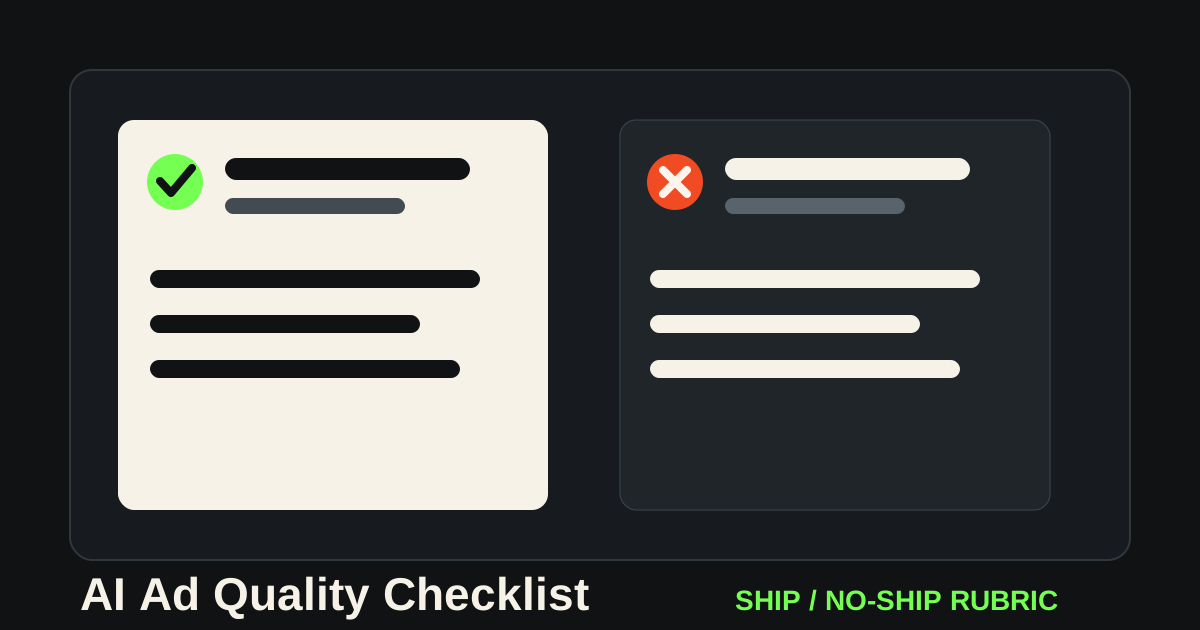
Quick Ship / No-Ship Rubric
Start here. If an ad fails one of the first four checks, do not ship it.
| Quality Check | Ship | No-Ship |
|---|---|---|
| Product accuracy | Packaging, color, size, logo, and use case match the real product. | The model invented labels, changed the product, or showed impossible usage. |
| Human realism | Hands, face, teeth, posture, eye line, and lip-sync feel plausible at normal playback speed. | The person looks uncanny, over-smoothed, mismatched, or emotionally empty. |
| Claim safety | The script uses claims you can support and avoids fake testimonials. | The ad implies personal results, medical outcomes, income claims, or customer proof you do not have. |
| First three seconds | The viewer can understand the product, problem, or hook immediately. | The opening is pretty but unclear, slow, or generic. |
| Platform fit | The aspect ratio, pacing, captions, and CTA match TikTok, Reels, Shorts, or Meta. | The ad feels like a generic demo exported to every channel. |
| Brand fit | The creative feels like your brand could have made it on purpose. | It has the default AI look: glossy, vague, symmetrical, and disconnected from your brand. |
Who This Checklist Is For
This is for teams that are already past the novelty stage of AI creative.
You are not asking, "Can AI make an ad?" You are asking, "Which of these 30 outputs is worth putting money behind?"
That is a different job. A founder testing landing page creatives needs a fast no-ship filter. A performance marketer needs enough control to run variants without contaminating the test. An agency needs a review language the client can understand. A creator needs to avoid publishing synthetic content that feels cheap next to real camera footage.
The mistake is treating every generation as a draft and every draft as usable. AI makes production cheaper, but it does not make judgment optional.
Research Note: Why Quality Control Matters More In 2026
As of July 2026, synthetic creative is normal enough that viewers recognize the weak patterns: plastic skin, generic rooms, impossible product behavior, fake enthusiasm, and scripts that sound like a testimonial but say nothing specific.
Platforms also keep tightening rules around manipulated or synthetic media. Meta, Google, TikTok, and the FTC all publish guidance that matters when ads include AI-generated people, endorsements, sensitive topics, or claims. The practical lesson is simple: your AI ad review process should cover both quality and risk.
This checklist does not replace legal review. It gives your creative team a shared review bar before anything reaches media buying, client approval, or compliance.
The Seven-Part AI Ad Quality Checklist
1. Product Accuracy
Product mistakes are the fastest way to make an AI ad feel fake.
Check the product before you check the composition. Does the label say the right thing? Is the cap the right shape? Did the model add buttons, remove seams, invent ports, or change the package size? For ecommerce, also check whether the product is being used in a way that could mislead the customer.
For product images, start in Oakgen's image generator with a reference image and a strict product note:
Keep the exact product shape, package color, logo placement, label structure, and size ratio. Do not invent new text, claims, buttons, ingredients, ports, or packaging details.
That prompt will not fix every output, but it gives you a stronger review baseline.
2. Scene Logic
Bad AI ads often fail because the scene has no reason to exist. A skincare bottle floats in a marble bathroom. A supplement tub sits on a mountain. A laptop appears on a kitchen counter with no user, no task, and no problem.
A good ad scene answers one of three questions:
- Where would the product naturally be used?
- What problem is happening around it?
- What moment would make the buyer care?
If the scene cannot answer one of those, it is decoration. Decoration can work for brand mood, but it is weak for direct-response creative.
3. Human Realism
For AI UGC and presenter ads, review humans at normal speed and paused.
At normal speed, check emotional believability. Does the person look like they are reacting to the script, or just moving their mouth? Does the eye line drift? Is the performance too polished for a UGC-style ad?
Paused, check hands, teeth, skin texture, jewelry, clothing edges, product handling, and lip shape. One or two minor artifacts may be acceptable for a fast test. A broken hand wrapped around the product is not.
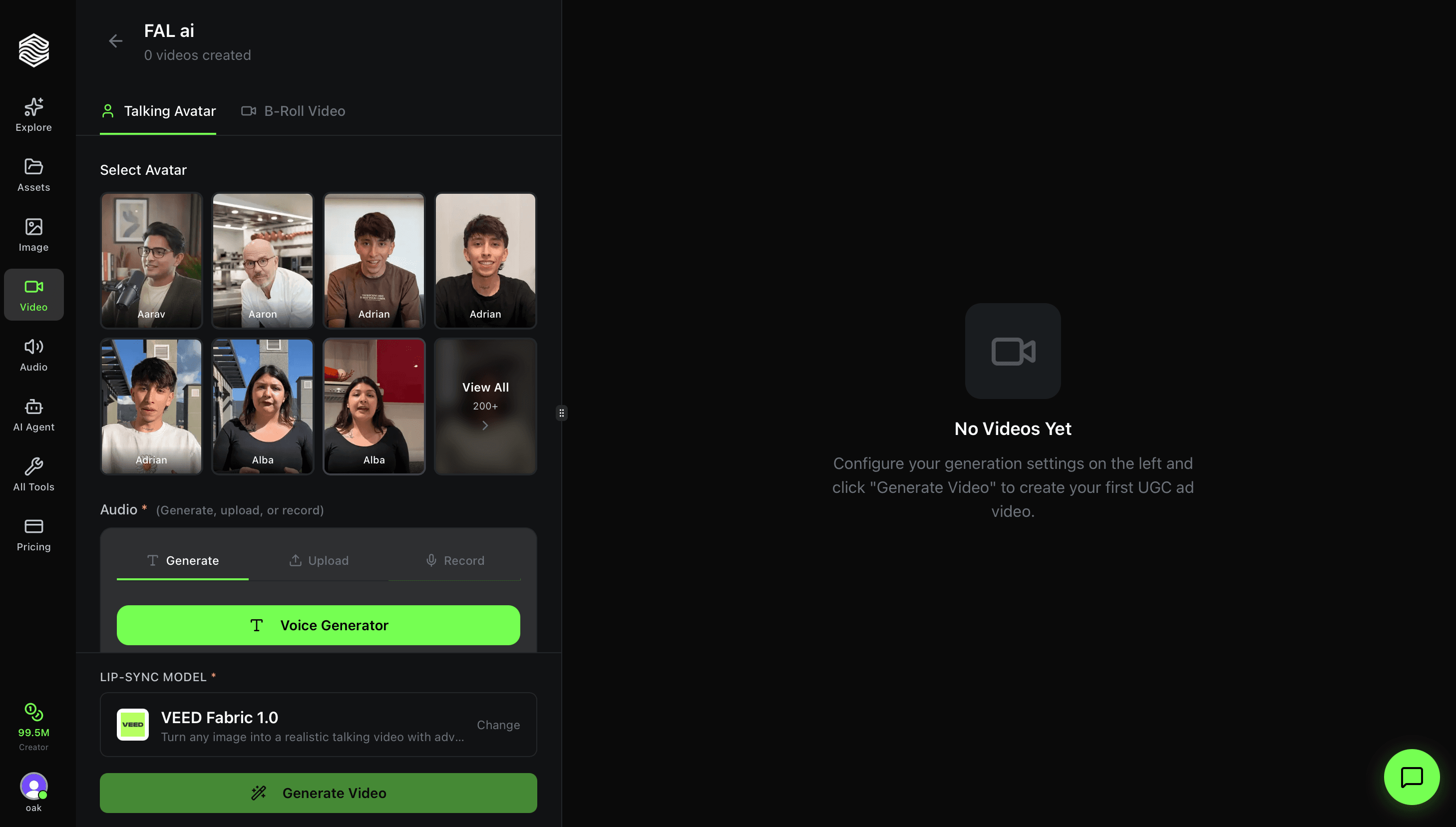
Use Oakgen's UGC ads workflow when you want to test a script, avatar, product scene, and video format together instead of stitching separate tools.
4. Claim Safety
This is where teams get sloppy.
AI can generate a person saying anything. That does not mean the ad should say it. Avoid synthetic testimonials that imply real personal experience unless you have the right basis, disclosure, and review process. Be especially careful with health, finance, beauty, income, legal, and safety claims.
Safer AI UGC framing:
- "Here is how this works."
- "Here is what to check before buying."
- "Here is the difference between X and Y."
- "Here is a common mistake."
- "Here is how I would use this product."
Riskier framing:
- "This changed my life."
- "I made $10,000."
- "My skin cleared up."
- "Doctors hate this."
- "Everyone is switching."
A fake-looking ad is embarrassing. A convincing ad with an unsupported claim is worse. Review the script before spending time polishing the visual.
5. First-Frame Clarity
Open the ad and pause on the first frame. Ask: would a cold viewer know what category this is?
If the first frame is only a beautiful person, a vague room, or a cinematic product shot with no context, it may not work as a performance ad. The first frame should usually show the product, the problem, the outcome, or the pattern interrupt.
For AI video, use Oakgen's AI video generator to create several openings from the same brief:
- product in use
- problem moment
- presenter hook
- before/after setup
- quick demo
Then compare the first three seconds before judging the rest of the ad.
6. Platform Fit
An ad can look good and still be wrong for the channel.
TikTok and Reels usually need faster context, looser performance, readable captions, and a hook that feels native to the feed. Meta feed ads can tolerate more product clarity and offer framing. YouTube Shorts needs the opening to work without a caption-first layout.
Do not export one master ad to every placement and call it a variation. That is resizing, not adaptation.
7. Brand Memory
AI tools have defaults. If you do not fight them, they make everything look the same: glossy surfaces, soft rim light, vague luxury, overclean faces, unreal symmetry, and generic studio color.
The brand layer should be explicit:
- color palette
- lighting style
- camera distance
- type of environment
- product handling rules
- words you would never say
- words you say often
- examples of past creative that felt right
This is where a shared production workspace helps. In Oakgen, you can generate the product image, test the video opening, create a UGC version, and keep the same brief across the creative set instead of rebuilding context in separate tools.
Common Failure Modes
| Failure Mode | What It Looks Like | Fix |
|---|---|---|
| Plastic realism | Skin, surfaces, and lighting look too smooth. | Add texture, imperfect lighting, real environment references, and less polished styling. |
| Product drift | Logo, label, or package changes between shots. | Use reference images and reject outputs where the product is not accurate. |
| Fake testimonial energy | Presenter sounds like an actor pretending to be a customer. | Rewrite as demo, explanation, comparison, or review of features. |
| No scroll reason | Pretty visual, no hook. | Start with buyer pain, surprising demo, objection, or contrast. |
| Overgenerated set | Too many variants with no clear testing variable. | Change one variable at a time: hook, product angle, CTA, or visual frame. |
A Practical Review Workflow
Use this order:
- Review the brief.
- Reject unsafe claims.
- Reject product-inaccurate outputs.
- Pick the clearest first frame.
- Watch at normal speed.
- Pause and inspect artifacts.
- Check channel format.
- Compare against the brand.
- Decide ship, revise, or discard.
Do not spend 20 minutes editing an ad that fails claim safety or product accuracy. Kill it early and regenerate.
Scoring Template For AI Ad Review
Use a simple scorecard when multiple people review the same creative. It stops feedback from becoming vague.
Creative ID: Product: Platform: Reviewer:
Product accuracy: /5 Human realism: /5 Scene logic: /5 Claim safety: /5 First-frame clarity: /5 Platform fit: /5 Brand fit: /5
Decision:
- Ship
- Revise
- Regenerate
- Reject
Required fixes:
Notes:
Set hard rules before review starts. For example: product accuracy below 5 is an automatic no-ship for ecommerce ads. Claim safety below 5 is an automatic no-ship for regulated categories. Human realism below 4 is a no-ship for face-led UGC, but may be acceptable for a product-only montage.
The score is less important than the conversation it creates. "Brand fit is 2 because the lighting looks like a luxury perfume ad, but our brand is practical and direct" is useful. "Feels AI" is not.
Weekly QA Cadence For High-Volume Teams
If your team generates AI creative every day, quality control needs a cadence.
Run a daily fast review for assets going live in the next 24 hours. This is the ship/no-ship pass: product, claim, first frame, platform format, and obvious artifacts.
Run a weekly pattern review for everything generated that week. Look for repeated failures. Are product labels drifting? Are presenters too polished? Are hooks unclear? Are all backgrounds becoming the same studio scene? These patterns tell you what to change in the brief, not just in one asset.
Run a monthly performance review against actual ad results. Separate visual quality from business performance. Some clean AI ads will fail because the hook is weak. Some slightly rough ads may win because the product demo is clear. The goal is to improve the creative system, not worship polish.
This cadence matters because AI creative volume can hide quality problems. A team may generate 200 assets and feel productive, while only 10 are truly testable. A review rhythm keeps output volume from becoming the metric.
Create Variations Without Shipping Weak Ones
Use Oakgen to generate image ads, AI video ads, and UGC-style concepts, then apply a strict quality bar before publishing.
What I Would Ship
I would ship an AI ad if the product is accurate, the first three seconds are clear, the script makes a supportable claim, the person or scene feels believable at normal playback speed, and the output matches the placement.
I would not ship an ad just because the image is beautiful. Beautiful AI slop is still slop. The ad has to communicate, persuade, and survive scrutiny.
The 30-Second Team Review
If a team is producing a lot of AI creative, the review process has to be fast enough to actually happen. Use a simple 30-second review before any deeper edit.
First, watch the ad once without pausing. If the core message is unclear at normal speed, it fails. Most buyers will not pause and inspect the ad. They will scroll.
Second, watch only the first three seconds. Ask whether the viewer knows what category they are in and why they should care. If the ad needs ten seconds to make sense, the hook is weak.
Third, pause on the product frame. Check packaging, UI, logo, label, scale, and the implied result. Product drift is the fastest way for an AI ad to become unusable.
Fourth, read the script as a claim document. Remove anything that sounds like a guarantee, fake personal experience, medical result, income promise, or unsupported testimonial.
Fifth, compare it to the brand. AI can make every product look like the same glossy startup. If the ad could belong to any competitor, revise the brief.
Only after those five checks should the team spend time polishing the asset. This keeps review practical and prevents the common failure mode: investing editing time into an ad that should have been rejected in minute one.
The Fix-Or-Regenerate Rule
Not every flaw deserves editing time.
Fix the asset when the idea is strong and the problem is small: caption timing, crop, CTA wording, pacing, or a weak ending frame.
Regenerate when the product is wrong, the claim is unsafe, the presenter feels fake, the first frame is unclear, or the scene has no buyer insight. Those problems sit inside the generation, not the edit.
This rule matters because AI creative can trap teams into polishing almost-good assets. The faster move is often to tighten the brief and generate again.