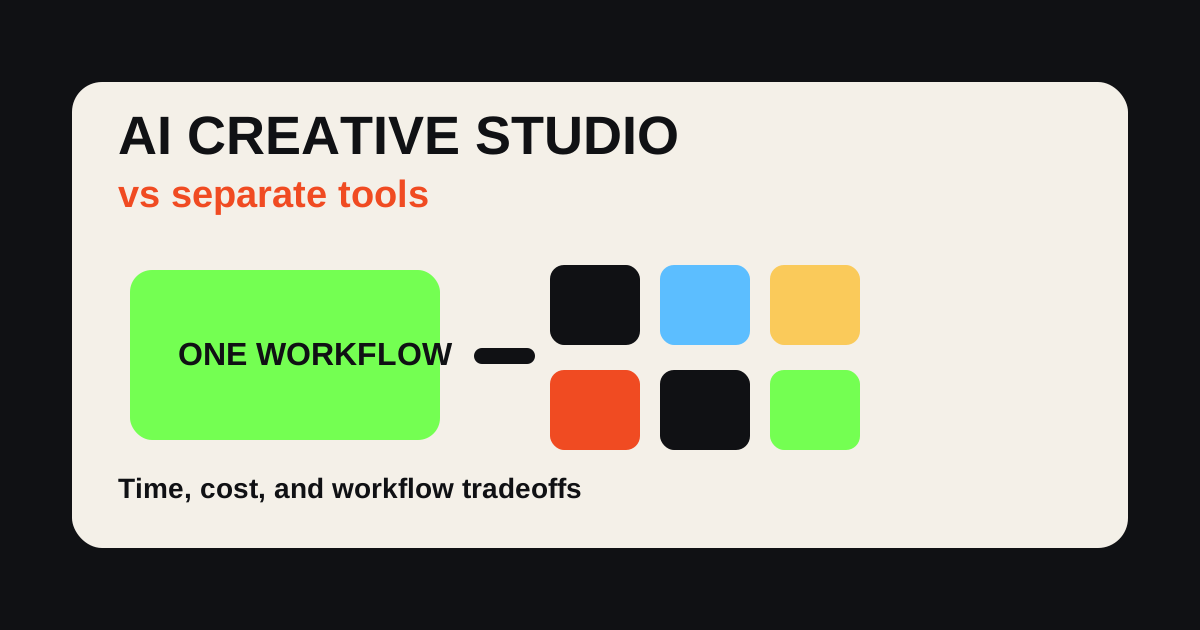
An AI creative studio is worth it when your work crosses formats: image, video, UGC ads, voiceover, prompt exploration, product shots, and campaign variations. Separate AI tools are worth it when you need one narrow specialist tool and do not mind switching workflows.
That is the real tradeoff. It is not "all-in-one is always better" or "specialist tools are always more powerful." The right choice depends on the creative job.
Oakgen is an AI creative studio built for people who need to move from idea to usable creative quickly: AI images, AI video, UGC ads, audio, model choice, and variations in one place.
Use Oakgen as Your AI Creative Studio
Generate images, video, UGC ads, voice, and campaign variations without stitching together separate tools.
Quick Verdict
| Workflow | Best For | Strength | Weakness |
|---|---|---|---|
| AI creative studio | Multi-format campaigns | Fewer handoffs and faster iteration | May not have every specialist feature |
| Separate AI tools | Deep niche production | Best-in-class features for one task | Subscription sprawl and workflow friction |
| Hybrid stack | Teams with specialists | Use studio for volume, specialists for final polish | Requires workflow discipline |
| Traditional creative suite | Final design and brand control | Precise editing and production polish | Slower for ideation and variants |
The Hidden Cost of Separate AI Tools
Separate tools look simple at first. One tool for images. One for video. One for voice. One for captions. One for avatars. One for prompts. One for editing.
Then the workflow becomes:
- write prompt in a chat tool
- generate image in an image tool
- export
- upload to video tool
- generate video
- export again
- upload to voice tool
- generate voiceover
- move to editor
- create platform versions
- repeat for variants
The cost is not only subscription price. It is context loss. Every export loses the brief, prompt history, visual direction, and decision trail.
That matters because creative work is iterative. The first version is rarely final.
Research Note: AI Tool Buying in July 2026
As of July 2026, many major AI platforms are expanding beyond one format. Adobe Firefly includes image, audio, video, and partner models. Google is connecting image and video generation into Gemini and Ads workflows. Kling describes an all-in-one creative studio with video, image, sound, and effects. Runway continues to combine model generation with editing and production controls.
The trend is clear: creative AI is moving from isolated generators toward workflows. The question is whether your team wants a broad studio, a stack of specialist tools, or both.
Check official pricing and usage limits before standardizing on a stack. Credit systems, watermarking, commercial terms, and model access change often.
When an AI Creative Studio Wins
An all-in-one AI creative studio wins when the campaign needs connected outputs.
Example: a product launch.
You may need:
- product hero images
- square ad images
- vertical videos
- UGC-style ads
- voiceover
- music
- thumbnail options
- landing page visuals
- social cutdowns
- hook variations
If every step lives in a separate tool, production slows down. If the same campaign brief can feed images, video, audio, and variants, the team moves faster.
Oakgen is strongest in that middle zone: more structured than a single prompt box, faster than a traditional production stack.
When Separate AI Tools Win
Separate tools are still the better choice in some situations.
Use a specialist tool when:
- you need one category at maximum depth
- your team already has a locked production pipeline
- your editor requires specific pro features
- you need a niche capability unavailable in a studio
- compliance requires a specific vendor
- one model is mandatory for the output
For example, a high-end motion team may prefer a specialist video workflow for a final hero film. A designer may prefer a dedicated design tool for pixel-level layout. A podcast producer may prefer a specialist audio tool for final mastering.
That is fine. The mistake is using a specialist stack for every rough test.
Subscription and Switching Comparison
Use this table as a simple cost audit.
| Need | Separate Stack | AI Creative Studio | What to Watch |
|---|---|---|---|
| Image ads | Image generator subscription | Included in studio workflow | Model quality and commercial terms |
| Product videos | Video tool + uploads | Generate from same campaign brief | Output length and product accuracy |
| UGC ads | Avatar tool + script + editor | Script, UGC, voice, variants together | Realism and disclosure review |
| Voiceover | Separate voice subscription | Audio layer in same workflow | Voice rights and pronunciation |
| Variants | Manual export/reupload loop | Faster reuse of prompts and assets | Testing discipline |
| Final polish | Often stronger in specialist apps | Good for generation and iteration | May still need pro editor |
The most expensive workflow is often the one no one measures: ten small tools, five exports, unclear usage rights, and no repeatable prompt history.
Workflow Example: One Campaign in Both Systems
Imagine an ecommerce brand launching a new travel bottle.
Separate Tool Workflow
- Chat tool for ad angles
- Image tool for product scenes
- Video tool for b-roll
- Avatar tool for UGC ad
- Voice tool for narration
- Editor for captions and cuts
- Spreadsheet for variants
This can produce excellent results, but it needs someone to manage the handoffs.
AI Creative Studio Workflow
- Write the campaign brief
- Generate image concepts
- Turn best concepts into product video
- Create UGC script and voiceover
- Generate variants
- Export platform cuts
This is usually faster for the first testing round.
Create a Full Campaign From One Brief
Use Oakgen to turn one idea into product images, AI video, UGC ads, voice, and creative variations.
The Hybrid Workflow I Recommend
Use an AI creative studio for ideation, first drafts, variants, and multi-format production. Use specialist tools for final polish where they clearly win.
For most teams:
- Use Oakgen to explore angles.
- Generate product images and video.
- Create UGC-style variants.
- Test what gets attention.
- Use specialist tools only for the winning assets that need final production polish.
This prevents overproducing weak ideas.
How to Decide
Ask these questions:
- Do we need one asset or a campaign system?
- Do we need depth in one format or speed across formats?
- Are we testing or producing final brand assets?
- Do we have a human editor?
- How many tools are we already paying for?
- How often do we lose time moving files between tools?
- Do we need prompt history and variants?
If the answer is "we need lots of connected creative," use an AI creative studio. If the answer is "we need one specialized output at the highest level," use a specialist tool.
Common Mistakes
The first mistake is buying tools by demo quality. Demos do not show workflow cost.
The second mistake is subscribing to every new model. Most teams do not need more tools; they need a better production process.
The third mistake is using an all-in-one studio as if it should replace every professional app. It should reduce friction, not eliminate all specialist work.
The fourth mistake is ignoring commercial terms. Always check usage rights, watermarking, training policies, and export limits.
The fifth mistake is failing to name the output. "Make content" is not a workflow. "Create six 9:16 UGC ad variants for Meta and TikTok" is.
Oakgen's Best Fit
Oakgen is best if you are:
- testing ad angles
- generating product images
- creating short AI videos
- making UGC-style ads
- producing campaign variants
- comparing creative directions
- trying to reduce tool switching
It is not the answer if you only need one highly specialized finishing feature. It is the answer when the creative job spans formats.
The Hidden Cost Of Separate Tools
Separate tools usually look cheaper until you count the operational cost.
The obvious cost is subscription overlap. One image tool, one video tool, one avatar tool, one voice tool, one music tool, one upscaler, one editor. Each subscription may be reasonable alone. Together they become a stack the team has to manage every month.
The less obvious cost is context loss. The prompt that created the image does not live near the script that created the UGC ad. The product reference is uploaded three times. The winning hook is rewritten in another app. The music bed sits in a different export folder. By the time the campaign is ready, nobody remembers which version came from which brief.
That context loss matters because creative work is iterative. The first output is rarely the winner. A team needs to compare versions, carry forward what worked, and make the next asset smarter. Tool switching makes that harder.
When Separate Tools Still Win
There are real cases where specialist tools win.
If you are a professional retoucher doing final product cleanup, a dedicated image editor may beat a general creative studio. If you are producing a high-budget brand film, a production-grade video pipeline still matters. If you need one exact avatar workflow at massive scale, a specialized avatar vendor may have deeper controls.
The point is not that all-in-one beats specialist every time. The point is that most marketing teams are not bottlenecked by one missing expert feature. They are bottlenecked by moving from idea to usable campaign assets quickly.
Use specialist tools when the output is narrow and the quality bar is extreme. Use an AI creative studio when the job crosses formats and the team needs to iterate.
The Workflow Audit
Before deciding, audit the last five creative assets your team shipped.
For each one, write down:
- how many tools were opened
- how many times the same file was uploaded
- where the prompt or brief lived
- who reviewed the output
- how many versions were created
- where the final asset was exported
- what was hard to reproduce later
If the answer is "we lost context every time," an AI creative studio solves a real problem. If the answer is "we only needed one specialist feature," a separate tool may still be fine.
The audit keeps the decision grounded. Teams often buy based on what looks impressive in a demo. The better question is what broke in the last real campaign.
The Migration Path
Do not move every workflow into an AI creative studio at once.
Start with one repeatable job: weekly ad variants, product image concepts, UGC scripts, product cutaways, or social video drafts. Run that workflow inside Oakgen for two weeks. Track time saved, assets produced, review quality, and how often the team still needs specialist tools.
If the workflow improves, move the next adjacent job. If it does not, the issue may be the brief, not the tool. This staged migration keeps the decision practical.
Decision Rubric: Studio, Specialist, Or Hybrid
Use this rubric before adding another subscription.
Choose an AI creative studio when the work needs more than one format. If the same brief has to become product images, vertical clips, UGC ads, thumbnails, and landing-page visuals, keeping the work in one place matters.
Choose a specialist tool when the output has one hard technical requirement. Examples include final audio mastering, professional retouching, advanced motion design, brand-template layout, or a specific model the team must use.
Choose a hybrid workflow when the campaign has two phases: fast exploration first, final polish second. Use Oakgen to find the winning angle, then move the best output into a specialist app only when the idea has earned that extra production time.
The practical rule is simple: do not use specialist complexity during discovery, and do not expect a broad studio to replace every finishing tool. Use the broad workflow to create options. Use specialist tools to polish the option that has proof.
Replace Tool Switching With One Creative Workflow
Start with Oakgen when you need image, video, UGC, audio, and campaign variants from one workspace.