The AI video generation market has developed a clear two-tier structure. At the top, models like Sora 2, Runway Gen-4.5, Veo 3, and Kling 3.0 produce stunning results at premium prices. Below them, a handful of budget models offer surprisingly capable output at a fraction of the cost.
MiniMax Hailuo 2.3 sits firmly at the top of that budget tier -- and for many creators, it is the only AI video model they need.
This is not a model that competes with premium tools on raw quality. It is a model that redefines what is possible at its price point. We tested Hailuo 2.3 extensively across dozens of content types, prompt styles, and use cases to give you a clear picture of what it can and cannot do.
What Is MiniMax Hailuo?
MiniMax is a Chinese AI company founded in 2021, backed by Tencent and other major investors, with a valuation that has placed it among China's most prominent AI startups. Their consumer-facing product is Hailuo AI, which provides video generation through both a web interface and API access via third-party providers like Fal and Replicate.
Hailuo 2.3 is the latest version of their video generation model. It supports both text-to-video and image-to-video generation, outputs at up to 1080p resolution, and generates clips of approximately 5-6 seconds in duration (extendable through sequential generation).
The model's defining characteristic is its approach to motion: smooth, cinematic, and controlled. Where other models attempt to maximize dynamism and visual complexity, Hailuo prioritizes temporal consistency and visual polish. Every frame transition is gentle, every camera movement is deliberate, and the overall aesthetic leans toward film rather than raw footage.
You may see this model referred to as "Hailuo," "Hailuo AI," "MiniMax Video," or "Hailuo 2.3" across different platforms. They all refer to the same model family from MiniMax. The version numbering (2.3) refers to the specific model iteration. On Oakgen, you will find Hailuo 2.3 Pro and Hailuo 2.3 Fast Pro listed under the MiniMax Hailuo branding in the video generator as image-to-video models; Oakgen does not offer Hailuo text-to-video.
Video Quality: The Full Breakdown
Motion Quality
Motion is the single most important quality metric for AI video, and it is where Hailuo 2.3 earns its reputation. The model produces exceptionally smooth motion with minimal jitter, warping, or frame-to-frame inconsistency.
What this looks like in practice:
- Camera pans are fluid and stable, without the subtle wobble that plagues many AI video models
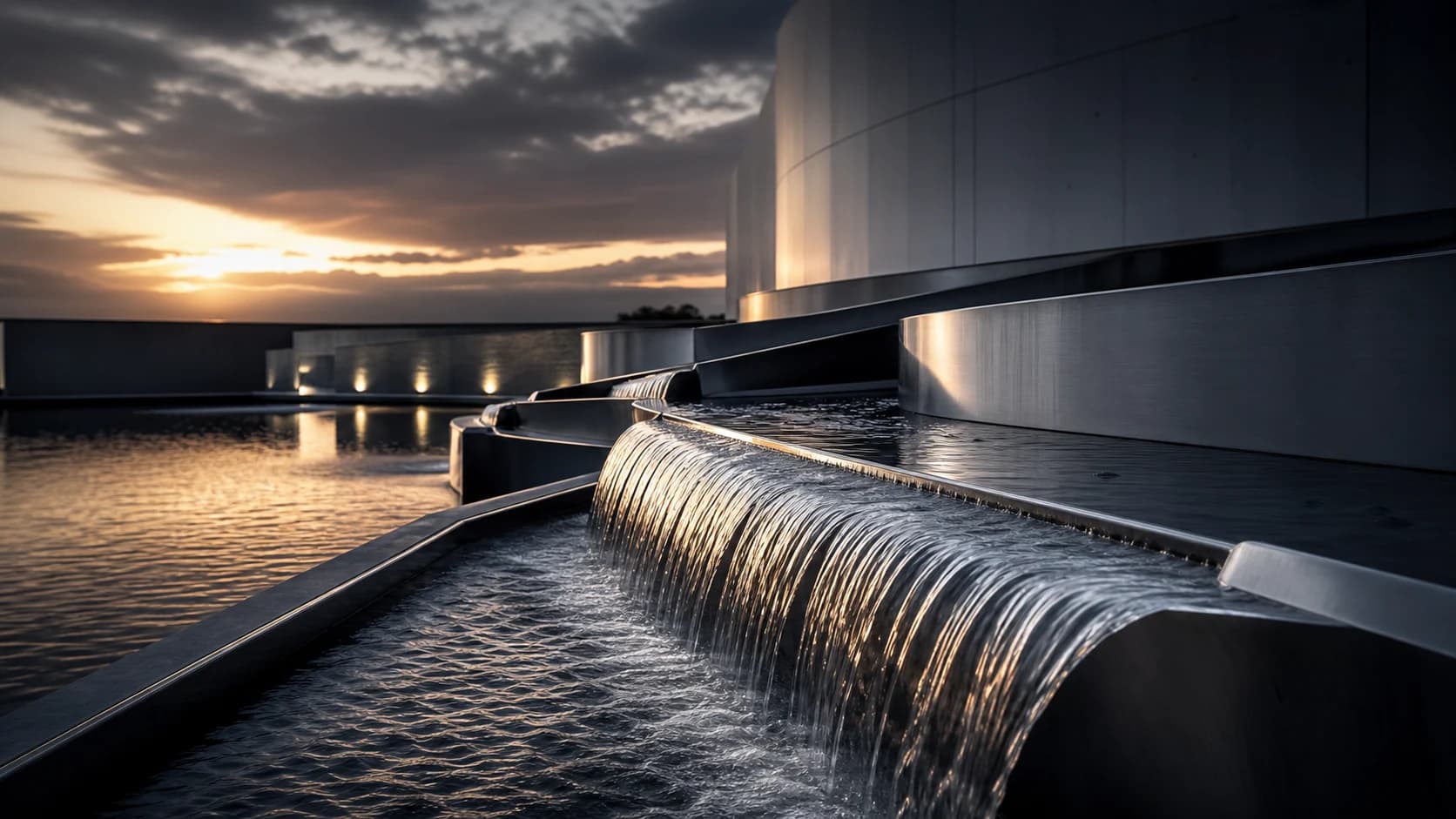
- Organic motion -- flowing water, swaying grass, drifting clouds -- is rendered with natural timing and physics
- Slow human movement -- a person turning their head, walking slowly, gesturing -- maintains consistent body proportions and smooth limb trajectories
- Transitions between motion states (standing to walking, stationary to moving) are handled gracefully
The trade-off for this smoothness is conservatism. Hailuo 2.3 does not attempt complex, fast-paced motion. Ask it for a person running, dancing energetically, or performing rapid actions, and the results degrade significantly. The model was optimized for controlled, cinematic motion -- and within that lane, it is excellent.
Visual Fidelity
At 1080p, Hailuo 2.3 produces clean, detailed frames with good color accuracy and natural lighting. Individual frames look like they could pass as photographs or high-quality digital art, depending on the prompt style.
Strengths:
- Consistent color grading across all frames -- no sudden shifts in tone or saturation
- Natural lighting behavior with accurate shadow direction and soft ambient occlusion
- Good material rendering for common surfaces (water, fabric, metal, vegetation)
- Clean edges on foreground subjects with minimal artifacting
Weaknesses:
- Fine details (small text, intricate patterns, distant objects) can be soft or inconsistent
- Skin textures on close-up human subjects occasionally show the "AI smoothness" artifact
- Complex backgrounds sometimes simplify between frames, losing detail in areas the model deems less important
Temporal Consistency
This is Hailuo's strongest technical quality. Objects, characters, and environments maintain their appearance across frames far more reliably than most budget-tier competitors. A person's face does not morph. A building's windows do not rearrange. Colors do not shift unpredictably.
For practical content creation, temporal consistency matters more than individual frame quality. A slightly soft frame that flows naturally into the next one looks better in motion than a crisp frame followed by a distorted one.
Text-to-Video vs. Image-to-Video
Hailuo 2.3 supports both input modes, and the results differ meaningfully.
Text-to-Video
Describe what you want in a text prompt, and the model generates a video from scratch. Results are broadly good but carry the inherent unpredictability of any text-to-video model. The composition, framing, and specific visual interpretation of your prompt are entirely up to the model.
Best for: Exploratory creative work, generating multiple variations, and situations where you do not have a specific visual starting point.
Limitations: Less control over the exact composition and starting frame. Some prompts produce unexpected interpretations.
Image-to-Video
Upload a still image and the model animates it. This is generally the more practical workflow for professional content creation because it gives you control over the starting composition.
Best for: Animating product photos, bringing illustrations to life, creating social media video content from existing images, and any workflow where visual consistency with a source image is critical.
Limitations: The model's conservative motion philosophy means some image-to-video generations feel too subtle -- a person barely moves, a scene barely changes. If you want dramatic transformation from your source image, Hailuo 2.3 may under-deliver.
| Aspect | Text-to-Video | Image-to-Video |
|---|---|---|
| Creative Control | Lower -- model interprets freely | Higher -- you set the starting frame |
| Consistency | Variable composition each time | Anchored to source image |
| Best Use Case | Exploration and ideation | Production and final output |
| Motion Amount | Moderate | Conservative (preserves source) |
| Quality Floor | Lower -- some prompts miss | Higher -- good source = good output |
Generate a high-quality starting frame using Flux 2 Pro or GPT Image 1.5 on Oakgen, then feed that image into Hailuo 2.3 for animation. The combined cost of a premium still image plus a budget video generation is still cheaper than a single premium video generation -- and the results are often better than text-to-video on any model.
Pricing: What Does Hailuo 2.3 Actually Cost?
Hailuo 2.3 is one of the most affordable capable video models available. Pricing varies by provider and platform, but here is the general picture:
- Per clip (5-6 seconds, 1080p): $0.15-0.30 depending on provider
- On Oakgen: Hailuo 2.3 Pro and Fast Pro (image-to-video); check the credit cost shown in the generator before rendering
- Extended clips (per additional segment): Similar cost per extension
Cost at Scale
The pricing advantage becomes dramatic at volume:
| Monthly Volume | Hailuo 2.3 | Kling v2.6 | Runway Gen-4 | Sora 2 |
|---|---|---|---|---|
| 30 clips | $4.50-9.00 | $6.00-12.00 | $15-45 | $30-60 |
| 100 clips | $15-30 | $20-40 | $50-150 | $100-200 |
| 300 clips | $45-90 | $60-120 | $150-450 | $300-600 |
| 1,000 clips | $150-300 | $200-400 | $500-1,500 | $1,000-2,000 |
At 100 clips per month -- a reasonable volume for an active social media creator or small marketing team -- Hailuo 2.3 costs roughly $15-30. A comparable volume on premium models would cost $50-200+. That savings compounds month over month and can easily justify Hailuo 2.3 as the primary workhorse model, with premium models reserved for hero content.
Real-World Use Cases: Where Hailuo 2.3 Excels
Product Showcases
Hailuo 2.3's smooth, controlled motion is perfect for product videos. Slow rotations, gentle reveals, smooth camera orbits around a product -- the model handles these with a cinematic quality that punches well above its price point. The key is starting with a high-quality product image and keeping motion requests simple and controlled.
Social Media B-Roll
Background footage for Instagram stories, YouTube intros, podcast video backgrounds, and ambient social media content. Hailuo excels at atmospheric clips that set a mood without demanding attention -- flowing water, drifting clouds, subtle environmental motion.
Atmospheric and Mood Content
Meditation apps, wellness brands, ambient livestream backgrounds, and lo-fi aesthetic content. Hailuo's smooth, gentle motion aesthetic aligns naturally with content designed to be calming, atmospheric, or meditative.
Animated Illustrations and Art
Feed an illustration or digital artwork into Hailuo's image-to-video, and the model adds subtle animation that brings the piece to life without destroying the original artistic style. This works well for book promotions, gallery showcases, and social media posts featuring artwork.
E-Commerce Lifestyle Clips
Simple lifestyle scenes showing products in use -- a candle flickering on a table, clothing moving in a gentle breeze, a beverage being poured. Hailuo's controlled motion keeps the focus on the product while adding enough visual interest to outperform a static image.
Where Hailuo 2.3 Struggles
Being transparent about limitations helps you decide when to use Hailuo and when to reach for a different tool.
Fast or Complex Motion
Running, dancing, sports, explosions, rapid camera movement -- any scene requiring fast, dynamic motion will produce artifacts. Motion blur becomes unnatural, limbs can distort, and temporal consistency breaks down. For dynamic content, Kling v2.6 or premium models are better choices.
Talking Heads and Lip Sync
Hailuo 2.3 does not support lip synchronization. If you need a person speaking with mouth movement matched to audio, you need Kling (which supports lip sync) or a dedicated talking head tool. Hailuo can generate a person who appears to be speaking, but the mouth movement will not match any specific audio track.
Multi-Person Interaction
Scenes with multiple people interacting -- conversation, physical contact, collaborative activity -- often produce artifacts. Character boundaries blur, identity consistency between people degrades, and spatial relationships become unstable.
Long-Form Consistency
While individual 5-6 second clips maintain good consistency, extending clips through sequential generation introduces drift. By the third or fourth extension, the scene may have subtly shifted in color, composition, or character appearance. For content longer than 10-15 seconds, editing together separately generated clips typically produces better results than continuous extension.
High-Resolution Detail
At 1080p, Hailuo 2.3 is capable. But zoom in on any frame and the limitations become apparent. Fine hair detail, distant text, small objects, and intricate patterns are not rendered with the precision of premium models or higher-resolution competitors like Kling 3.0 (which supports 4K).
Hailuo 2.3 vs. Other Budget Models
Hailuo 2.3 vs. Kling v2.6
This is the most common comparison. Kling v2.6 is Hailuo's closest budget competitor, and the choice between them depends entirely on your content type:
- Hailuo wins on: Smooth motion, cinematic quality, product videos, atmospheric content, lower cost per clip
- Kling wins on: Dynamic motion, lip sync, longer default clip length (10 seconds vs. 6), character expressiveness, talking head content
Neither is universally better. The ideal workflow uses both, matched to the content type.
Hailuo 2.3 vs. Wan v2.6
Wan (from Alibaba) is another Chinese AI video model in the budget tier. Wan tends to produce more artistic, stylized output compared to Hailuo's cleaner, more realistic aesthetic. For creative and abstract content, Wan can be a compelling alternative. For polished, professional-looking content, Hailuo 2.3 is more consistent.
Hailuo 2.3 vs. PixVerse v4
PixVerse targets a similar budget market but with a different emphasis. PixVerse produces decent quality at very fast generation speeds but with lower temporal consistency. For rapid iteration and concept testing, PixVerse's speed is an advantage. For final output quality, Hailuo 2.3 is the stronger choice.
A year ago, budget AI video models were curiosities -- fun to experiment with but impractical for professional use. That has changed. Hailuo 2.3 and its budget-tier peers produce content that is genuinely usable for social media, marketing, and content creation at quality levels that would have been considered premium just 12 months ago. The budget tier is not a compromise; it is a different cost-quality trade-off that makes sense for most short-form content.
How to Get the Best Results from Hailuo 2.3
Start with Great Source Images
For image-to-video, your output quality is directly limited by your input quality. Generate source images with a high-quality model (Flux 2 Pro, GPT Image 1.5, Reve) before animating them with Hailuo. This two-step workflow consistently outperforms text-to-video for production use.
Keep Motion Requests Simple
Describe smooth, controlled motion: "gentle camera pan to the right," "person slowly turns their head," "wind gently moving the curtains." Avoid requests for complex choreography, rapid movement, or dramatic action.
Use Specific Camera Direction
Hailuo responds well to cinematographic language: "dolly zoom," "slow tracking shot," "static wide angle," "shallow depth of field with foreground blur." The more specific your camera direction, the more predictable the output.
Generate Multiple Versions
At Hailuo's price point, generating 3-5 versions of each clip and selecting the best is economically viable. Quality varies between generations even with identical prompts, and selection from a small batch consistently produces better results than relying on a single generation.
Edit in Post
Hailuo generates raw clips. Adding color correction, sound design, transitions, and text overlays in post-production transforms budget AI video into professional-looking content. The raw output is a starting point, not a finished product.
Our Verdict
MiniMax Hailuo 2.3 is the best budget AI video model for smooth, cinematic content. If your workflow involves product videos, social media B-roll, atmospheric content, or any use case where controlled motion matters more than dynamism, Hailuo 2.3 delivers remarkable value.
It is not the best budget model for everything. Dynamic content, talking heads, and complex multi-person scenes are better served by Kling v2.6 or premium alternatives. But within its strengths, Hailuo 2.3 produces output that routinely surprises people who learn the price after seeing the result.
For budget-conscious creators generating 30-300 clips per month, Hailuo 2.3 is an essential tool. On Oakgen's AI Video Generator, you can access Hailuo 2.3 Pro image-to-video alongside Kling, Seedance, and other premium models under one credit system -- using the right model for each specific job without managing multiple subscriptions.
FAQ
Is MiniMax Hailuo 2.3 good enough for professional use?
For short-form social media content, product videos, and supplementary B-roll, yes. The quality at 1080p is genuinely professional when the model is used within its strengths (smooth, controlled motion). For high-end commercial work, brand films, or large-screen presentations, premium models still deliver meaningfully better results.
How long are Hailuo 2.3 video clips?
Default generation is approximately 5-6 seconds at 24fps. You can extend clips through sequential generation, but quality typically degrades after 2-3 extensions. For best results, generate multiple short clips and edit them together rather than continuously extending a single clip.
Does Hailuo 2.3 generate audio?
No. Hailuo 2.3 generates silent video only. You need to add music, sound effects, or voiceover in post-production. Oakgen's AI Music Generator and AI Voice Generator can help create audio content to pair with your Hailuo video clips.
Can I use Hailuo 2.3 for commercial projects?
Yes. Video generated through API providers and platforms like Oakgen is licensed for commercial use under their respective terms of service. There are no additional licensing restrictions from MiniMax for commercial use of generated content.
How does Hailuo 2.3 compare to premium models like Sora 2?
Premium models like Sora 2 produce higher-quality output with better temporal consistency, more complex motion handling, native audio, and higher resolution options. The gap is most noticeable in complex scenes, fast motion, and long-form consistency. For simple, short clips viewed on mobile screens, the quality gap narrows significantly -- making Hailuo 2.3 a practical alternative at 70-80% lower cost.