AI Face Swap — Seamless Face Replacement | Oakgen.ai
Swap faces between two photos with AI-powered precision. Oakgen's Face Swap tool automatically matches lighting, skin tone, and perspective for a seamless, natural-looking result — no Photoshop skills required.
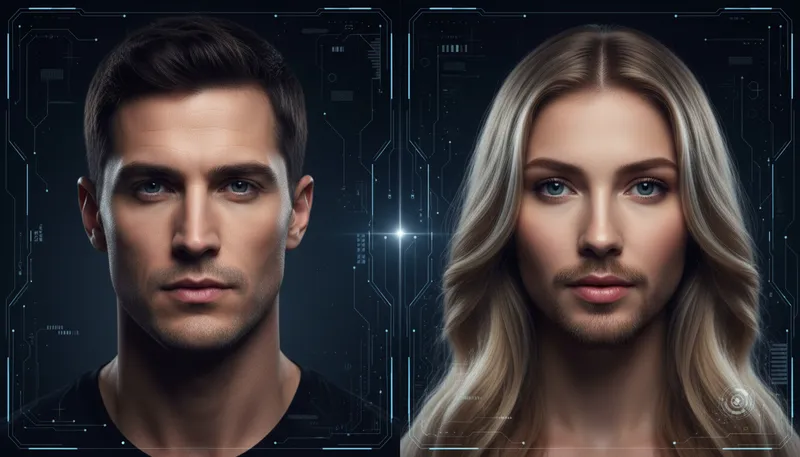
How It Works
Upload two images
Upload the source face (the face you want to use) and the target image (the body you want to place it on).
Let AI blend them
Our AI automatically detects facial features, matches lighting and skin tone, and blends the face naturally onto the target.
Download your result
Preview the face swap and download your high-resolution result. Adjust and regenerate if needed.
Tool Details
| Type | Image to Image — upload a reference photo |
| Difficulty | hard |
| Processing Time | 15-25 seconds |
| AI Models | 7+ supported models |
| Category | Face & Portrait |
What You Can Create
Frequently Asked Questions
Is the AI face swap free?
Yes — Oakgen offers 1,000 free credits when you sign up, which includes face swap generations. No credit card required.
How realistic is the AI face swap?
Very realistic. The AI matches lighting, skin tone, perspective, and facial proportions automatically. Results look natural in most cases, especially with well-lit, front-facing source photos.
Does it work with group photos?
The tool swaps faces one at a time. For group photos, you can run the tool multiple times — once per face you want to swap.
What photo quality do I need?
Best results come from clear, well-lit photos where the face is clearly visible. Both the source and target images should be at least 512x512 pixels.
Can I use face swap results commercially?
Yes — all generations on paid Oakgen plans come with commercial usage rights. Always ensure you have permission to use the original photos.
Related Tools
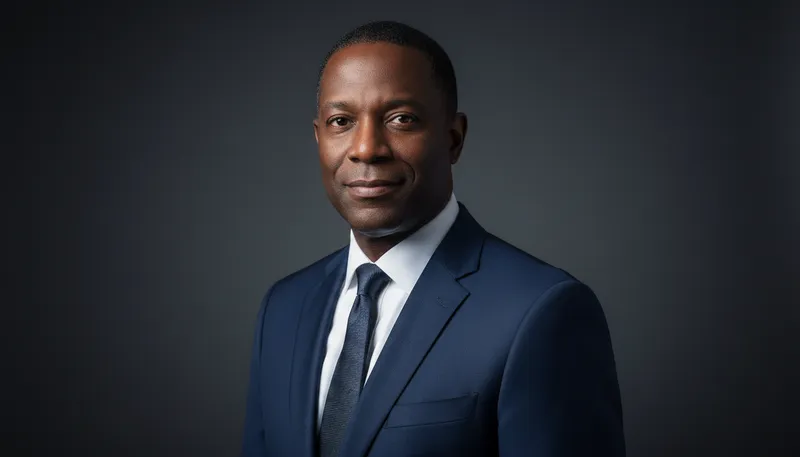
Professional Headshot
Transform selfies into professional business headshots
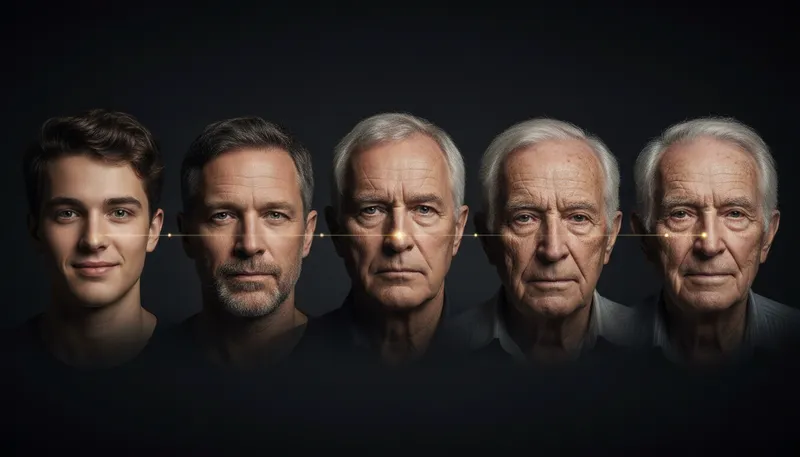
Age Transformer
Make portraits look younger or older with realistic aging effects
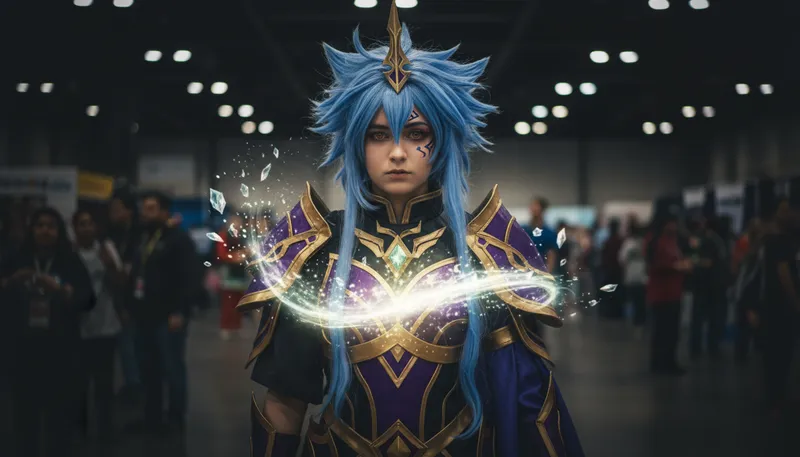
Cosplay Transformer
Transform into anime or game characters
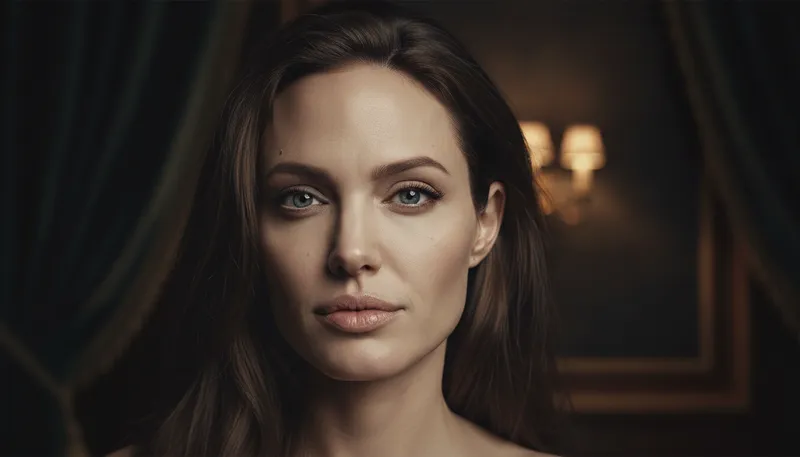
Celebrity Look-Alike Finder
Find your celebrity look-alike and blend features
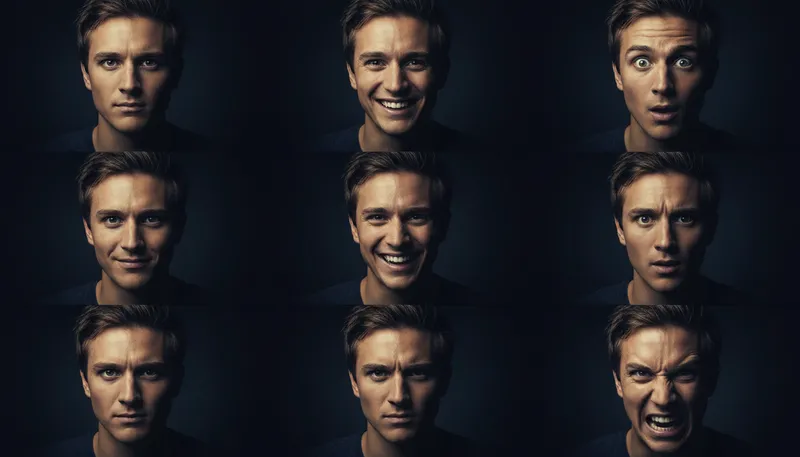
Expression Changer
Change facial expressions naturally
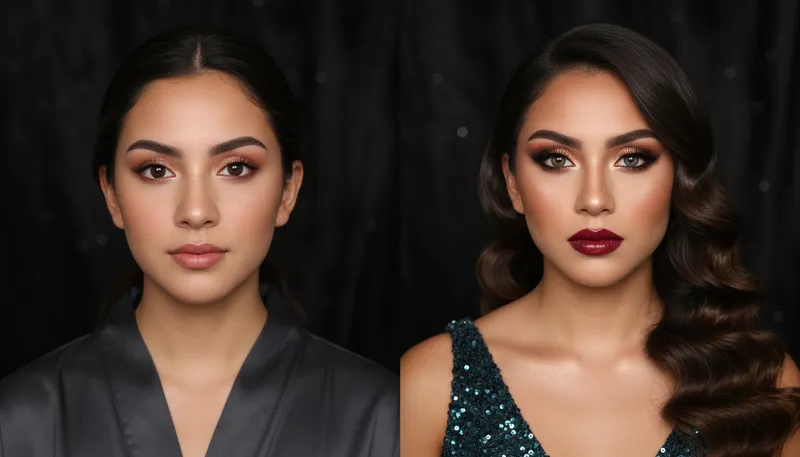
Virtual Makeup Try-On
Apply different makeup styles to portraits
Ready to Create?
1,000 free credits. No credit card required.
Try Face Swap Free