Virtual Makeup Try-On — AI Makeup Looks on Your Photo | Oakgen.ai
Try on different makeup styles with AI — lipstick, eyeshadow, contouring, and complete looks. See how makeup styles look on you before buying. Perfect for beauty content, shopping decisions, and social media.
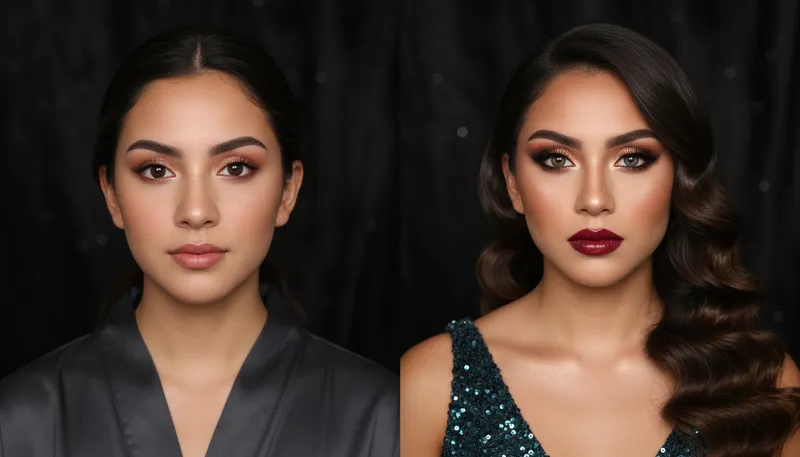
How It Works
Upload a clear selfie
Upload a well-lit front-facing photo. Clean, makeup-free photos give the most accurate results.
Choose your makeup style
Select from natural, glamour, editorial, Korean beauty, and other makeup styles and intensities.
Preview and download
See the makeup applied to your face with natural blending. Download or try different styles.
Customization Options
Makeup Style
Choose the makeup style to apply
Tool Details
| Type | Image to Image — upload a reference photo |
| Difficulty | easy |
| Processing Time | 8-12 seconds |
| AI Models | 7+ supported models |
| Category | Face & Portrait |
What You Can Create
Frequently Asked Questions
How realistic is the AI makeup?
Very realistic — the AI adapts makeup to your skin tone, face shape, and features. It applies color, blending, and highlights naturally.
What makeup styles are available?
Multiple styles including natural everyday, glamour/evening, editorial high-fashion, Korean beauty, smokey eye, and more.
Is the virtual makeup try-on free?
Yes — 1,000 free credits on signup. Try multiple looks at no cost.
Related Tools
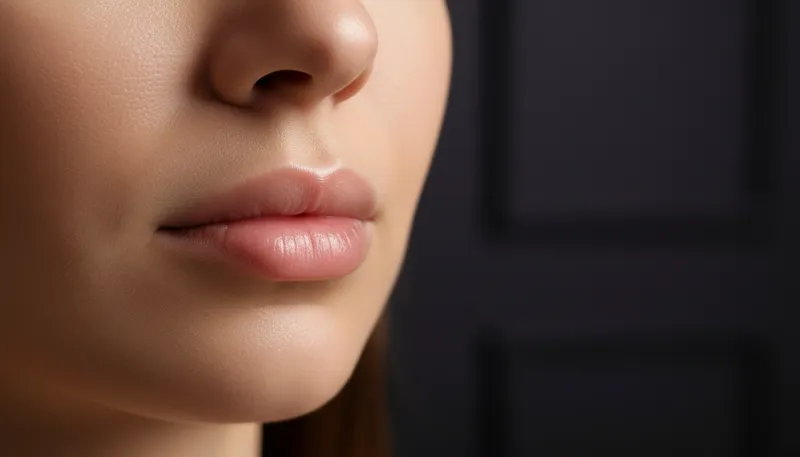
Lip Color & Enhancement
Apply lipstick colors and subtle lip enhancement
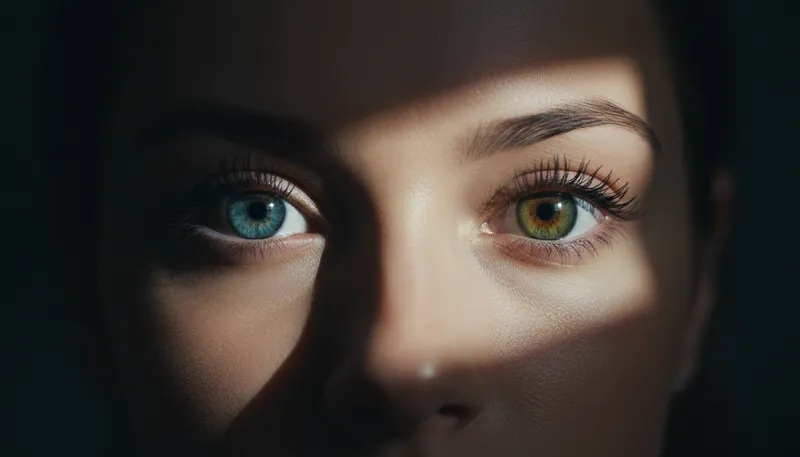
Eye Color Changer
Change eye color naturally
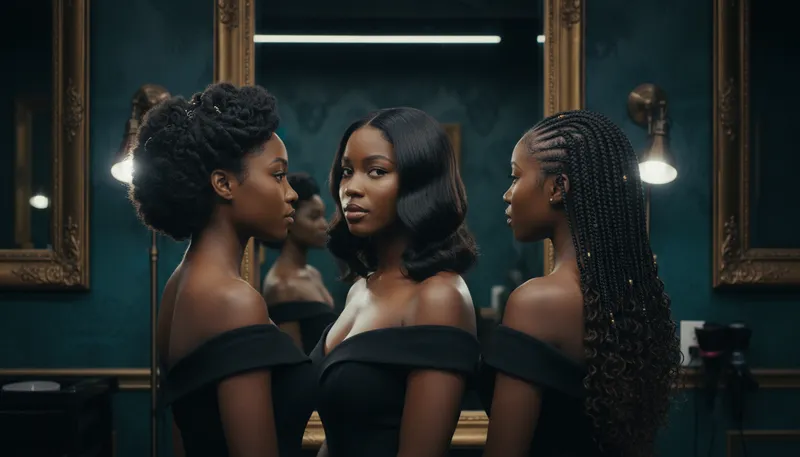
Hairstyle Changer
Try different hairstyles on your portrait
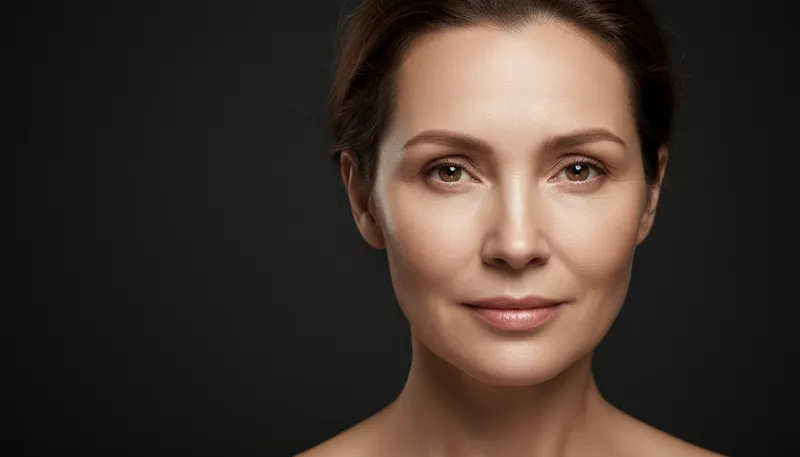
Skin Smoothing & Retouching
Professional skin smoothing and blemish removal
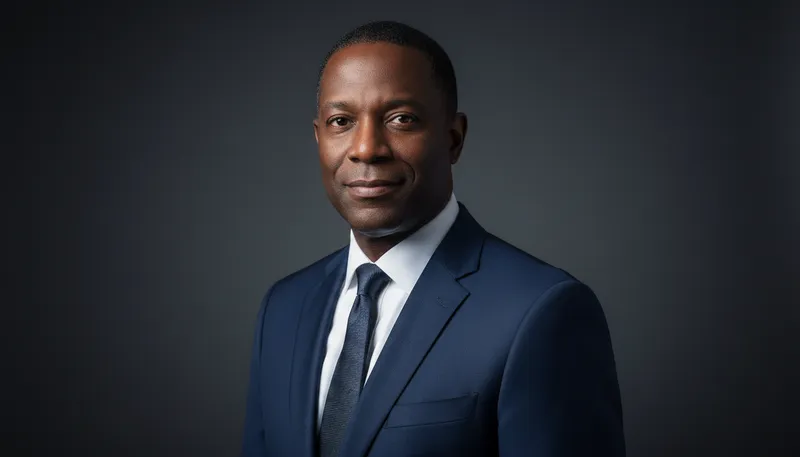
Professional Headshot
Transform selfies into professional business headshots
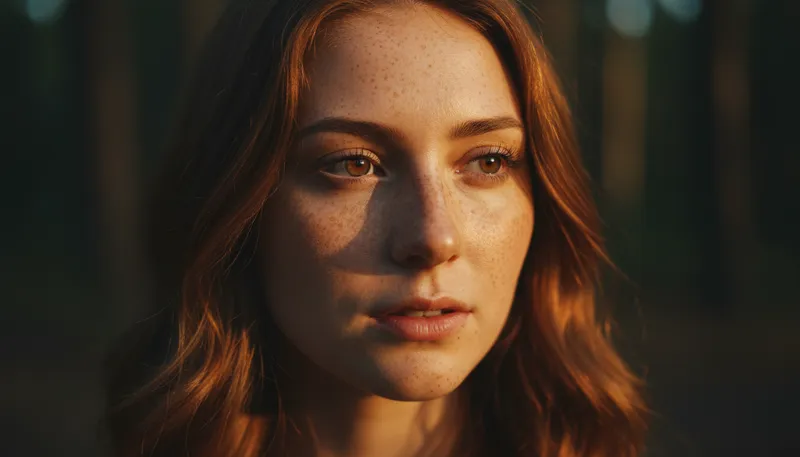
Freckles & Beauty Marks
Add or enhance freckles and beauty marks
Ready to Create?
1,000 free credits. No credit card required.
Try Virtual Makeup Try-On Free