AI Age Transformer — Make Photos Younger or Older | Oakgen.ai
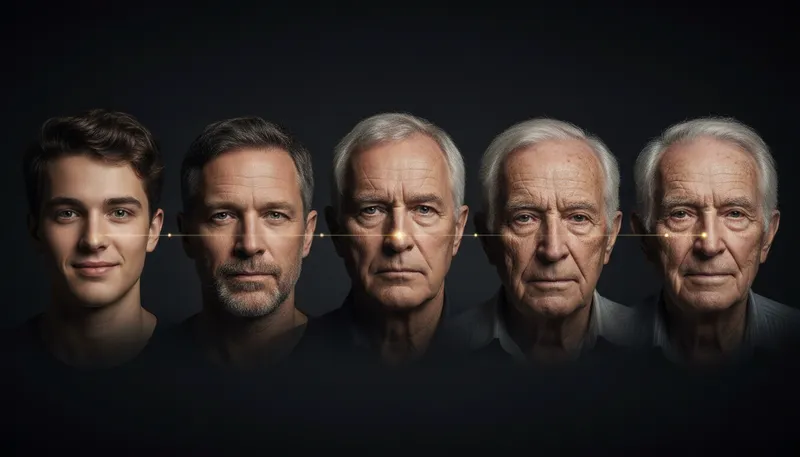
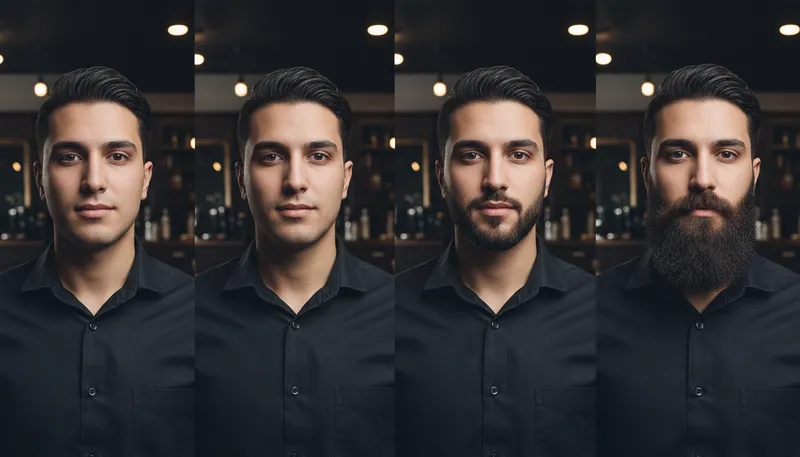
See yourself at any age with AI — make yourself look older, younger, or transform to a specific age range. Popular for social media content, fun experiments, and visualizing aging. Preserves your identity while naturally adjusting age-related features.
How It Works
Upload a clear face photo
Upload a portrait or selfie where your face is clearly visible and well-lit.
Choose the target age
Select the age range or direction — make yourself look younger, older, or a specific age like child, teenager, middle-aged, or elderly.
Download your aged/de-aged photo
Preview the transformation and download. The AI naturally adjusts skin, hair, and facial features while keeping your identity recognizable.
Customization Options
Age Direction
Should the person look younger or older?
Tool Details
| Type | Image to Image — upload a reference photo |
| Difficulty | medium |
| Processing Time | 10-15 seconds |
| AI Models | 7+ supported models |
| Category | Face & Portrait |
What You Can Create
Frequently Asked Questions
Is the AI age filter free?
Yes — 1,000 free credits on signup covers multiple age transformation generations.
How realistic is the aging effect?
Very realistic. The AI adjusts skin texture, wrinkles, hair color/volume, facial structure, and other age-related features while preserving the person's core identity and features.
Can I make myself look younger too?
Yes — the tool works both ways. You can make yourself look older or de-age to see yourself as a teenager or child.
Does it work with group photos?
The tool works best with individual portraits. For group photos, crop each face individually for best results.
Related Tools

Ready to Create?
1,000 free credits. No credit card required.
Try Age Transformer Free