Face & Portraiteasy8-12 seconds
AI Skin Smoothing & Retouching — Magazine-Grade Portrait Polish | Oakgen.ai
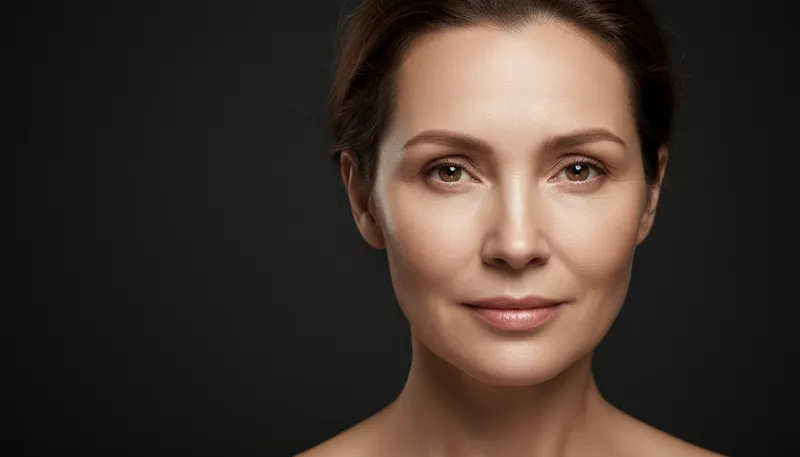
Professional skin smoothing and blemish removal
How It Works
1
Upload or describe
Upload a reference image or describe what you want to create. The AI supports both workflows.
2
Customize settings
Adjust style options, parameters, and preferences to get exactly the result you want.
3
Generate and download
Click generate and download your high-resolution result. Regenerate with different settings if needed.
Customization Options
Smoothing Level
How much smoothing to apply
Light TouchNaturalModerateHeavy (Magazine)
Tool Details
| Type | Image to Image — upload a reference photo |
| Difficulty | easy |
| Processing Time | 8-12 seconds |
| AI Models | 7+ supported models |
| Category | Face & Portrait |
What You Can Create
AI skin smoothingAI photo retouchingskin retouch AIAI beauty filterblemish remover AImagazine retouching AIprofessional retouching AIskin smoothing filterAI portrait retouchernatural skin retouching
Related Tools
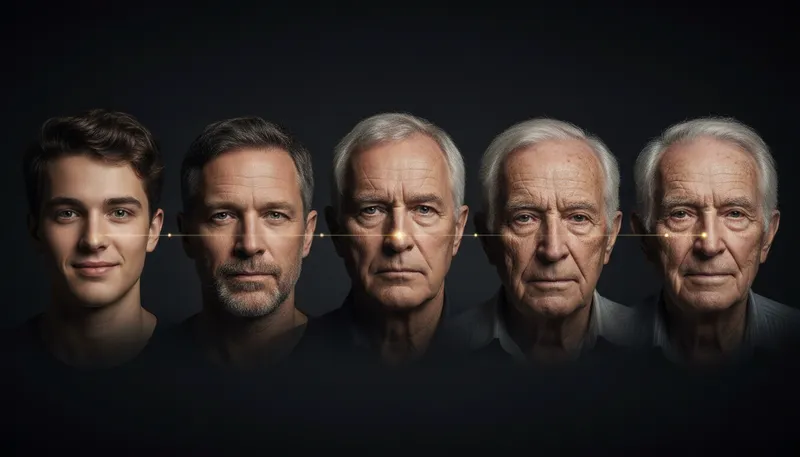
Age Transformer
Make portraits look younger or older with realistic aging effects

Professional Headshot
Transform selfies into professional business headshots
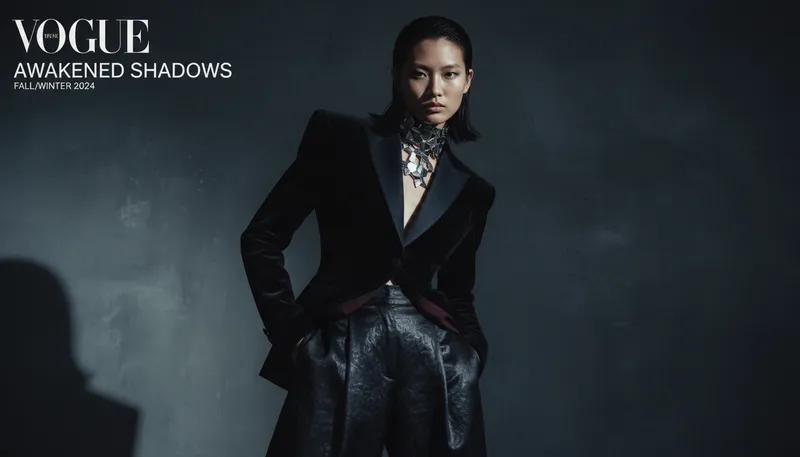
Fashion Model Portrait
Transform portraits into high-fashion editorial style
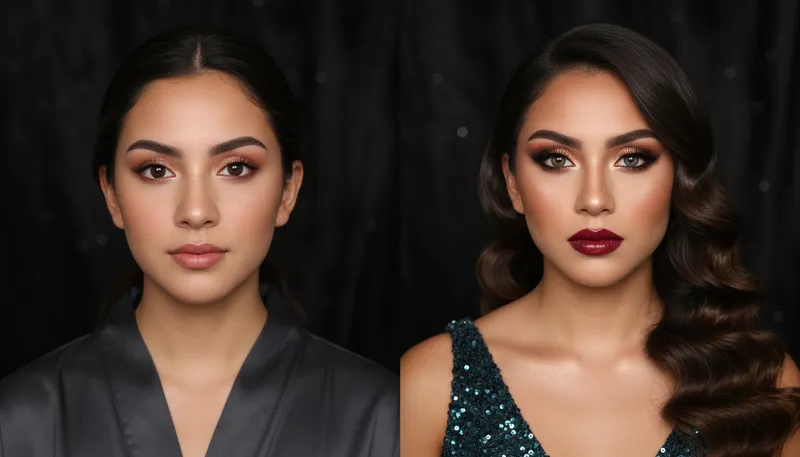
Virtual Makeup Try-On
Apply different makeup styles to portraits
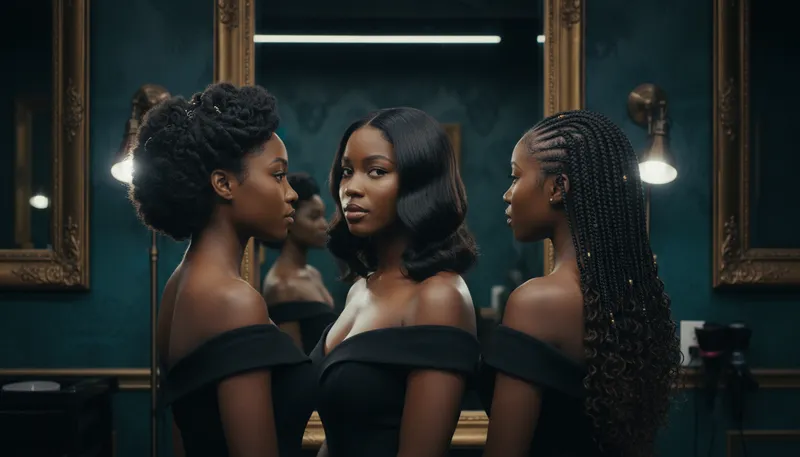
Hairstyle Changer
Try different hairstyles on your portrait
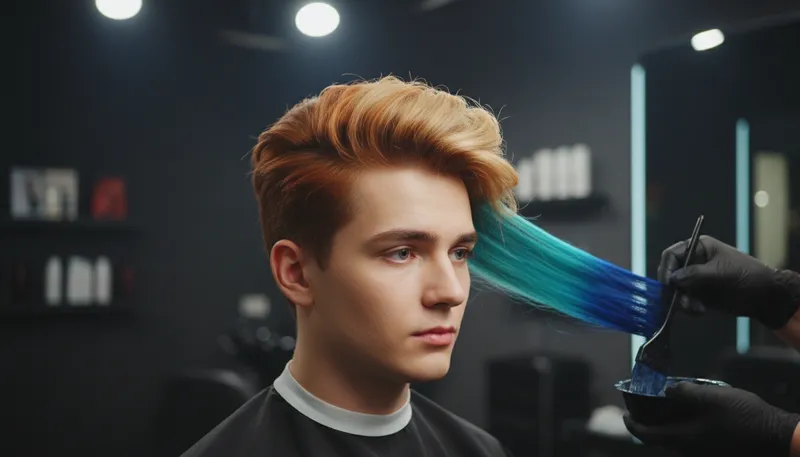
Hair Color Changer
Change hair color to any shade
Ready to Create?
1,000 free credits. No credit card required.
Try Skin Smoothing & Retouching Free