AI Object Removal — Erase People, Objects & Watermarks | Oakgen.ai
Remove unwanted objects, people, text, or blemishes from photos with AI. The tool intelligently fills in the removed area with contextually appropriate background. Perfect for cleaning up photos and removing distractions.
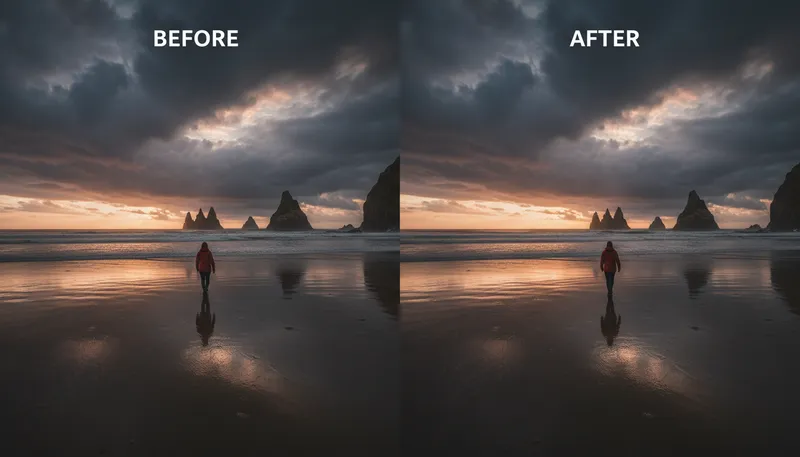
How It Works
Upload your photo
Upload the image containing the object, person, or element you want to remove.
Describe what to remove
Tell the AI what to remove — 'remove the person in the background', 'remove the text', or 'remove the trash can'.
Download the clean image
The AI removes the object and fills the area naturally. Download your clean, distraction-free photo.
Tool Details
| Type | Image to Image — upload a reference photo |
| Difficulty | medium |
| Processing Time | 10-15 seconds |
| AI Models | 7+ supported models |
| Category | Enhancement |
What You Can Create
Frequently Asked Questions
What can the AI remove from photos?
People, objects, text, watermarks, blemishes, wires, signs, vehicles — virtually anything. The AI fills the removed area with contextually appropriate content.
Does it leave artifacts?
In most cases, the fill is seamless. Complex backgrounds or large removed areas may occasionally need a second pass for perfect results.
Is AI object removal free?
Yes — 1,000 free credits on signup. Object removal uses minimal credits per edit.
Can I remove multiple objects from one image?
Yes — describe all objects to remove in one pass, or run the tool multiple times for precise control over each removal.
Related Tools
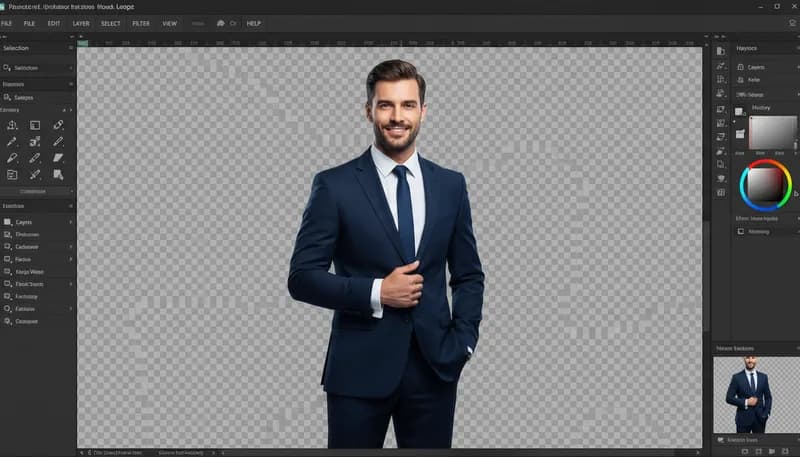
Background Remover
Remove background and create transparent PNG
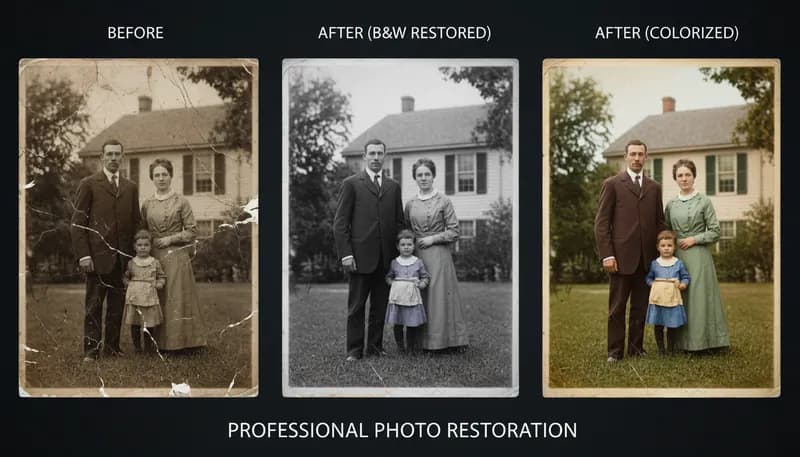
Old Photo Restoration
Restore and repair old, damaged photos
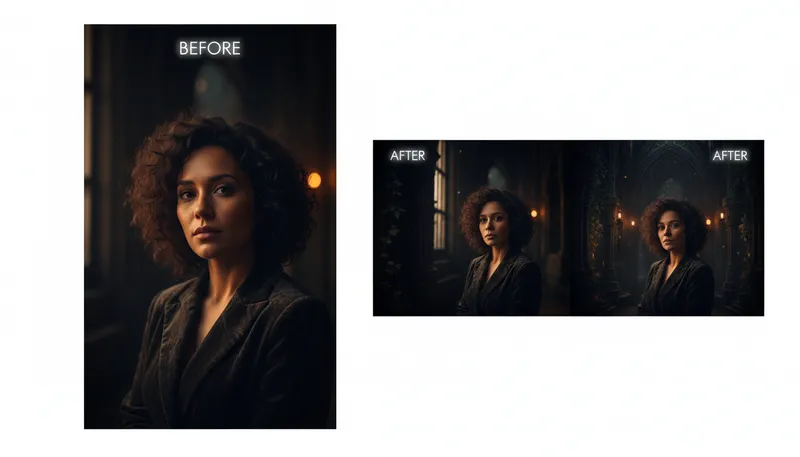
AI Image Extension / Outpainting
Extend image borders with AI-generated content

Background Replacer
Replace background with any scene you describe
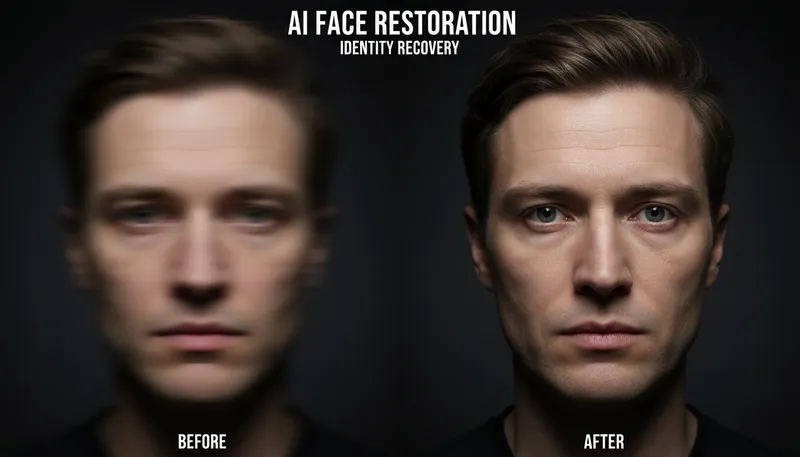
Face Restoration & Enhancement
Restore and enhance faces in low quality photos
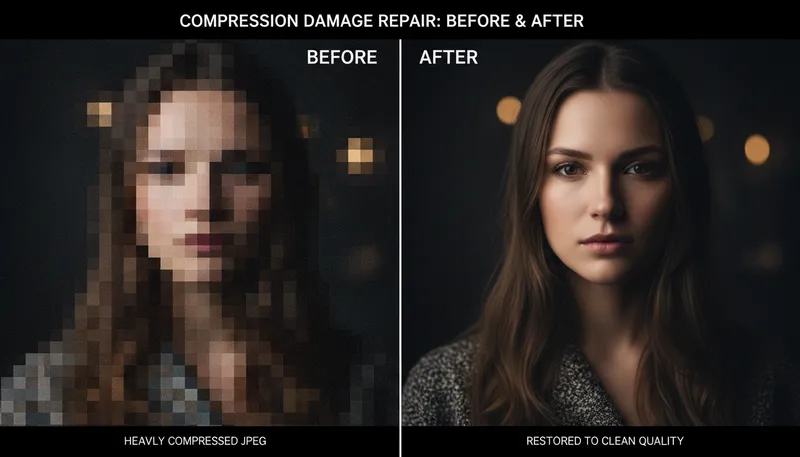
JPEG Artifact Removal
Remove compression artifacts from JPEG images
Ready to Create?
1,000 free credits. No credit card required.
Try Object Removal / Cleanup Free