Enhancementeasy8-12 seconds
AI Face Restoration & Enhancement — Sharpen Blurry Faces | Oakgen.ai
Restore and enhance faces in low quality photos
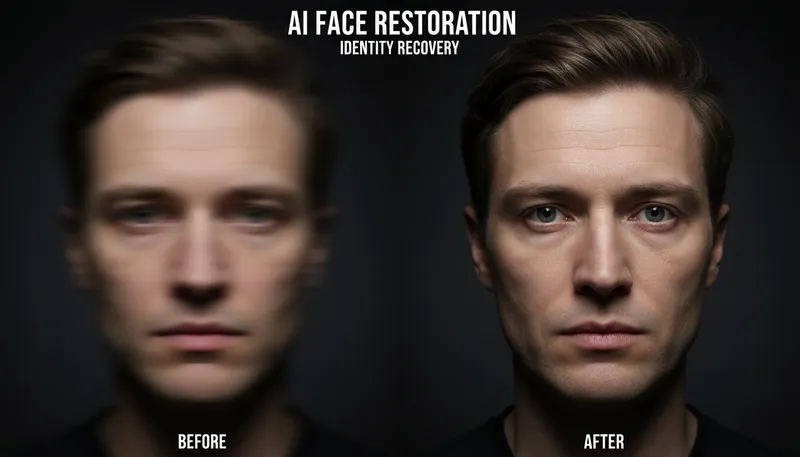
How It Works
1
Upload or describe
Upload a reference image or describe what you want to create. The AI supports both workflows.
2
Customize settings
Adjust style options, parameters, and preferences to get exactly the result you want.
3
Generate and download
Click generate and download your high-resolution result. Regenerate with different settings if needed.
Customization Options
Enhancement Strength
How much enhancement to apply
SubtleMediumStrong
Tool Details
| Type | Image to Image — upload a reference photo |
| Difficulty | easy |
| Processing Time | 8-12 seconds |
| AI Models | 7+ supported models |
| Category | Enhancement |
What You Can Create
AI face restorationface enhancement AIblurry face fixAI face enhancerrestore face photoenhance face detailAI face sharpeningfix blurry face photoface detail recoveryAI portrait restoration
Related Tools
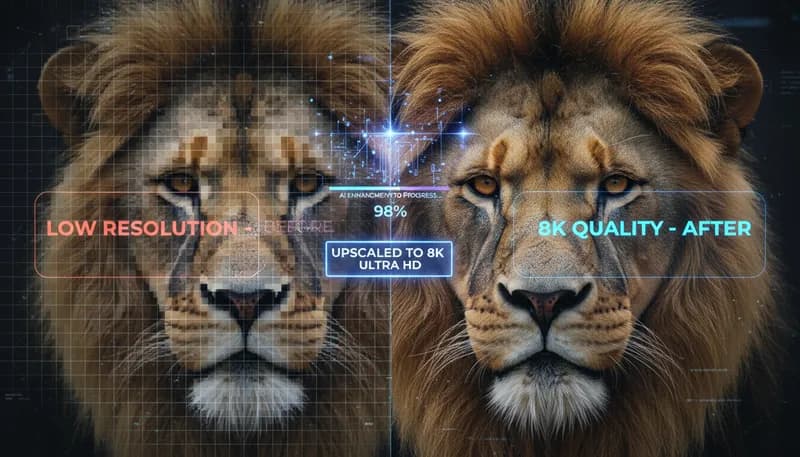
Super Resolution / Upscaling
Upscale images to higher resolution with AI enhancement
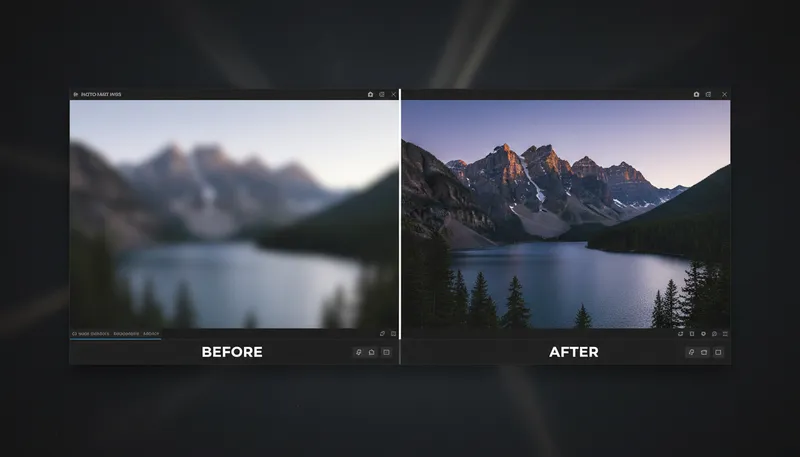
Image Sharpening & Deblur
Sharpen blurry images and enhance details
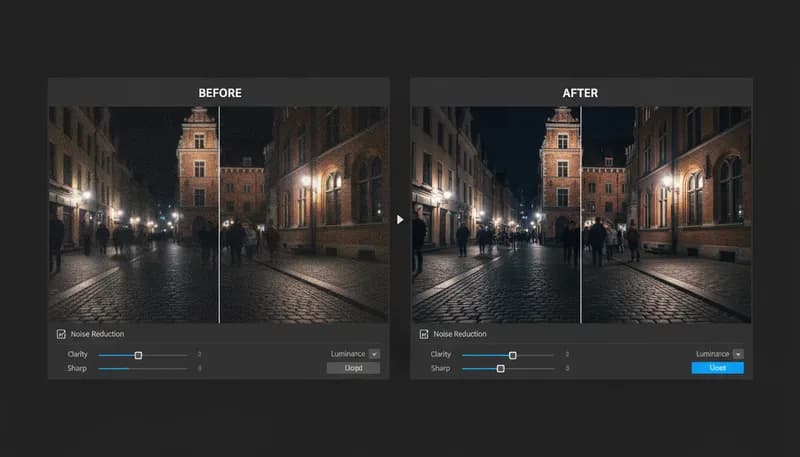
Noise Reduction & Denoise
Remove digital noise and grain from photos
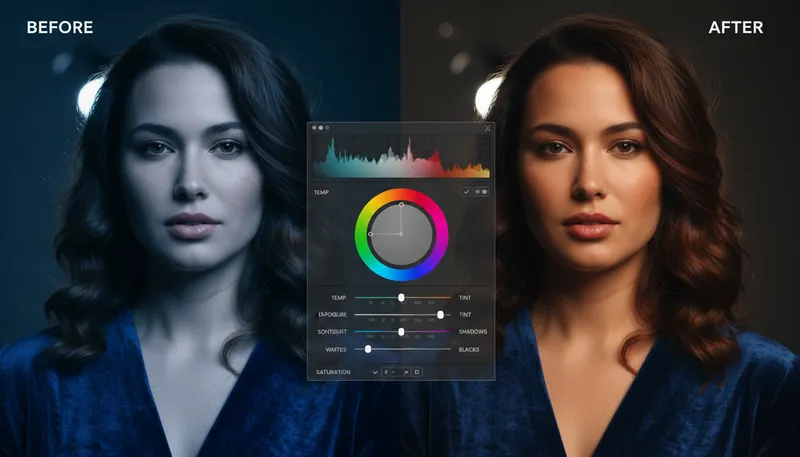
Auto Color Correction
Automatically correct colors and white balance
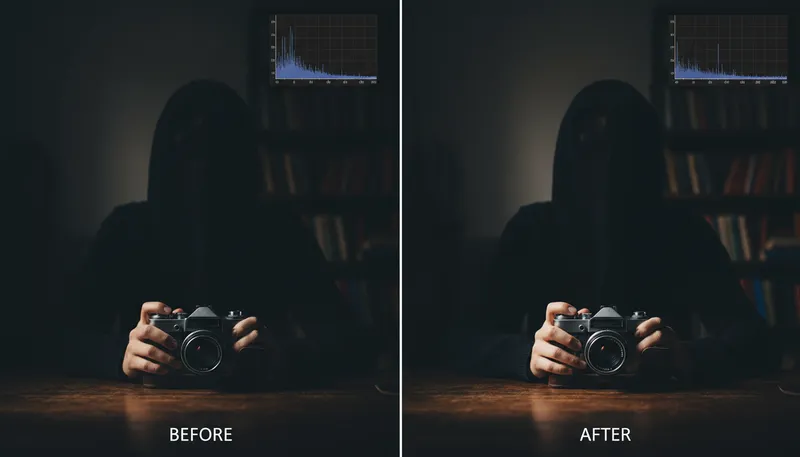
Exposure & Brightness Fix
Fix underexposed or overexposed photos
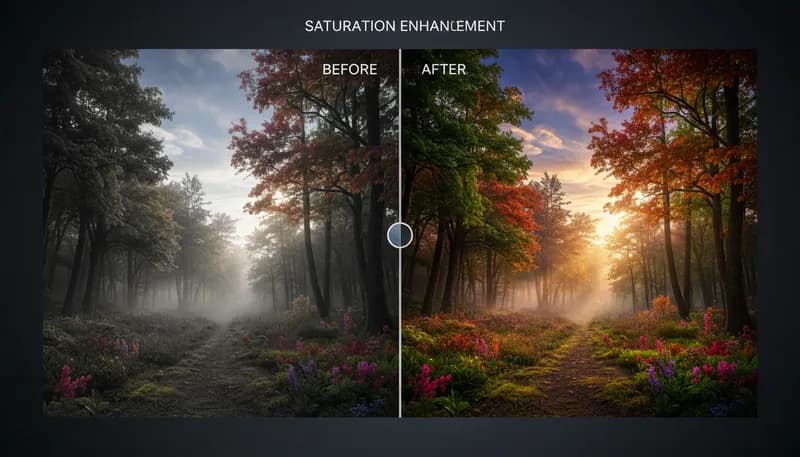
Saturation & Vibrance
Adjust color saturation and vibrance levels
Ready to Create?
1,000 free credits. No credit card required.
Try Face Restoration & Enhancement Free