Old Photo Restoration — AI Repair, Colorize & Face Enhance | Oakgen.ai
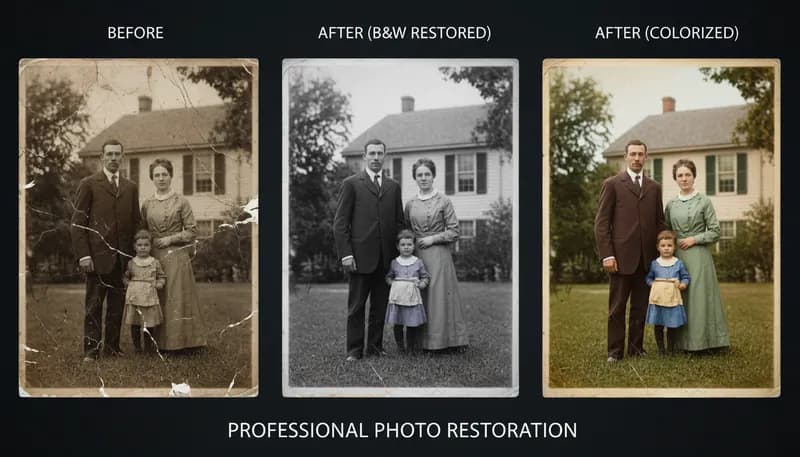
Restore old, damaged, or degraded photos with AI. Fix scratches, tears, fading, discoloration, and other damage. Bring family photos, historical images, and vintage prints back to life with modern clarity.
How It Works
Upload your old or damaged photo
Scan or photograph the damaged image and upload it. The AI handles scratches, tears, stains, fading, and more.
AI restores the damage
The AI analyzes the damage type and intelligently restores missing or damaged areas while preserving the original character.
Download the restored photo
Download your restored image in high resolution. Combine with our Upscaling tool for even better results.
Customization Options
Restoration Type
Type of restoration to apply
Tool Details
| Type | Image to Image — upload a reference photo |
| Difficulty | medium |
| Processing Time | 12-18 seconds |
| AI Models | 7+ supported models |
| Category | Enhancement |
What You Can Create
Frequently Asked Questions
What types of damage can AI restore?
Scratches, tears, fading, discoloration, water damage, stains, creases, and general degradation. The AI fills missing areas and corrects color issues.
Does it work with very old photos?
Yes — the AI handles black-and-white, sepia, and very old photographs. For best results, scan the original at the highest resolution possible.
Can I also colorize old black-and-white photos?
The restoration tool focuses on damage repair. For colorization, you can use the restored output with our style transfer tools.
Is photo restoration free?
Yes — 1,000 free credits on signup. Restoration credit cost depends on image size and damage severity.
Related Tools
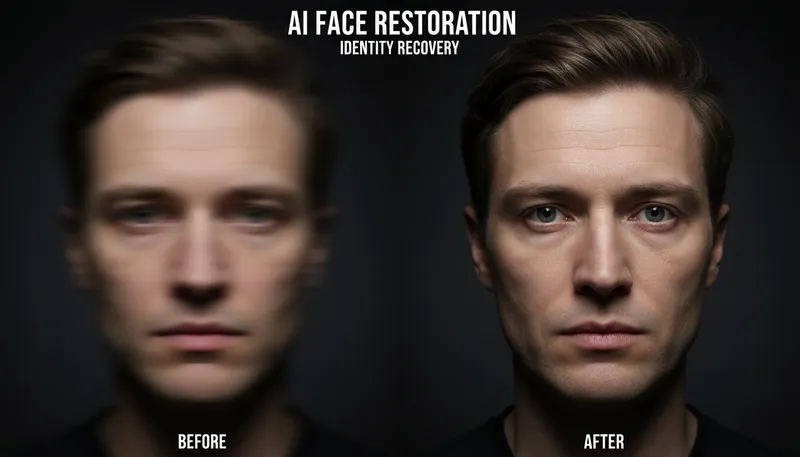
Face Restoration & Enhancement
Restore and enhance faces in low quality photos
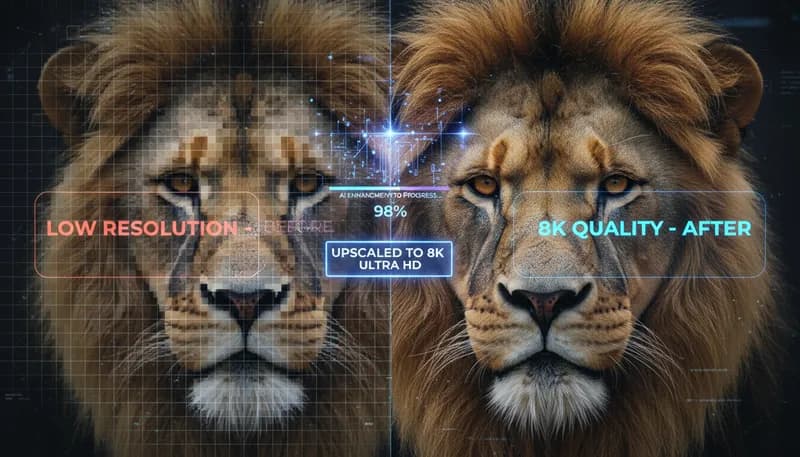
Super Resolution / Upscaling
Upscale images to higher resolution with AI enhancement
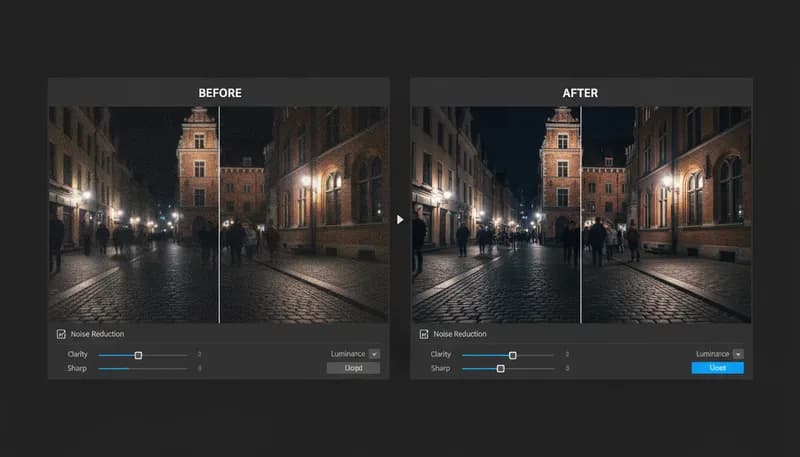
Noise Reduction & Denoise
Remove digital noise and grain from photos
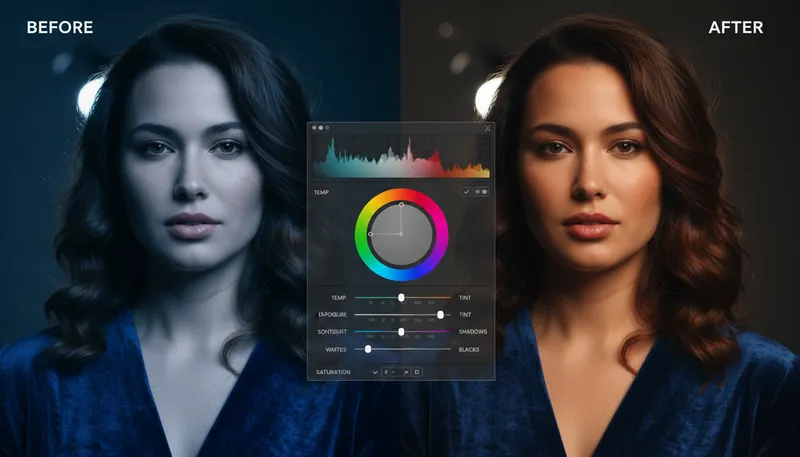
Auto Color Correction
Automatically correct colors and white balance
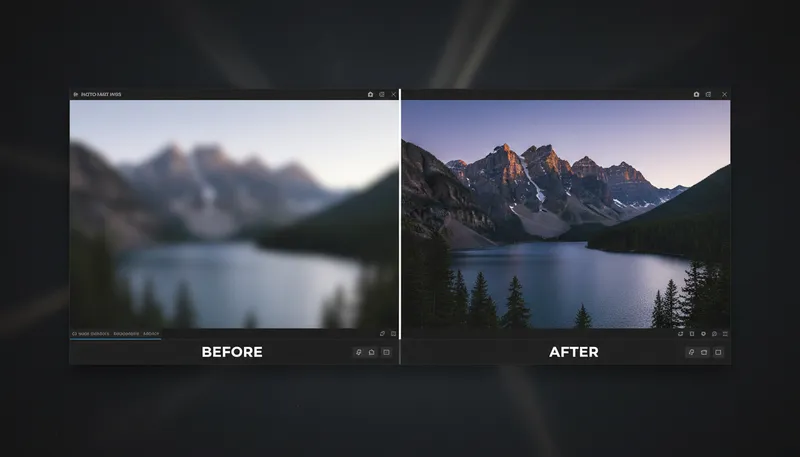
Image Sharpening & Deblur
Sharpen blurry images and enhance details
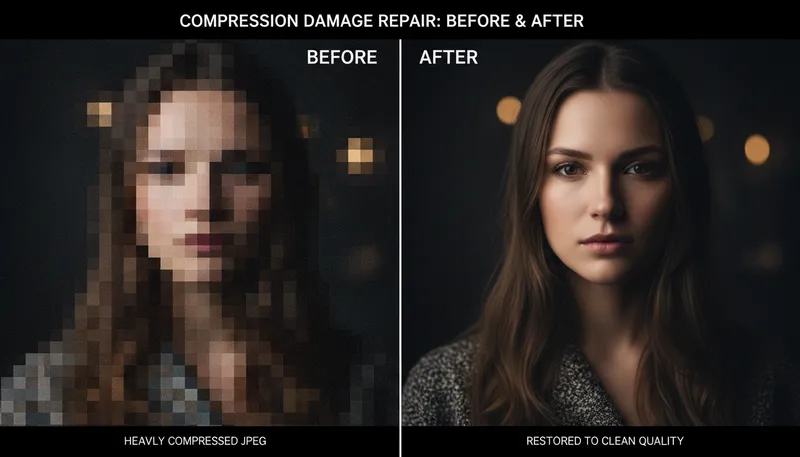
JPEG Artifact Removal
Remove compression artifacts from JPEG images
Ready to Create?
1,000 free credits. No credit card required.
Try Old Photo Restoration Free