AI Background Remover — Clean Transparent PNG Cutouts | Oakgen.ai
Remove backgrounds from any photo instantly with AI. Perfect for product photography, profile pictures, design projects, and social media content. Get a clean transparent or white background in seconds.
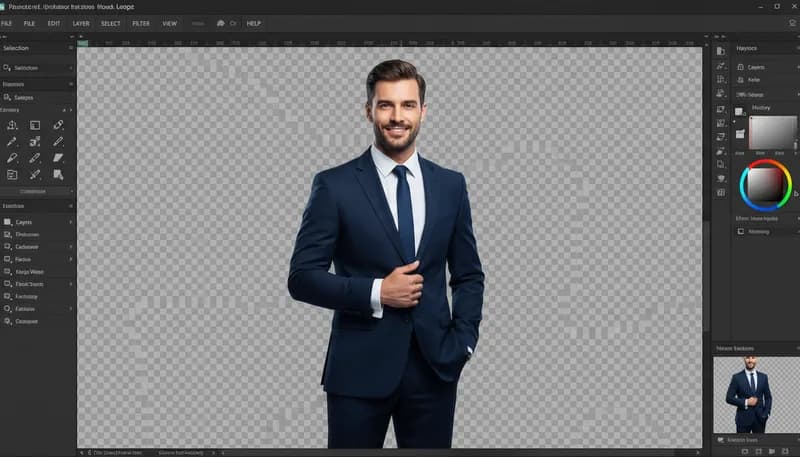
How It Works
Upload your image
Upload any photo — product shots, portraits, objects, or scenes. The AI handles complex edges, hair, and transparent objects.
AI removes the background
The AI precisely detects the subject and removes everything else, even handling fine details like hair strands and semi-transparent edges.
Download or replace background
Download with a transparent background, or use our Background Replacer tool to add a new backdrop.
Tool Details
| Type | Image to Image — upload a reference photo |
| Difficulty | easy |
| Processing Time | 5-8 seconds |
| AI Models | 7+ supported models |
| Category | Background |
What You Can Create
Frequently Asked Questions
Is the AI background remover free?
Yes — sign up for 1,000 free credits on Oakgen. Background removal uses minimal credits per image.
Does it handle hair and fine edges?
Yes. The AI is trained to handle hair strands, fur, semi-transparent objects, and complex edges with high accuracy.
What output formats are supported?
You get a high-resolution PNG with transparent background that you can use in any design tool, presentation, or website.
Can I remove backgrounds in bulk?
Currently, the tool processes one image at a time. For bulk processing, you can queue multiple images back-to-back.
Is it good enough for product photography?
Absolutely. The tool is widely used for e-commerce product images, creating clean white or transparent backgrounds that meet marketplace requirements.
Related Tools

Background Replacer
Replace background with any scene you describe

Background Blur & Bokeh
Add professional depth of field blur effect
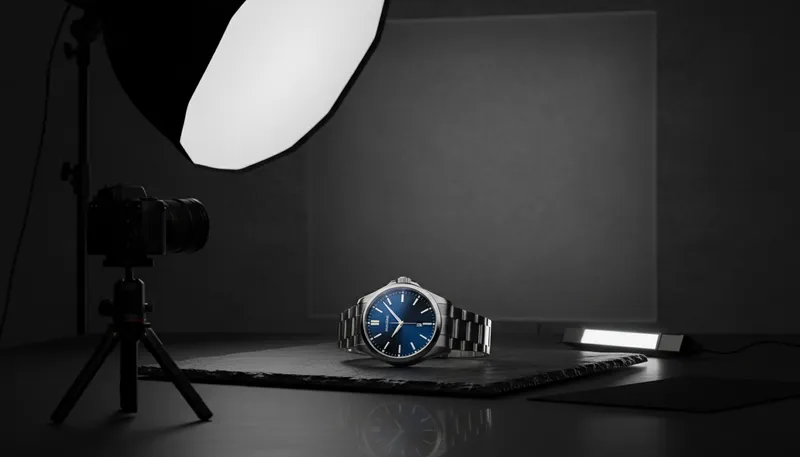
Product Photography
Create professional product photos with studio-quality backgrounds and lighting

Professional Headshot
Transform selfies into professional business headshots

Sky Replacer
Replace the sky with dramatic new options
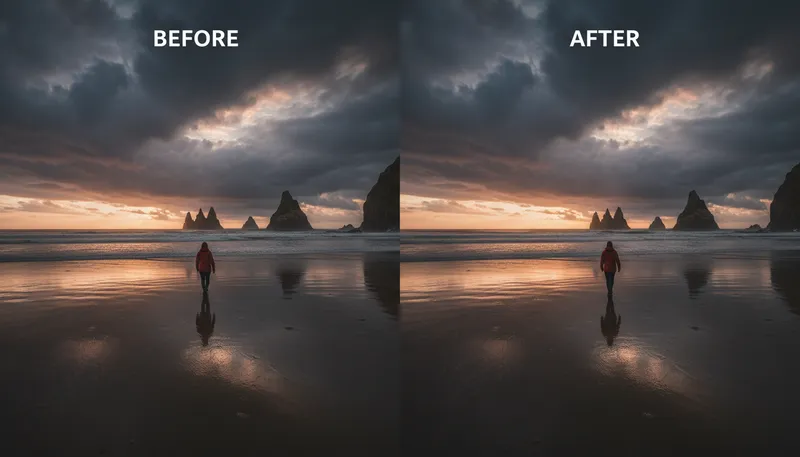
Object Removal / Cleanup
Remove unwanted objects from photos
Ready to Create?
1,000 free credits. No credit card required.
Try Background Remover Free