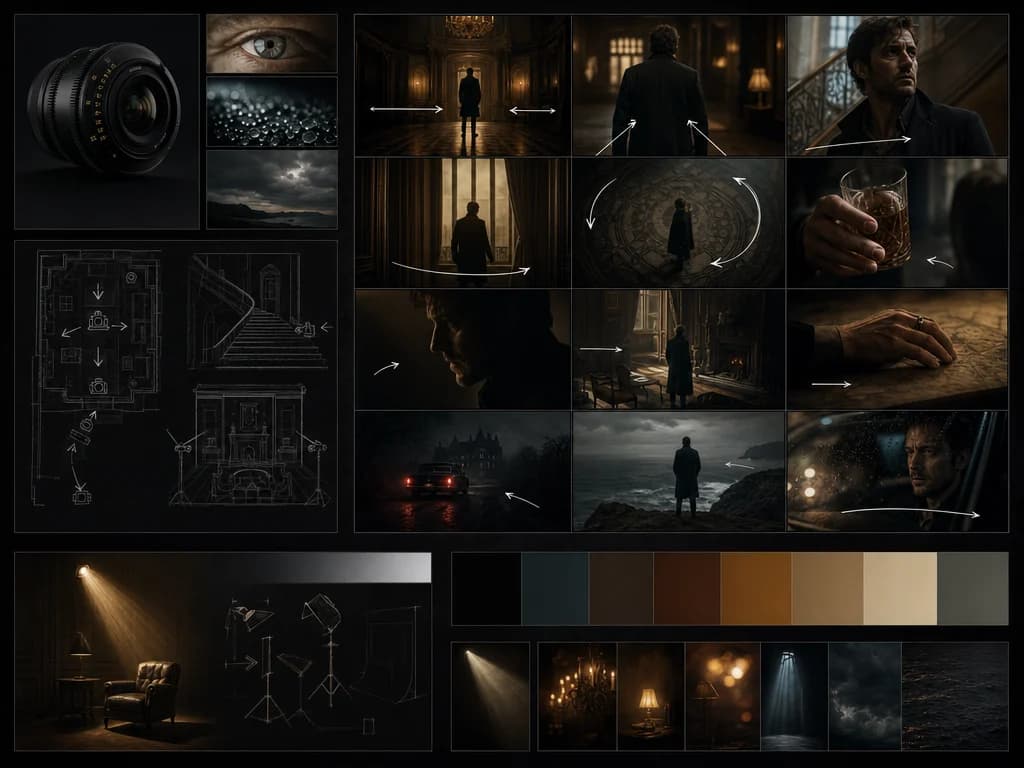
Tell your vision
Describe the scene, camera direction, subject, motion, and style you want for your video.
Runway video model
Create professional AI videos with cinematic motion, reference-driven direction, and production-ready visual quality.
Describe the scene, camera direction, subject, motion, and style you want for your video.
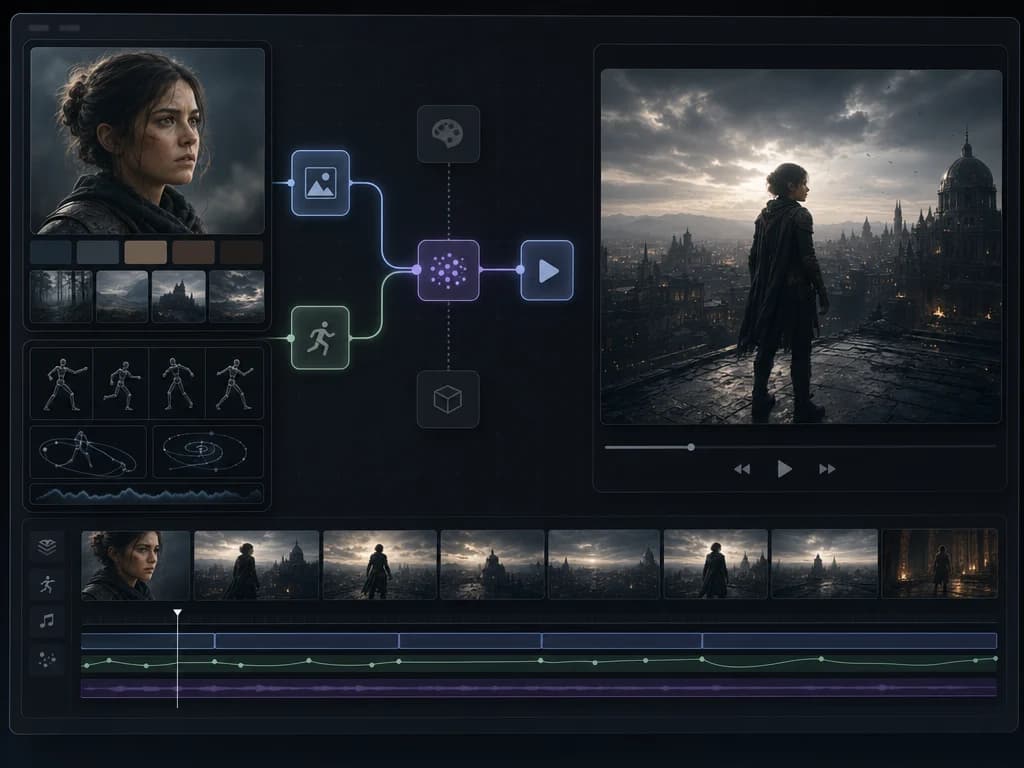
Use image or video references to guide composition, subject identity, motion, and visual tone.
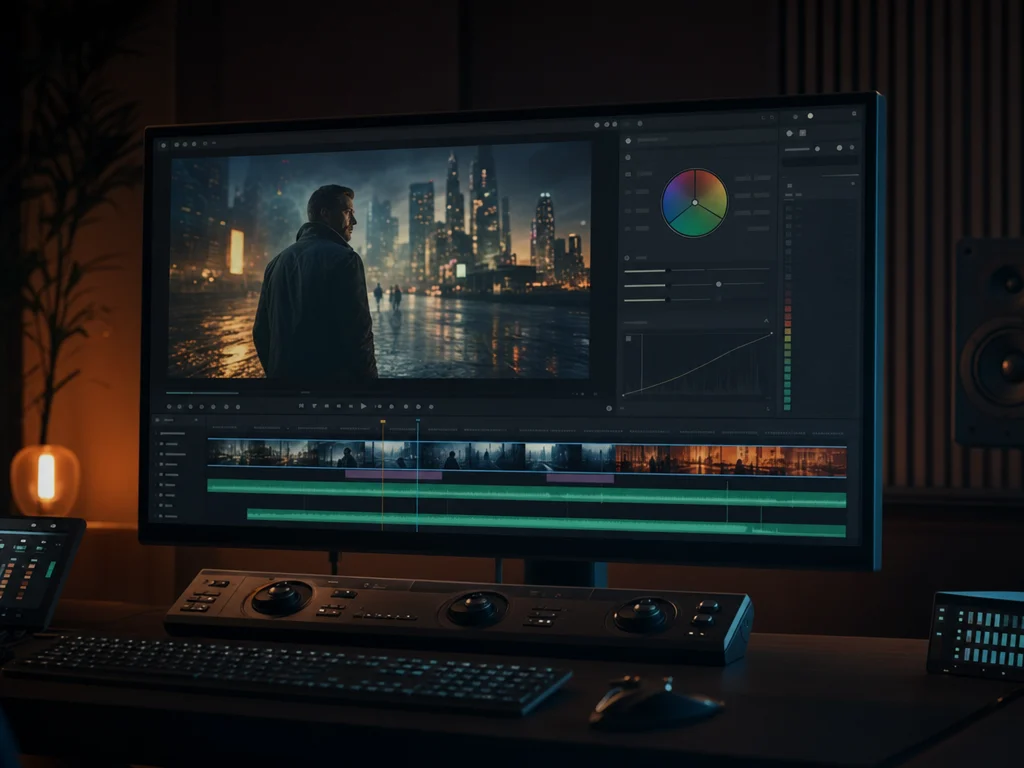
Preview your generated clip, refine direction, then export for campaigns, pitches, or production planning.
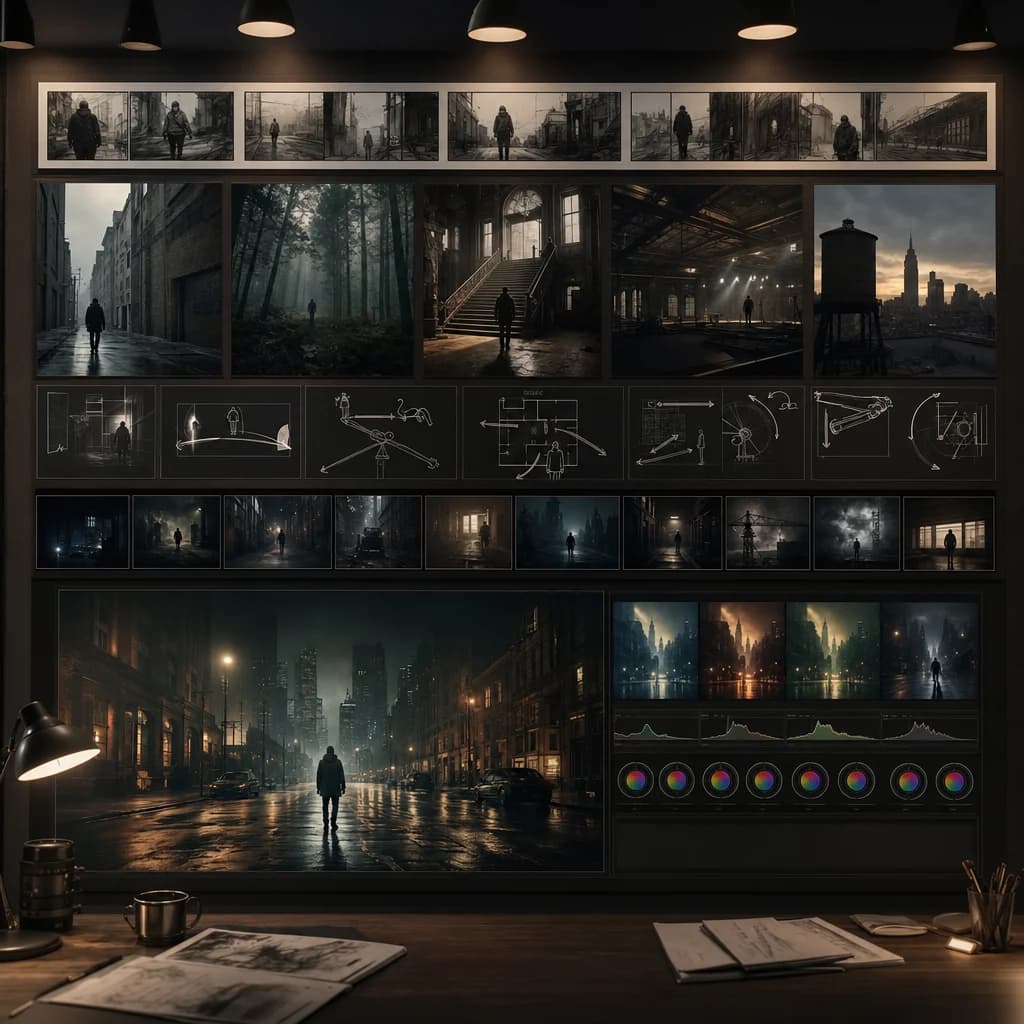
Create polished visual sequences for production planning, client pitches, brand work, and cinematic creative development.
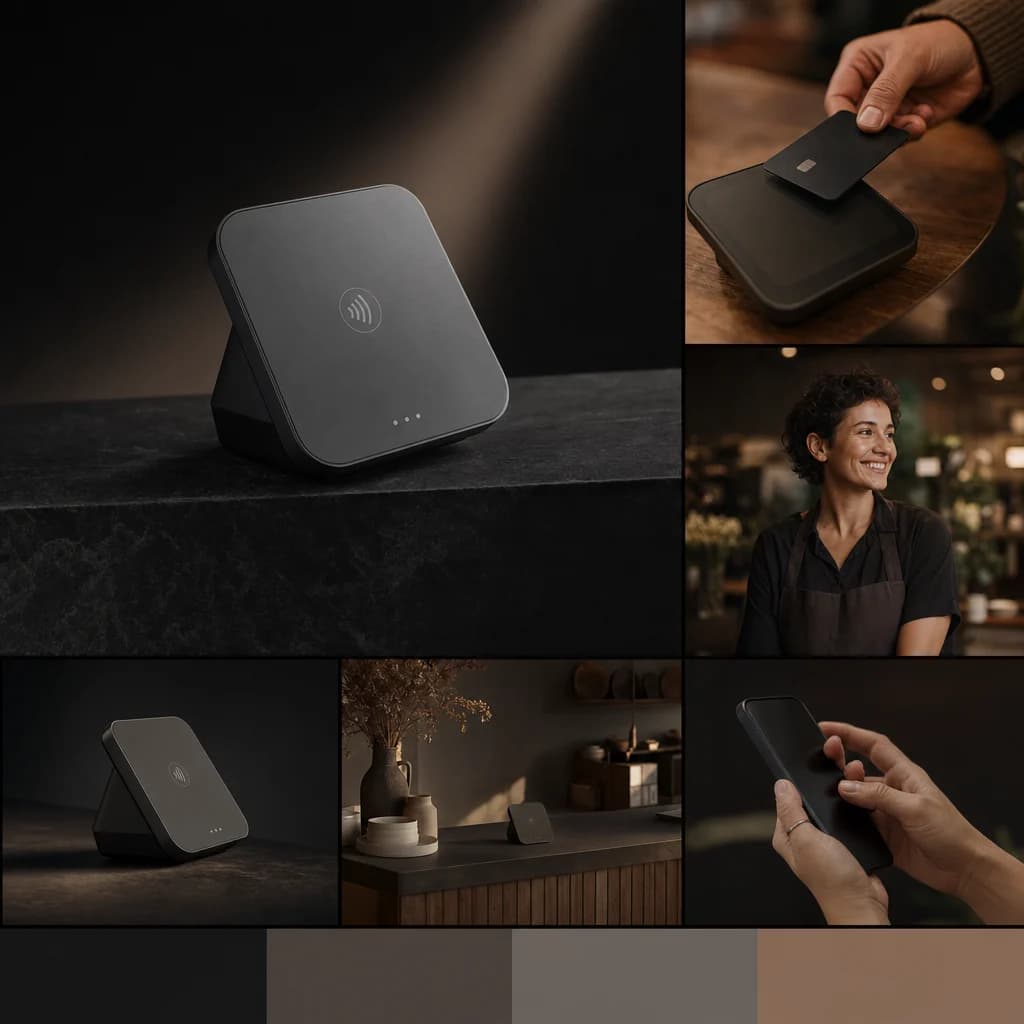
Use references and clear creative direction to generate product, campaign, and social content with a stronger visual identity.
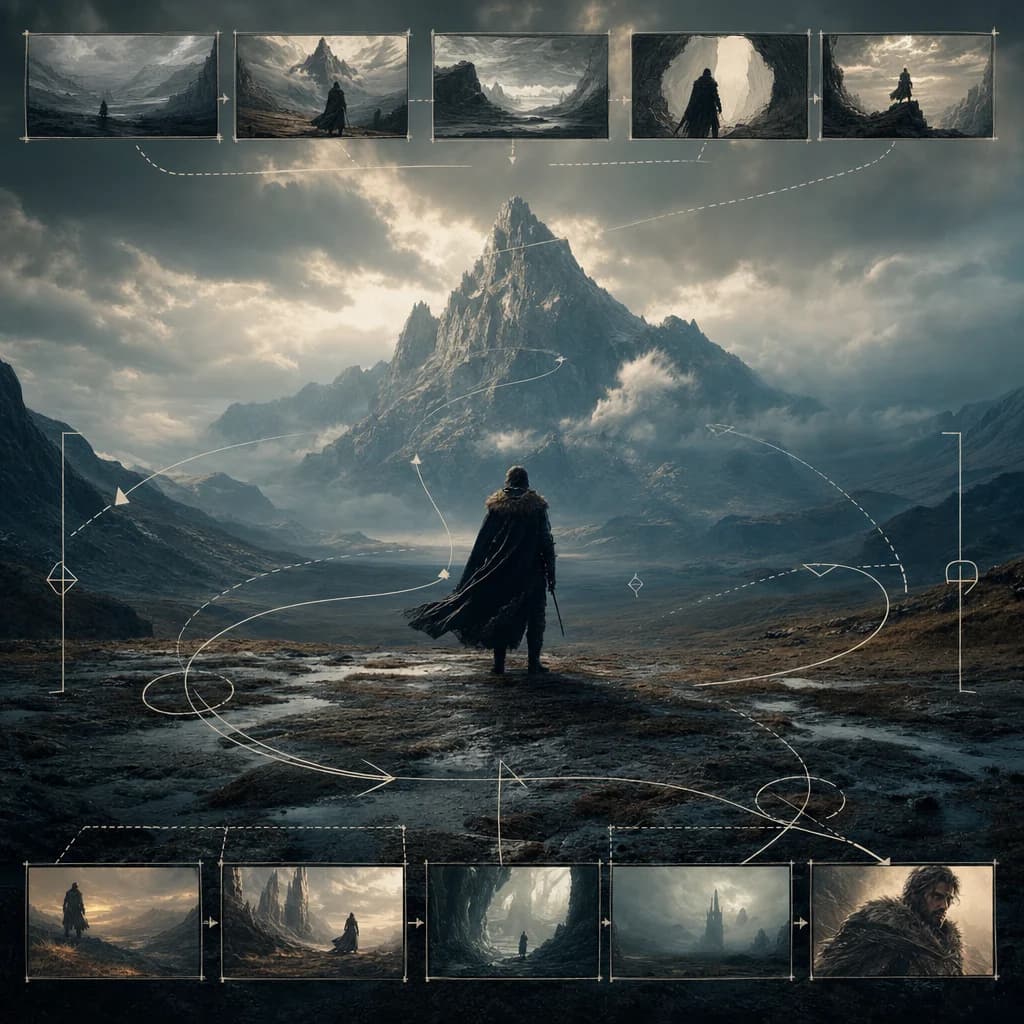
Shape mood, movement, lighting, and camera language for cinematic sequences that can anchor trailers, storyboards, and pitch materials.
Generate cinematic clips, brand content, and production-ready visual concepts from one Oakgen workflow.
Discover more image and video generation tools available through Oakgen.
Runway Gen-4.5 is best for professional AI video workflows, including cinematic concepts, brand content, pitch visuals, and production planning.
Yes. Reference-driven workflows help guide subject identity, composition, motion, and visual style.
Yes. It is designed for polished visual output that can support ads, social content, product videos, and client presentations.
Describe the subject, environment, action, camera movement, visual style, lighting, and any references you want the output to follow.