Tell your vision
Describe the scene, subject, camera path, sound, emotion, and format you want.
Google video model
Google's advanced video model for native audio, cinematic motion, character reference workflows, realistic physics, and high-resolution video creation.
Describe the scene, subject, camera path, sound, emotion, and format you want.
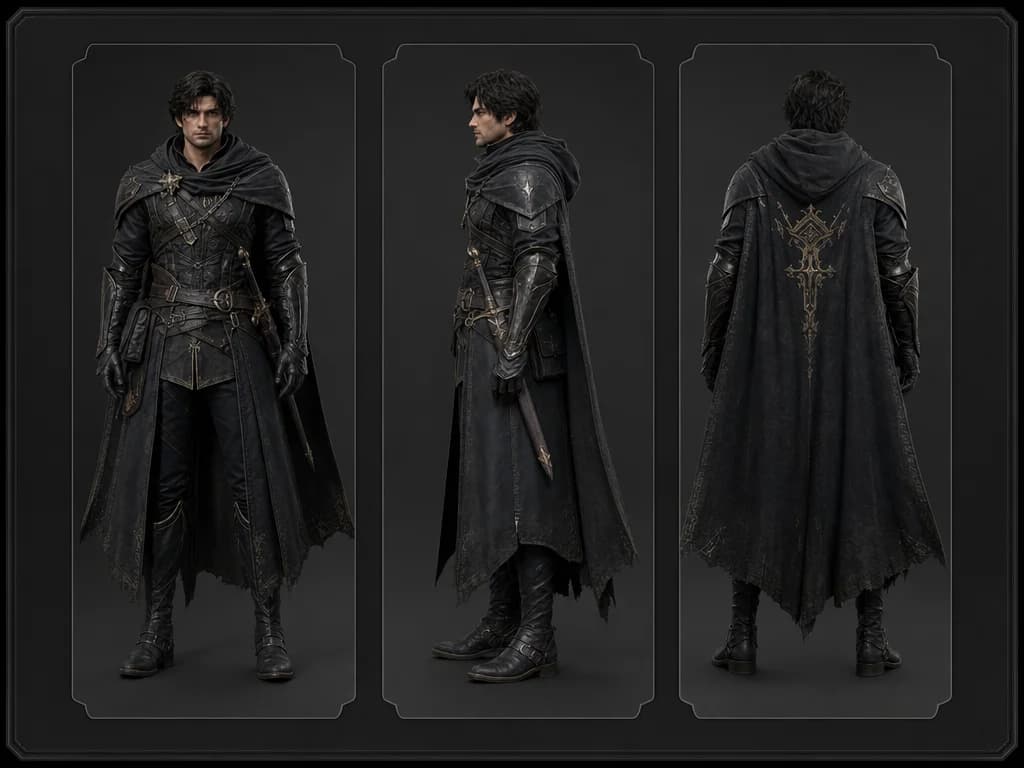
Use image references to guide a subject or character across shots when consistency matters.
Create a clip, review motion and audio, then iterate with tighter direction.
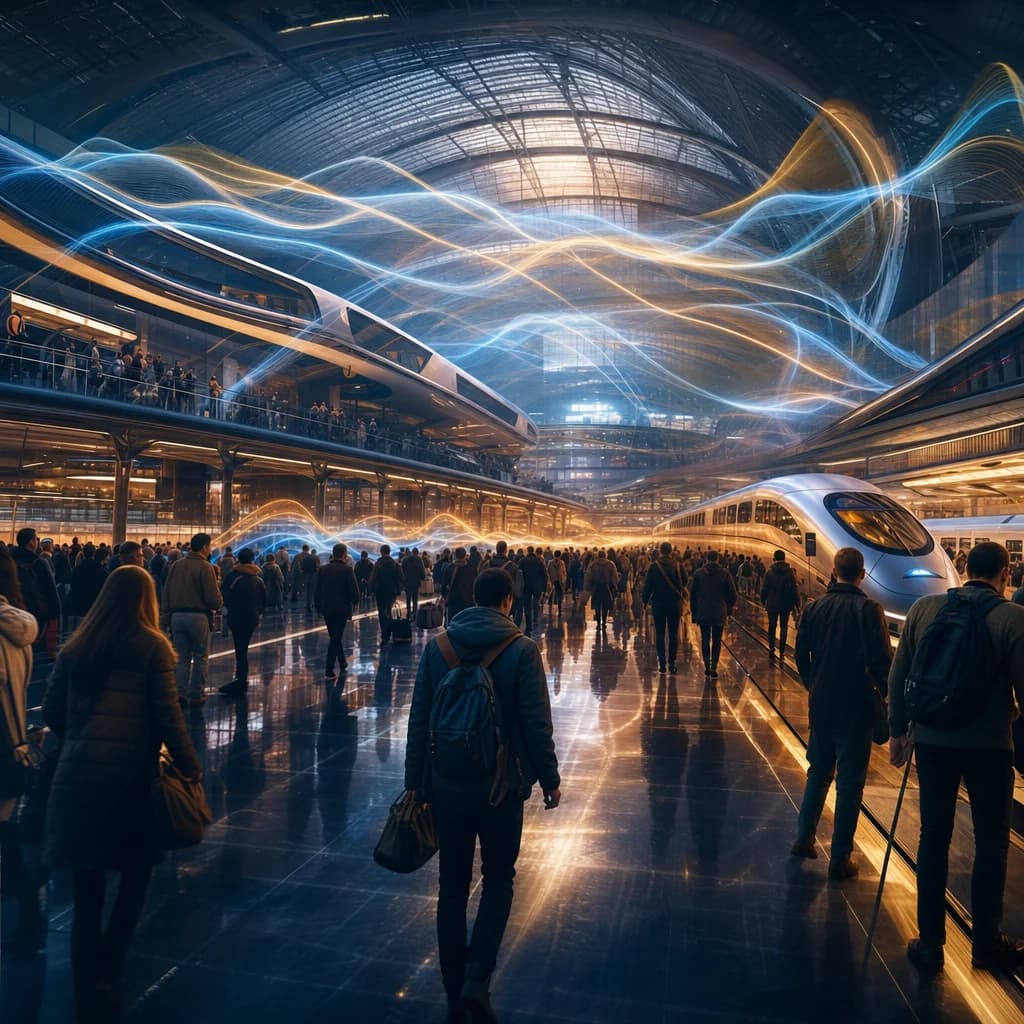
Generate complete clips with synchronized sound, dialogue, ambient audio, and visual motion from the same creative prompt.
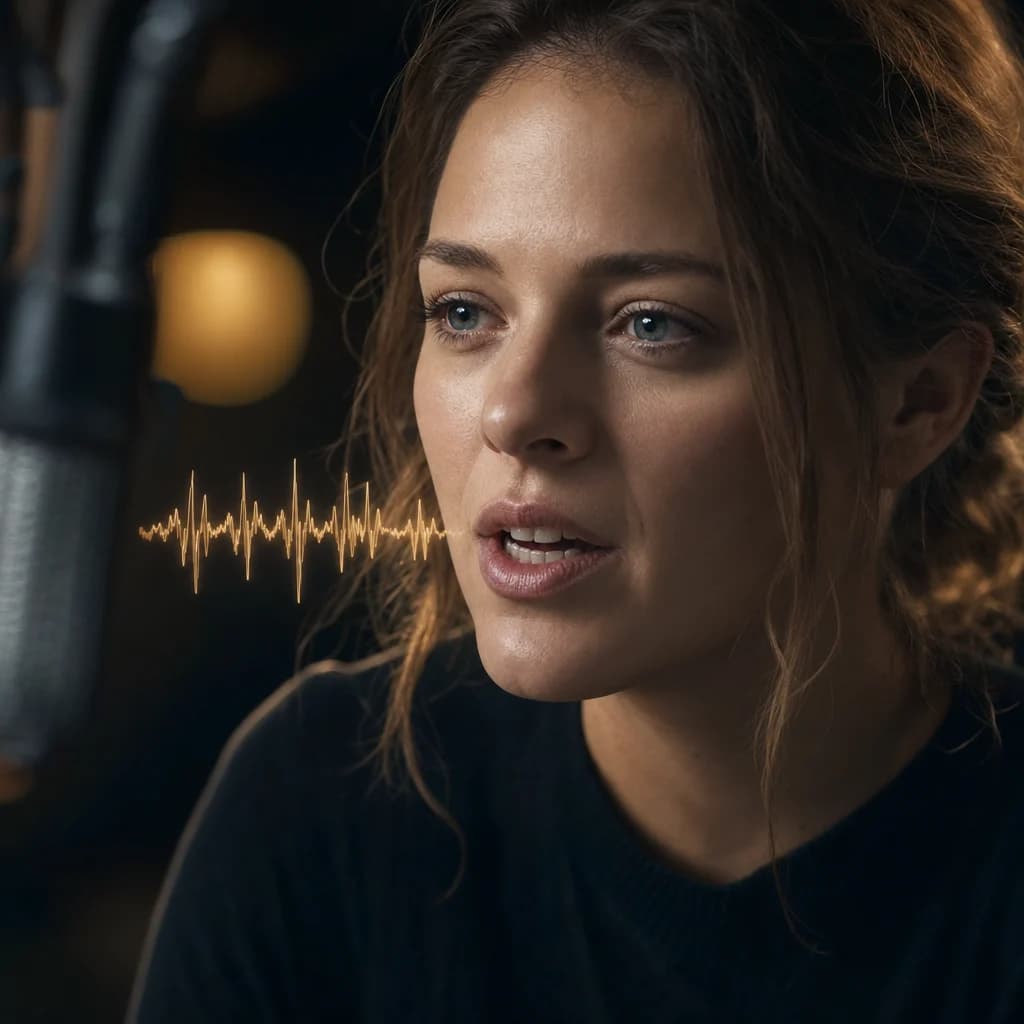
Use Veo 3.1 for dialogue-driven clips, expressive characters, and social video concepts where mouth movement and sound need to align.
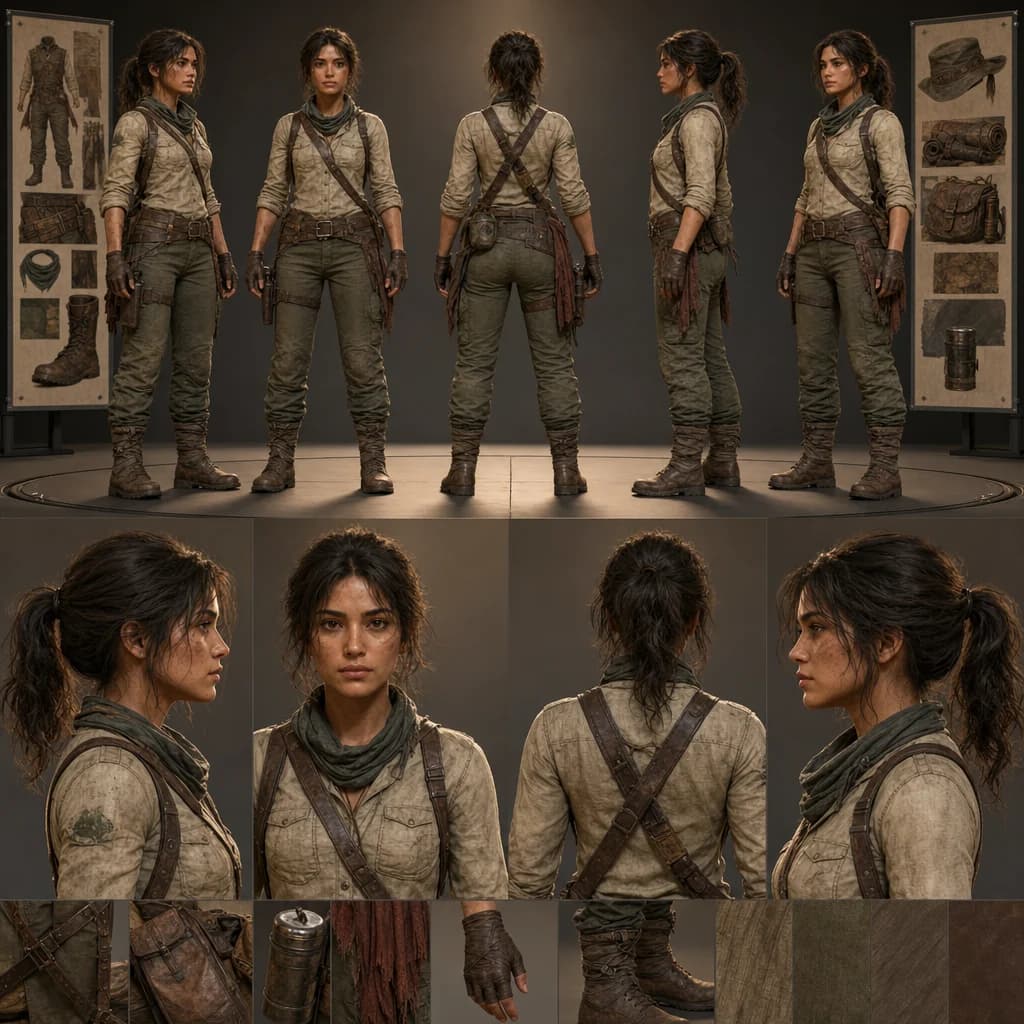
Guide recurring people, products, or hero subjects with references so the generated clip keeps a stronger visual identity.
Create videos with native audio, expressive motion, high-resolution output, and stronger reference control inside Oakgen.
Discover more image and video generation tools available through Oakgen.
Yes. Veo 3.1 supports video generation with synchronized sound, dialogue, and ambient audio, depending on selected settings.
Veo 3.1 commonly supports short clip durations such as 4, 6, and 8 seconds, depending on mode and resolution.
Veo 3.1 supports high-resolution workflows including 720p, 1080p, and 4K variants where available.
Yes. Reference-guided workflows help preserve recurring subjects and characters across generated video clips.
Use it for cinematic clips, dialogue-driven concepts, product videos, social content, and scenes that need synchronized audio.