Watercolor Painting Effect — Photo to Watercolor Art | Oakgen.ai
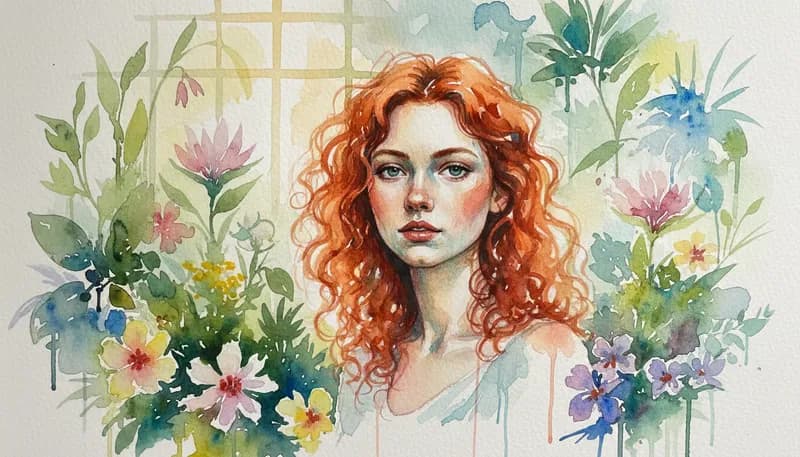
Convert photos into beautiful watercolor paintings with AI. Get the soft color blending, paper texture, and flowing transparency of real watercolors applied to any image. Perfect for artistic prints and creative projects.
How It Works
Upload your image
Upload any photo — landscapes and nature scenes produce particularly stunning watercolor results.
AI creates your watercolor
The AI applies watercolor techniques — soft washes, pigment blooms, wet edges, and paper texture.
Download your watercolor art
Download your watercolor artwork in high resolution for printing or sharing.
Tool Details
| Type | Image to Image — upload a reference photo |
| Difficulty | easy |
| Processing Time | 8-12 seconds |
| AI Models | 7+ supported models |
| Category | Style Transfer |
What You Can Create
Frequently Asked Questions
Does the watercolor effect look like real watercolor?
Yes — the AI creates realistic paint washes, pigment blooms, wet-on-wet effects, and paper texture that closely mimic traditional watercolor painting.
What subjects work best for watercolor?
Landscapes, flowers, nature scenes, and portraits all produce beautiful results. The flowing, transparent nature of watercolor works well with organic subjects.
Is it free?
Yes — 1,000 free credits on signup covers multiple watercolor transformations.
Related Tools
Oil Painting Effect
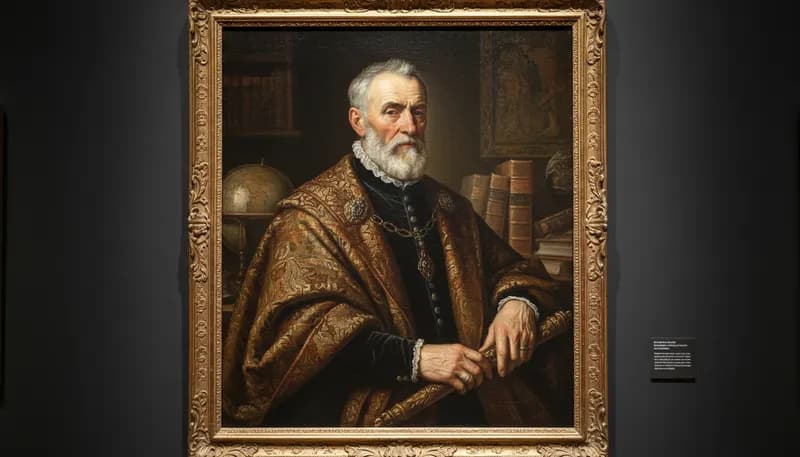
Convert photos into classical oil painting with visible brushstrokes
Pencil Sketch
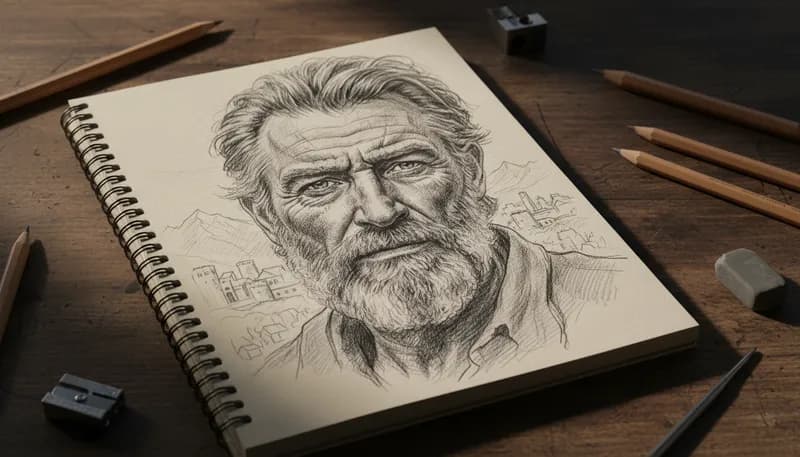
Create detailed pencil sketches from photos with realistic shading
Pencil + Watercolor
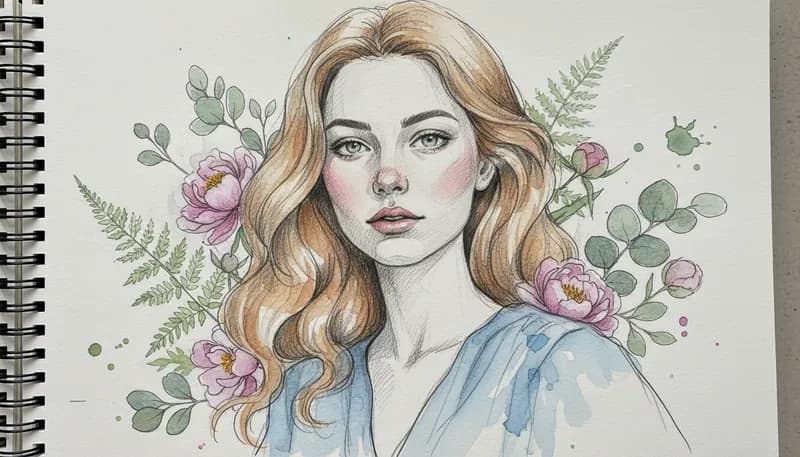
Create mixed media art with pencil outlines and watercolor fills
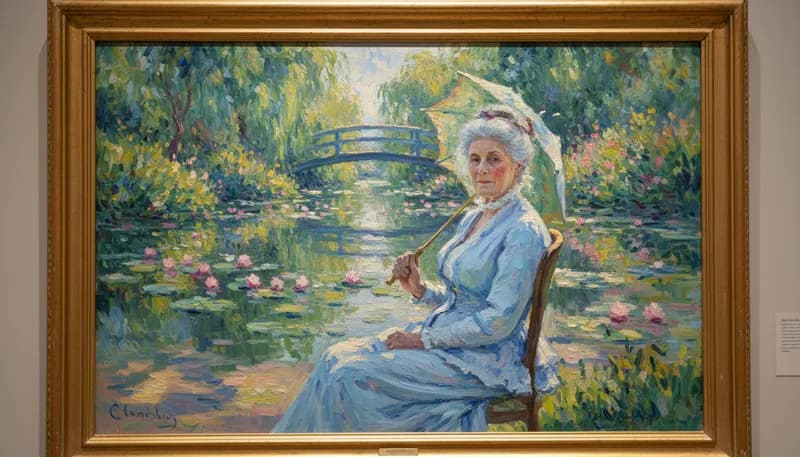
Impressionist Style
Apply impressionist painting style with visible brushwork
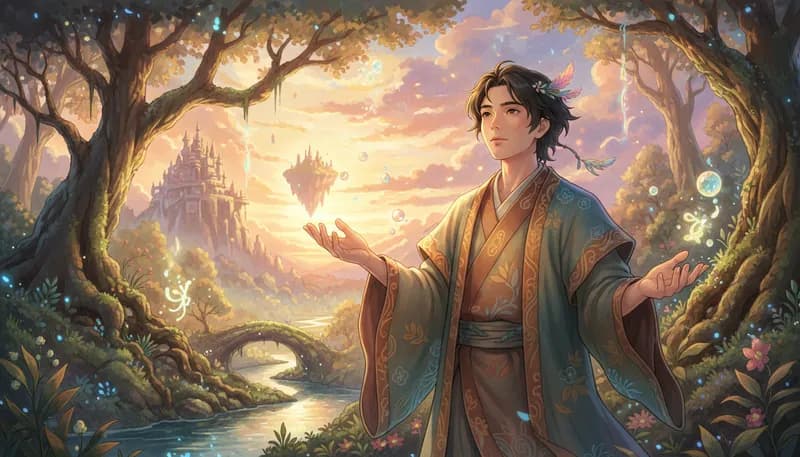
Ghibli Style Generator
Transform photos into Studio Ghibli anime style with soft watercolor effects
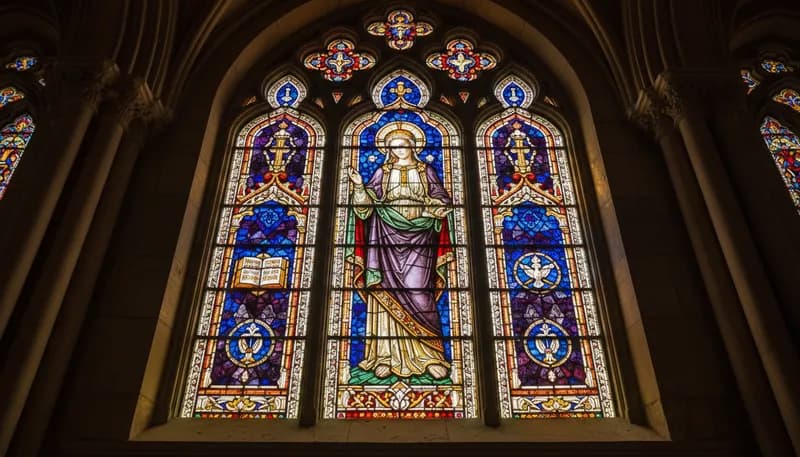
Stained Glass
Create stained glass mosaic effect from photos
Ready to Create?
1,000 free credits. No credit card required.
Try Watercolor Painting Free