Oil Painting Effect — Turn Photos into Museum-Style Paintings | Oakgen.ai
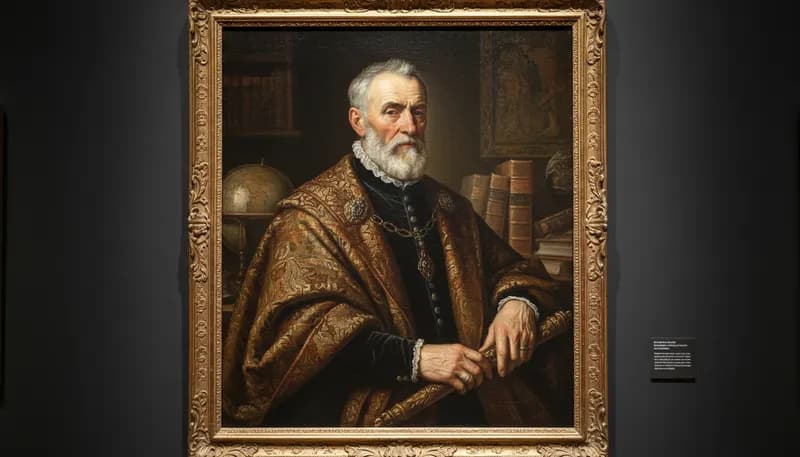
Transform your photos into realistic oil painting artwork with AI. Choose from classical, impressionist, or modern oil painting styles. Get museum-quality results with visible brushstrokes, rich textures, and deep colors.
How It Works
Upload your photo
Upload any portrait, landscape, still life, or scene. High-contrast, well-composed photos produce the best results.
AI paints your image in oil
The AI transforms your photo into an oil painting with authentic brushstrokes, canvas texture, and rich color depth.
Download your oil painting
Download your oil painting artwork in high resolution — perfect for printing, framing, or digital display.
Tool Details
| Type | Image to Image — upload a reference photo |
| Difficulty | easy |
| Processing Time | 8-12 seconds |
| AI Models | 7+ supported models |
| Category | Style Transfer |
What You Can Create
Frequently Asked Questions
How realistic do the oil paintings look?
Very realistic — the AI creates visible brushstroke textures, realistic paint thickness variations, and canvas grain that closely resemble actual oil paintings.
Can I print AI oil paintings?
Absolutely. The high-resolution output is ideal for canvas prints and framing. Use our upscaling tool for even larger print sizes.
Is the AI oil painting tool free?
Yes — 1,000 free credits on signup. Style transfers use minimal credits per transformation.
Related Tools
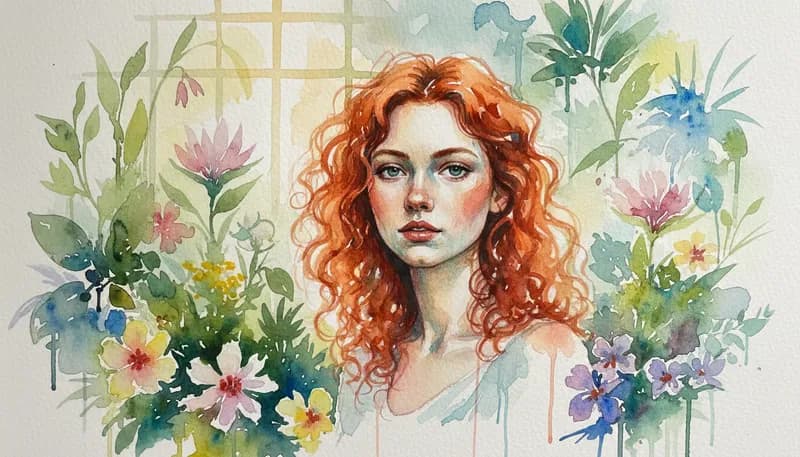
Watercolor Painting
Transform photos into watercolor paintings with soft pigmentation
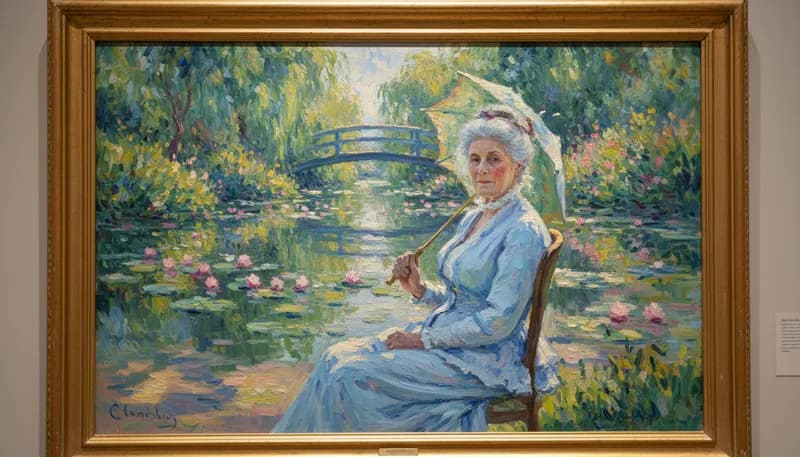
Impressionist Style
Apply impressionist painting style with visible brushwork
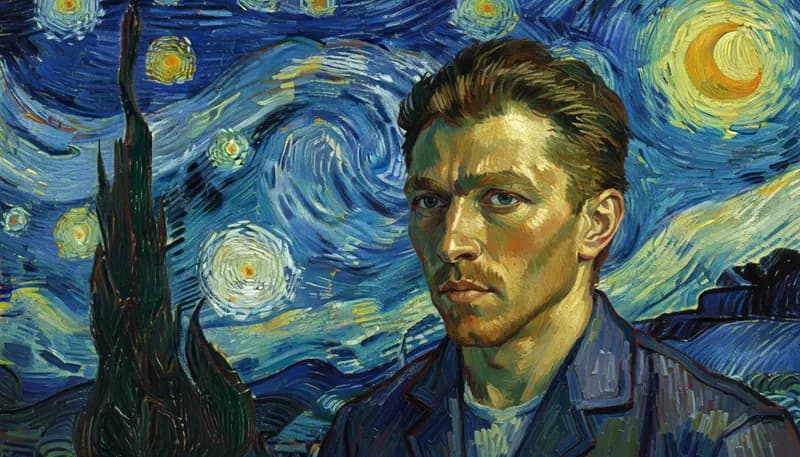
Van Gogh Starry Night
Apply Van Gogh's swirling brushstroke style to photos
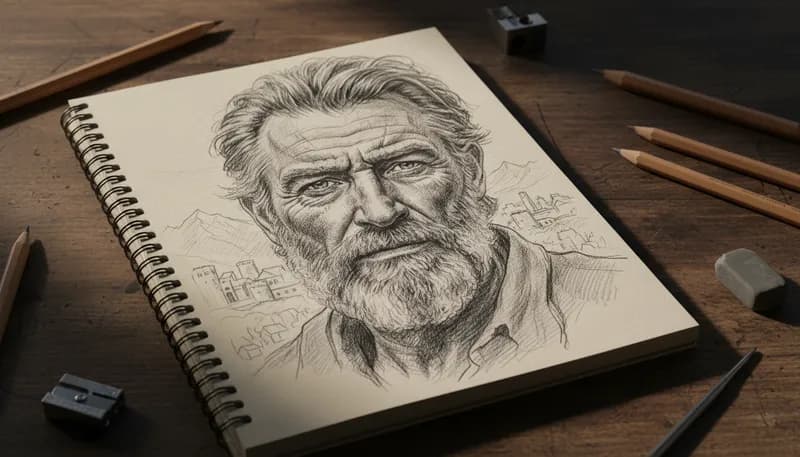
Pencil Sketch
Create detailed pencil sketches from photos with realistic shading
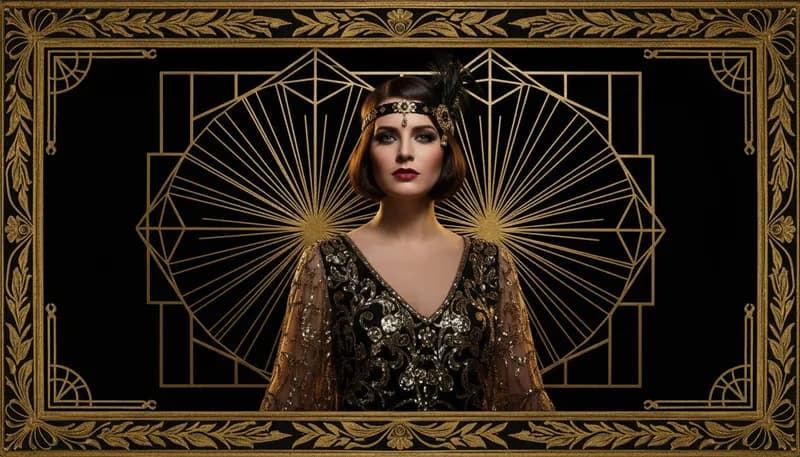
Art Deco Style
Transform photos into 1920s Art Deco glamorous style
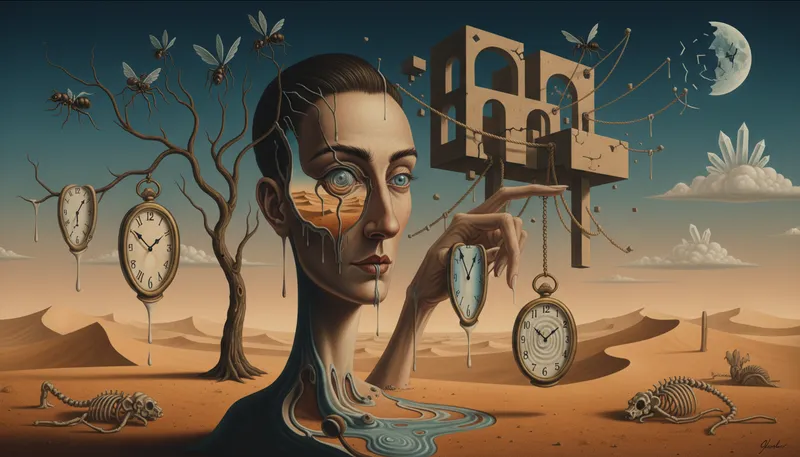
Surrealism Style
Create dreamlike surrealist art from photos
Ready to Create?
1,000 free credits. No credit card required.
Try Oil Painting Effect Free