Pixel Art Generator — Photo to 8-Bit & 16-Bit Pixel Art | Oakgen.ai
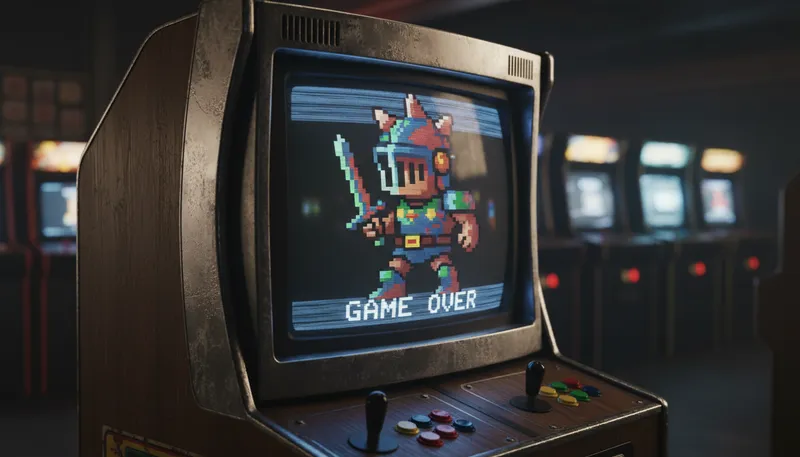
Convert photos into pixel art with AI. Create retro-style pixel artwork for game assets, profile pictures, social media, or nostalgic art projects. Adjustable pixel density for different retro aesthetics.
How It Works
Upload your image
Upload any photo or illustration you want to convert to pixel art.
AI pixelates your image
The AI converts your image into clean pixel art with retro-style color palettes and defined pixel blocks.
Download your pixel art
Download your pixel art creation for use in games, profiles, or creative projects.
Customization Options
Pixel Resolution
Select the pixel art style
Tool Details
| Type | Image to Image — upload a reference photo |
| Difficulty | easy |
| Processing Time | 8-12 seconds |
| AI Models | 7+ supported models |
| Category | Style Transfer |
What You Can Create
Frequently Asked Questions
Can I use the pixel art for game development?
Absolutely — the pixel art output is ideal for indie game assets, sprites, icons, and UI elements. Commercial use is included on paid plans.
What pixel density options are available?
The AI produces clean, well-defined pixel blocks. You can influence the pixel density and color palette through additional instructions.
Is the pixel art generator free?
Yes — 1,000 free credits on signup. Pixel art conversions use minimal credits.
Related Tools
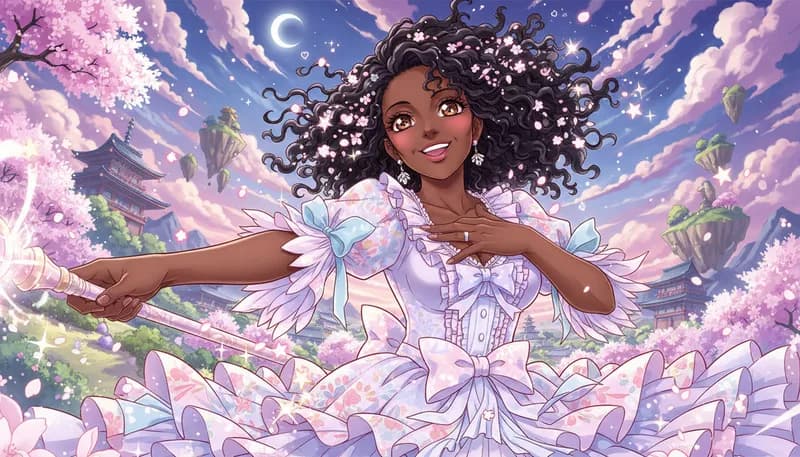
Anime/Manga Style
Convert photos to Japanese anime or manga illustration style
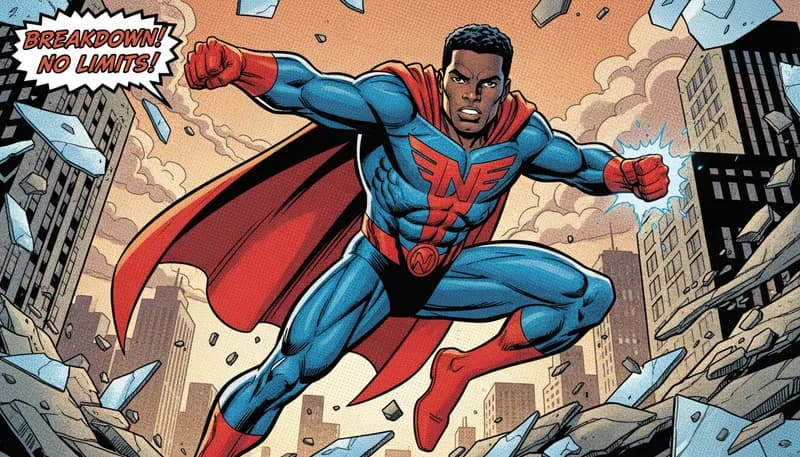
Comic Book Style
Transform photos into comic book art with bold outlines and halftone dots
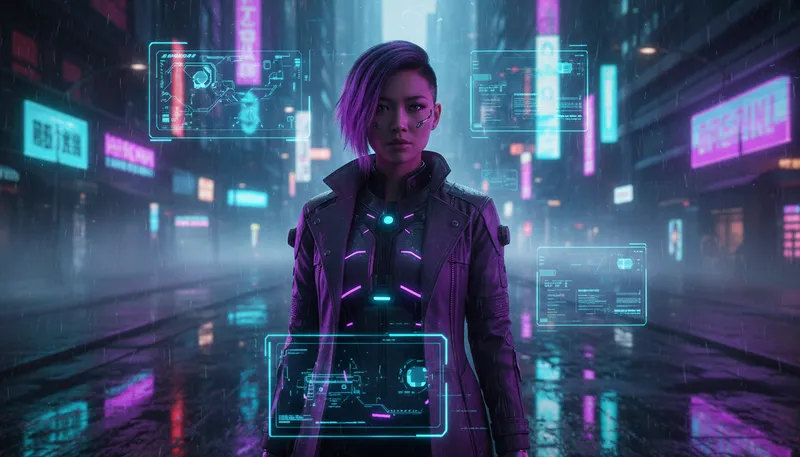
Neon/Cyberpunk
Apply neon glow cyberpunk aesthetic to photos
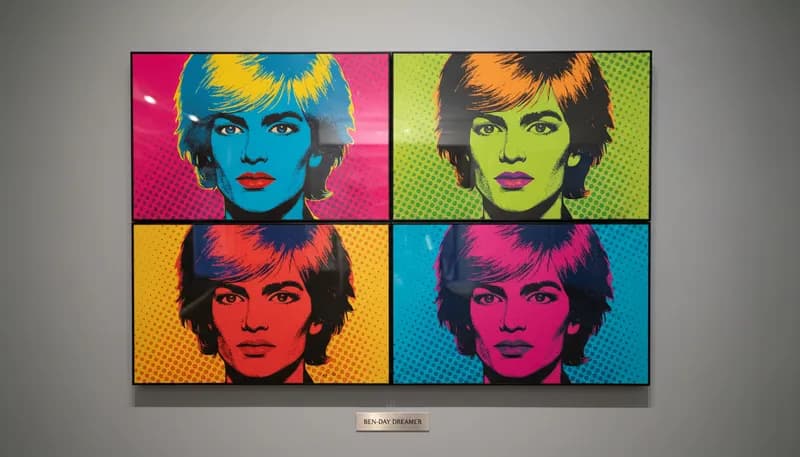
Pop Art (Warhol)
Create Andy Warhol-inspired pop art with vibrant colors
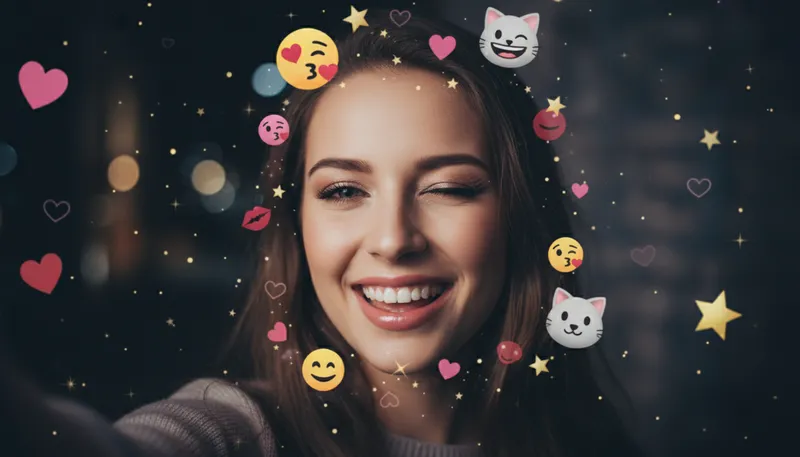
AR Sticker Filter
Add cute AR-style stickers to photos
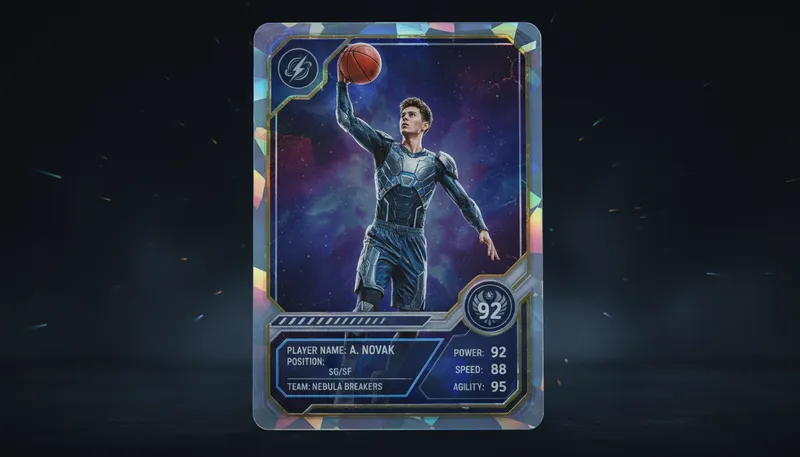
Trading Card Creator
Create sports or collectible trading cards
Ready to Create?
1,000 free credits. No credit card required.
Try Pixel Art Free