Enhancementeasy6-10 seconds
Auto Color Correction & White Balance Fix | Oakgen.ai
Automatically correct colors and white balance
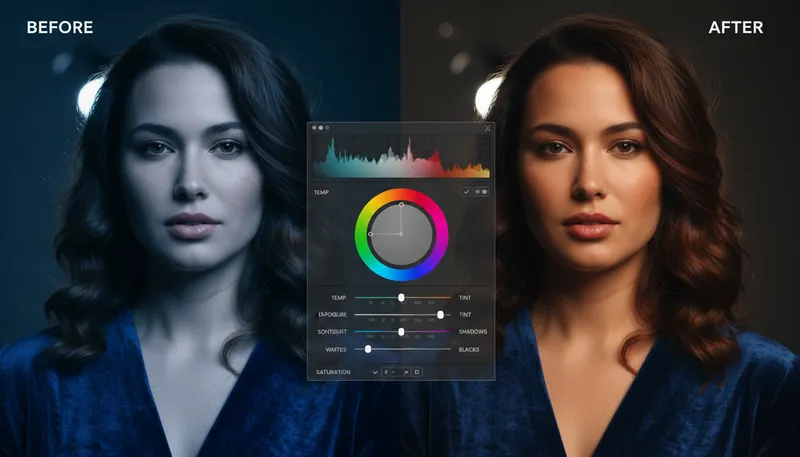
How It Works
1
Upload or describe
Upload a reference image or describe what you want to create. The AI supports both workflows.
2
Customize settings
Adjust style options, parameters, and preferences to get exactly the result you want.
3
Generate and download
Click generate and download your high-resolution result. Regenerate with different settings if needed.
Customization Options
Correction Type
What to correct
Auto Correct AllWhite Balance OnlyExposure OnlyWarm Up ColorsCool Down Colors
Tool Details
| Type | Image to Image — upload a reference photo |
| Difficulty | easy |
| Processing Time | 6-10 seconds |
| AI Models | 7+ supported models |
| Category | Enhancement |
What You Can Create
AI color correctionauto white balancefix color castAI photo color fixwhite balance correctionneutral color photocolor grading AIauto color photowarm cool photo correctionimage color correction online
Related Tools
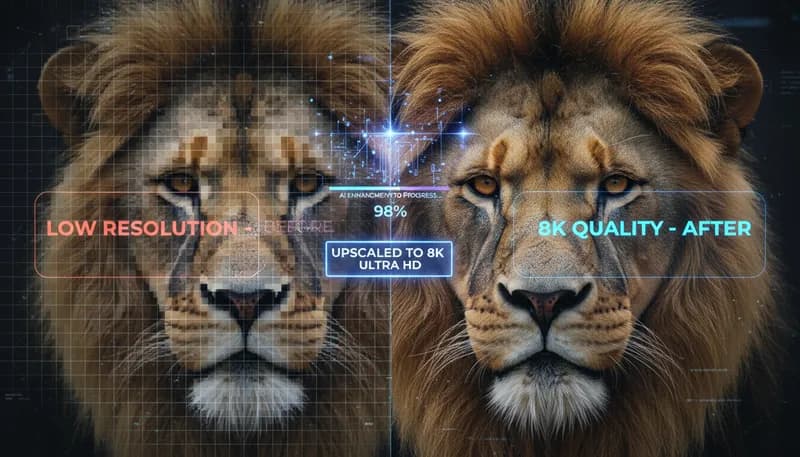
Super Resolution / Upscaling
Upscale images to higher resolution with AI enhancement
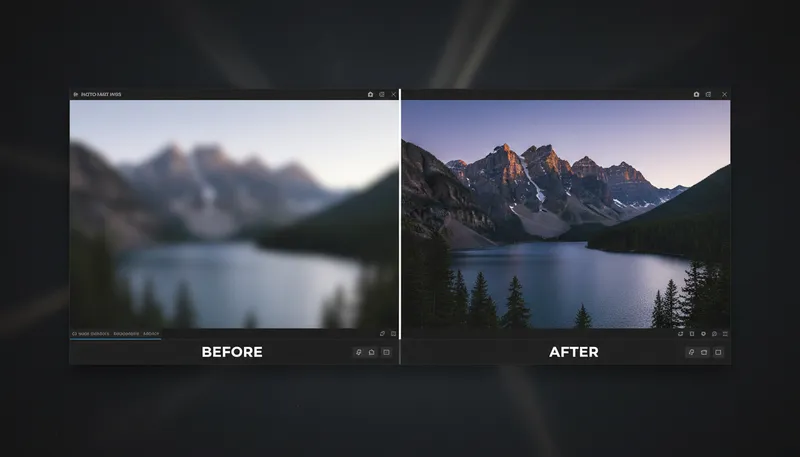
Image Sharpening & Deblur
Sharpen blurry images and enhance details
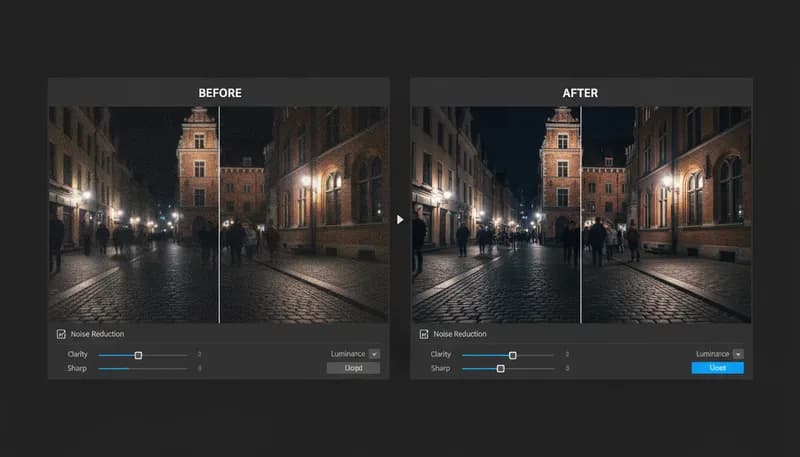
Noise Reduction & Denoise
Remove digital noise and grain from photos
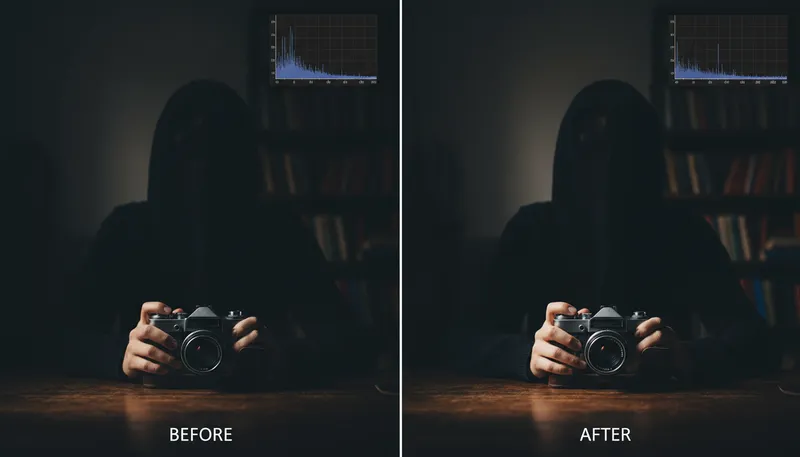
Exposure & Brightness Fix
Fix underexposed or overexposed photos
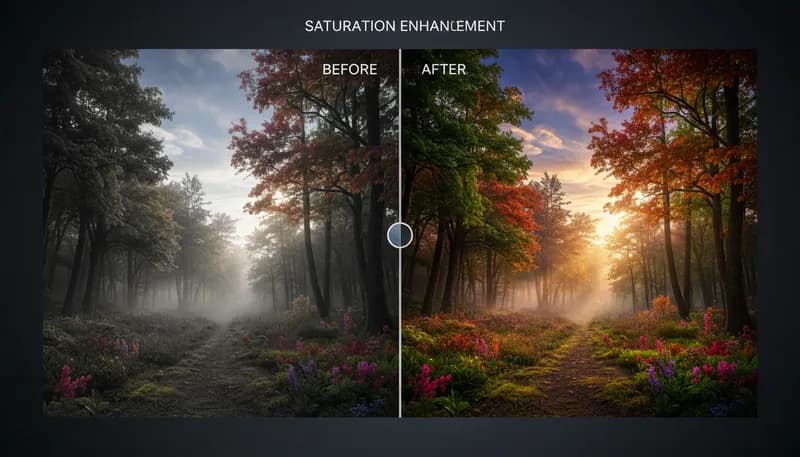
Saturation & Vibrance
Adjust color saturation and vibrance levels
Object Removal / Cleanup
Remove unwanted objects from photos
Ready to Create?
1,000 free credits. No credit card required.
Try Auto Color Correction Free