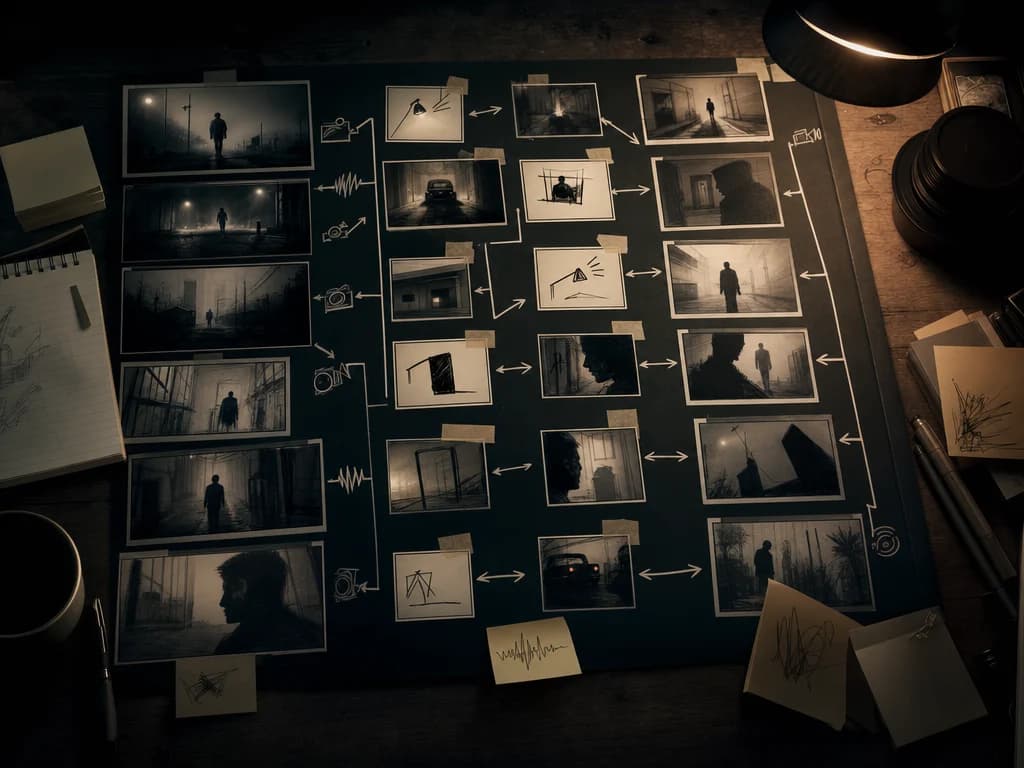
Describe your vision
Write a detailed prompt with action, setting, camera movement, mood, and sound direction.
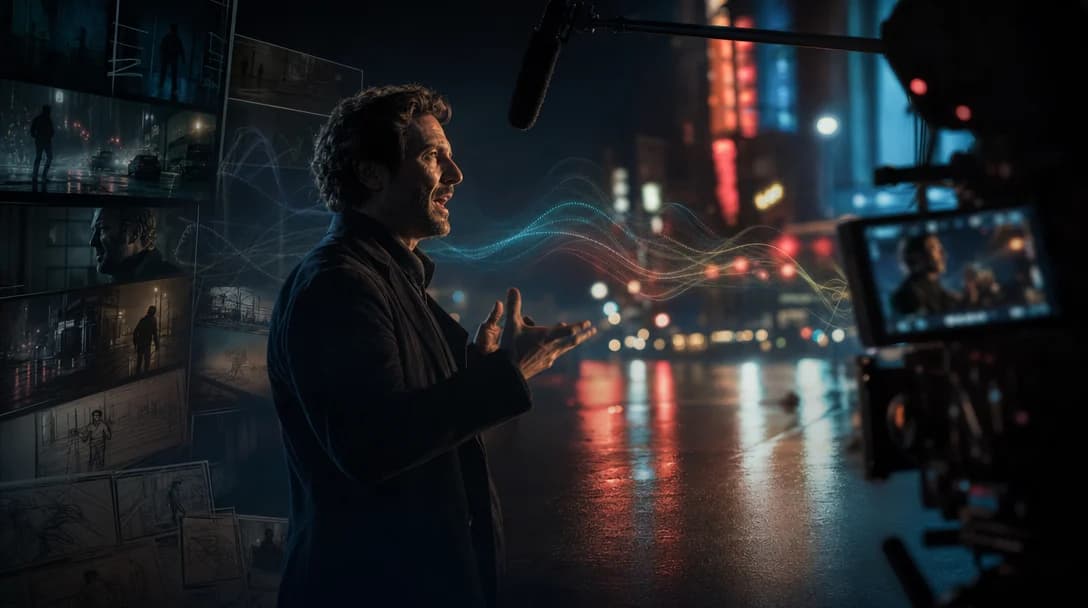
Alibaba video model
Alibaba's multimodal video model for up to 15-second 1080p clips with synchronized audio, cinematic framing, and multi-shot sequencing.
Write a detailed prompt with action, setting, camera movement, mood, and sound direction.
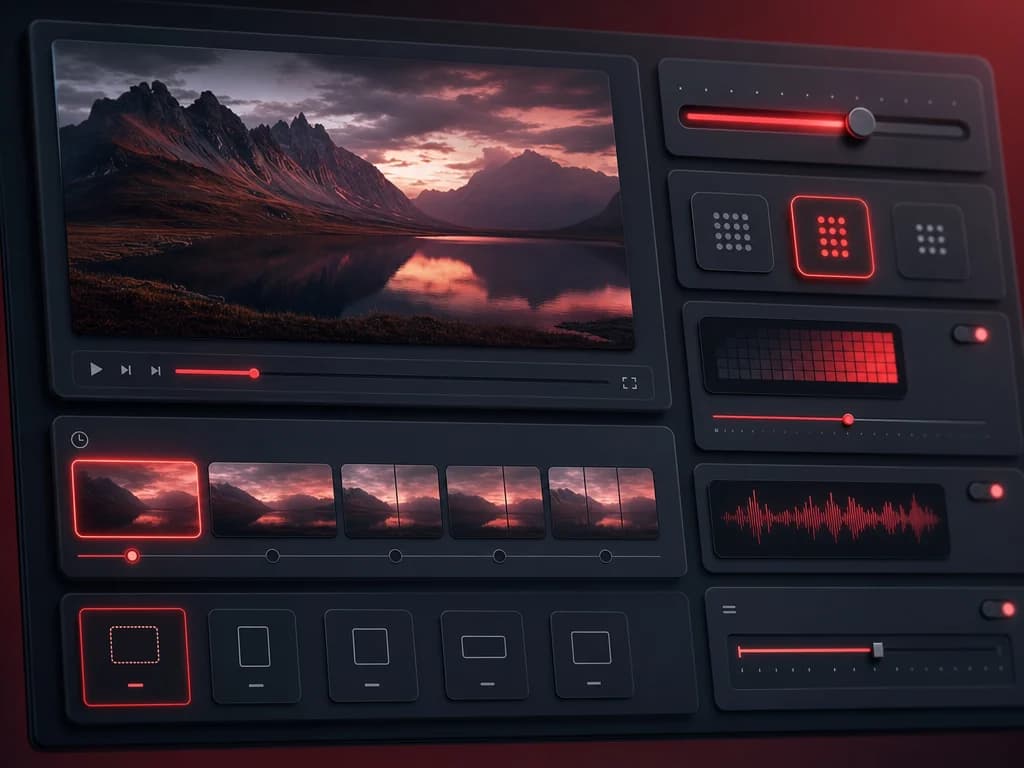
Select duration, resolution, aspect ratio, and optional start-frame or reference-image controls.
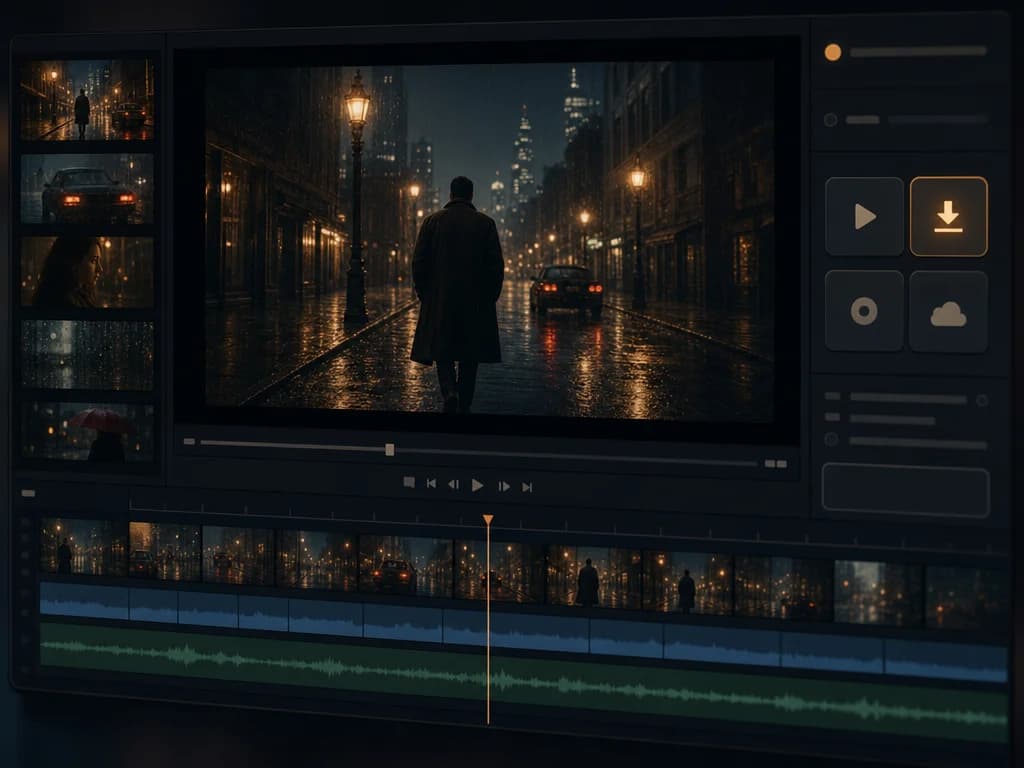
Preview the clip, refine the direction, then download or continue building inside Oakgen.
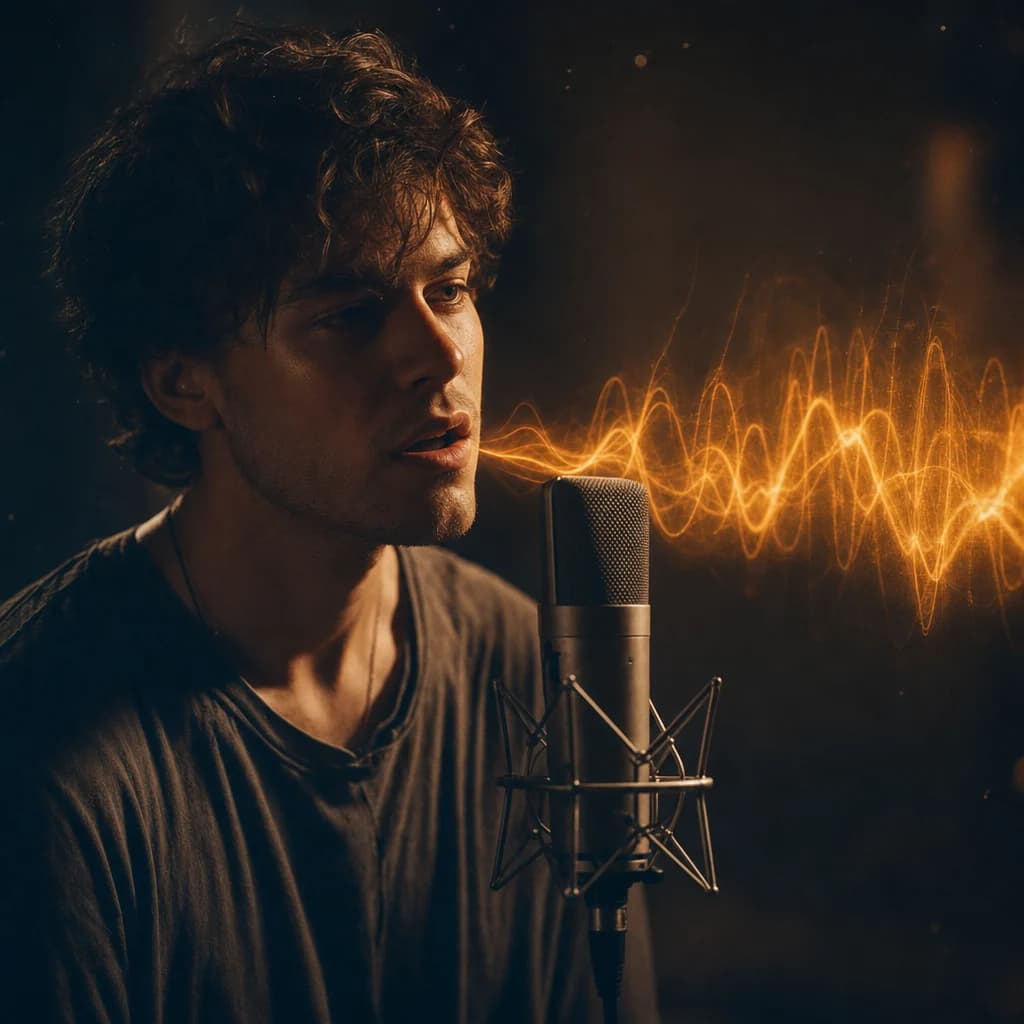
Generate moving image and native audio together: ambient soundscapes, dialogue timing, and expressive performance in one workflow.
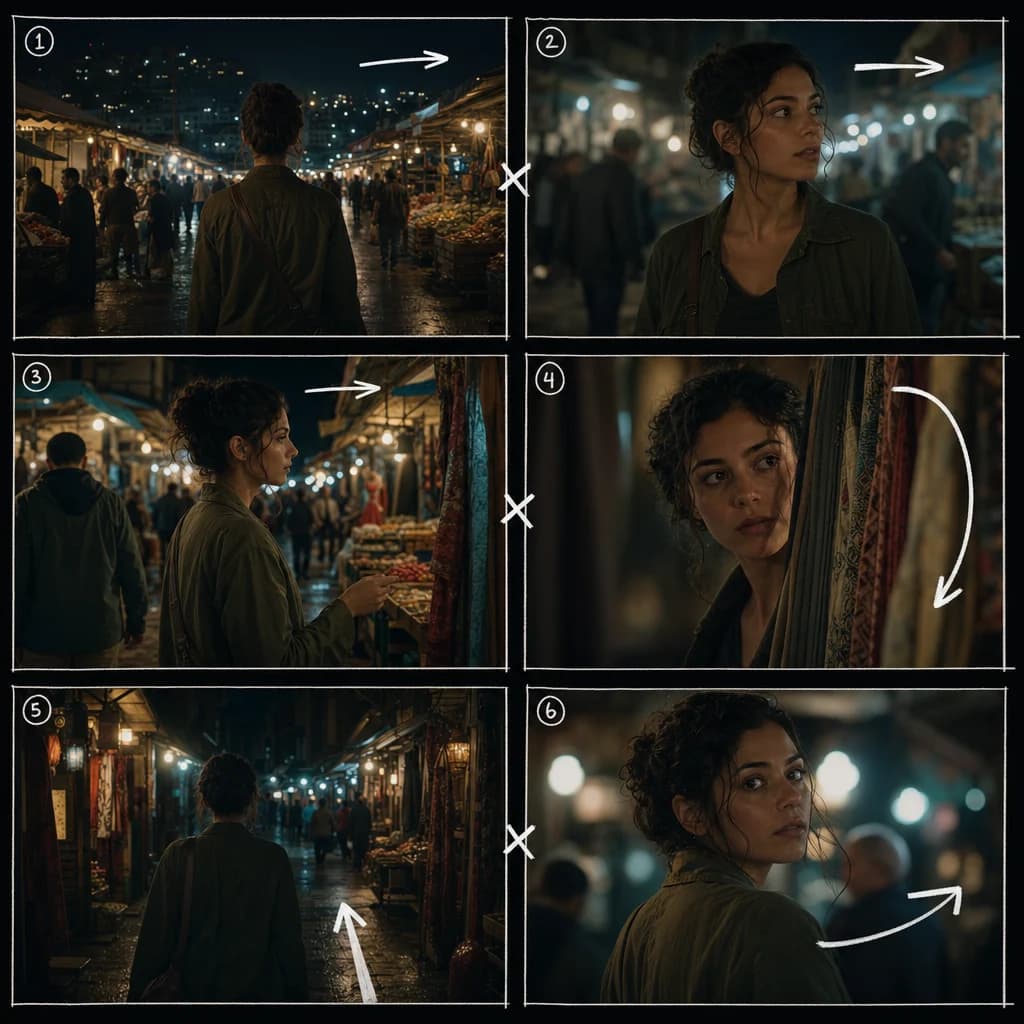
Create short videos with multiple shots and camera transitions while preserving the same subject and cinematic composition.
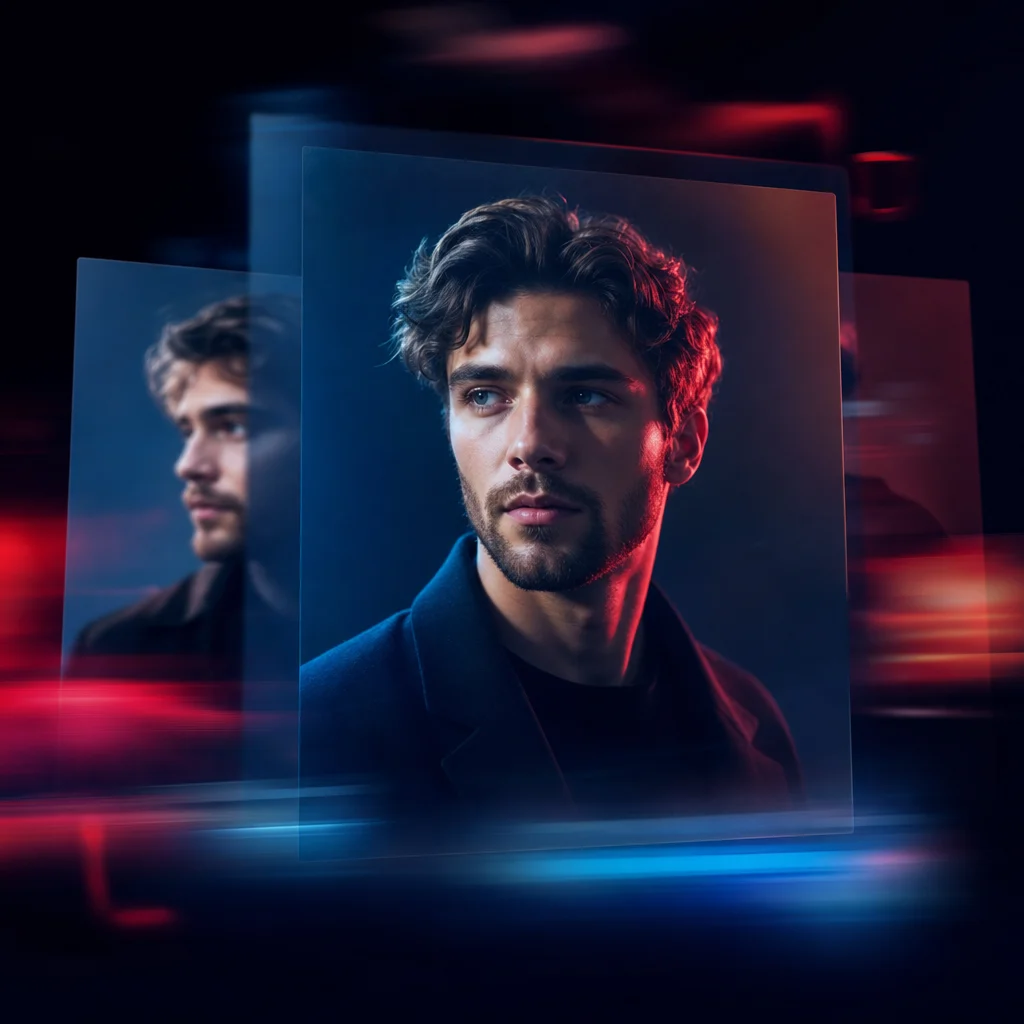
Use a reference image to guide a subject, product, or brand asset so the generated clip starts from a more controlled visual identity.
Bring short-form stories, product clips, and social visuals to life with synchronized audio and strong scene continuity.
Discover more image and video generation tools available through Oakgen.
HappyHorse 1.0 is Alibaba's multimodal AI video model for generating cinematic clips from prompts and image references, with video and audio produced together.
Yes. HappyHorse 1.0 is designed for synchronized audio-visual output, including ambient sound, dialogue timing, and expressive sound design.
HappyHorse 1.0 supports short-form video generation up to 15 seconds, depending on selected mode and settings.
Yes. Reference-to-video and image-guided workflows help preserve a subject, product, or brand asset while turning it into motion.
Use it for cinematic social clips, storyboards, product scenes, short ad concepts, and video ideas where audio timing and multi-shot structure matter.