Backgroundeasy6-10 seconds
AI HDR Enhancement — Recover Shadow & Highlight Detail | Oakgen.ai
Apply HDR-style enhancement to photos
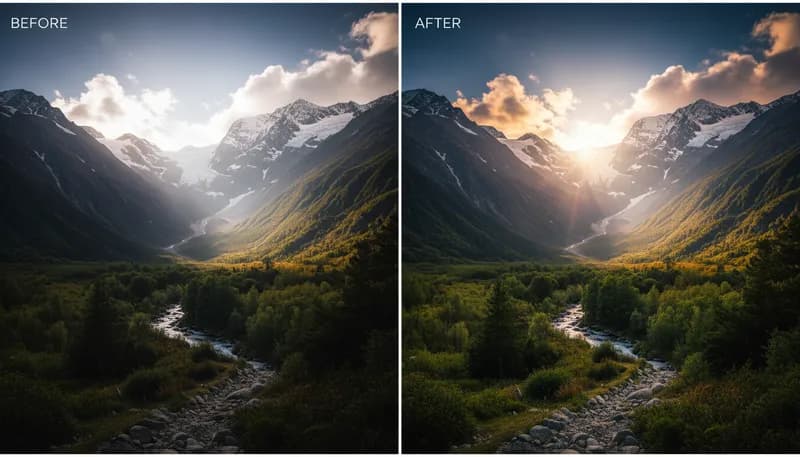
How It Works
1
Upload or describe
Upload a reference image or describe what you want to create. The AI supports both workflows.
2
Customize settings
Adjust style options, parameters, and preferences to get exactly the result you want.
3
Generate and download
Click generate and download your high-resolution result. Regenerate with different settings if needed.
Customization Options
HDR Intensity
How intense the HDR effect should be
SubtleMediumDramatic
Tool Details
| Type | Image to Image — upload a reference photo |
| Difficulty | easy |
| Processing Time | 6-10 seconds |
| AI Models | 7+ supported models |
| Category | Background |
What You Can Create
AI HDR enhancementHDR effect generatordynamic range boosterphoto HDR AIHDR photography effectshadow recovery AIhighlight recovery AIAI tone mappingbalanced exposure AInatural HDR effect
Related Tools
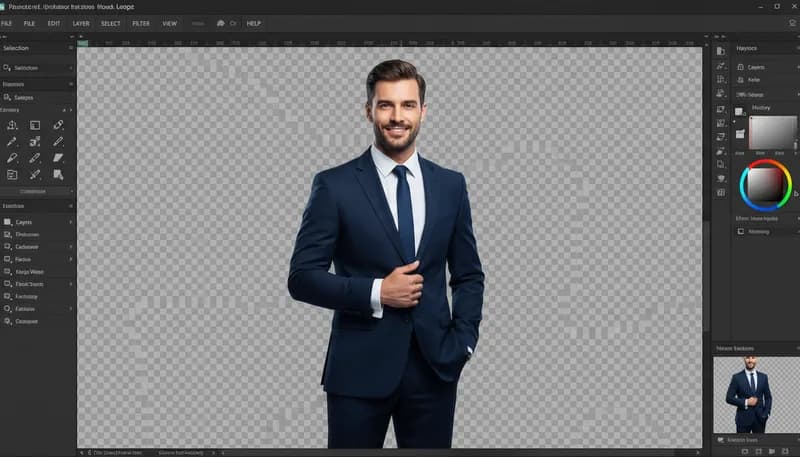
Background Remover
Remove background and create transparent PNG

Background Replacer
Replace background with any scene you describe

Background Blur & Bokeh
Add professional depth of field blur effect

Sky Replacer
Replace the sky with dramatic new options
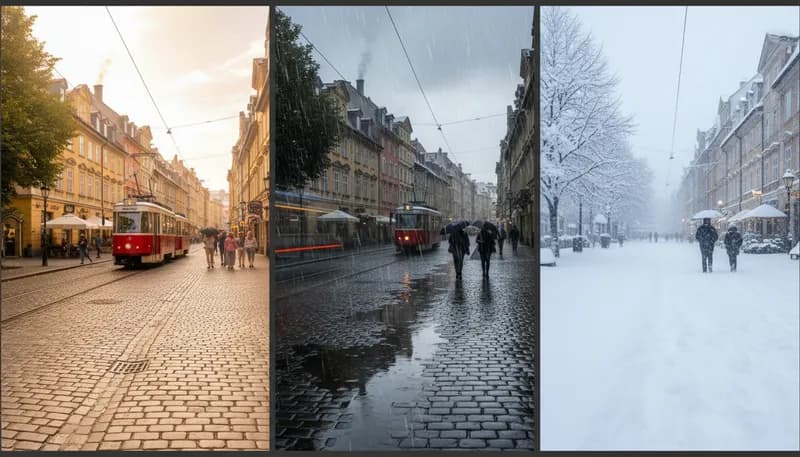
Weather Effect Generator
Add weather effects to outdoor photos
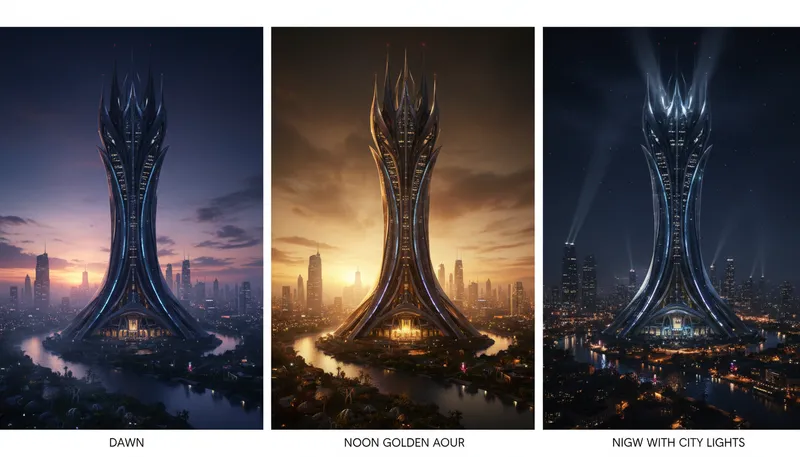
Time of Day Changer
Change photos to different times of day
Ready to Create?
1,000 free credits. No credit card required.
Try HDR Enhancement Free