Creative Effectseasy6-10 seconds
Before/After Comparison Creator — Side by Side, Slider, Stacked | Oakgen.ai
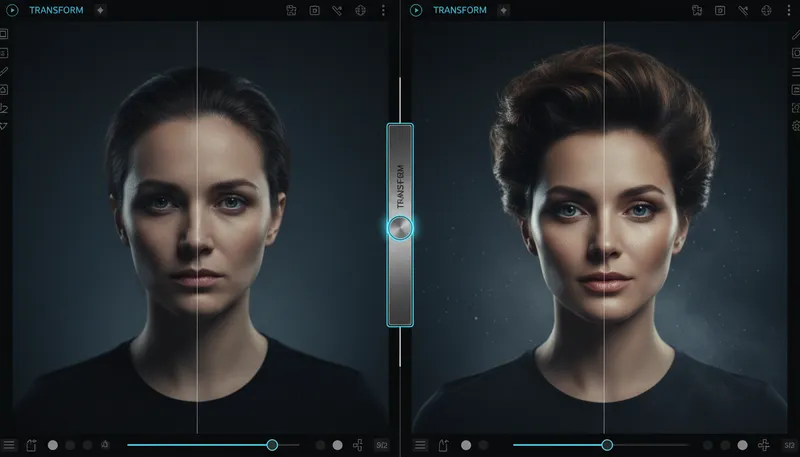
Create side-by-side comparison layouts
How It Works
1
Upload or describe
Upload a reference image or describe what you want to create. The AI supports both workflows.
2
Customize settings
Adjust style options, parameters, and preferences to get exactly the result you want.
3
Generate and download
Click generate and download your high-resolution result. Regenerate with different settings if needed.
Customization Options
Comparison Style
Choose the comparison layout
Side by SideSlider StyleTop/Bottom
Tool Details
| Type | Image to Image — upload a reference photo |
| Difficulty | easy |
| Processing Time | 6-10 seconds |
| AI Models | 7+ supported models |
| Category | Creative Effects |
What You Can Create
before after generatorcomparison image AIside by side photo makerbefore after slider effecttransformation photo AIfitness before after generatorrenovation before after AIweight loss comparison makerdesign before after AIAI transformation visual
Related Tools
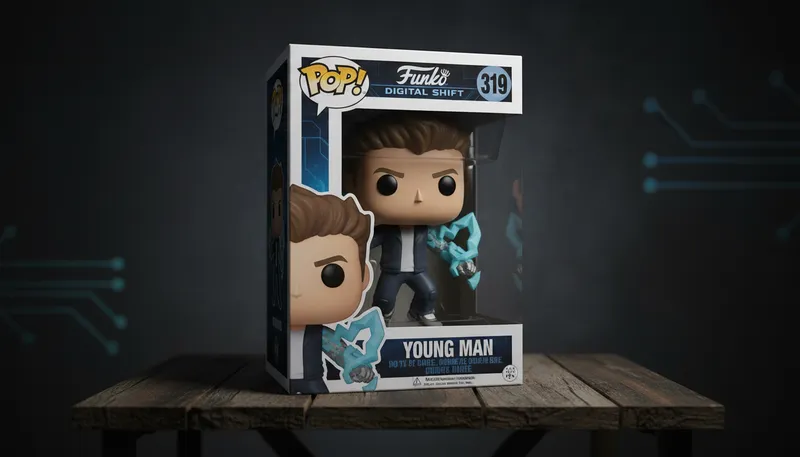
3D Collectible Figure
Transform yourself into a collectible action figure
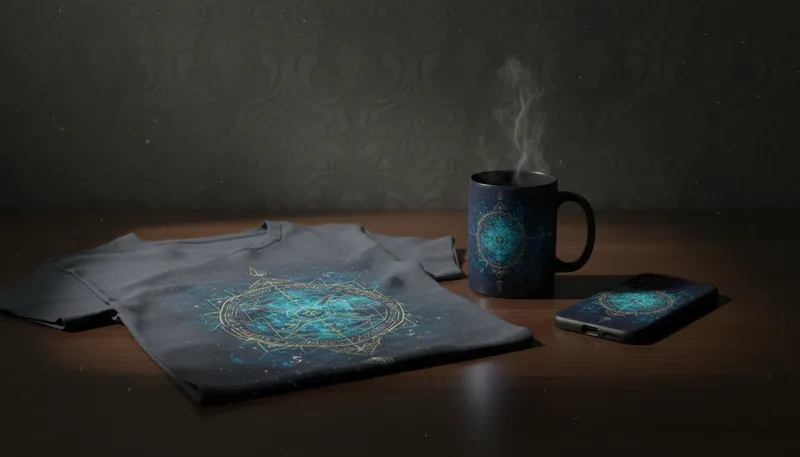
Product Mockup Generator
Place designs on products (mugs, shirts, phone cases)
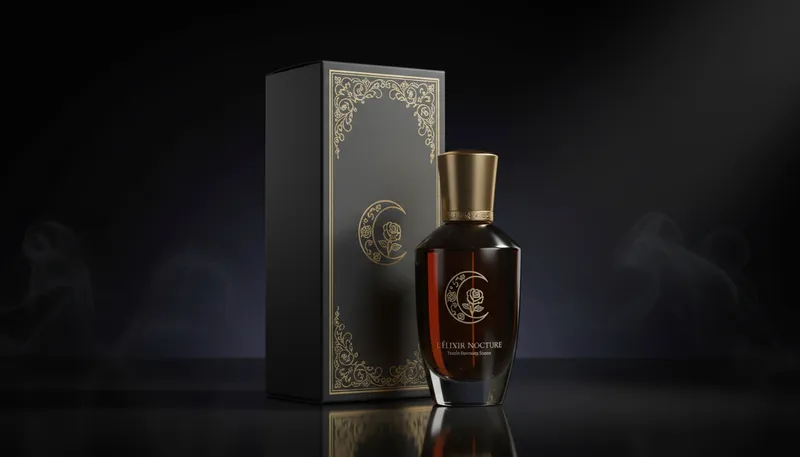
Package Label Designer
Create product packaging labels from images
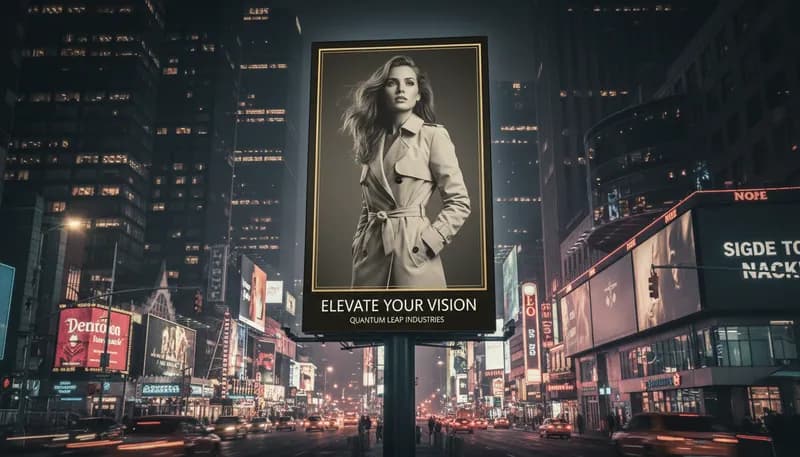
Billboard Advertisement
Place your image on a city billboard
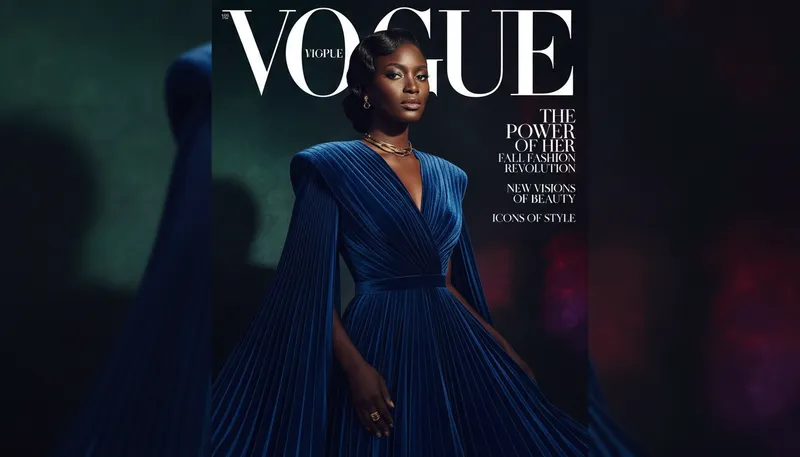
Magazine Cover Creator
Create professional magazine cover designs

Movie Poster Generator
Create Hollywood-style movie posters
Ready to Create?
1,000 free credits. No credit card required.
Try Before/After Comparison Free